
Skin Texture AI Image Prompts
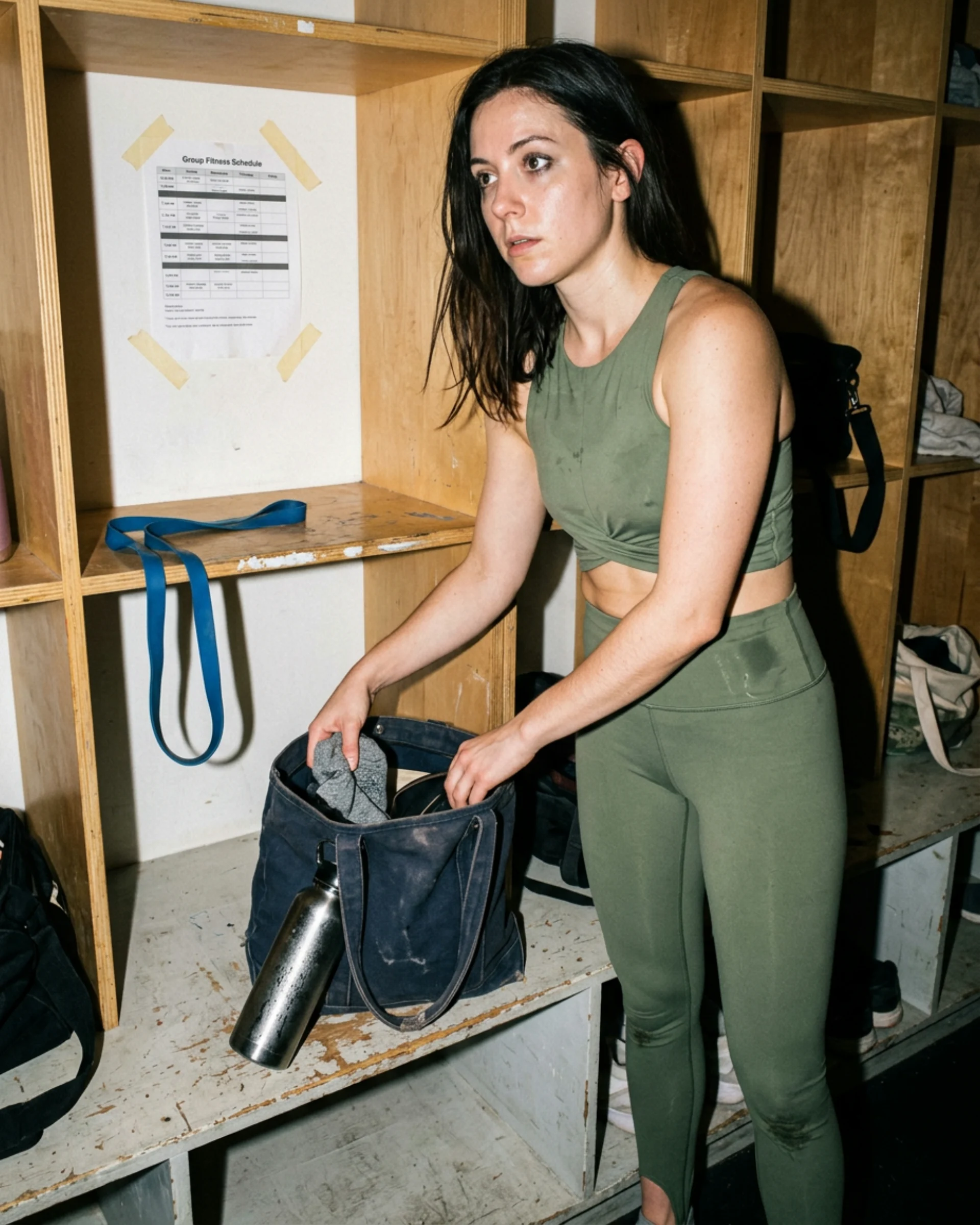
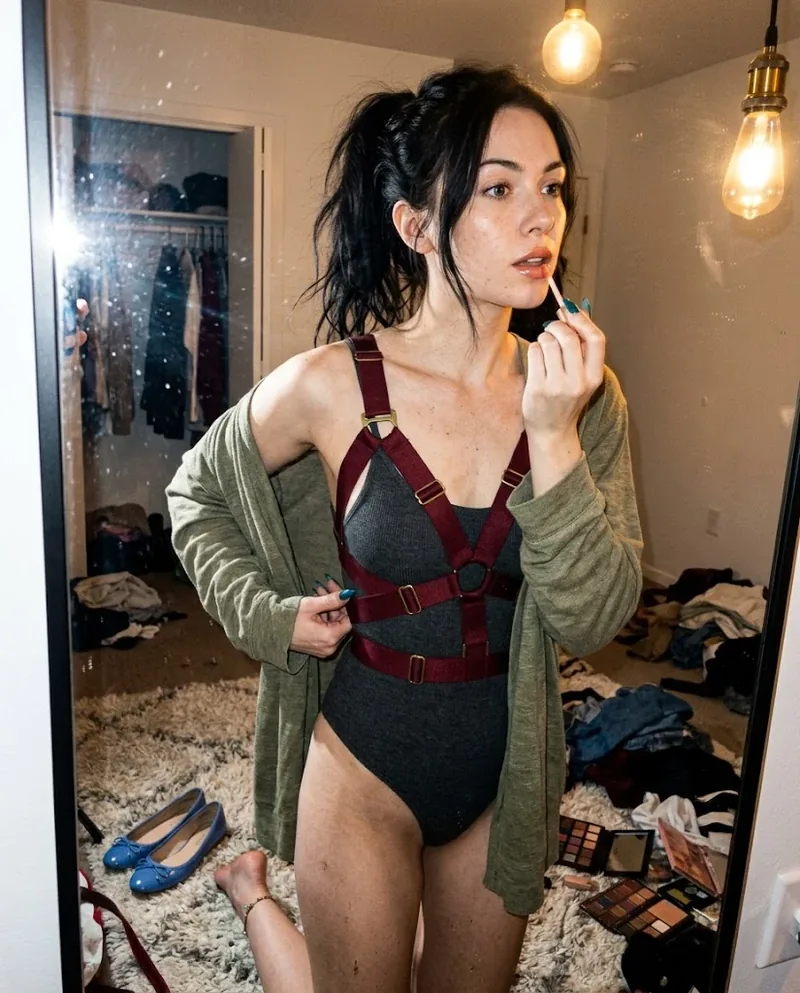
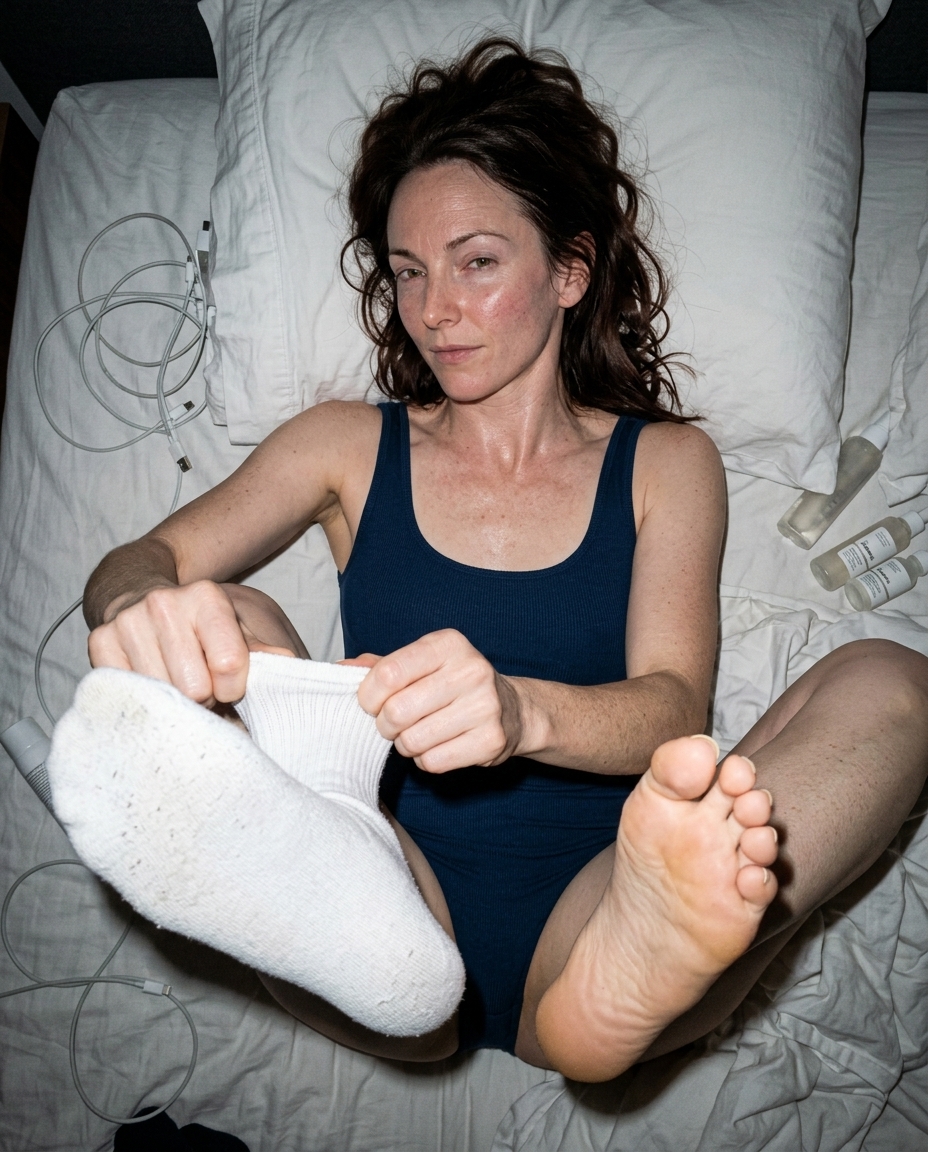
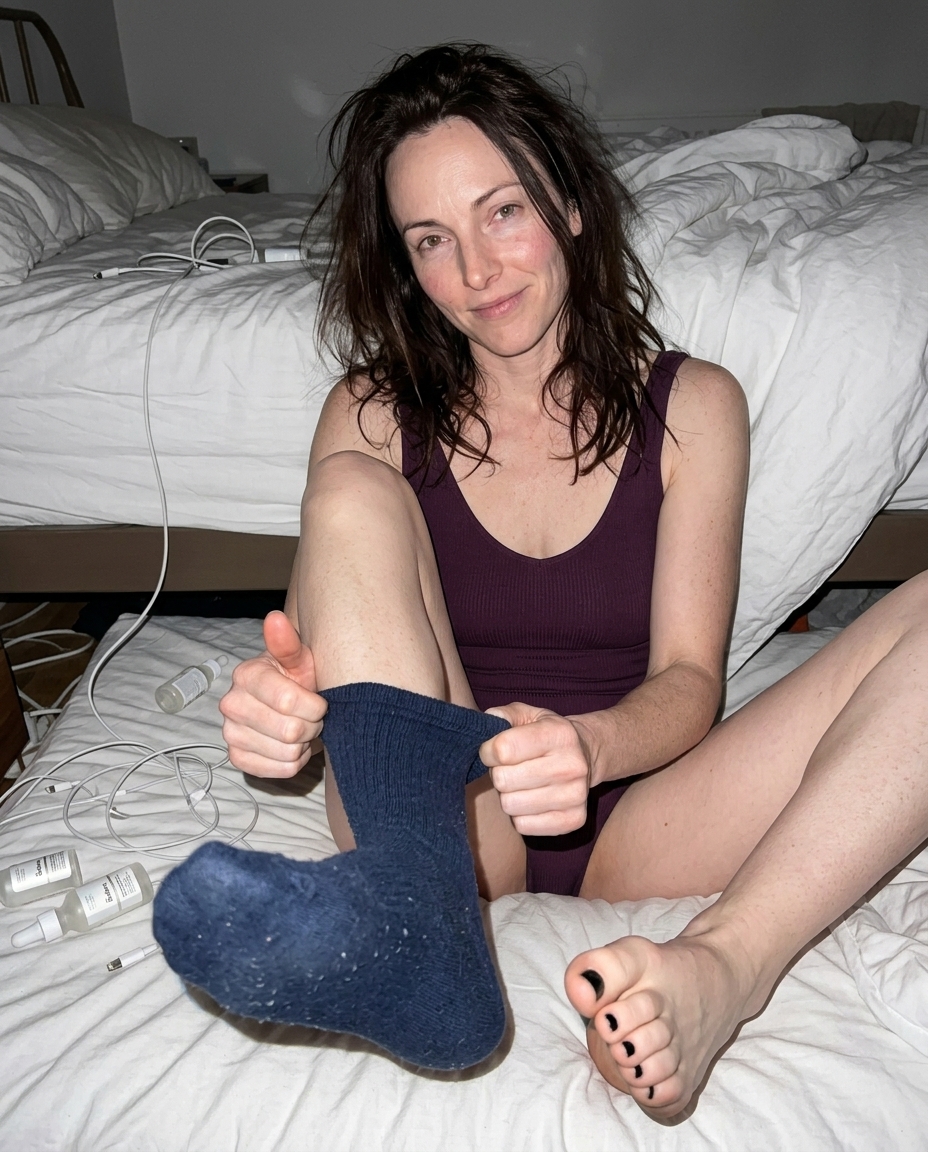
Skin texture AI image prompts for photorealistic image models with visible pores, natural shine, peach fuzz, grain, and lighting that avoids plastic skin.
 Ref Verified Mia
  Ref Verified Mia
 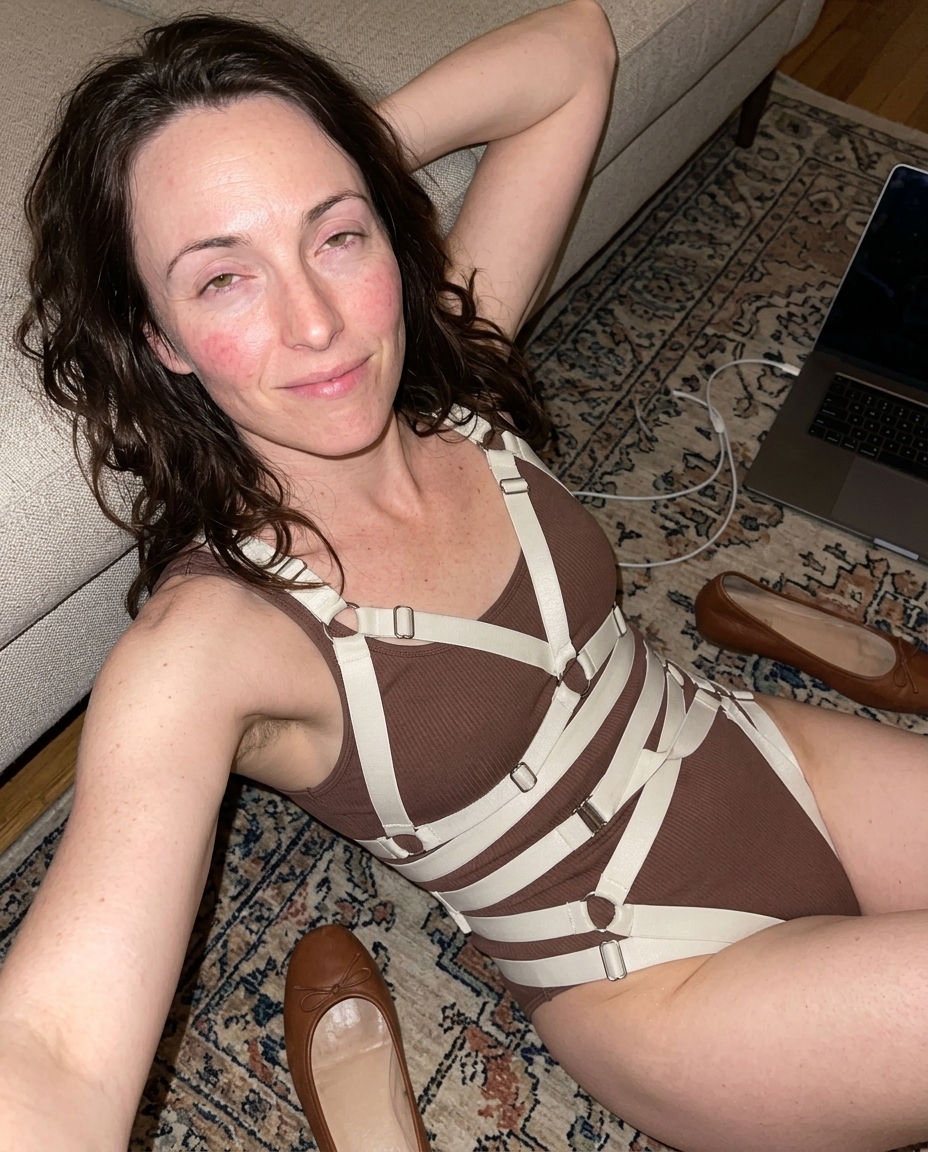 Ref Verified Mia
 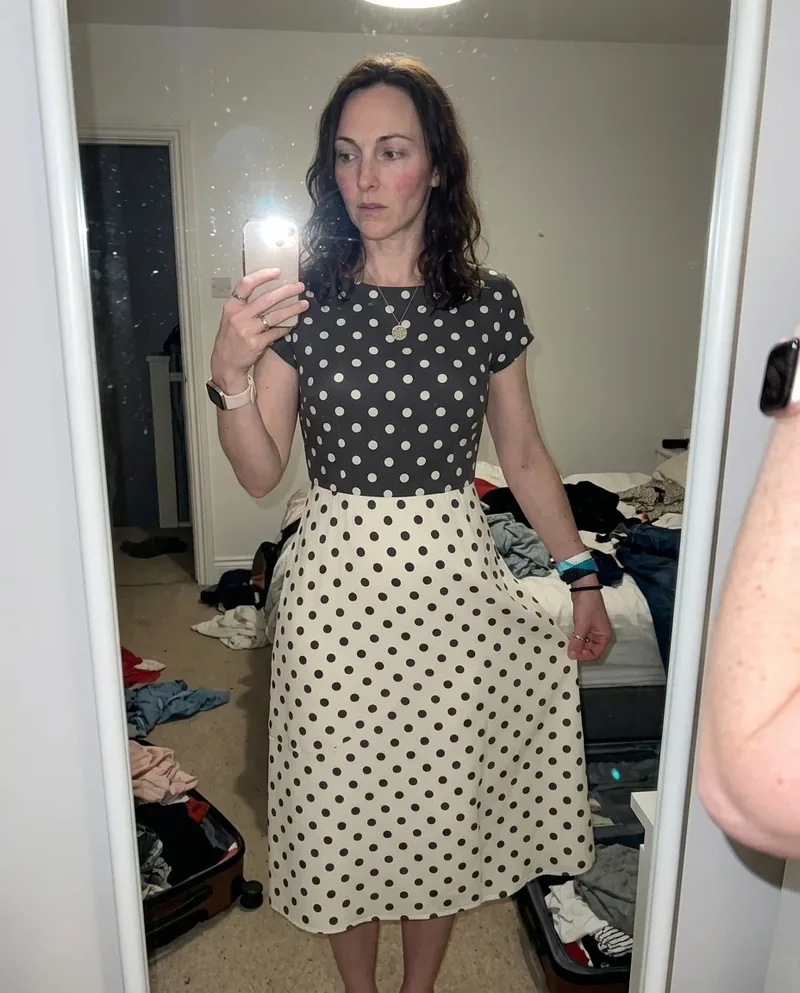 Ref Verified Mia
 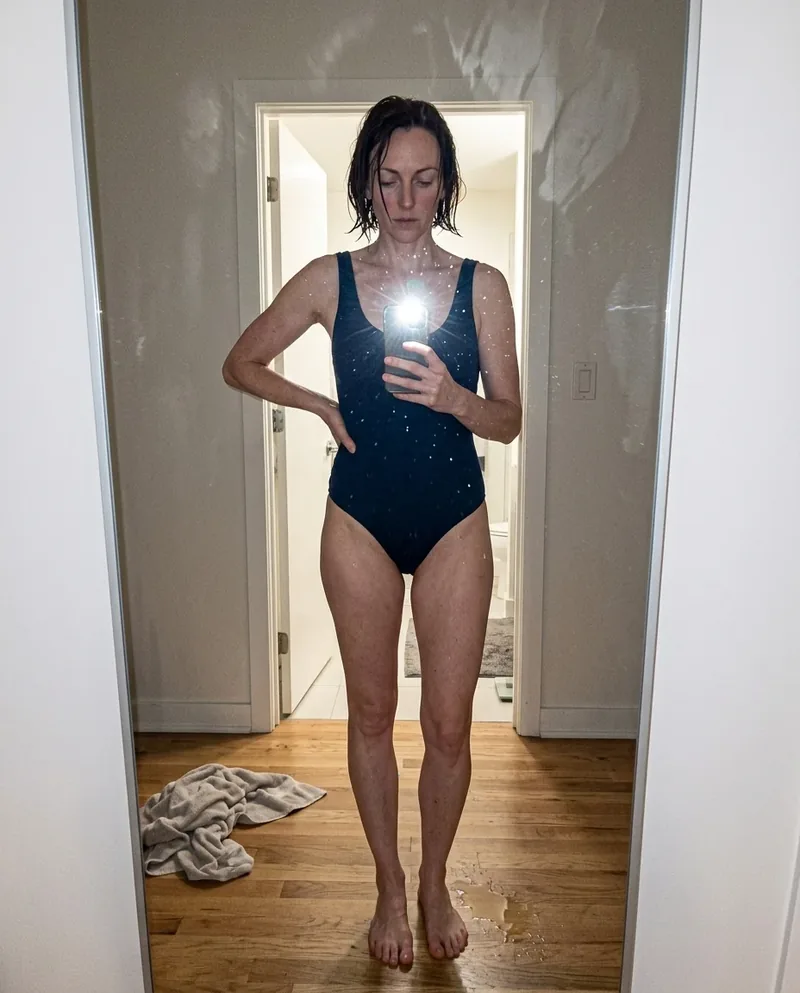 Ref Verified Mia
 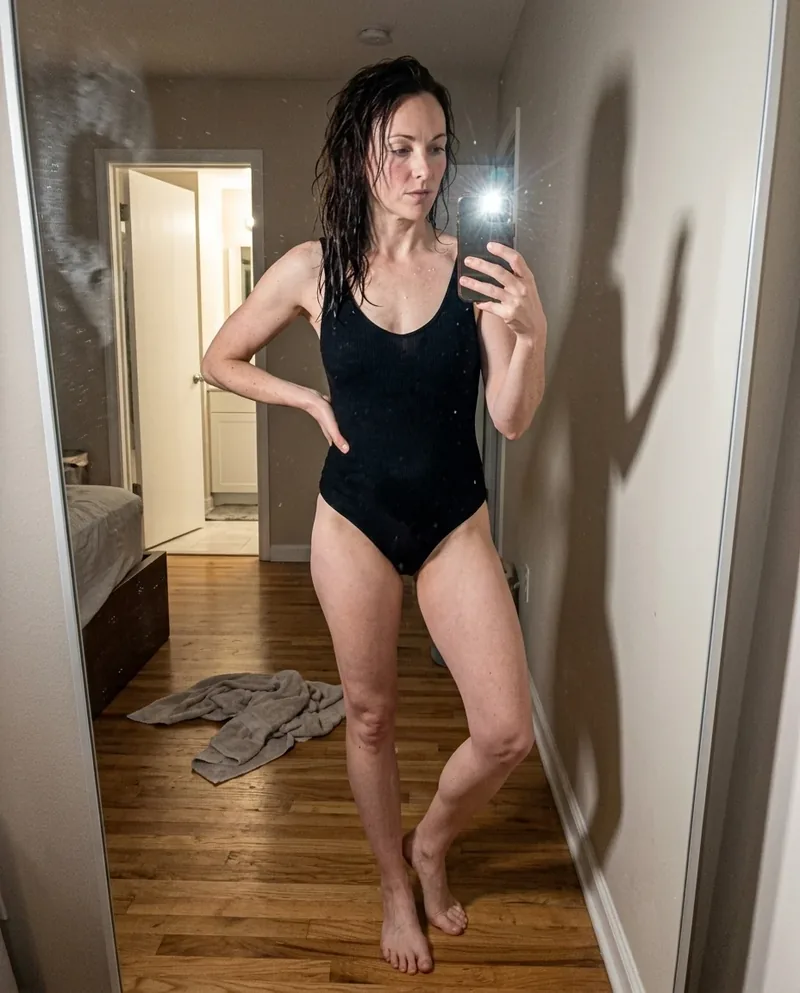 Ref Verified Mia
 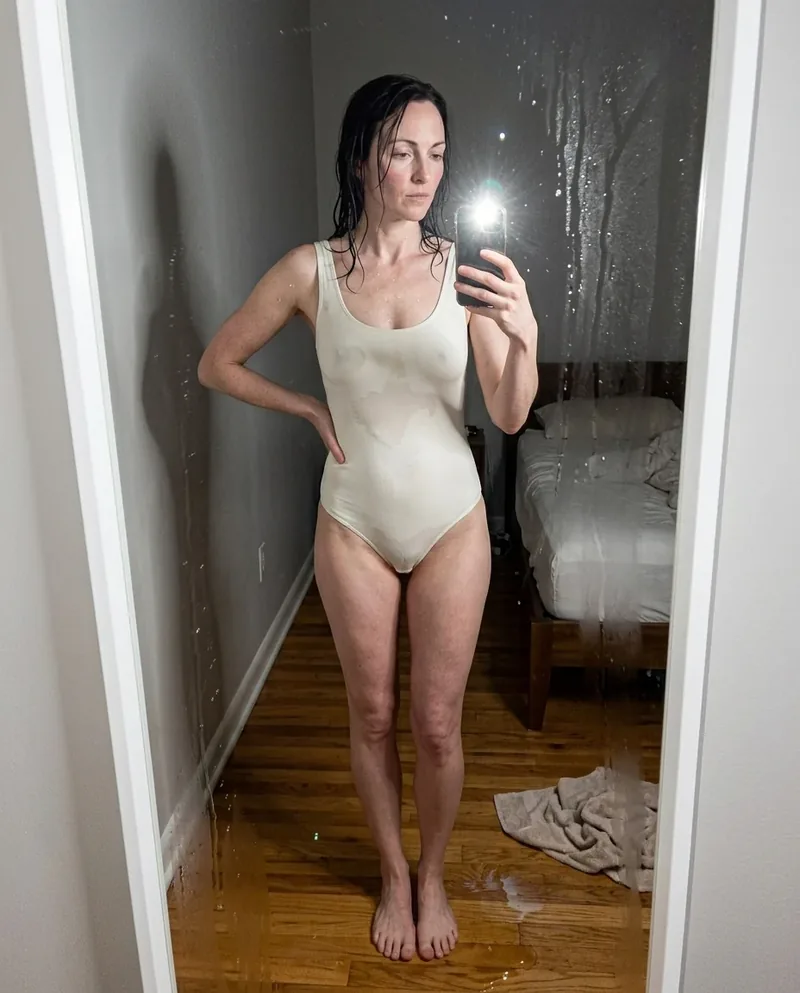 Ref Verified Mia
 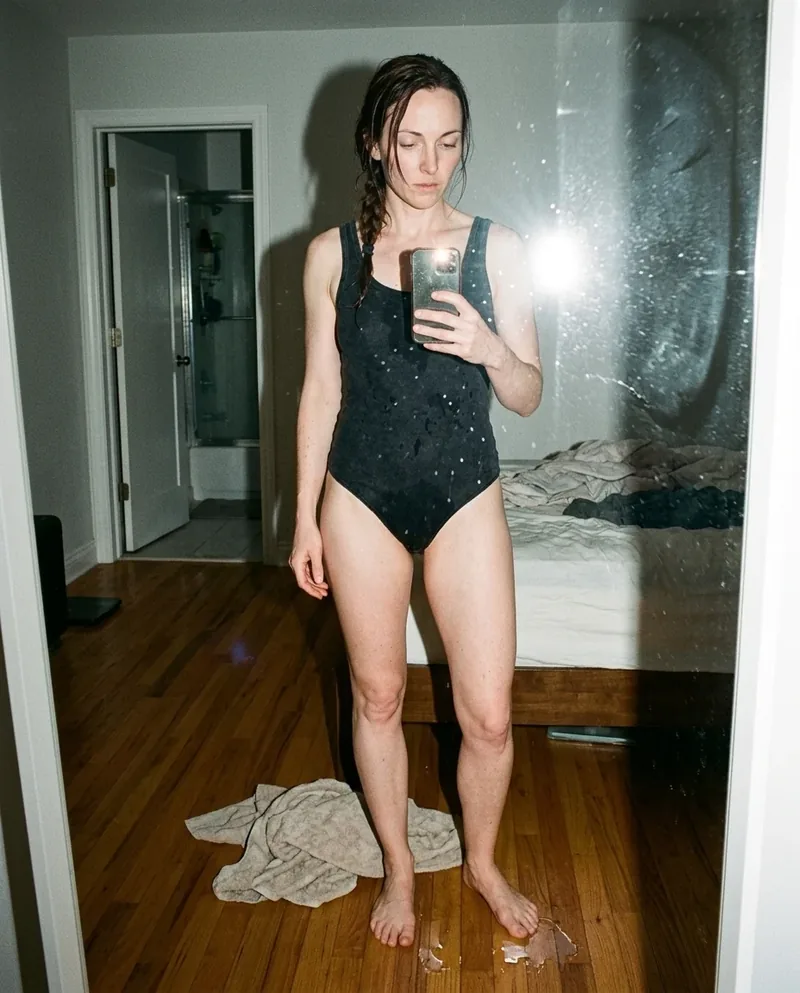 Ref Verified Mia
 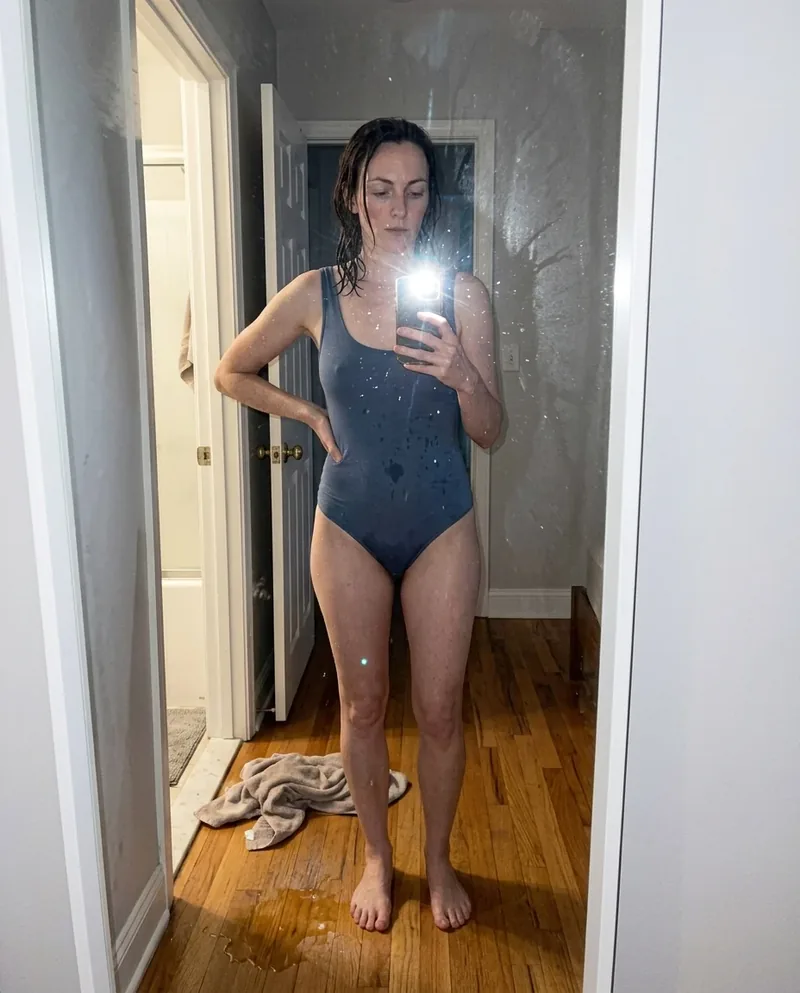 Ref Verified Mia
 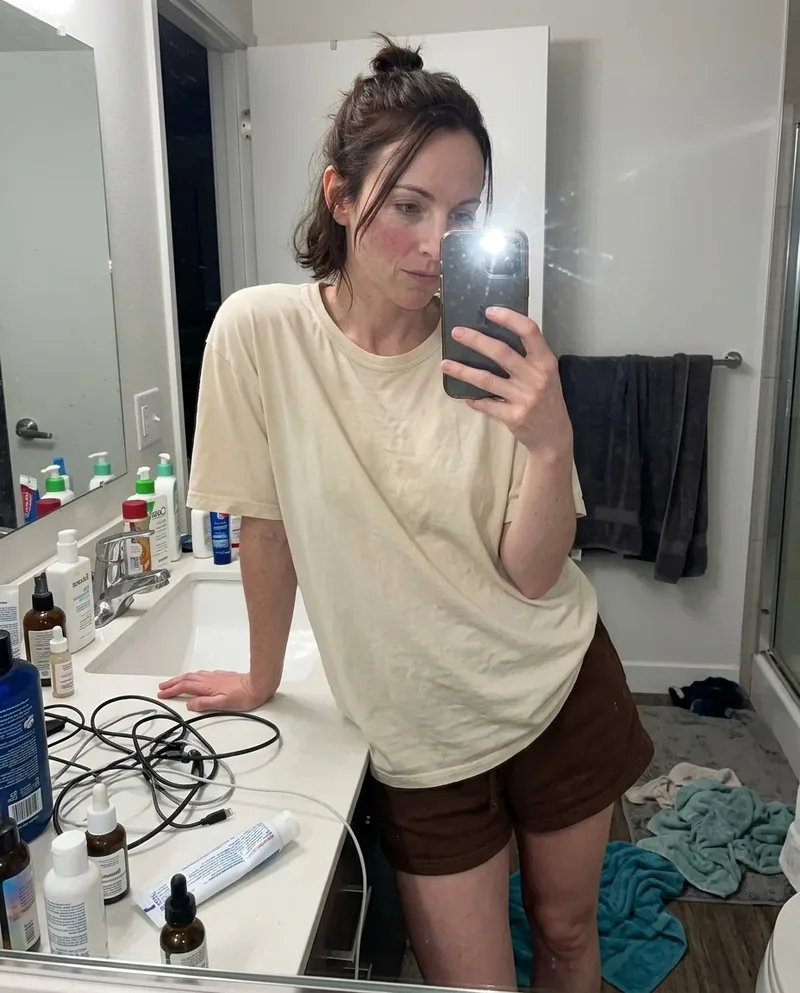 Ref Verified Mia
  Ref Verified Mia
  Ref Verified Mia
  Ref Verified Mia
  Ref Verified Mia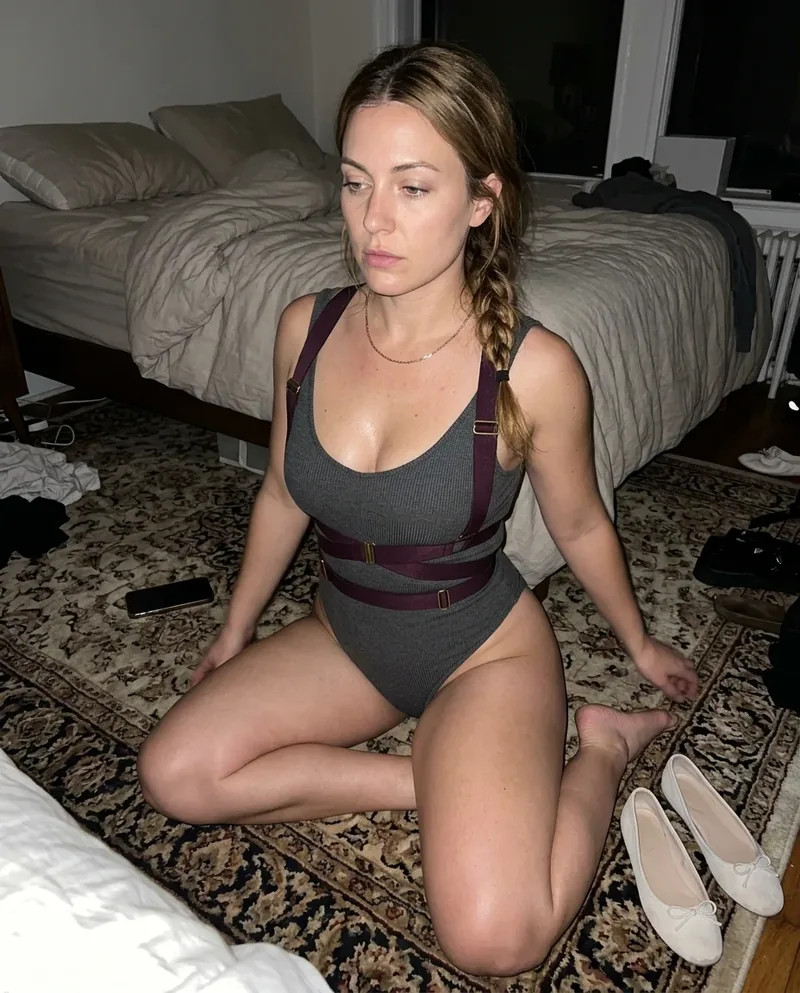
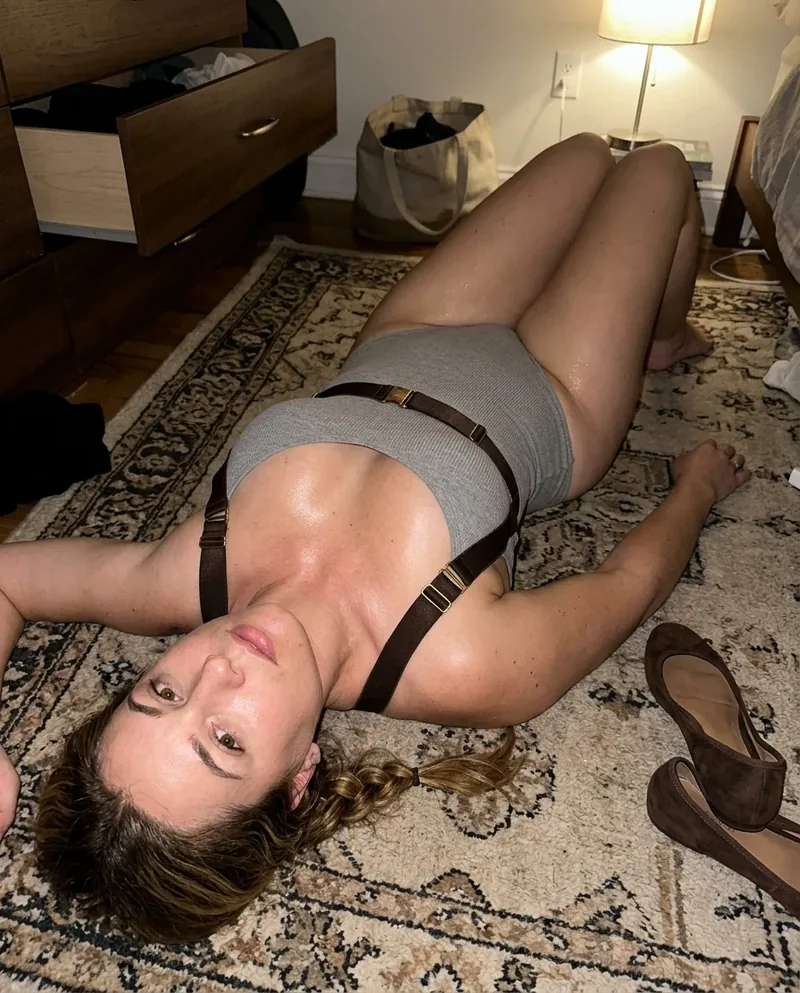
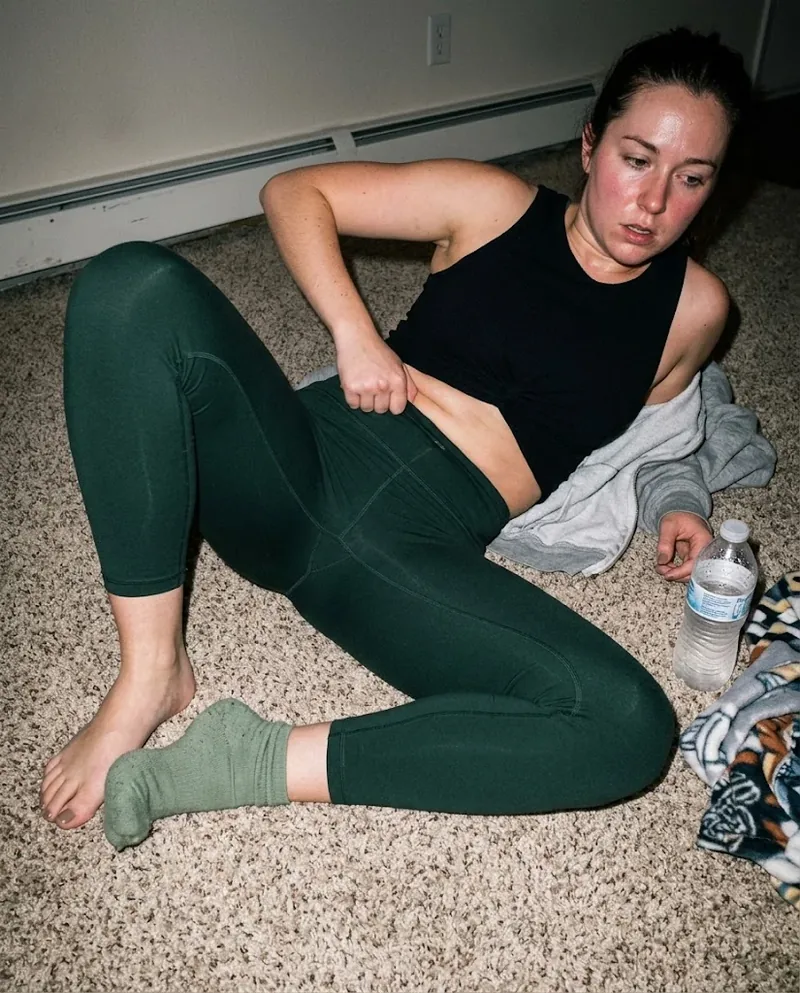


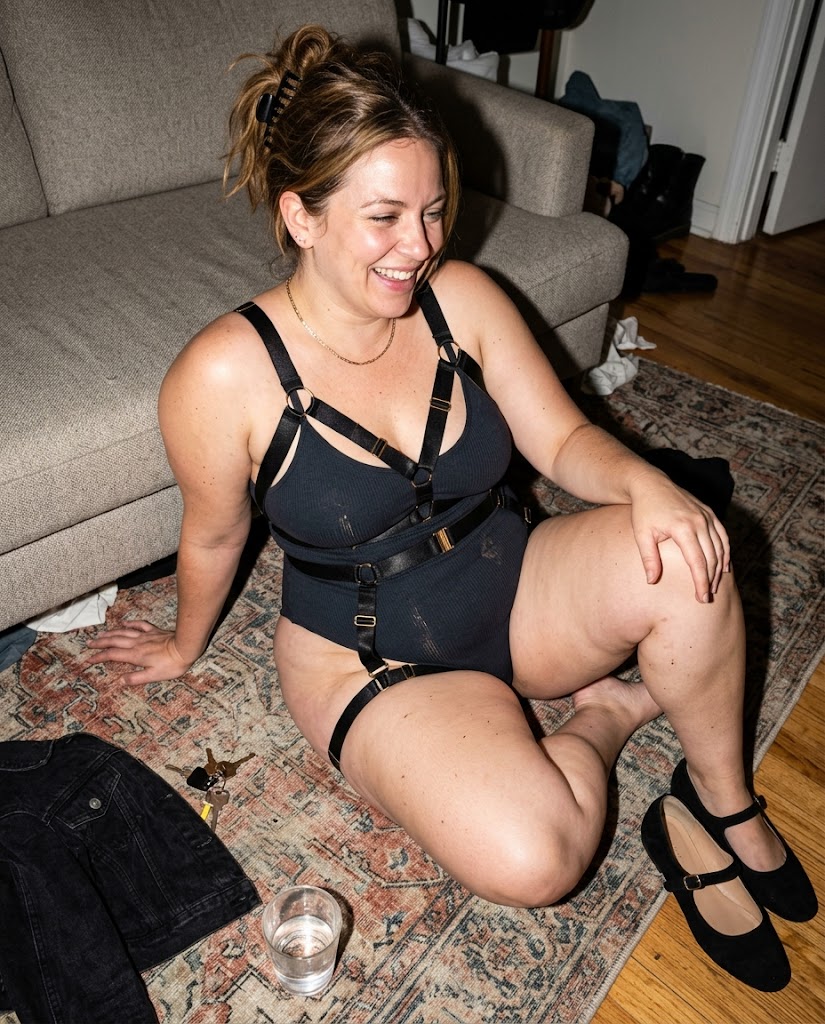
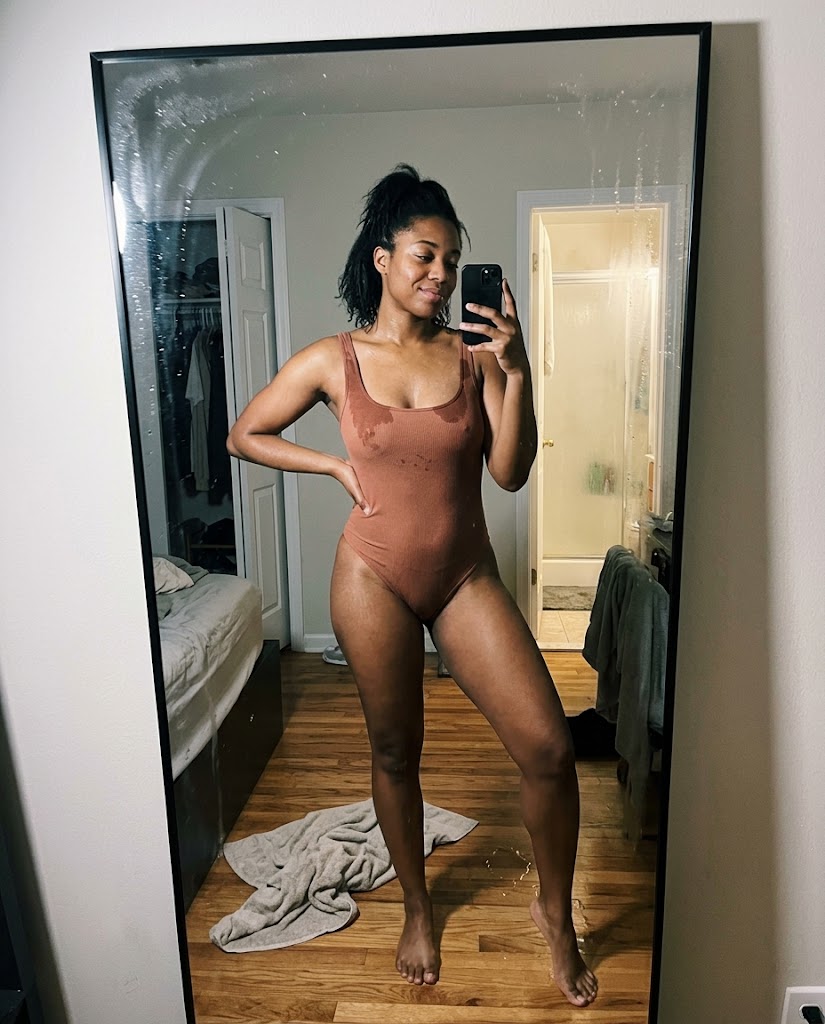
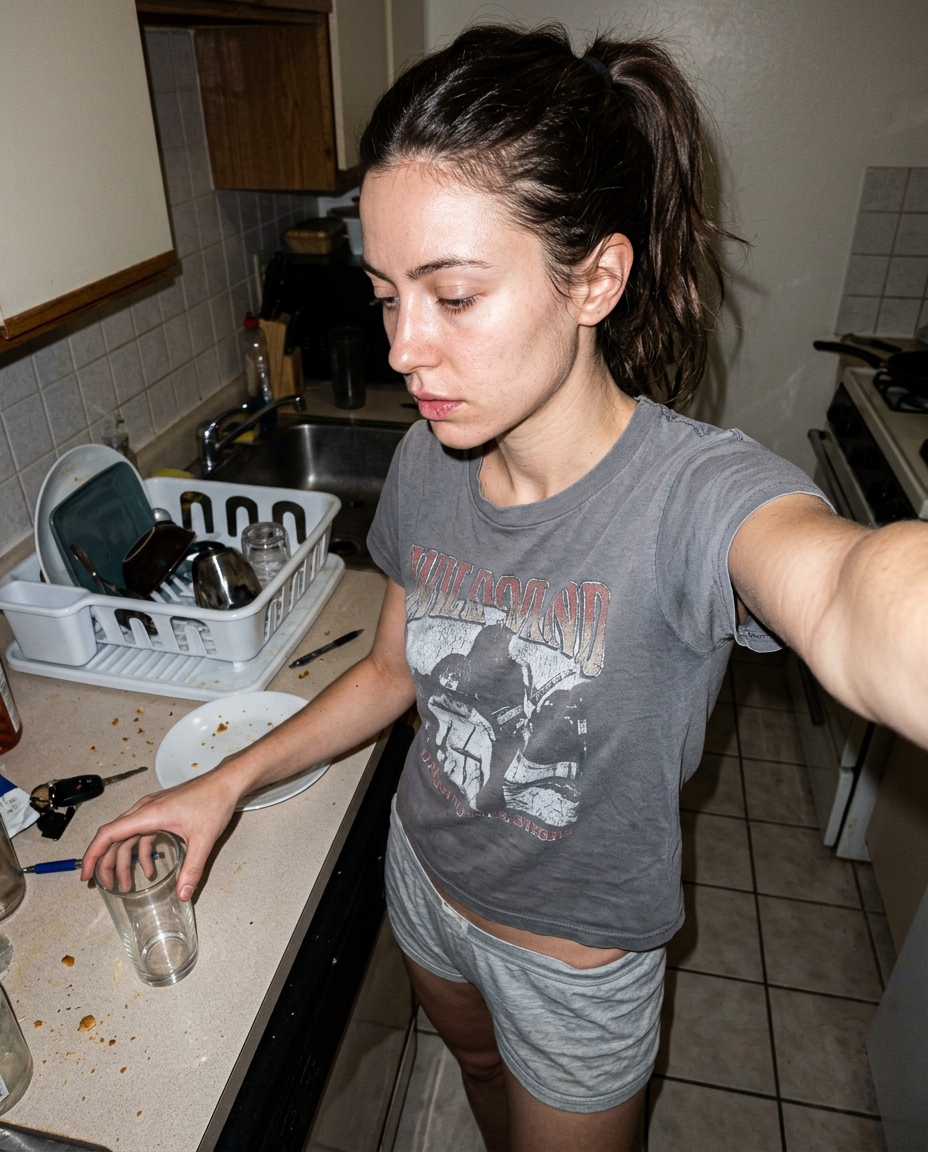
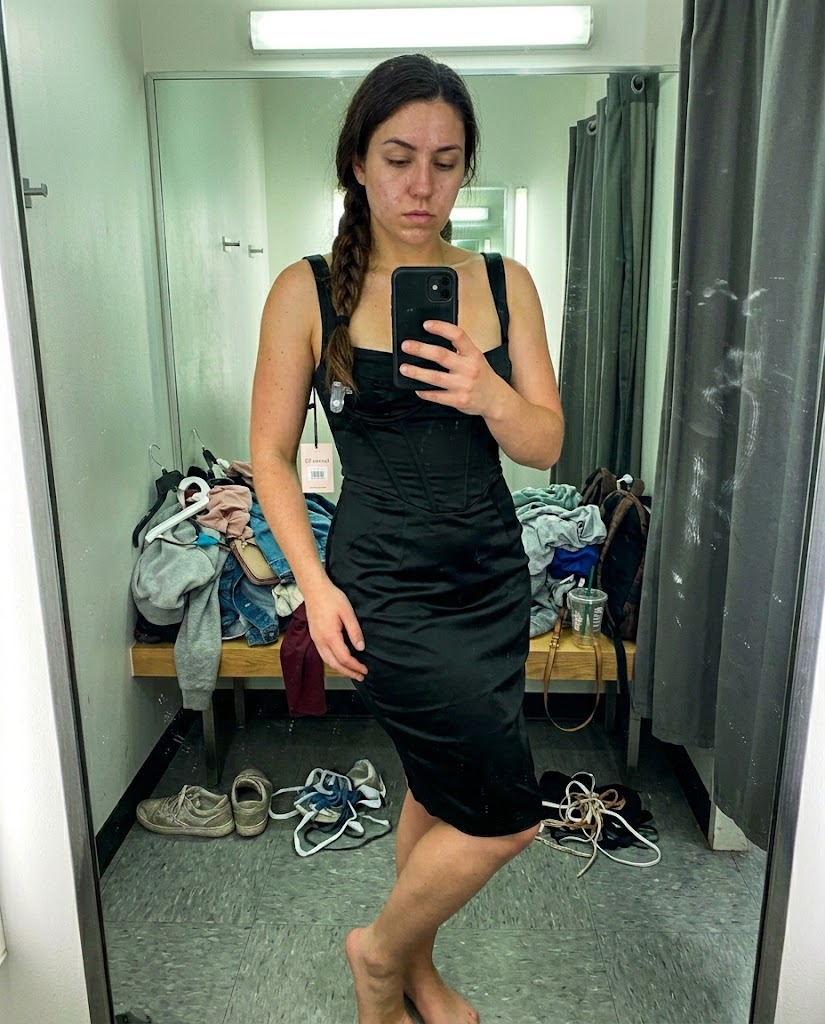
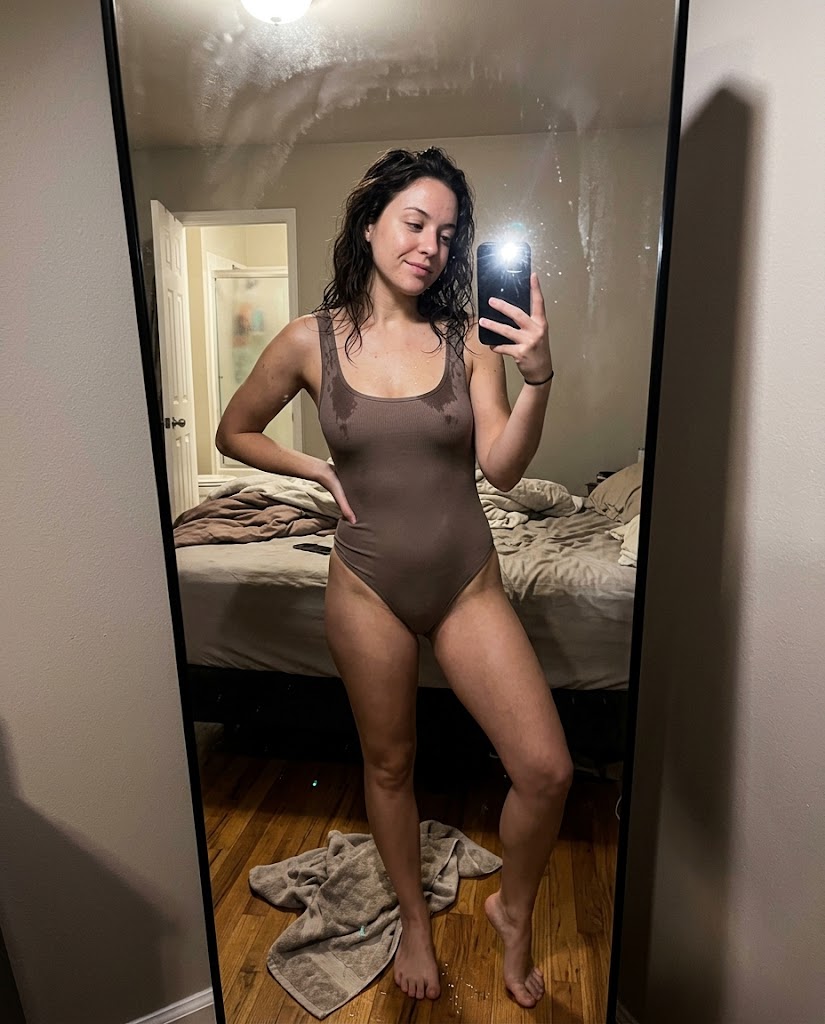
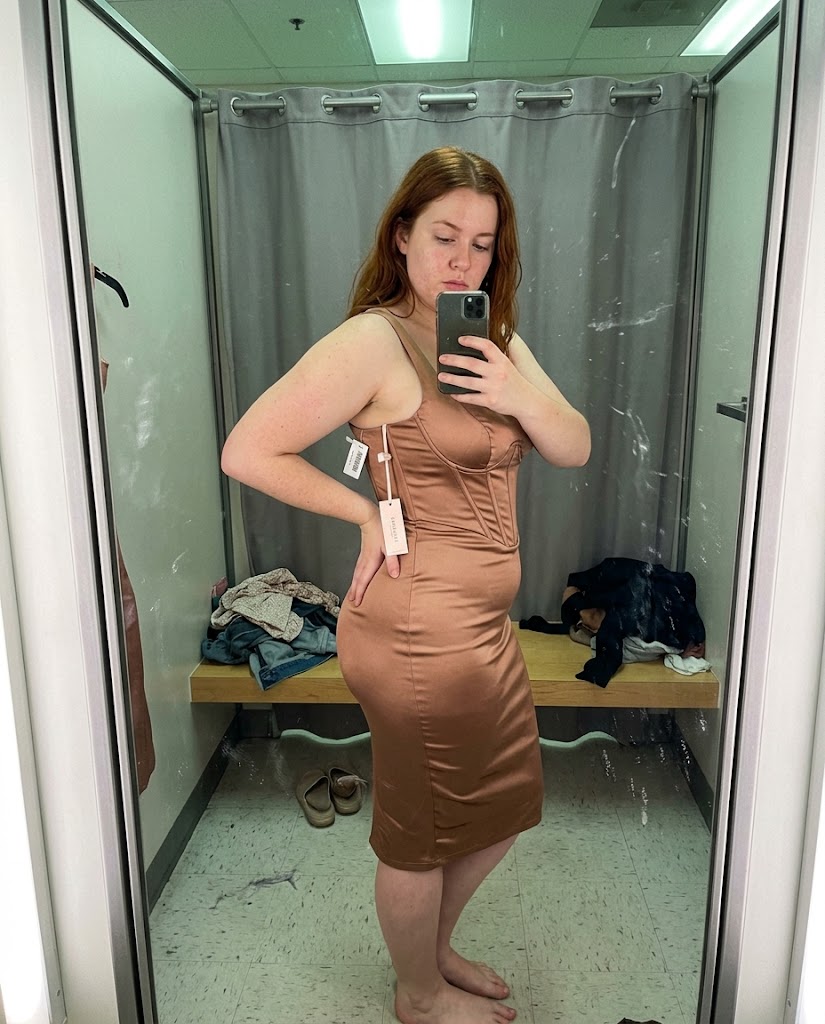
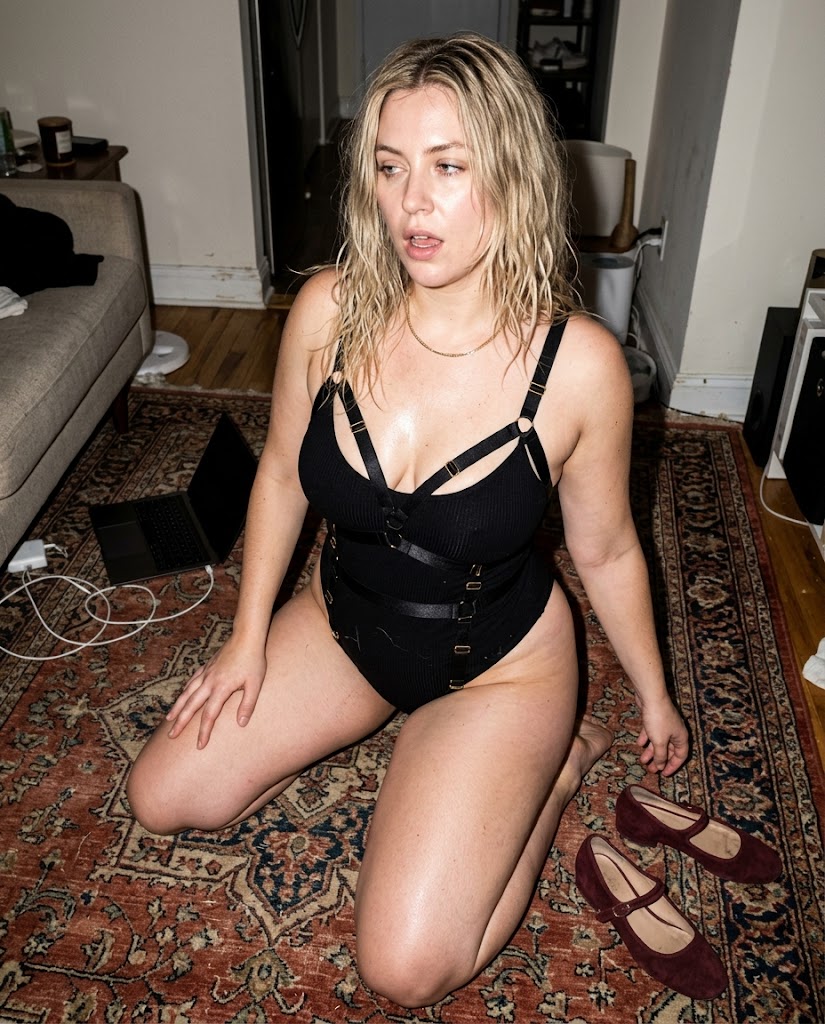
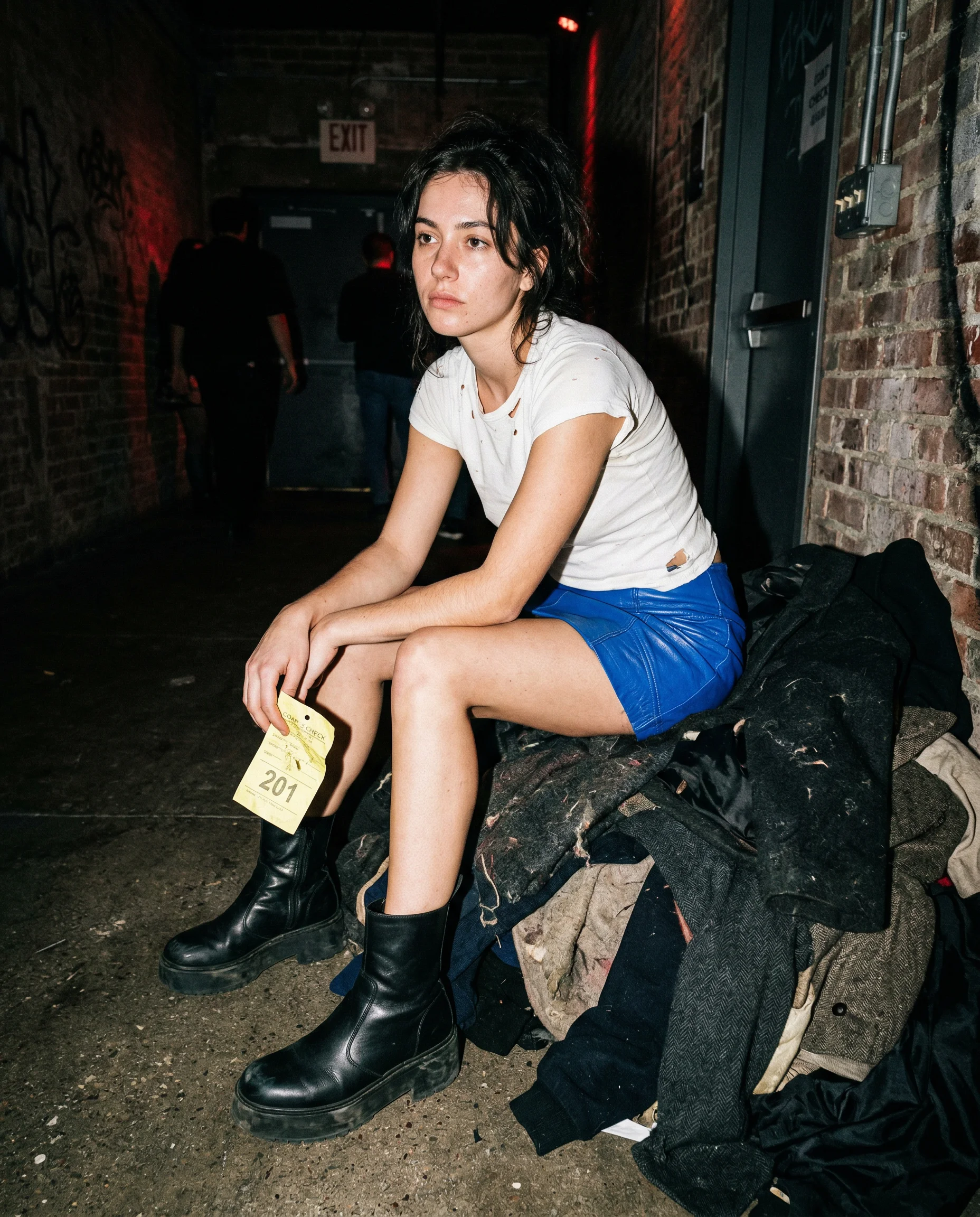
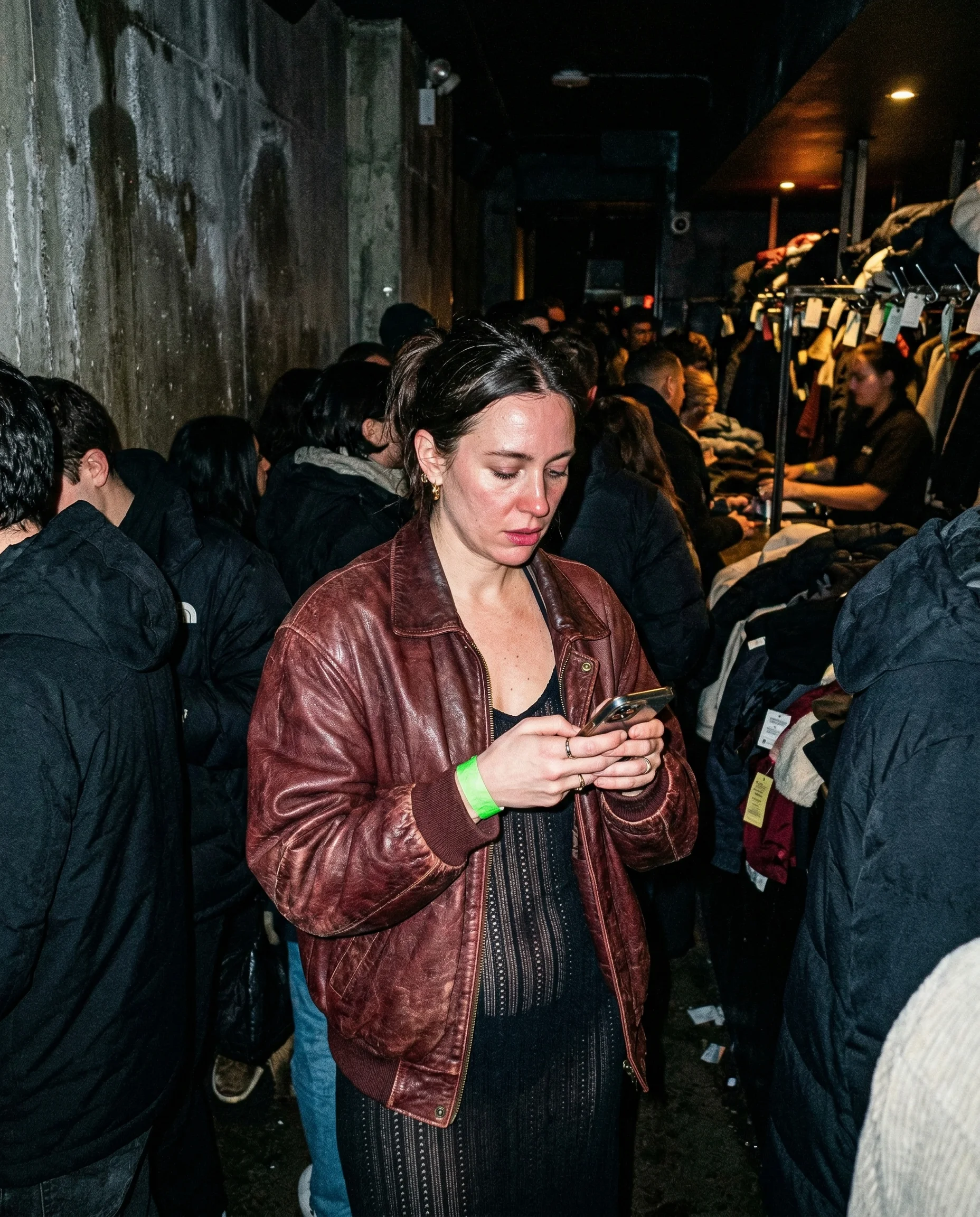
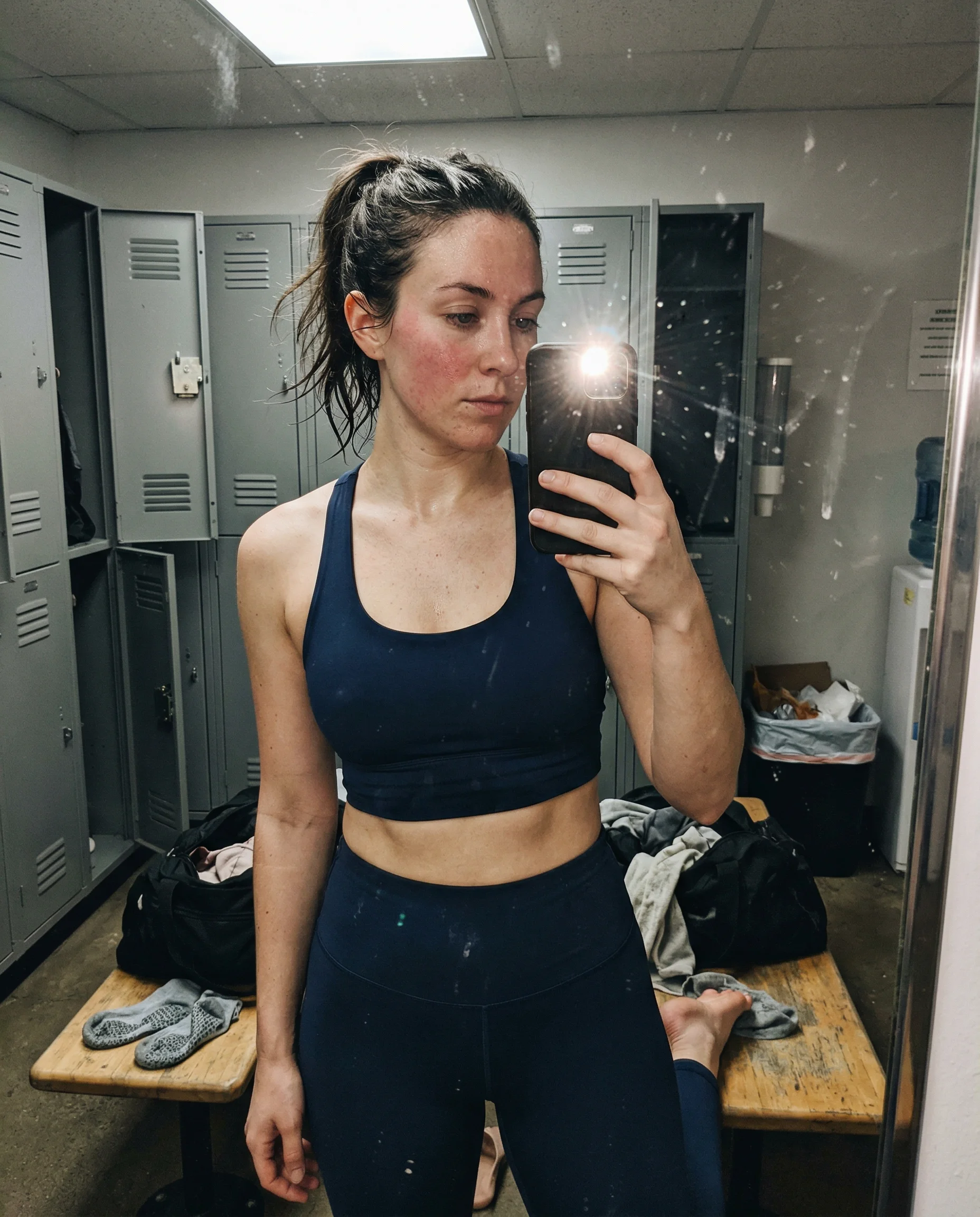
skin should not look vacuum sealed
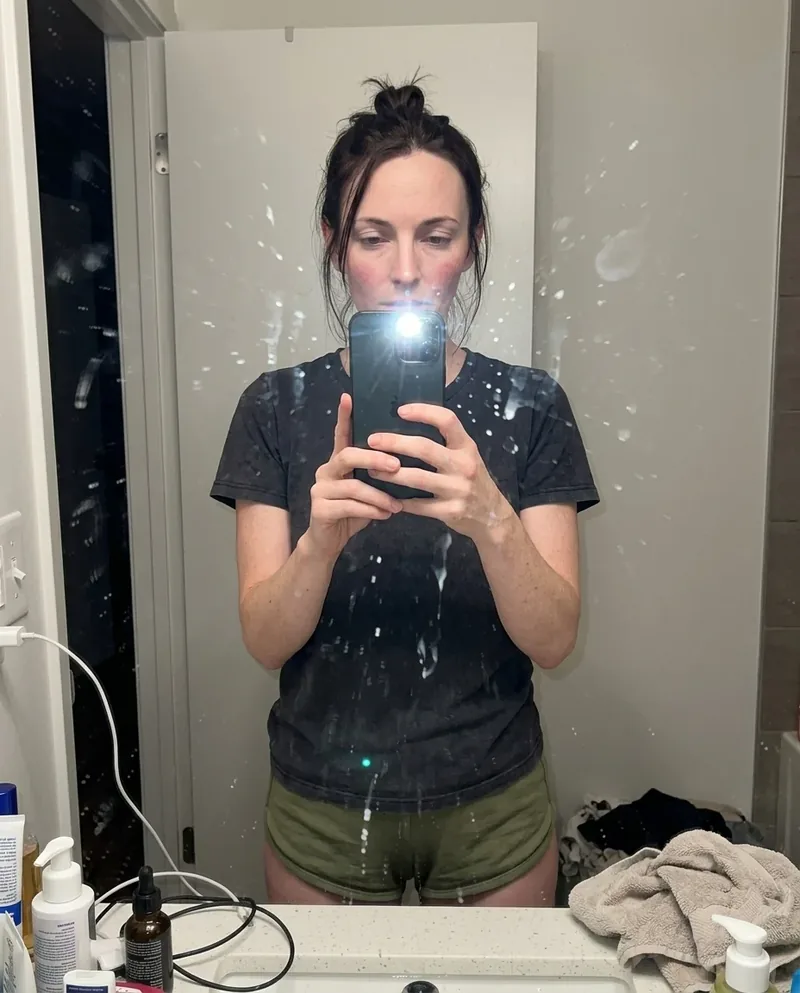
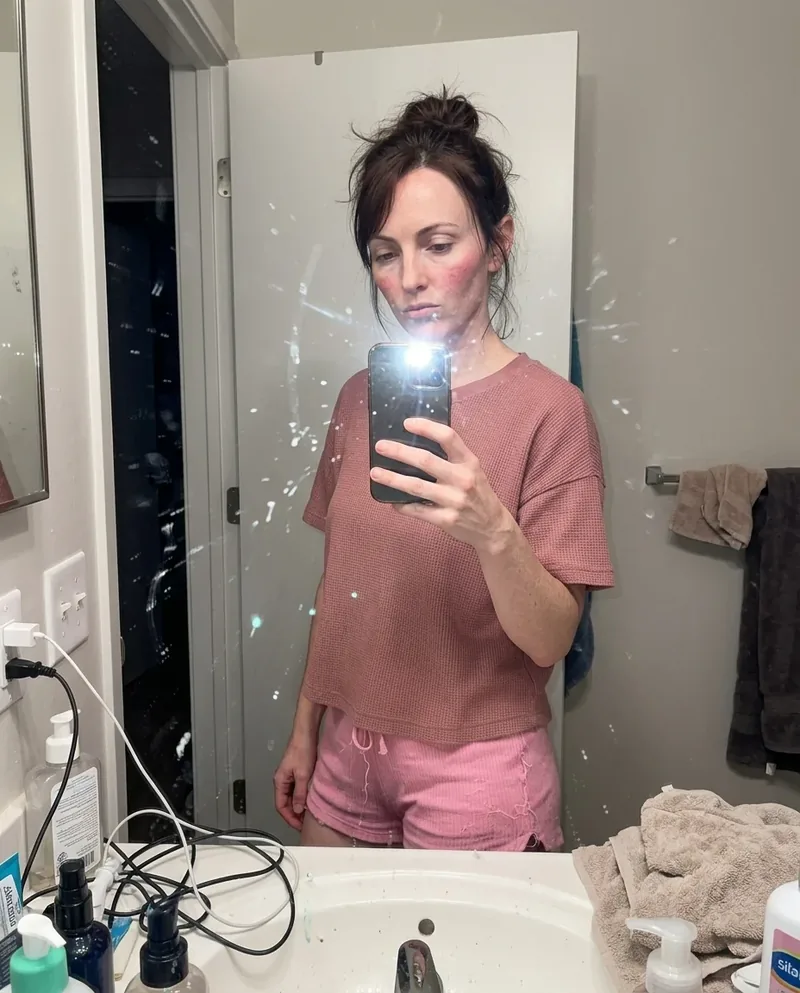
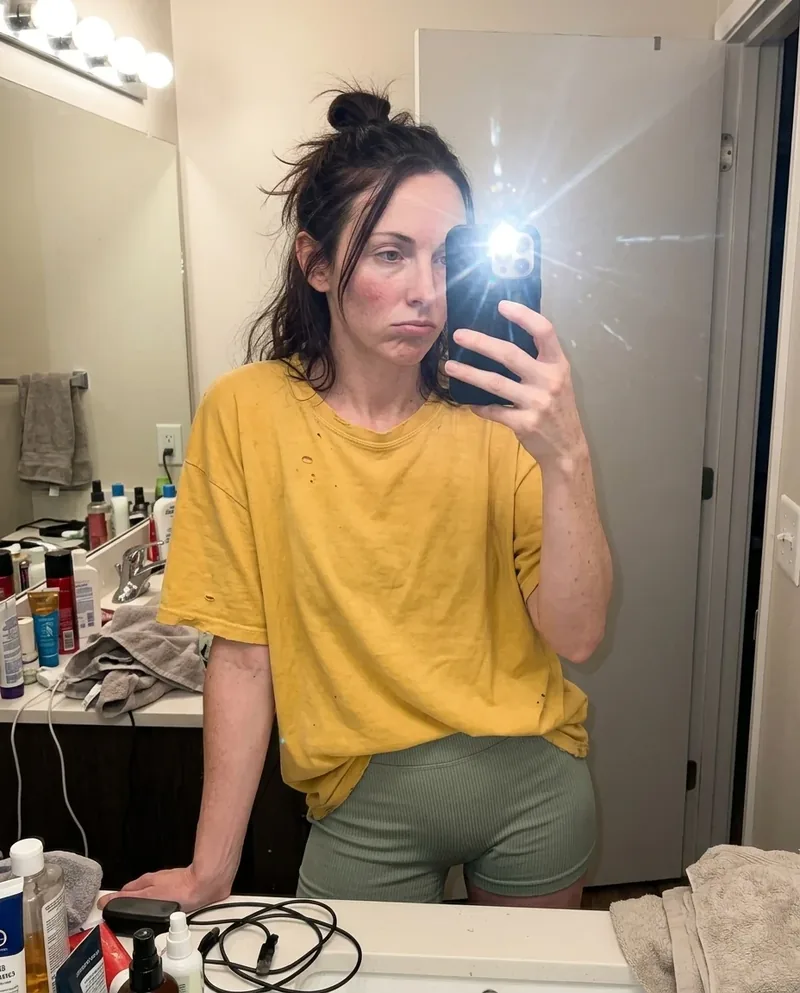
Real skin has pores, faint shine, uneven tone, small shadows, and texture that changes across the face. AI images often fail by making skin smoother than the wall behind it. These prompts push the model back toward skin that belongs in the same room as the clothes, carpet, and light.
lighting has to expose the texture
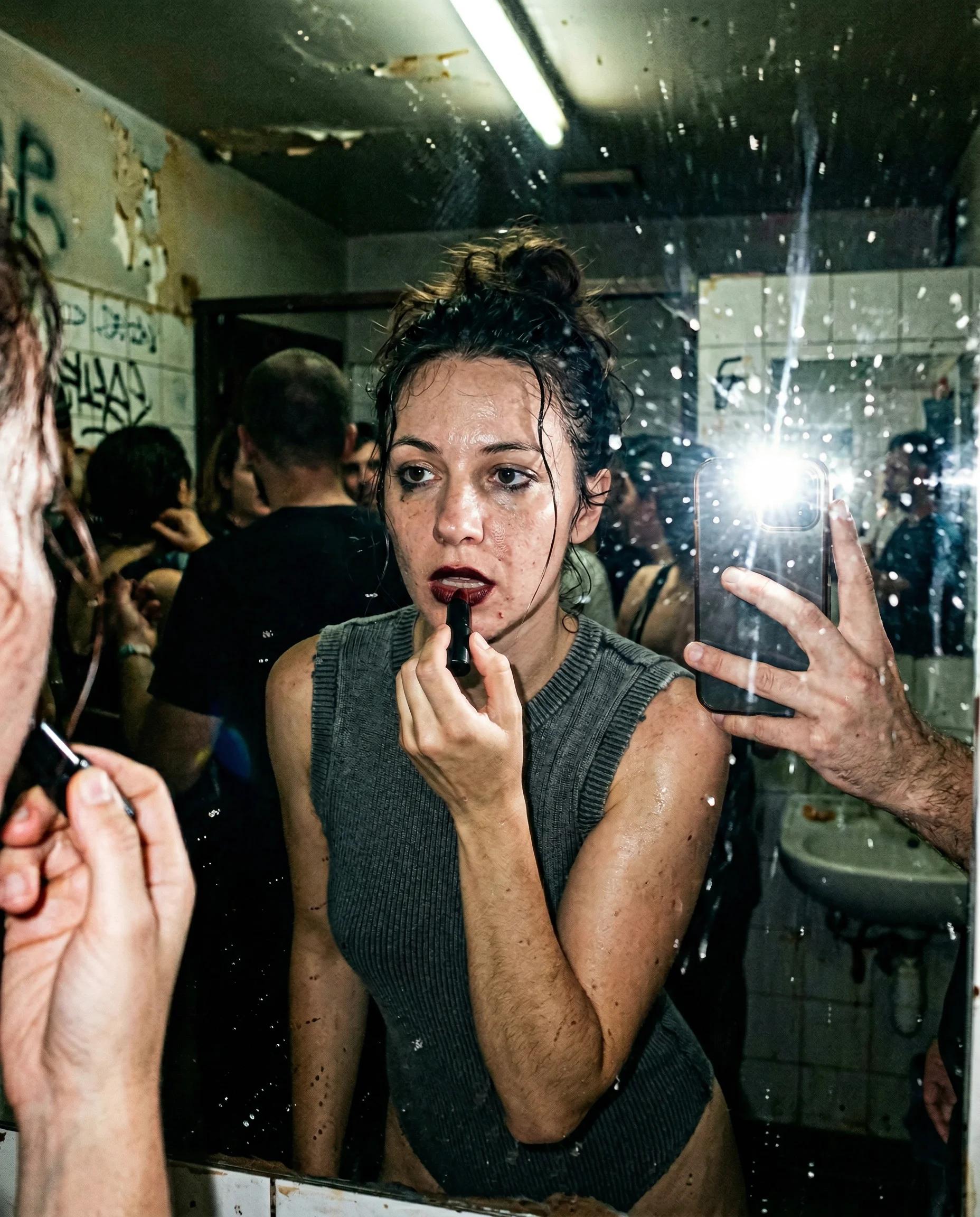
Skin texture is easiest to lose under soft, flattering light. Direct flash, bad bathroom light, office fluorescents, and high-ISO phone noise all help because they make the surface visible. The goal is not glamour retouching. The goal is a face that still looks physical.
grain and pores work together
Pores alone can look pasted on if the rest of the image stays too clean. Let sensor grain, fabric texture, mirror dust, and background noise live in the frame too. When every surface has some evidence, the skin stops looking like a separate AI layer.
Read the underlying camera, lighting, and texture rules before opening the prompt grid.
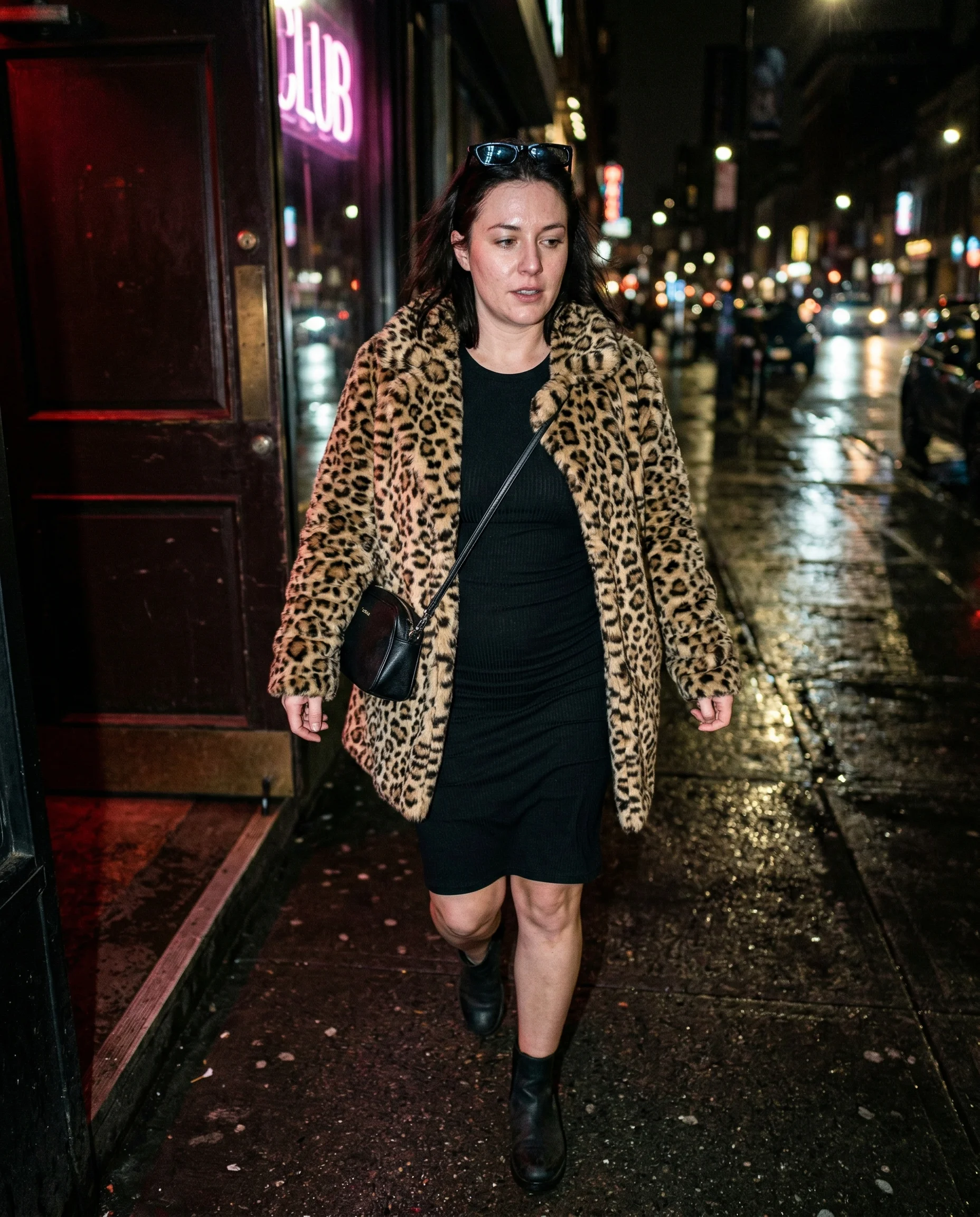
Start from an aesthetic hub, then drill into the specific prompt pages that make the look usable.
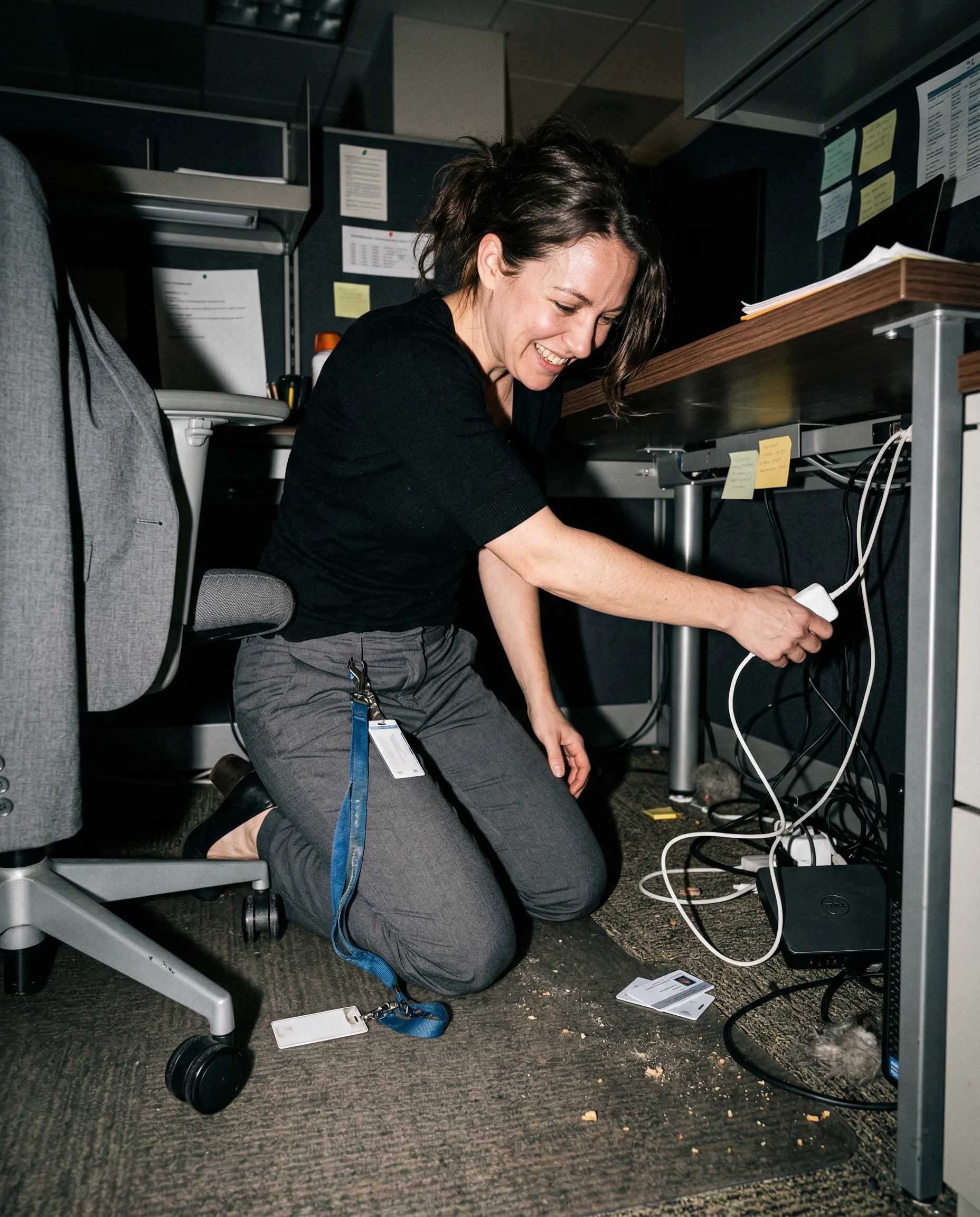
Frequently asked questions about Skin Texture AI Image Prompts
How do I stop AI skin from looking plastic?
Ask for visible pores, natural T-zone shine, peach fuzz, slight redness, and lighting that exposes texture. Then make sure the room has texture too. If the skin is the only imperfect surface, it will still look fake.
Should every prompt mention pores?
Not every prompt needs the word pores, but most realistic close shots need some skin evidence. Use pores, shine, under-eye texture, flyaway hair, or uneven makeup when the face is close enough for the camera to see it.
What lighting works best for skin texture?
Harsh phone flash, fluorescent bathrooms, mixed club light, window spill, and high-ISO indoor shots all work because they create uneven surfaces. Soft beauty lighting is usually the quickest way to erase the useful detail.