
Grainy AI Photo Prompts
Grainy AI photo prompts for photorealistic image models with high-ISO noise, low indoor light, texture, motion blur, and images that stop looking over-rendered.
 Ref Verified Mia
  Ref Verified Mia
 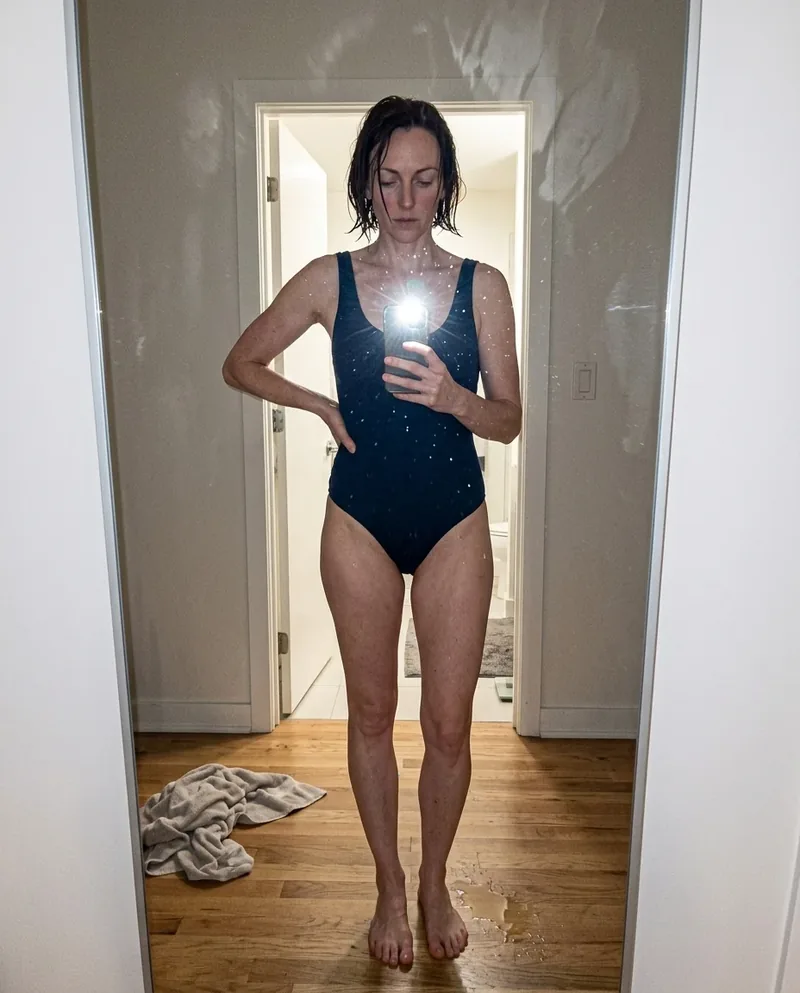 Ref Verified Mia
 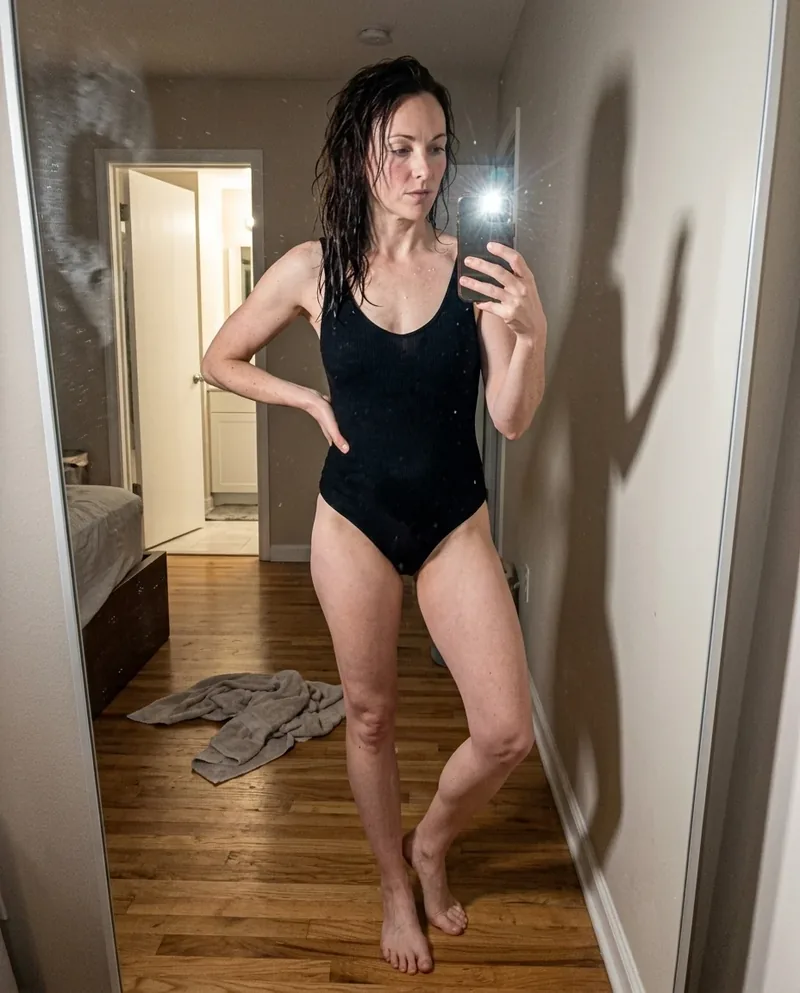 Ref Verified Mia
 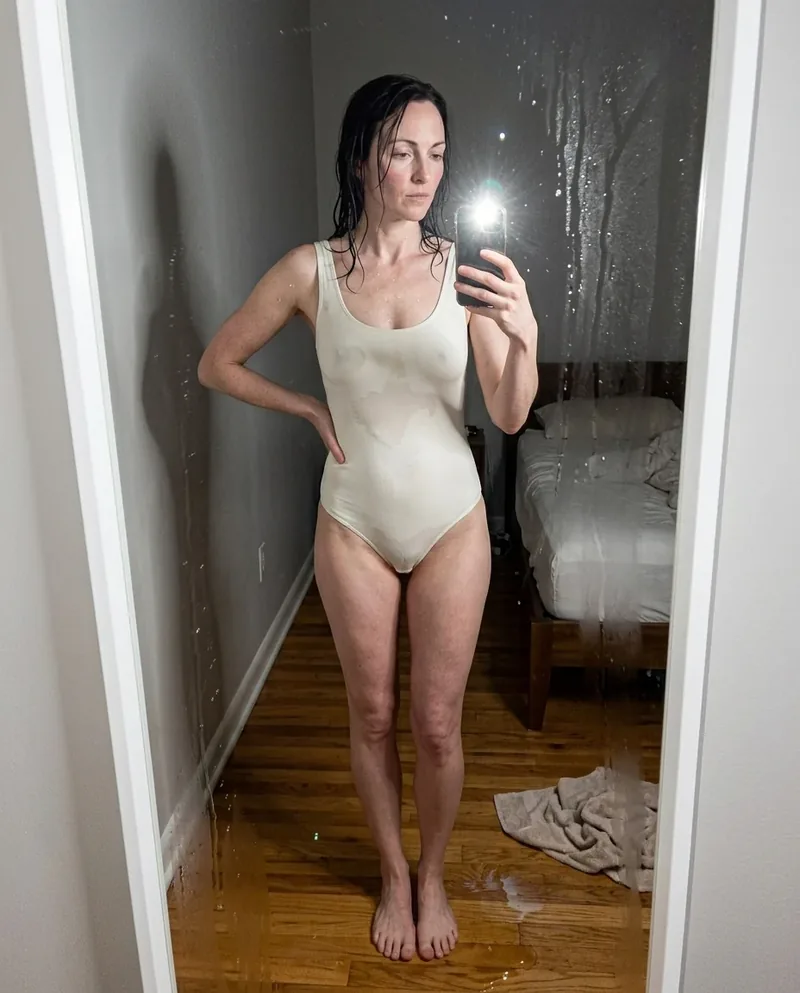 Ref Verified Mia
 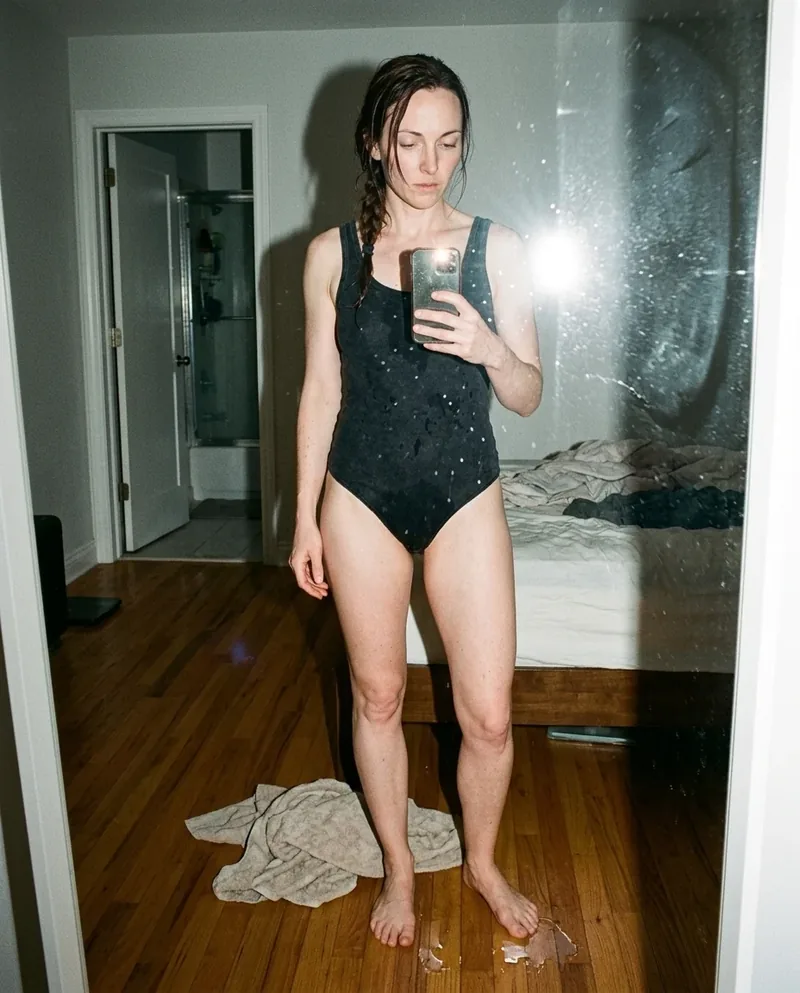 Ref Verified Mia
 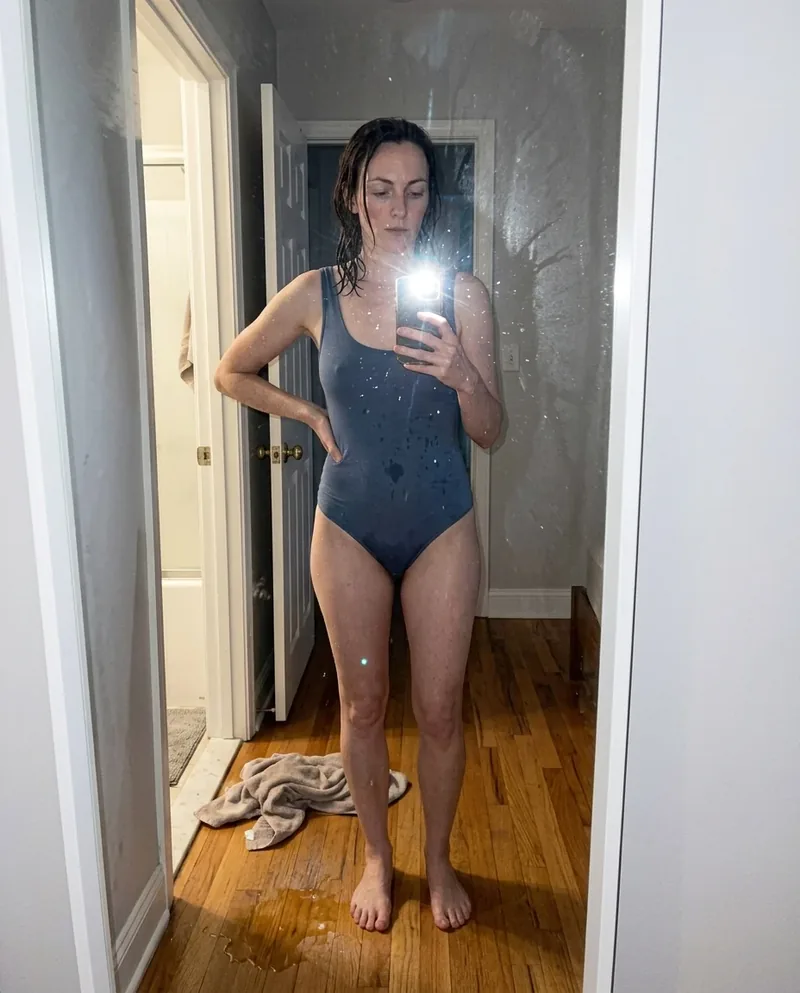 Ref Verified Mia
 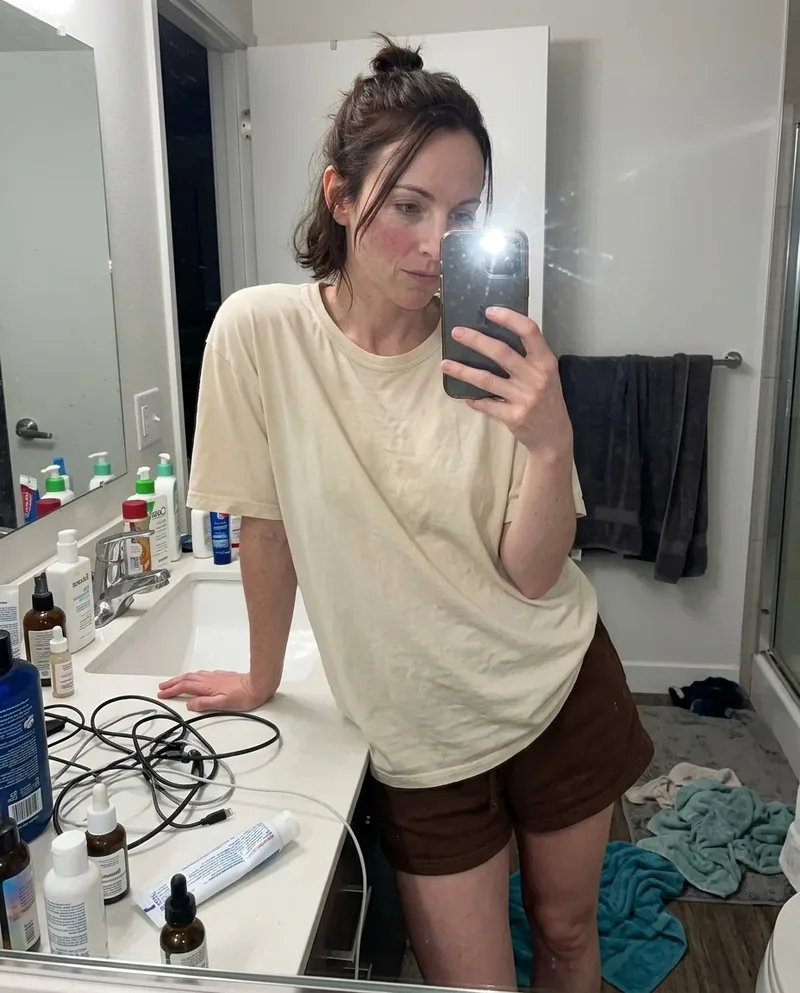 Ref Verified Mia
 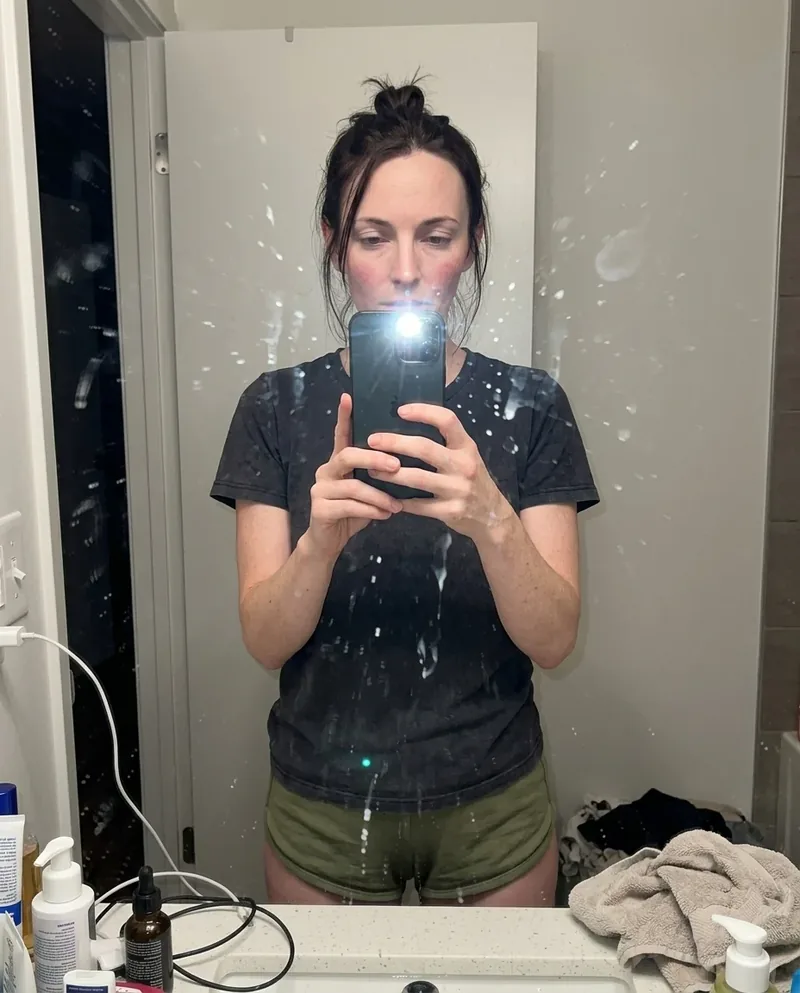 Ref Verified Mia
  Ref Verified Mia
 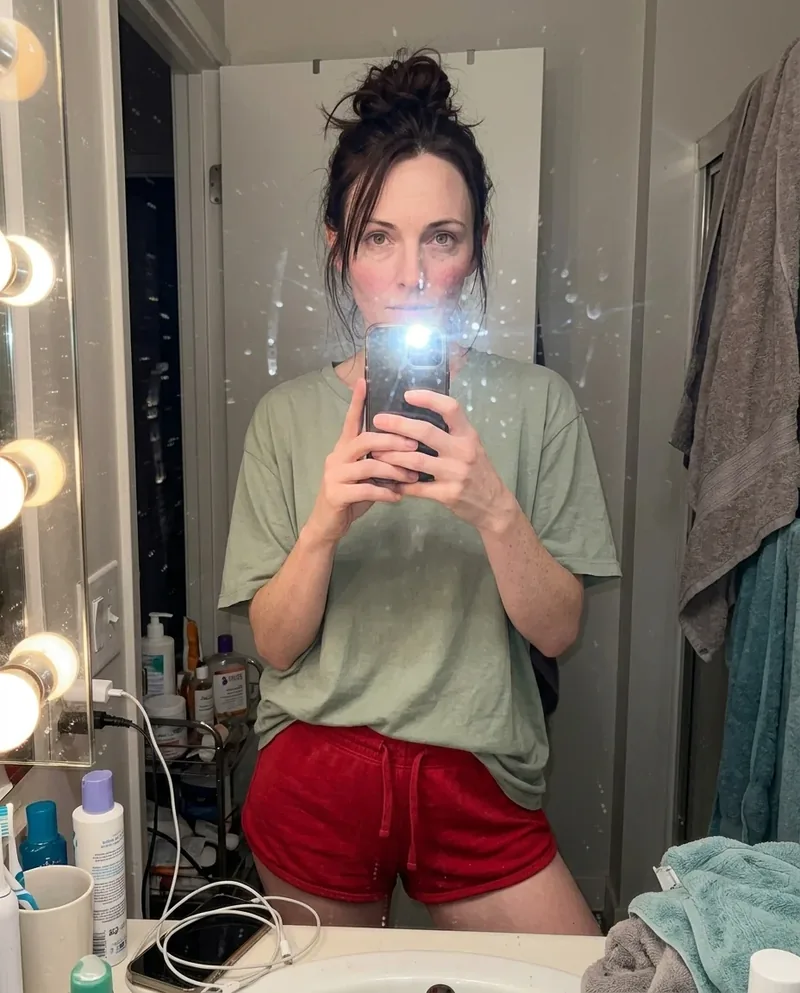 Ref Verified Mia
 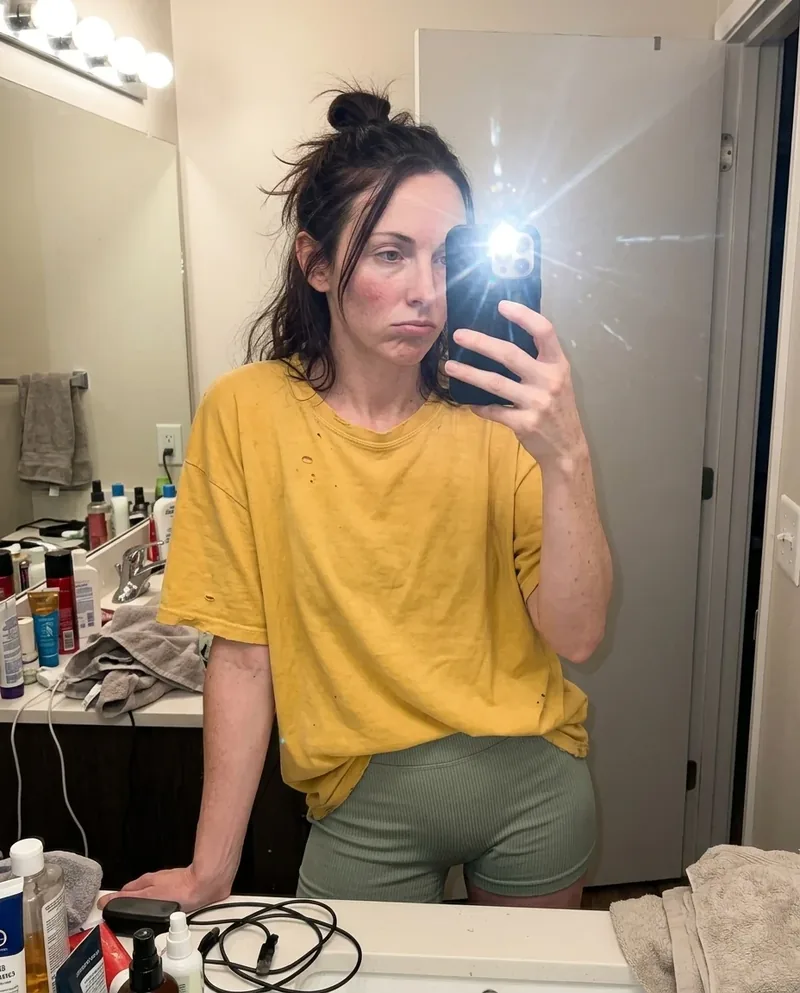 Ref Verified Mia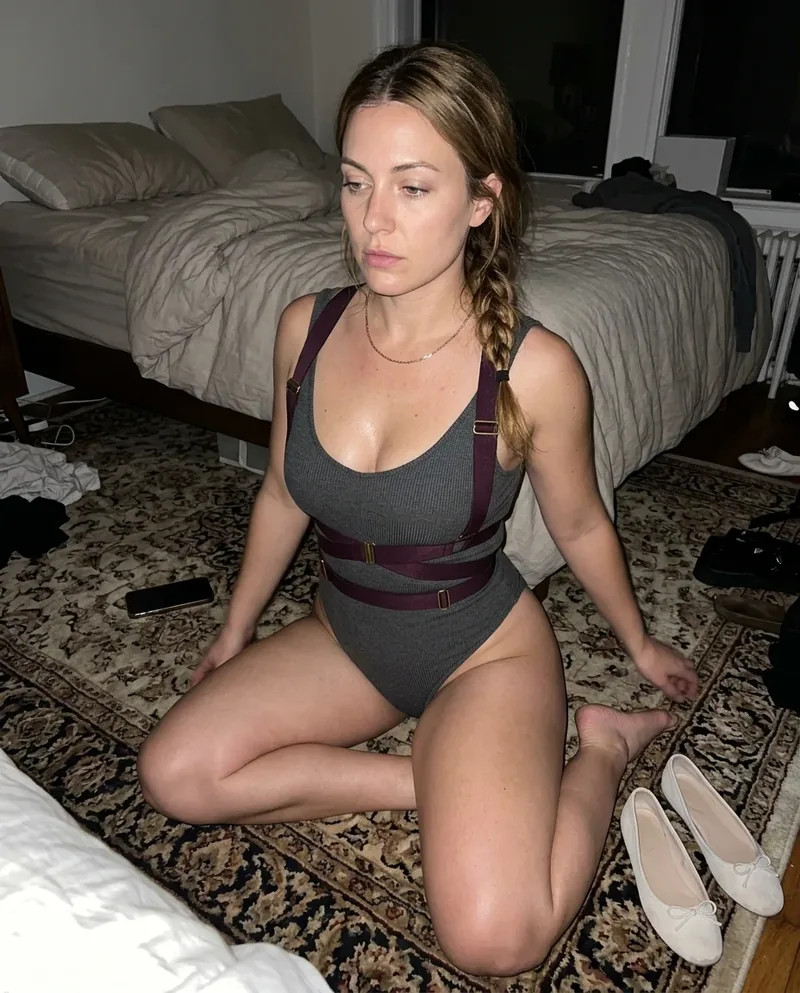
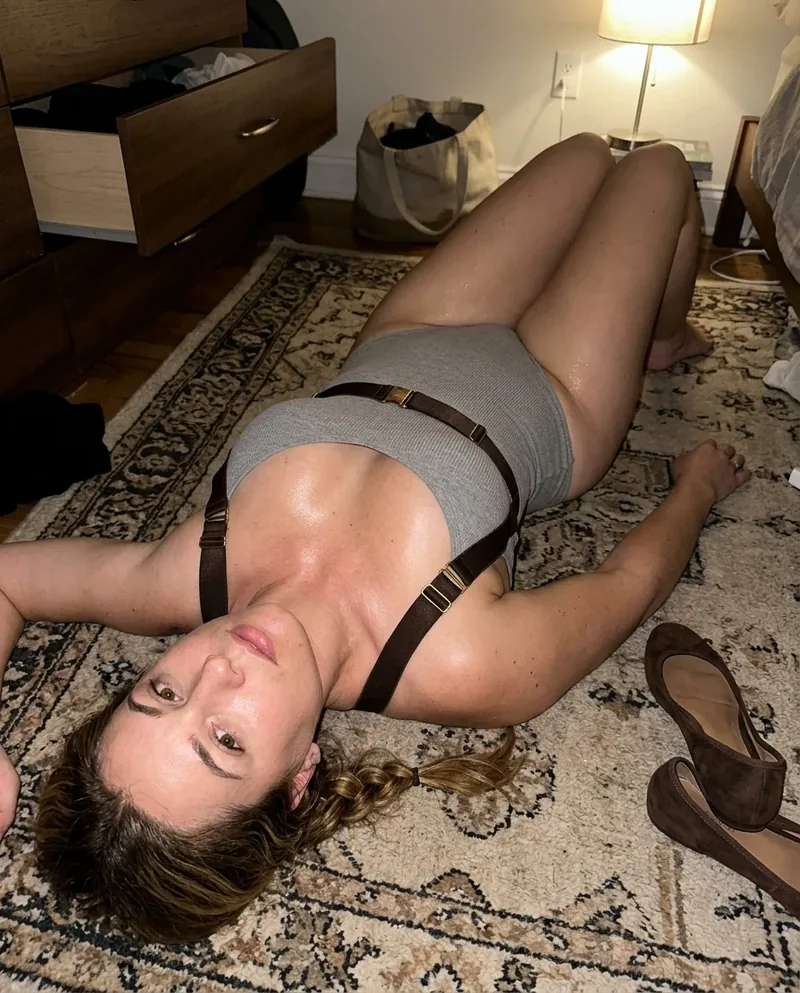


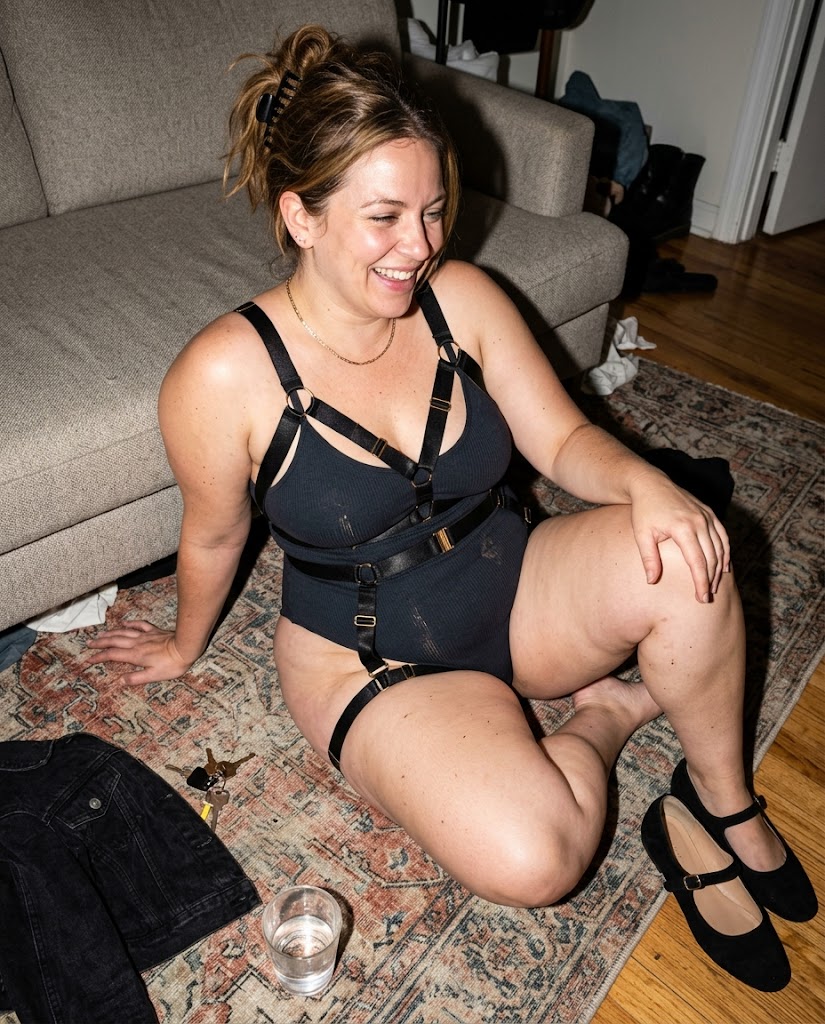
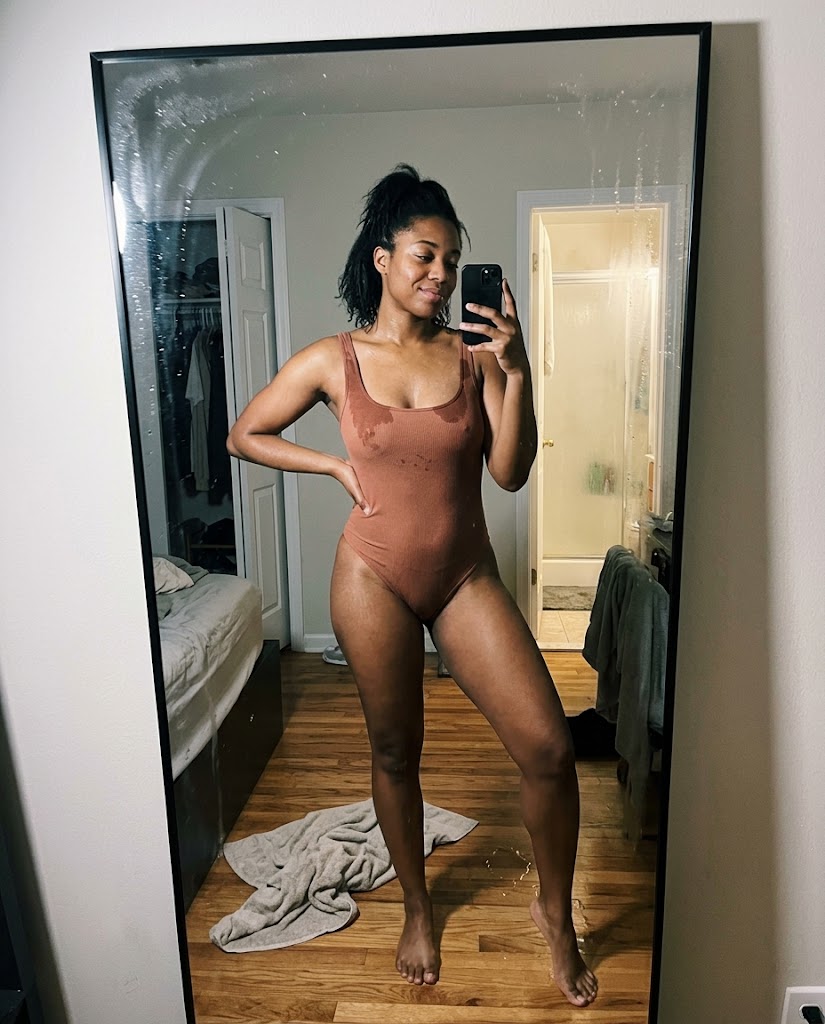
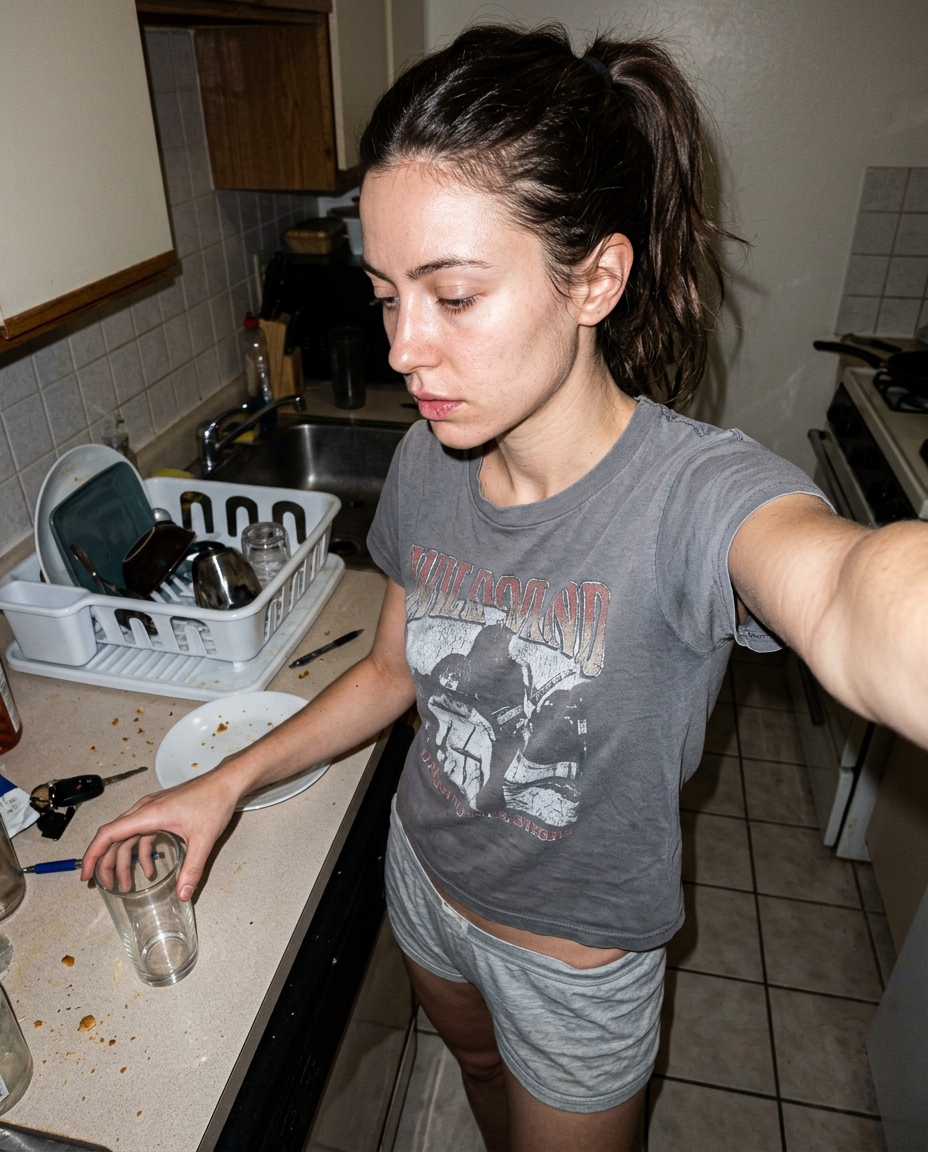
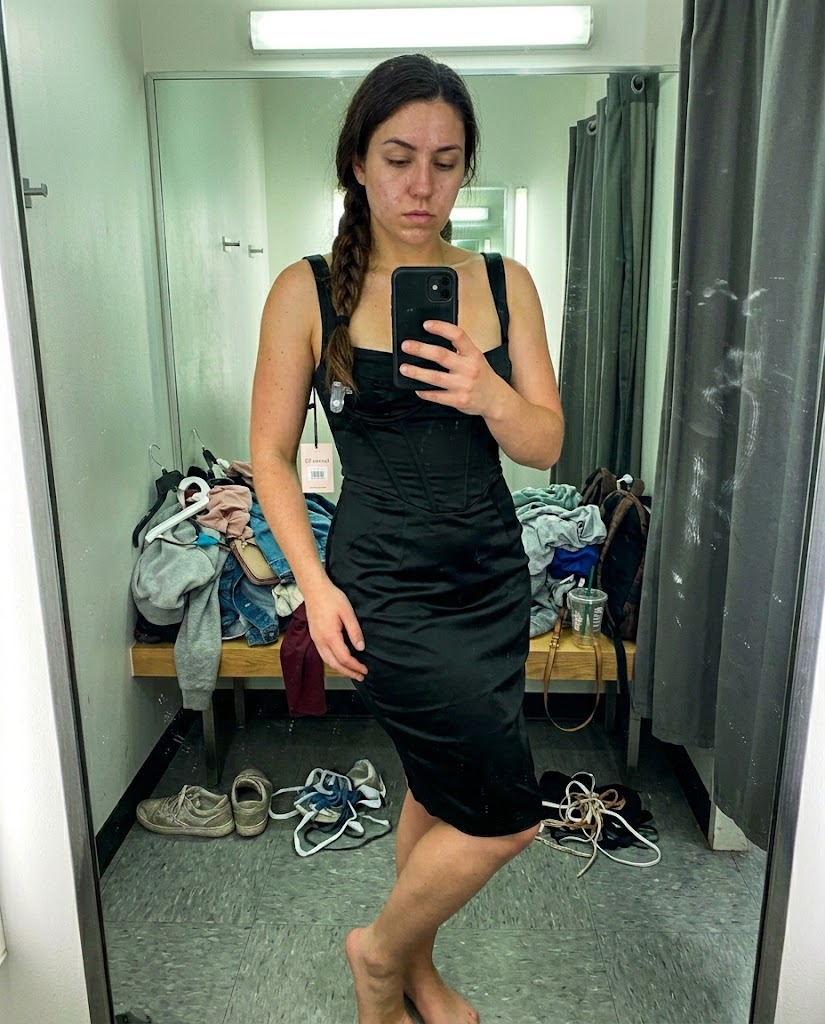
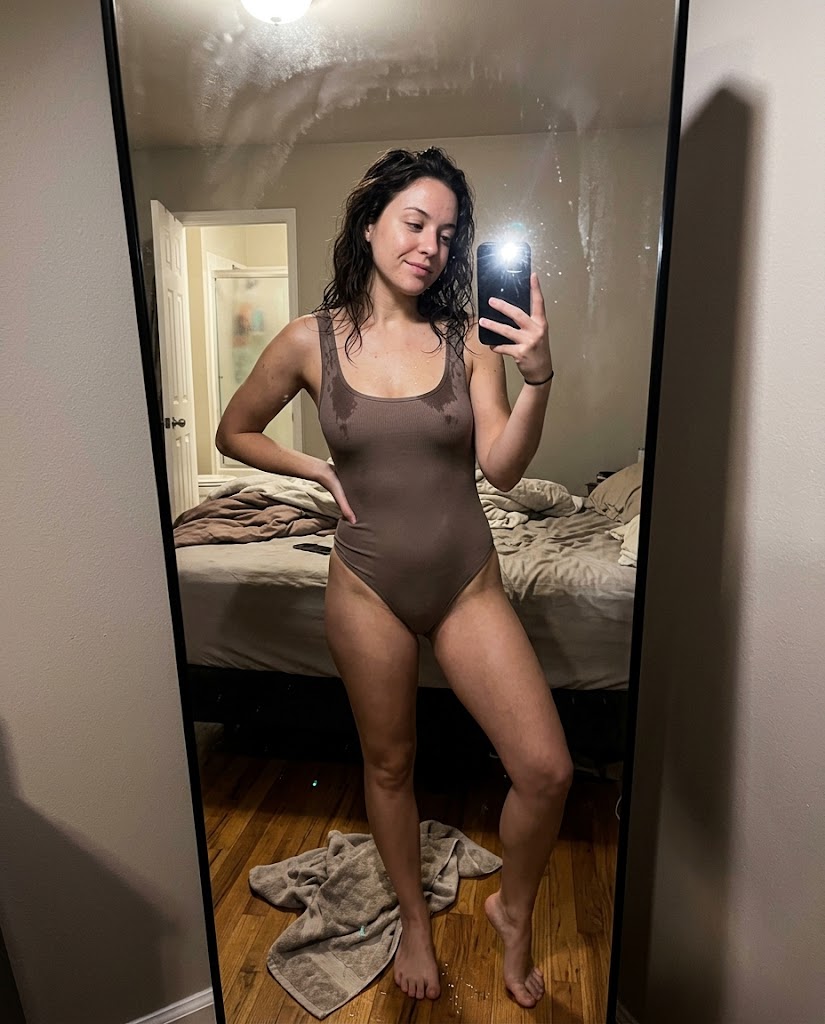
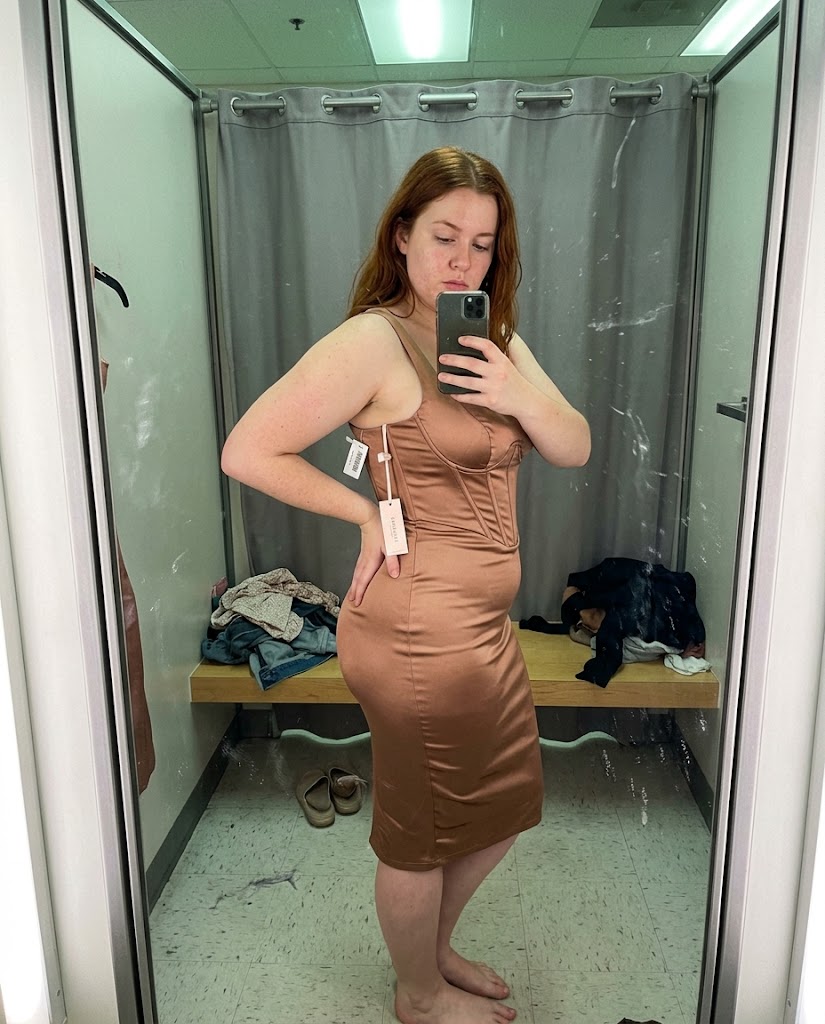
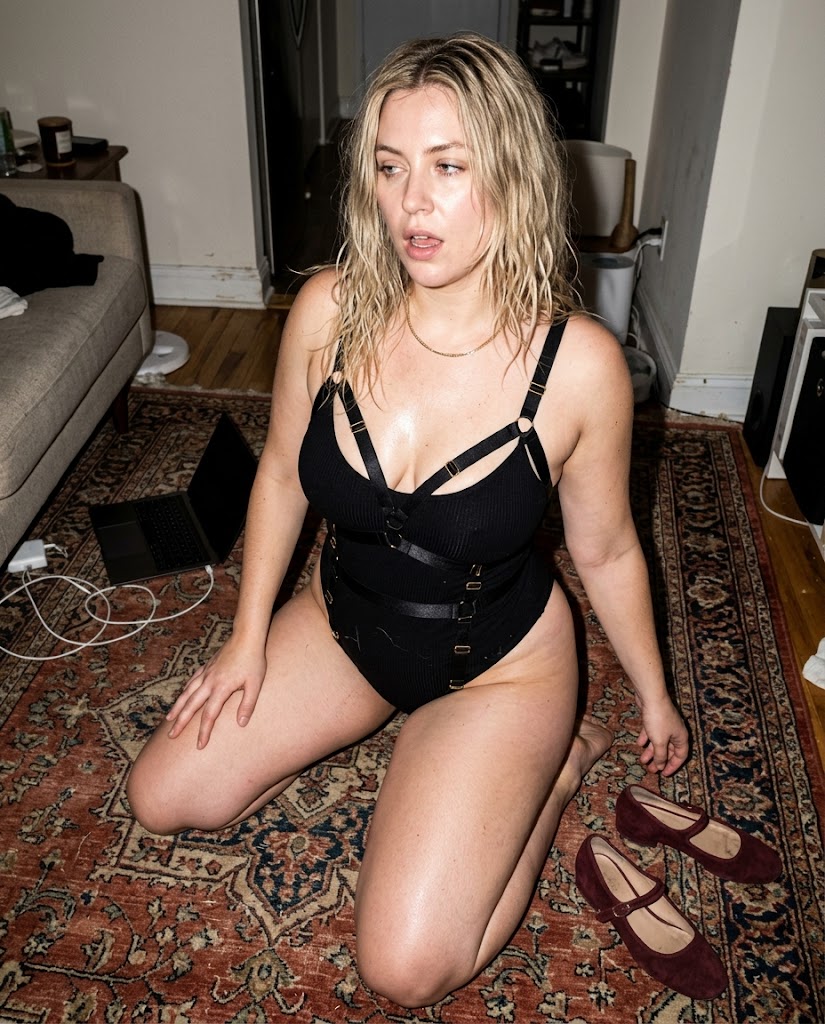
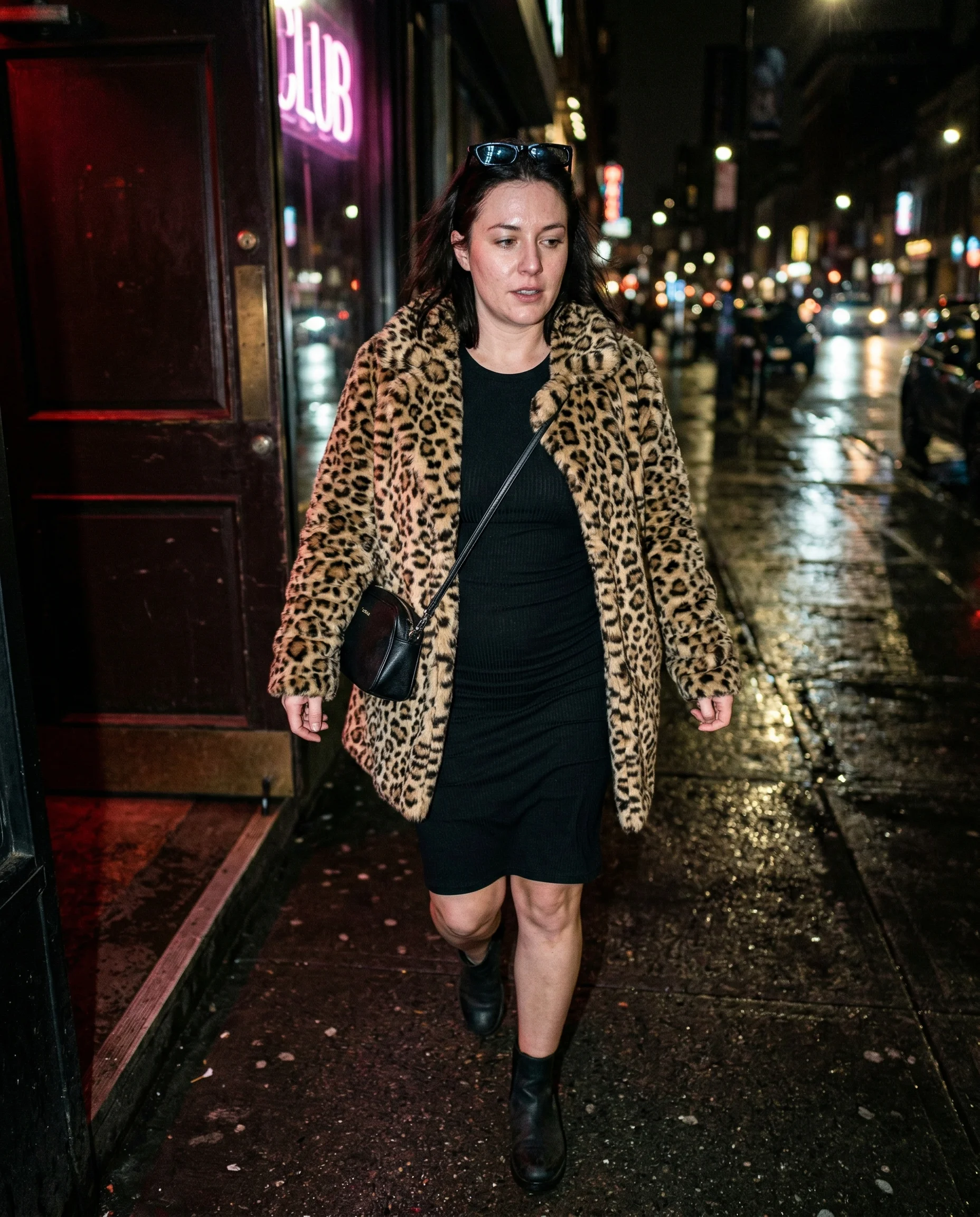
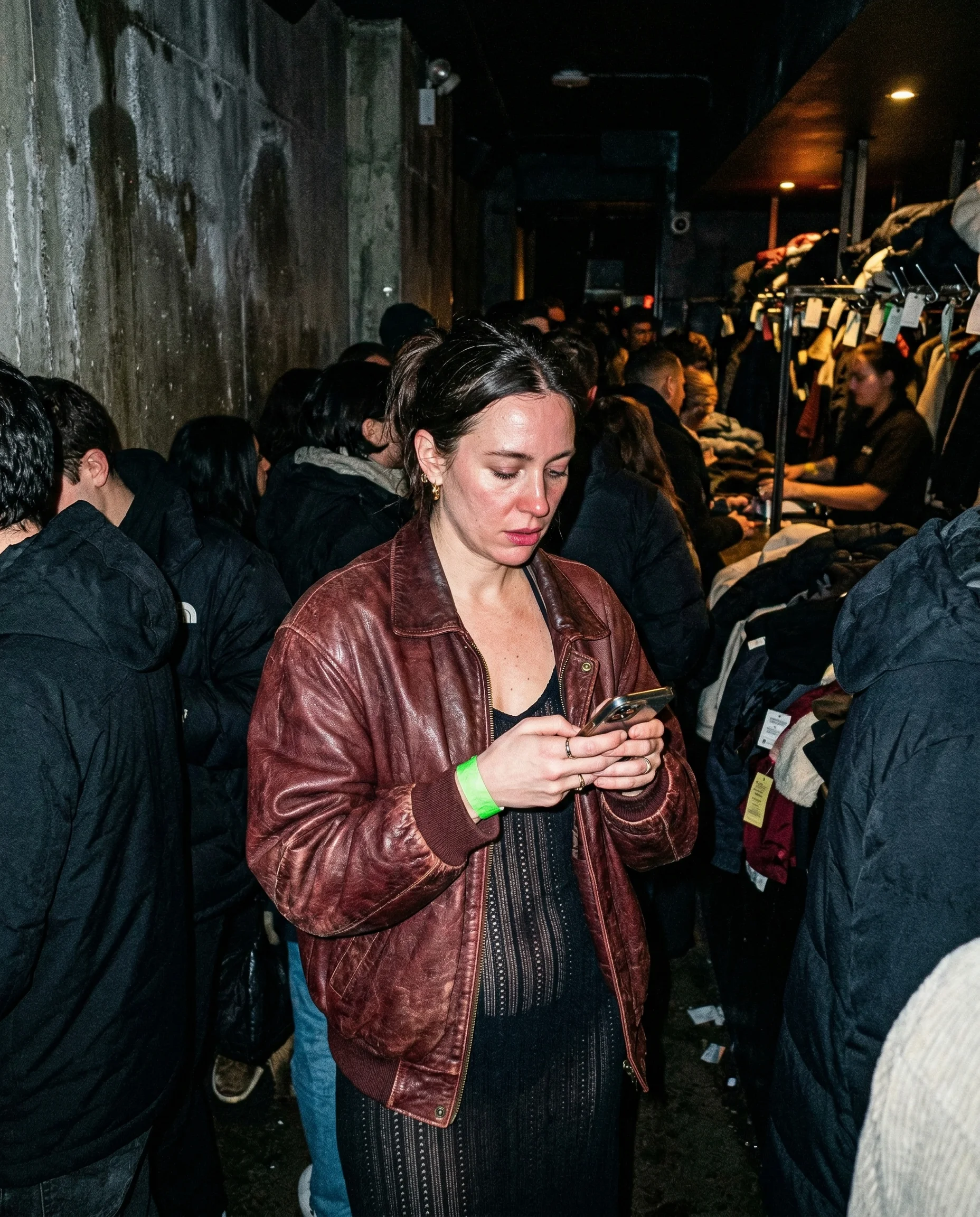
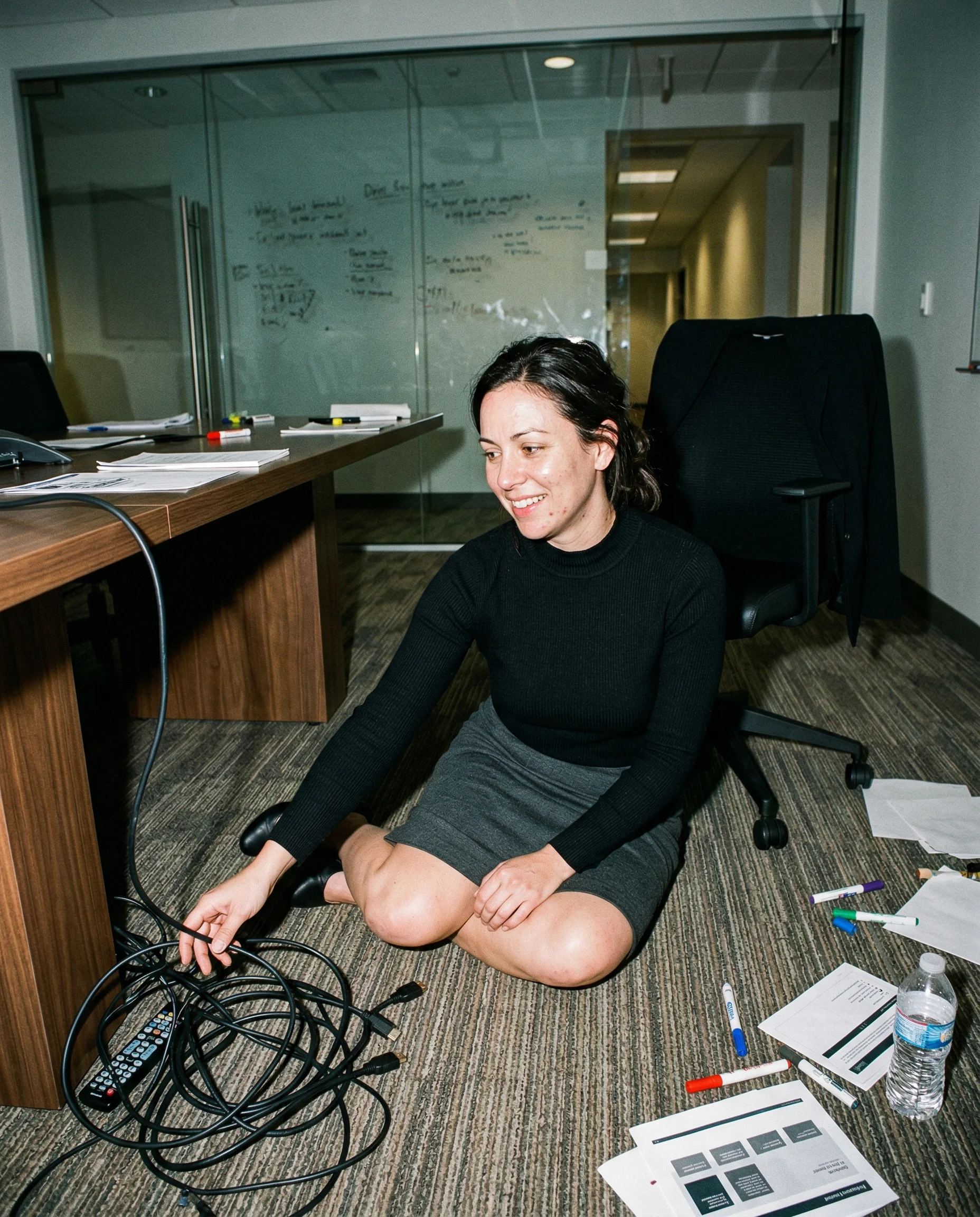
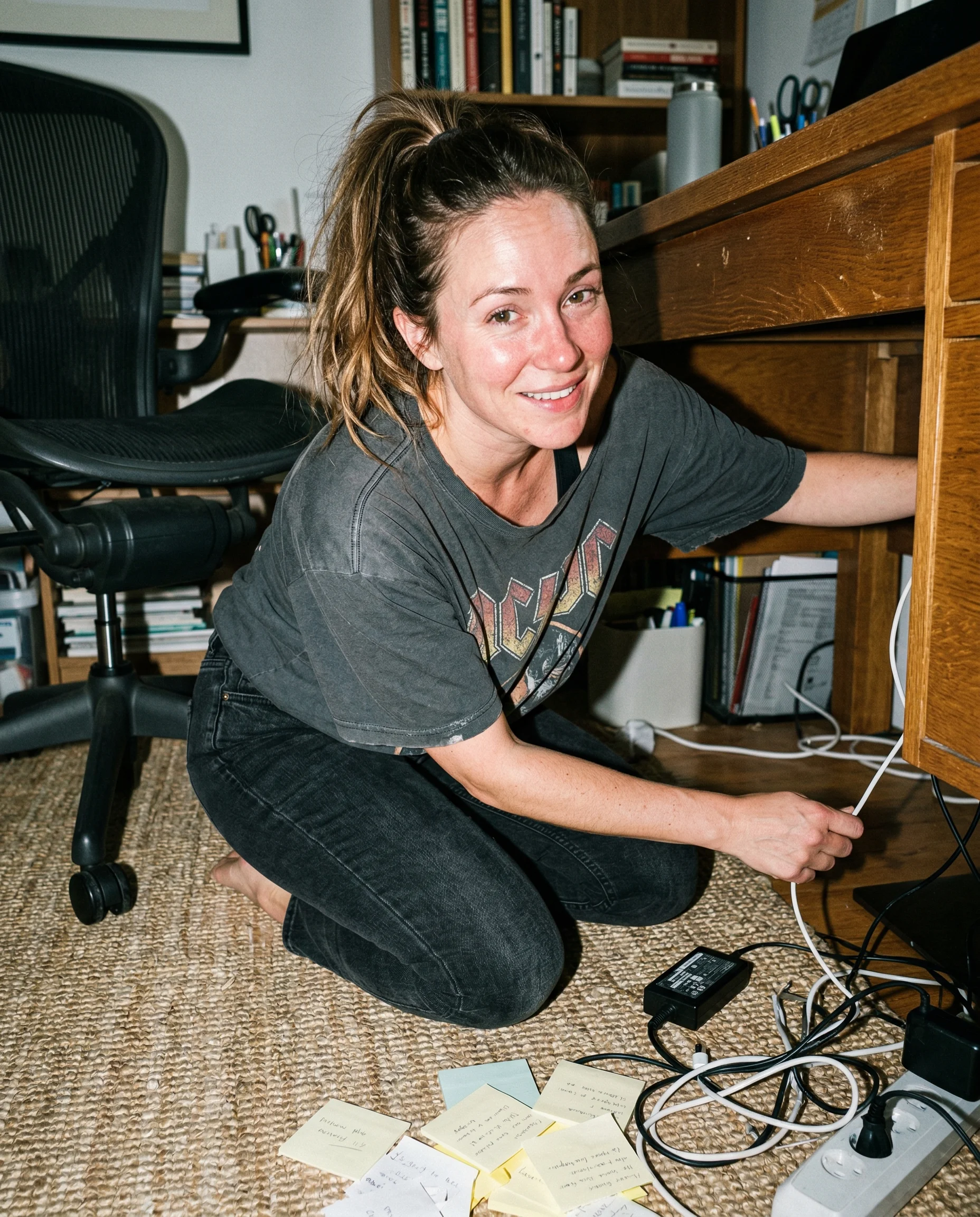
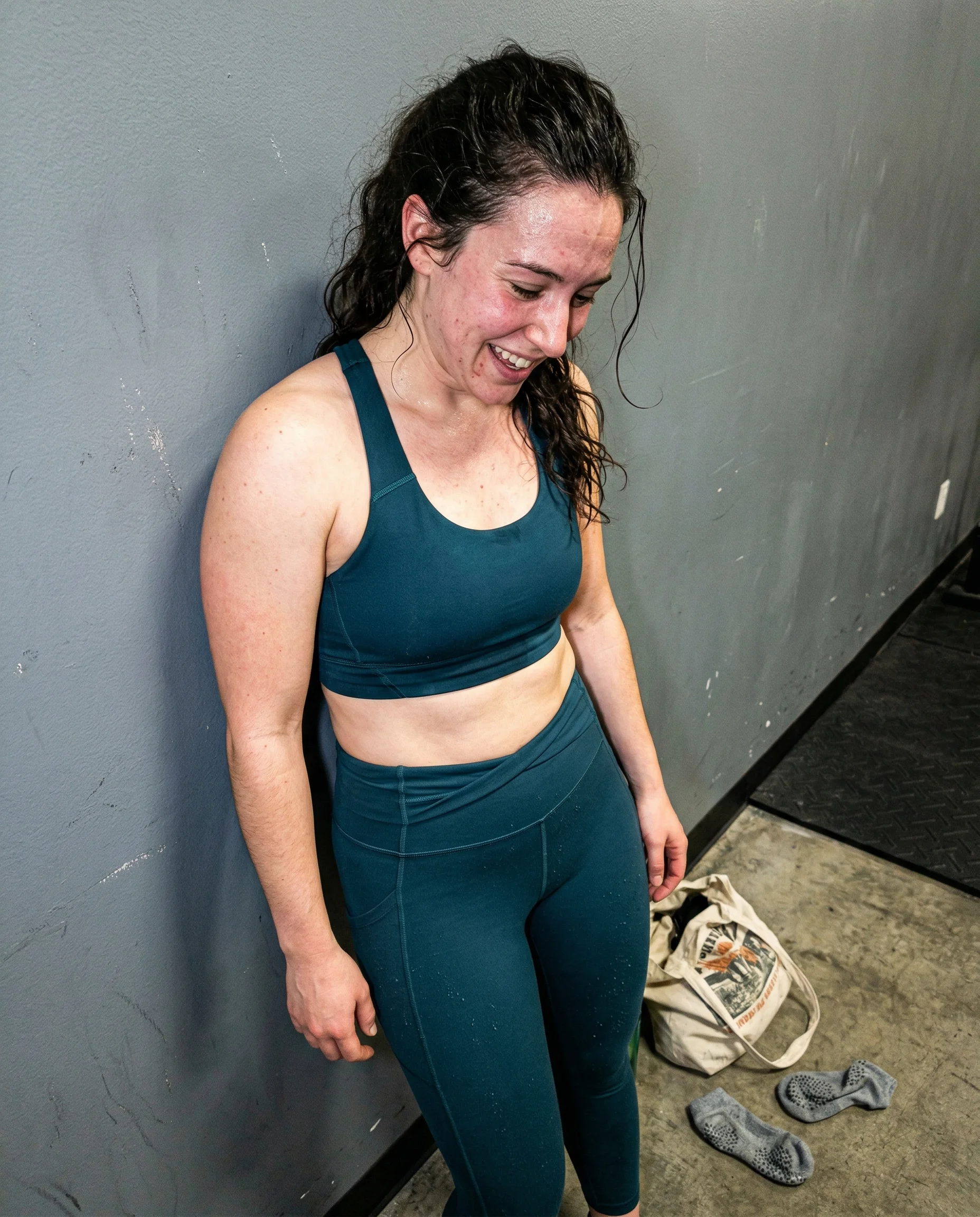
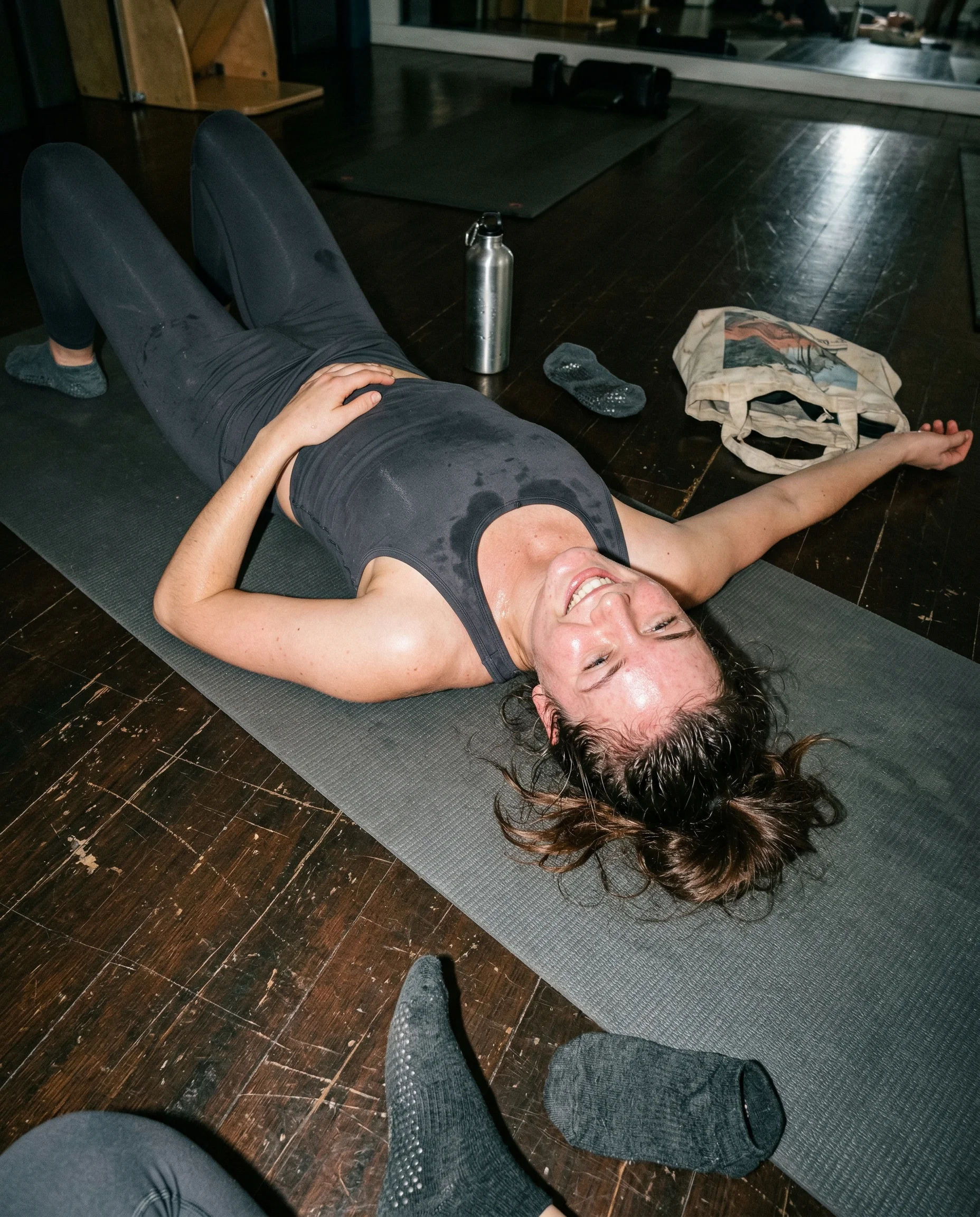
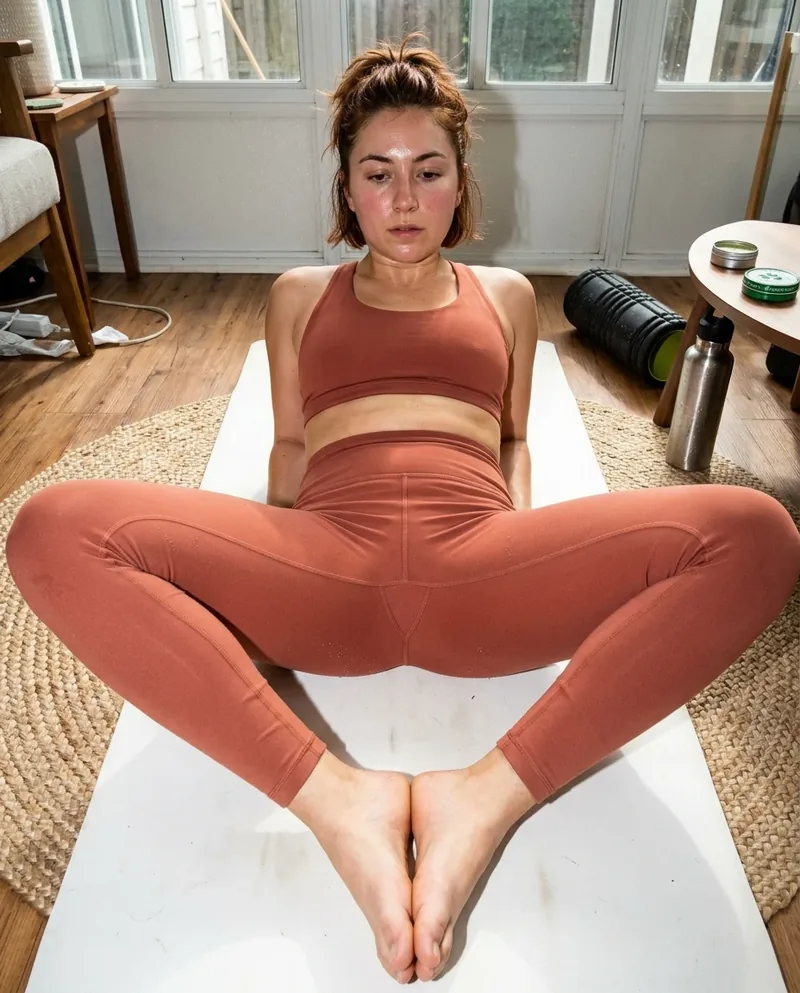
grain keeps the image from getting too clean
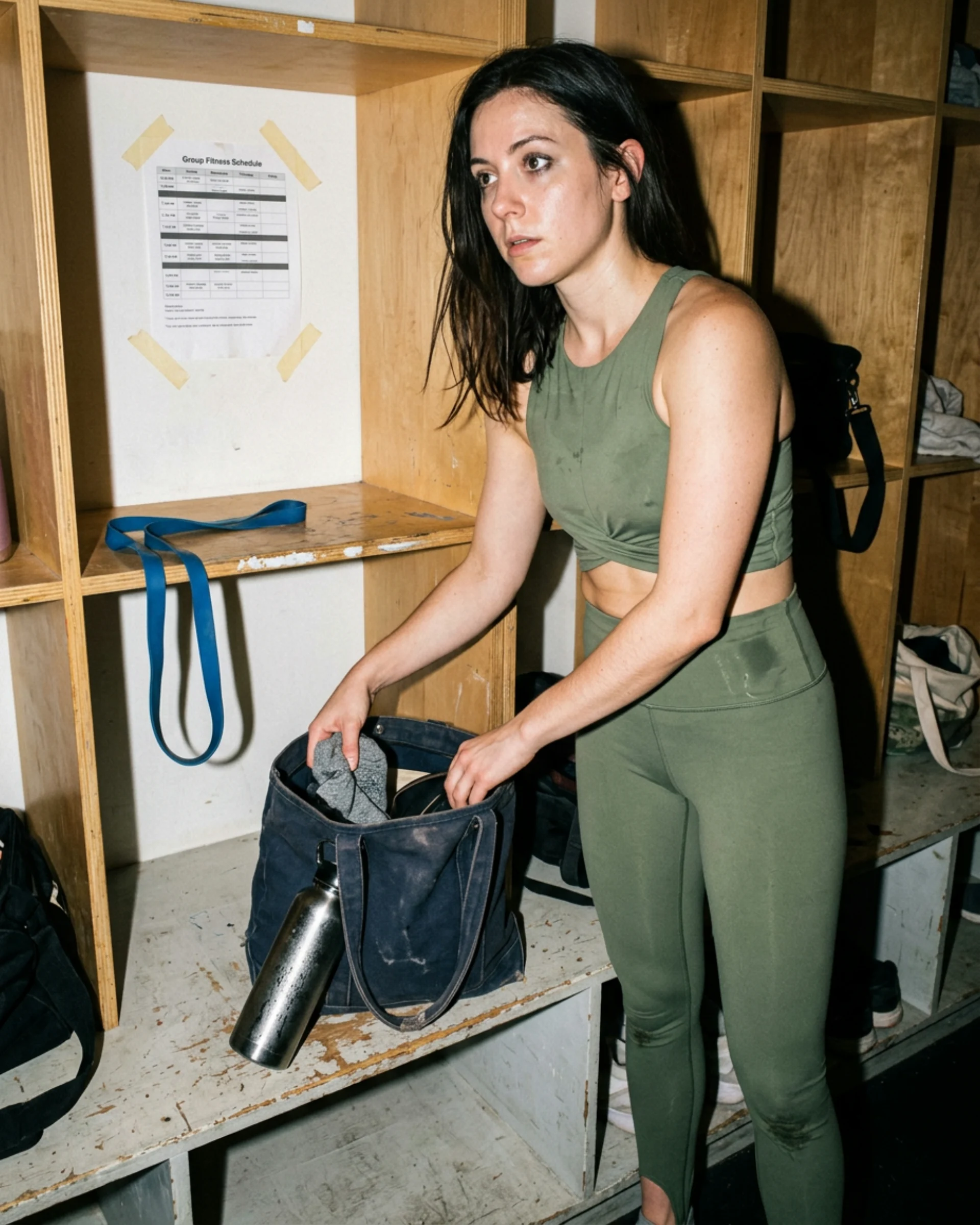
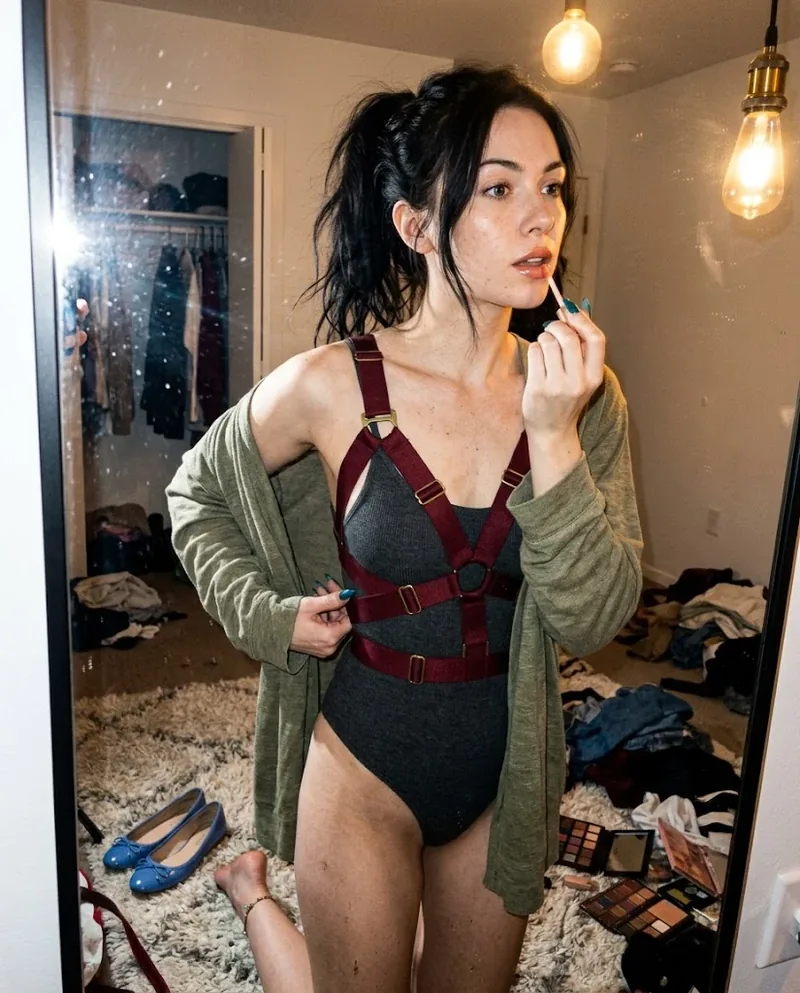
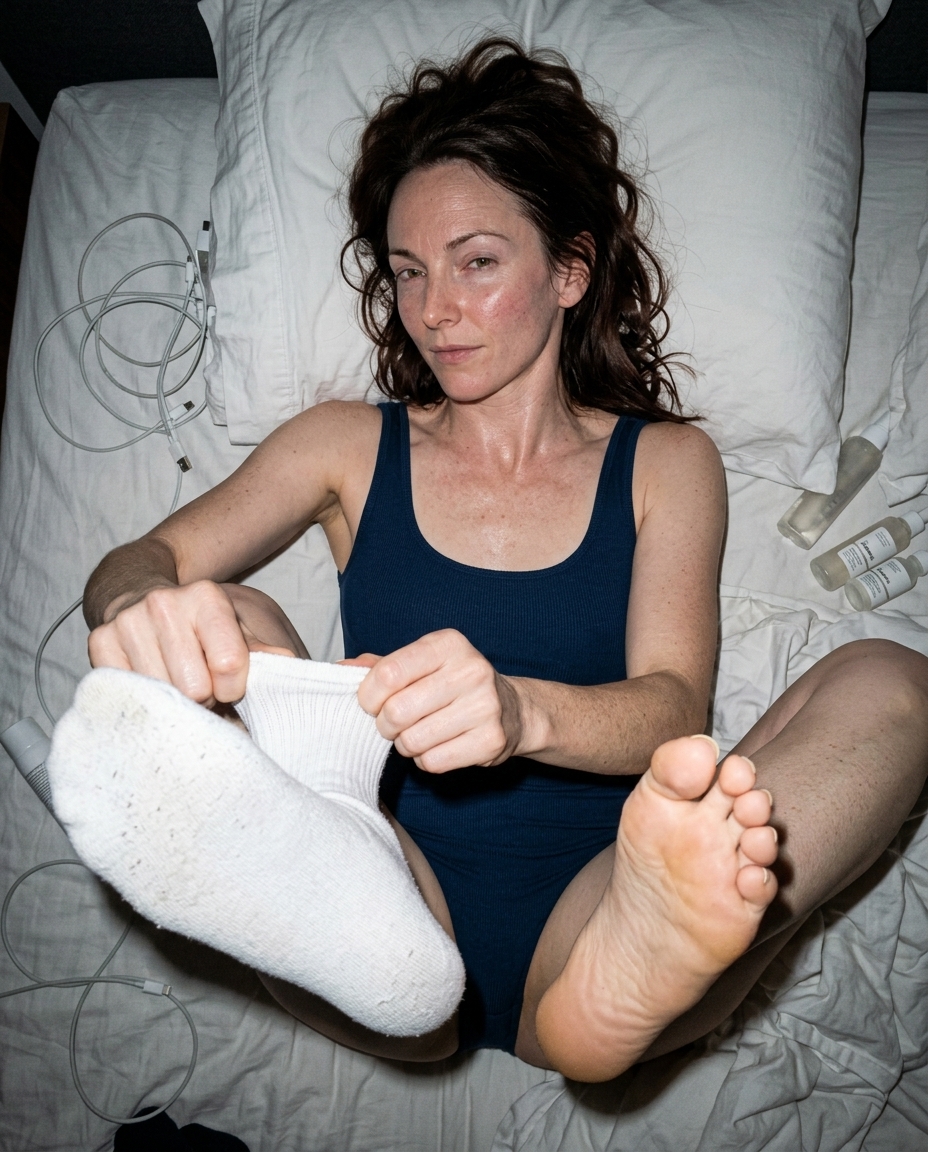
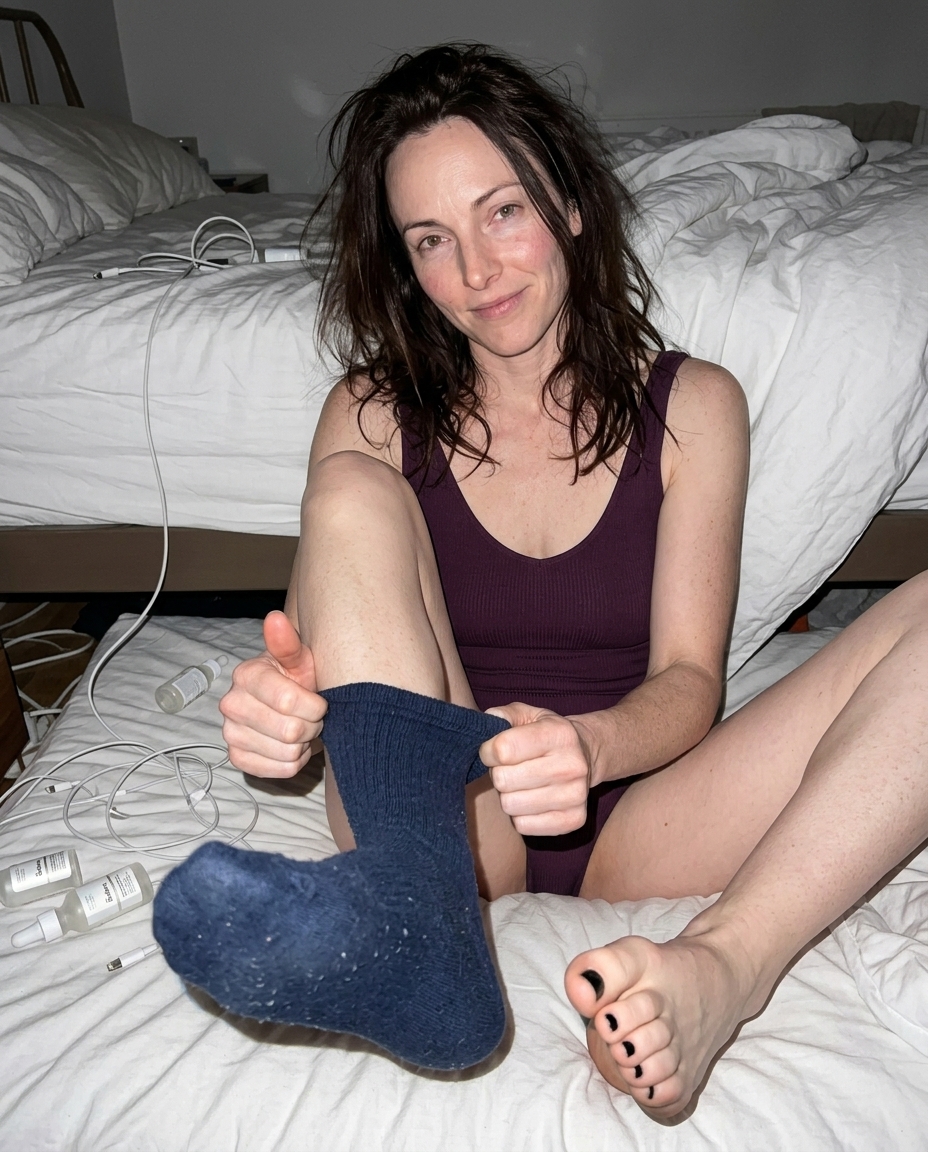
AI likes to polish surfaces until nothing has a pulse. Grain interrupts that. It lets the wall, skin, fabric, and shadows share the same imperfect texture, which makes the whole frame feel less airbrushed.
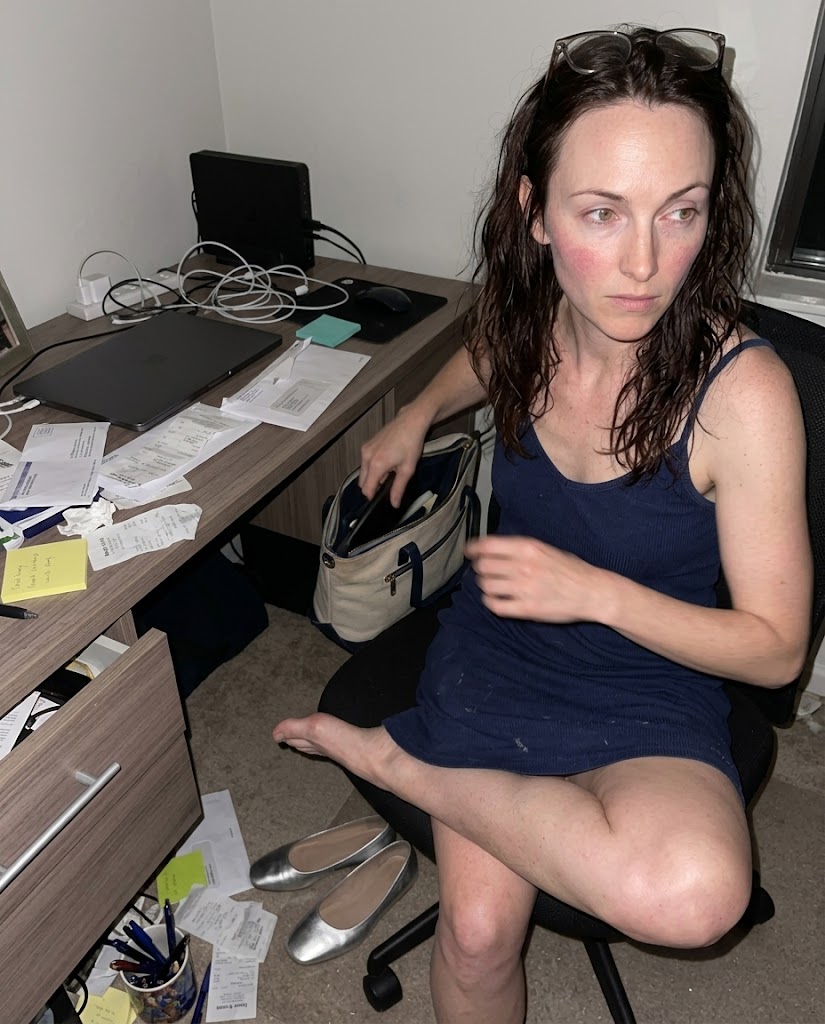
noise needs low light
Grain works best when the scene gives it a reason to exist: a dim hallway, a club bathroom, a late train platform, or a messy apartment with one ugly lamp. If the room is brightly lit and perfect, sensor noise starts feeling decorative.
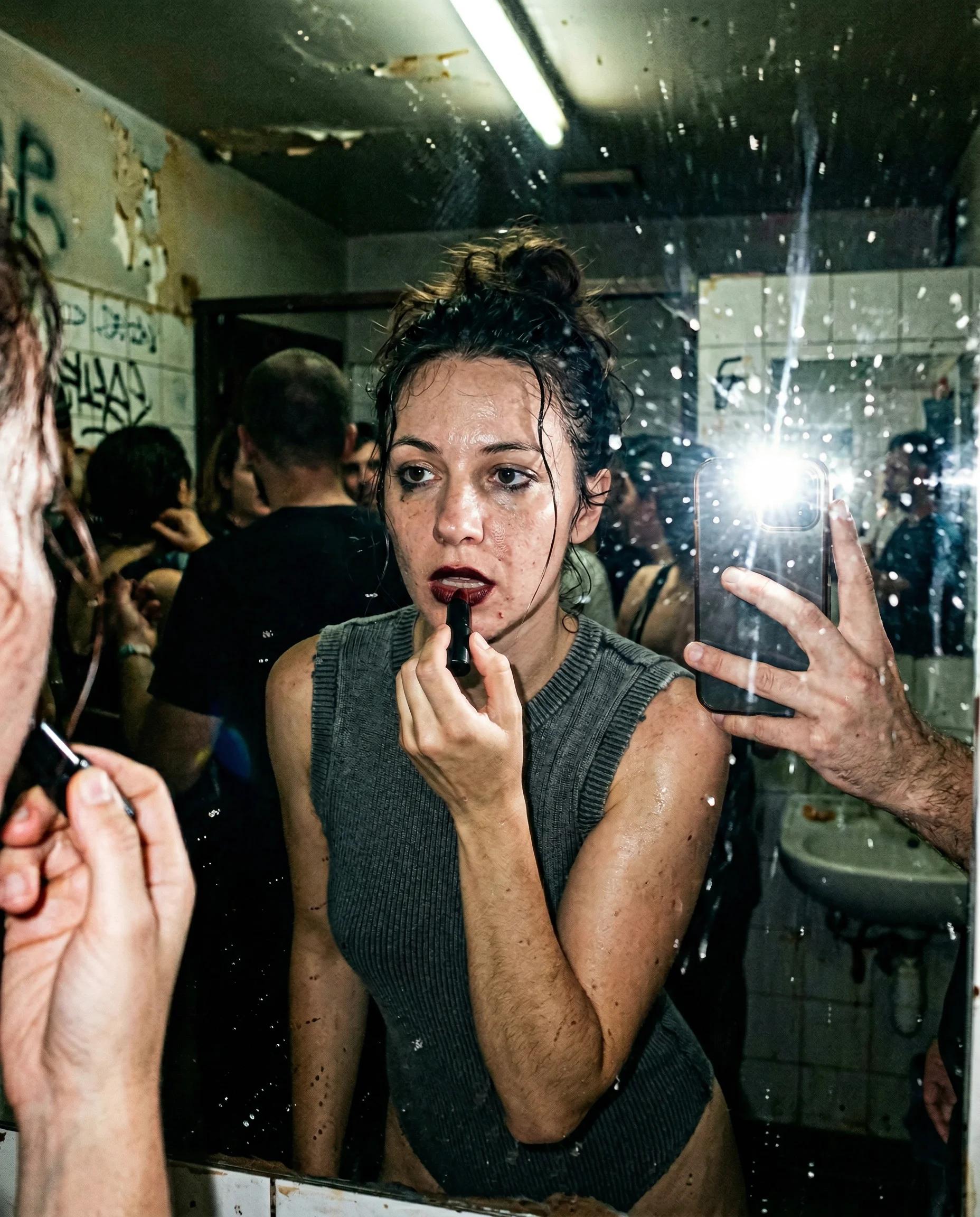
do not turn grain into a filter
The grain should sit inside the image, not on top of it. Pair it with imperfect focus, direct flash falloff, fabric wear, or motion blur so the model treats it like camera behavior instead of a texture overlay.
Read the underlying camera, lighting, and texture rules before opening the prompt grid.
Start from an aesthetic hub, then drill into the specific prompt pages that make the look usable.
Frequently asked questions about Grainy AI Photo Prompts
Why add grain to AI photo prompts?
Grain breaks up the over-smooth render look. It gives shadows, skin, fabric, and walls a shared camera texture, especially in low indoor light.
What is the difference between grain and blur?
Grain is small sensor or film-like noise across the image. Blur is softness from focus, movement, or camera shake. They can work together, but they solve different fake-looking problems.
How much grain should I ask for?
Usually just enough to dirty up the frame. Heavy grain can become a filter. Use low-light or high-ISO context so the texture feels earned.