
High ISO AI Photo Prompts
High ISO AI photo prompts for photorealistic image models with low-light noise, rough shadows, imperfect focus, and indoor scenes that feel shot on a phone.
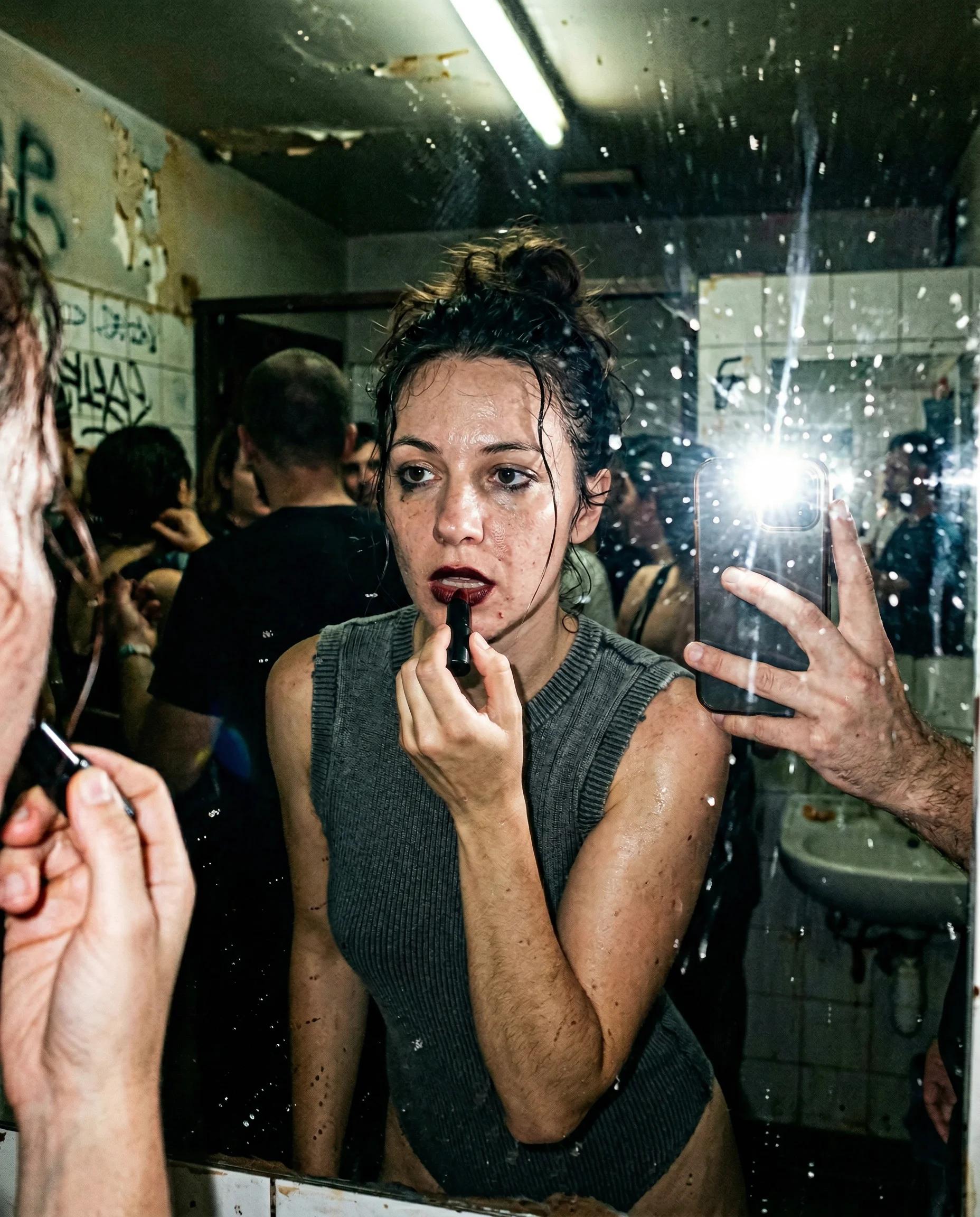
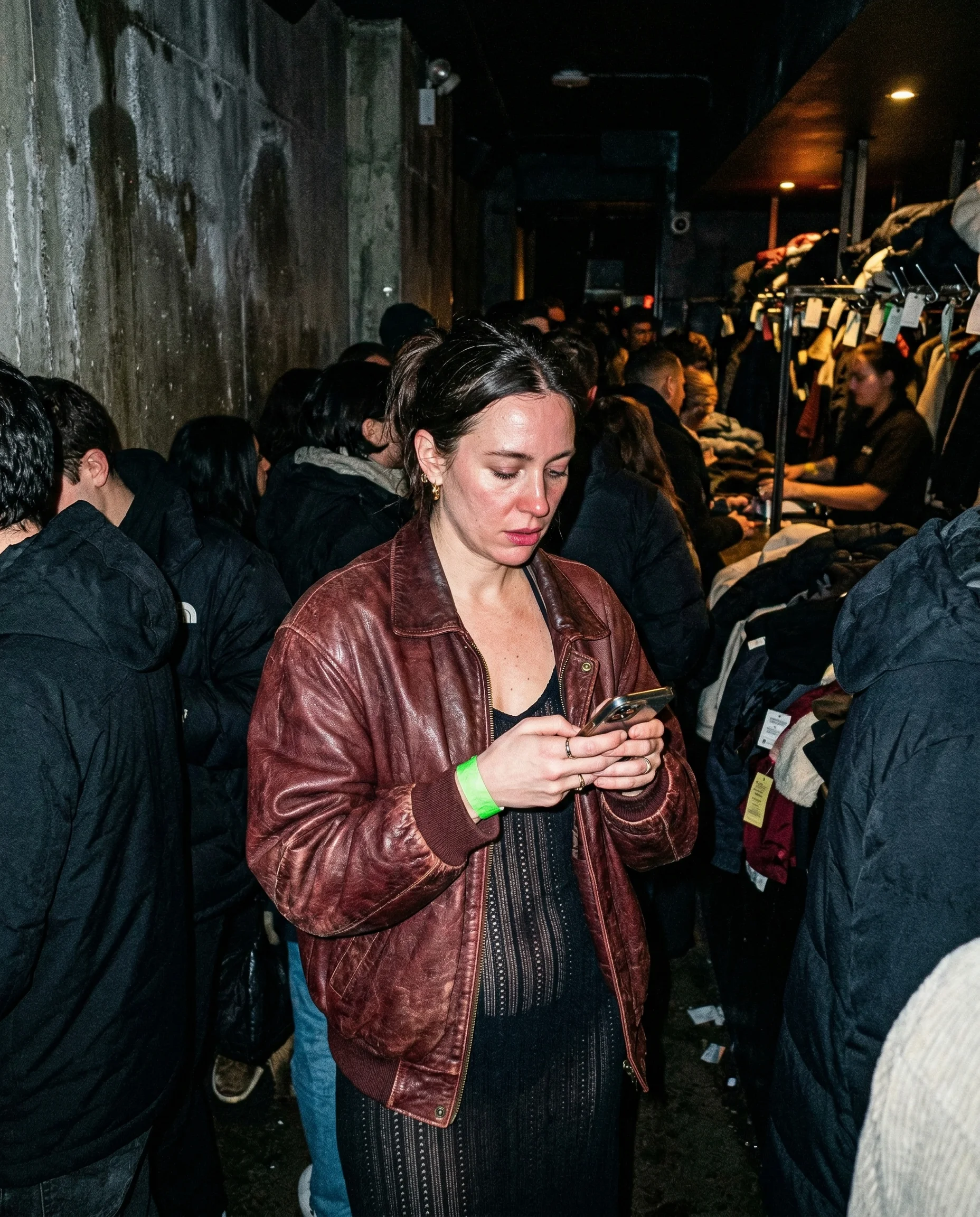
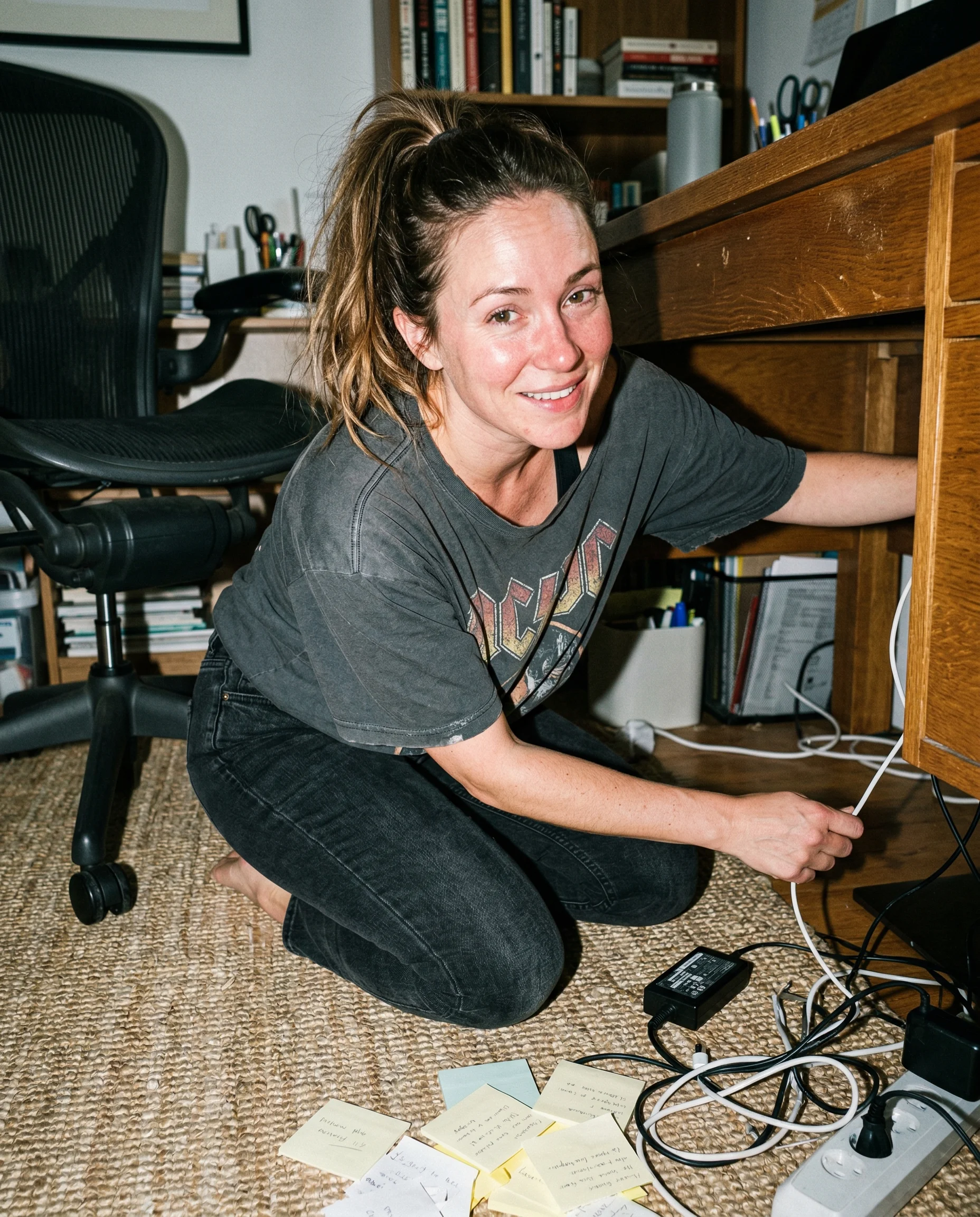
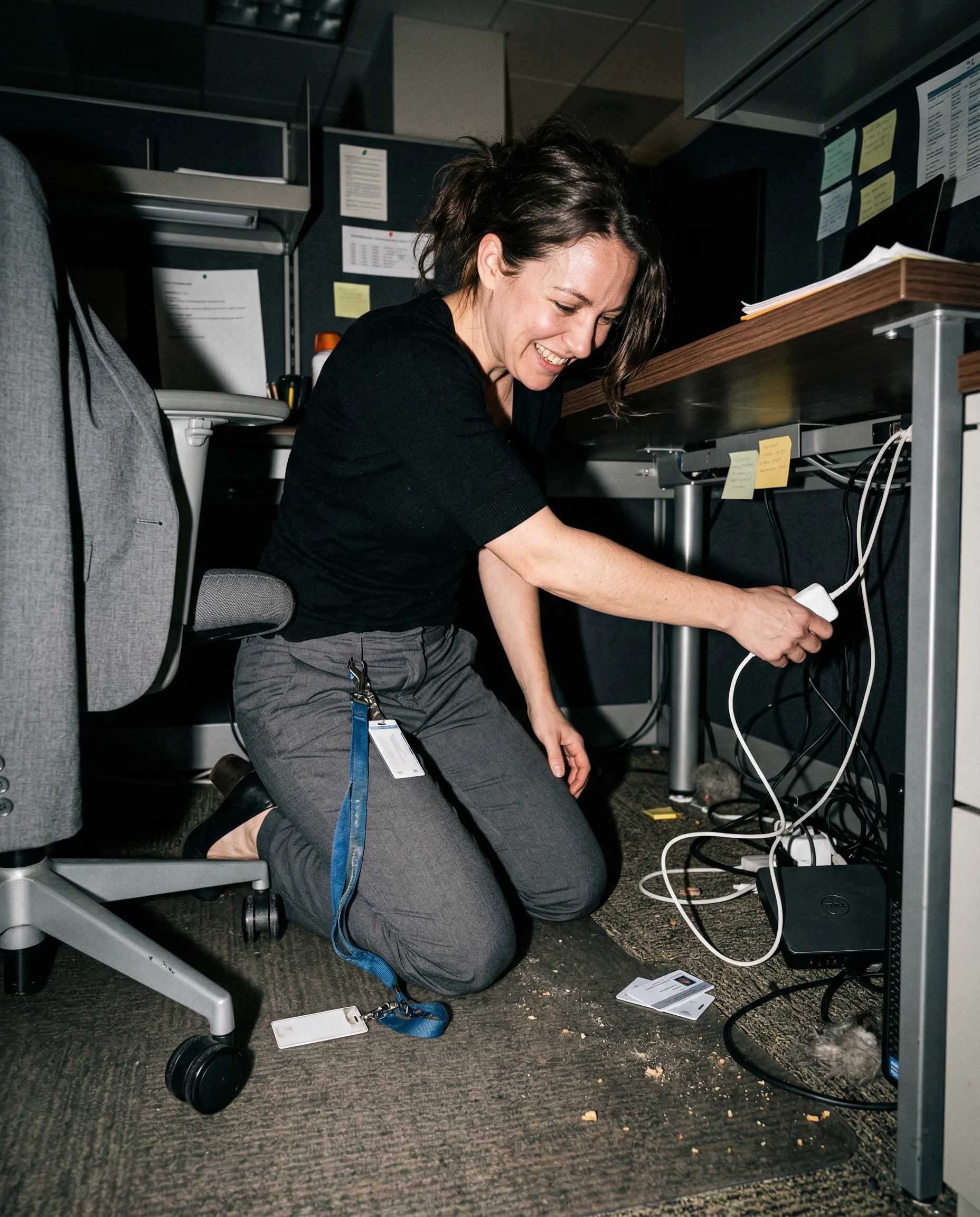
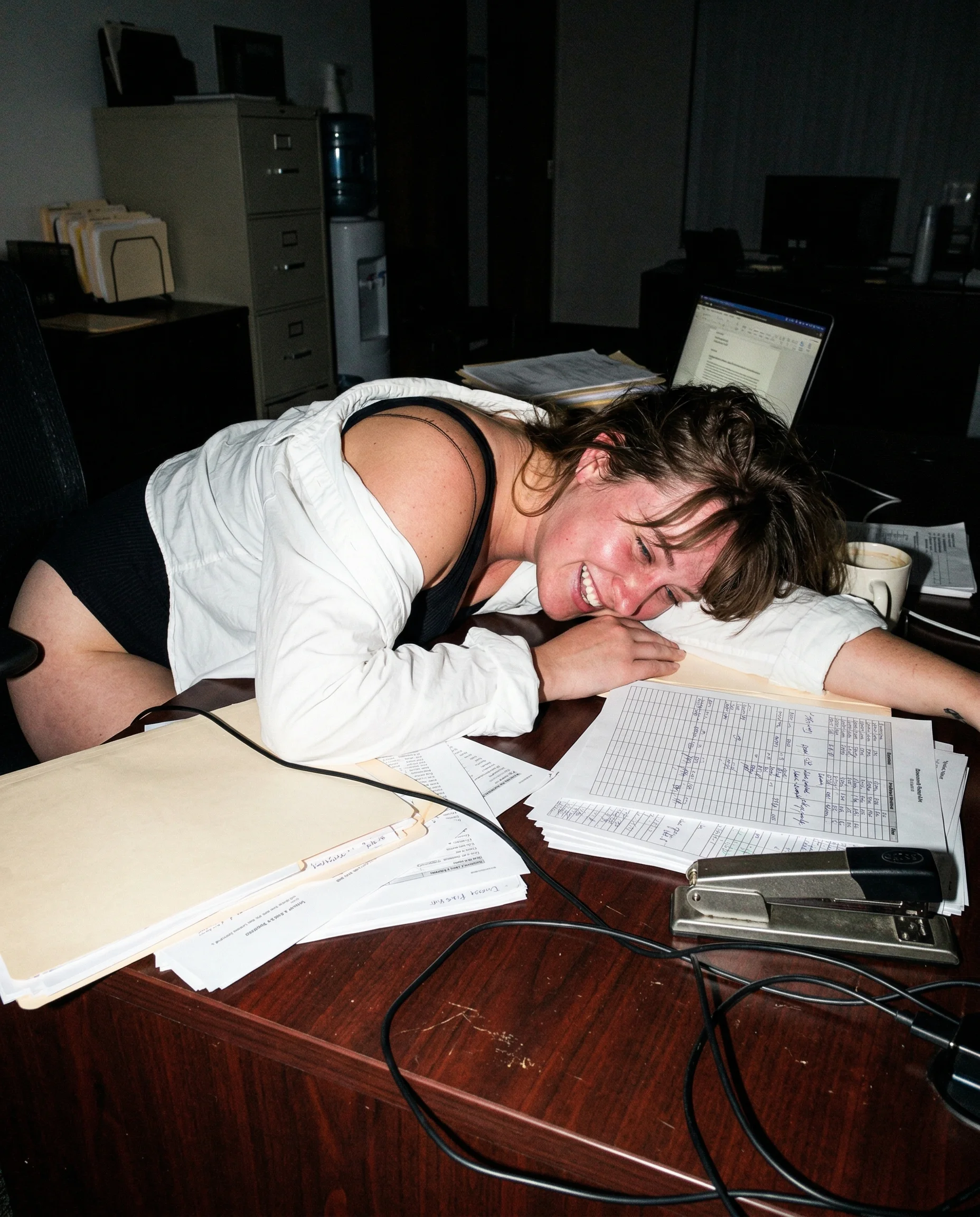
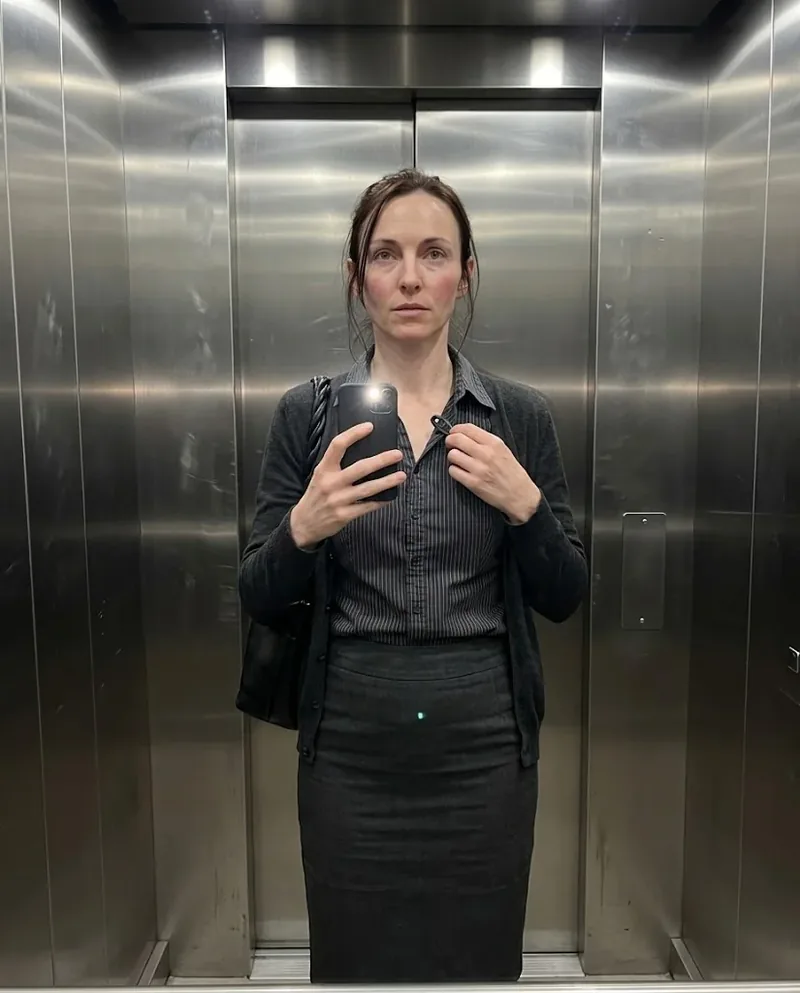
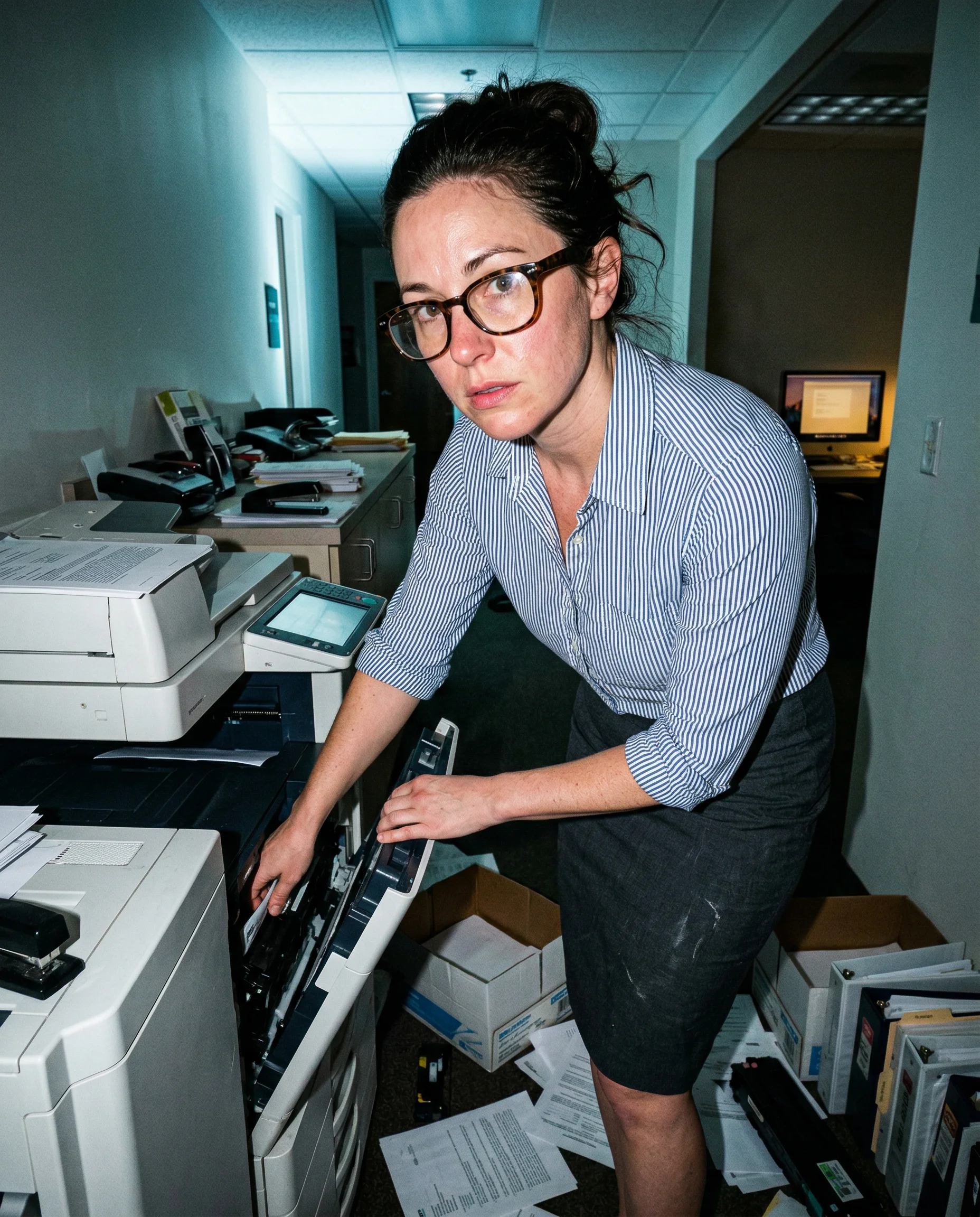
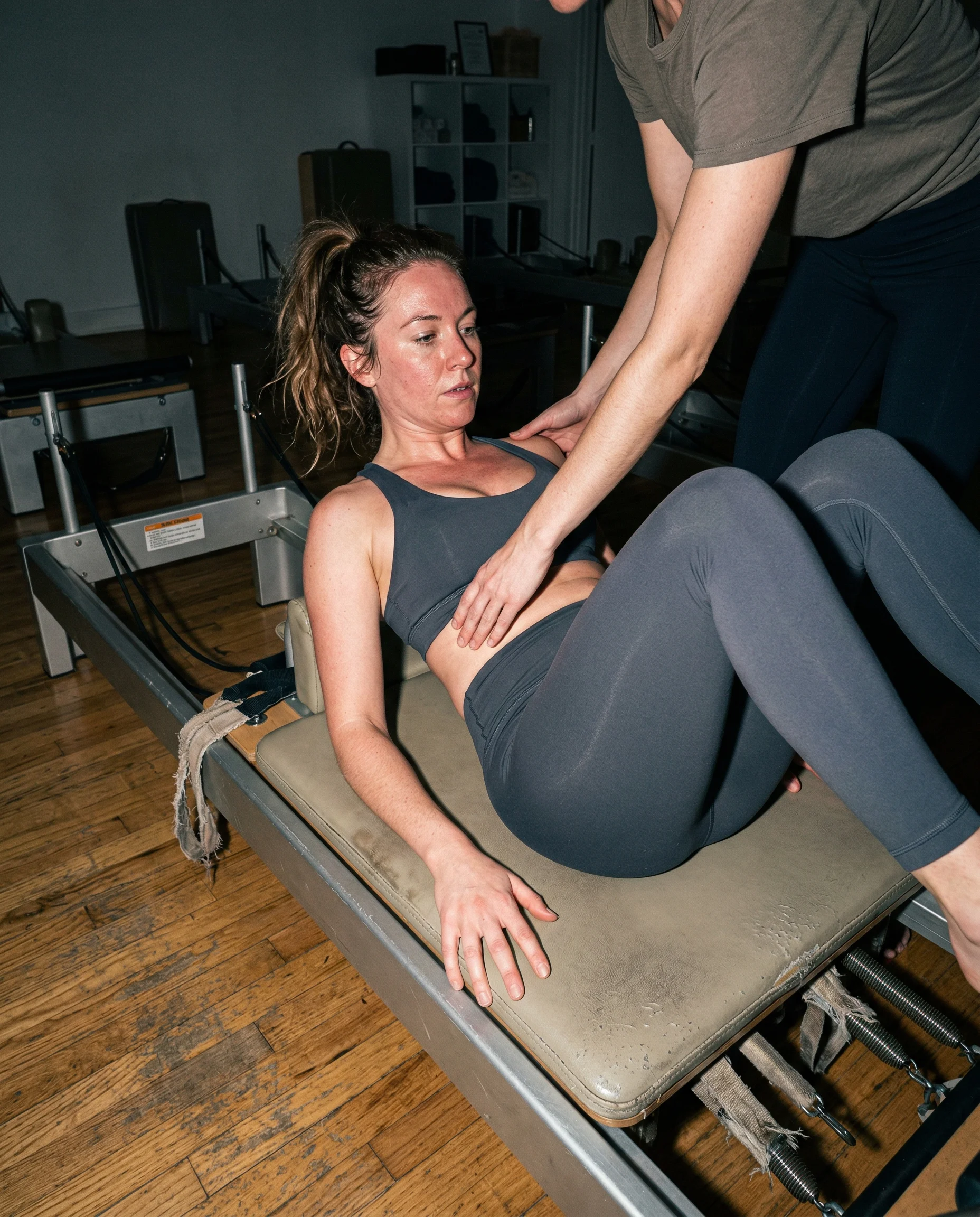
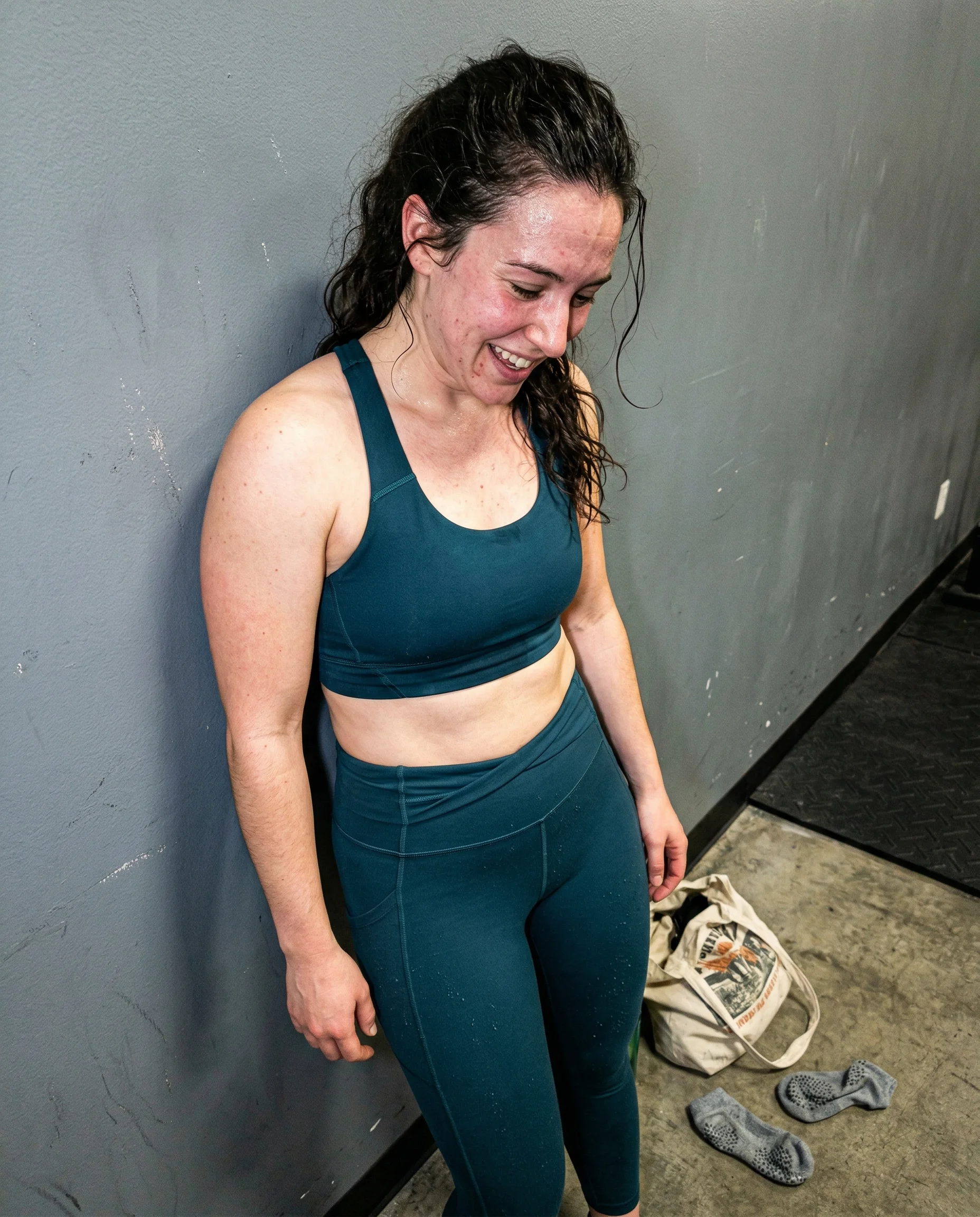
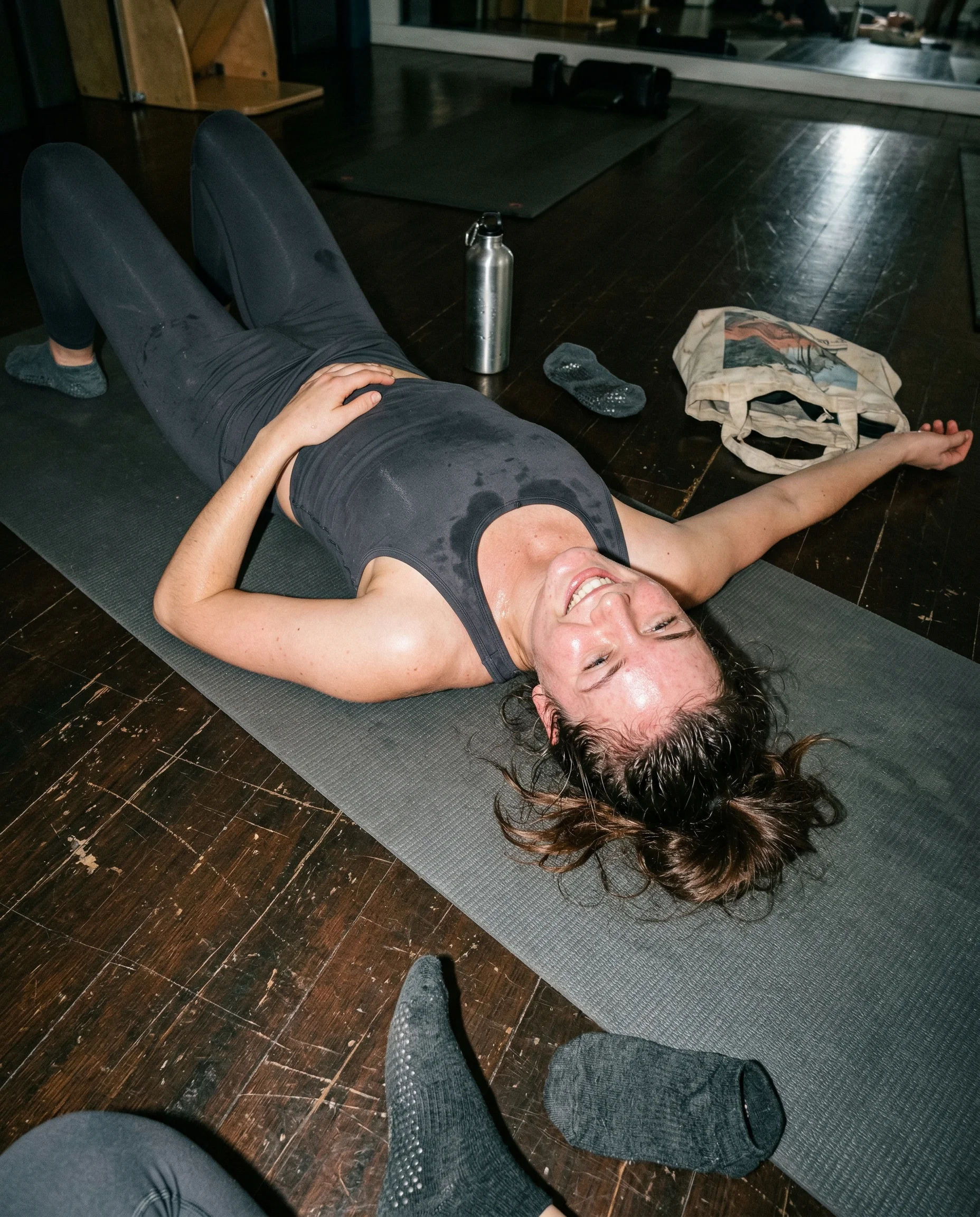
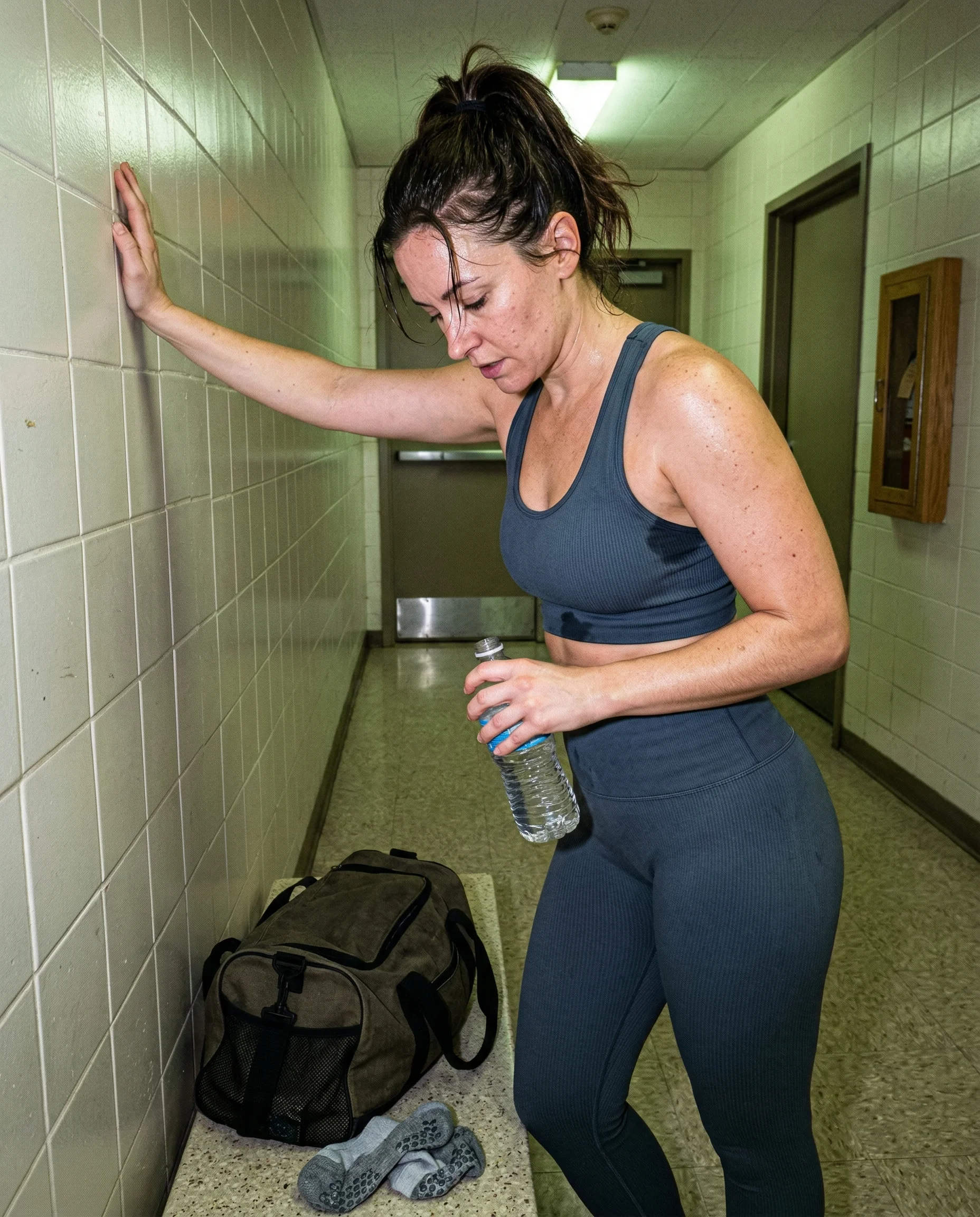
high ISO belongs in bad light
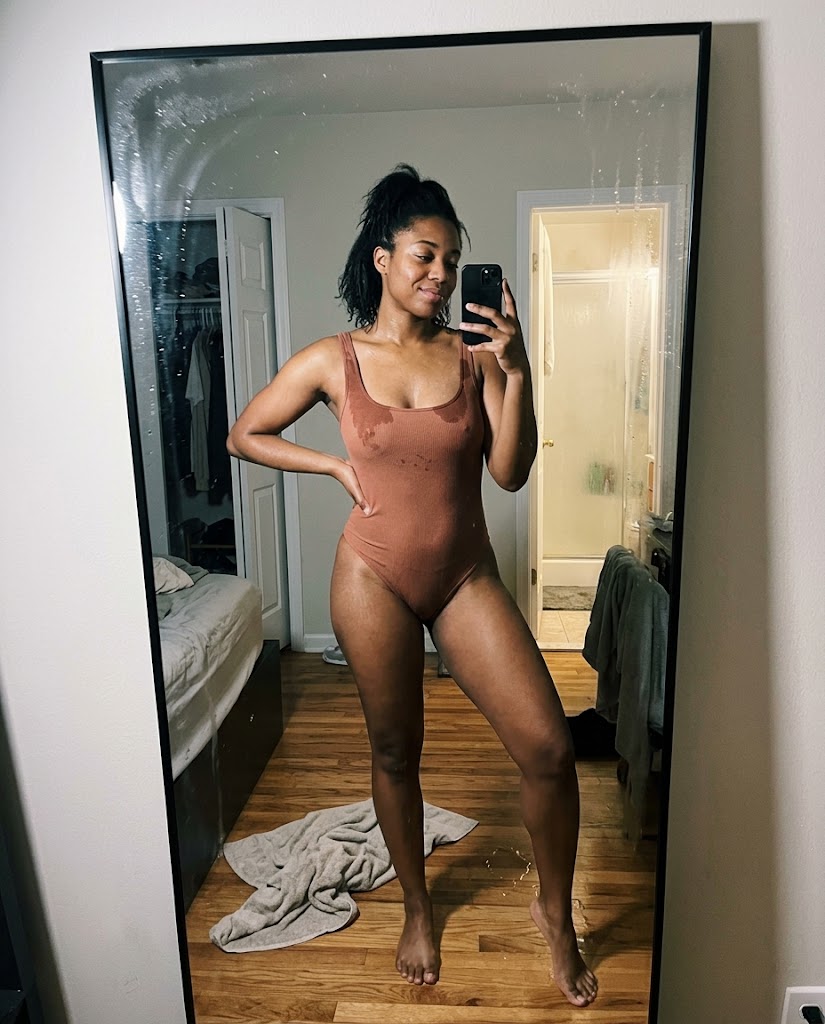
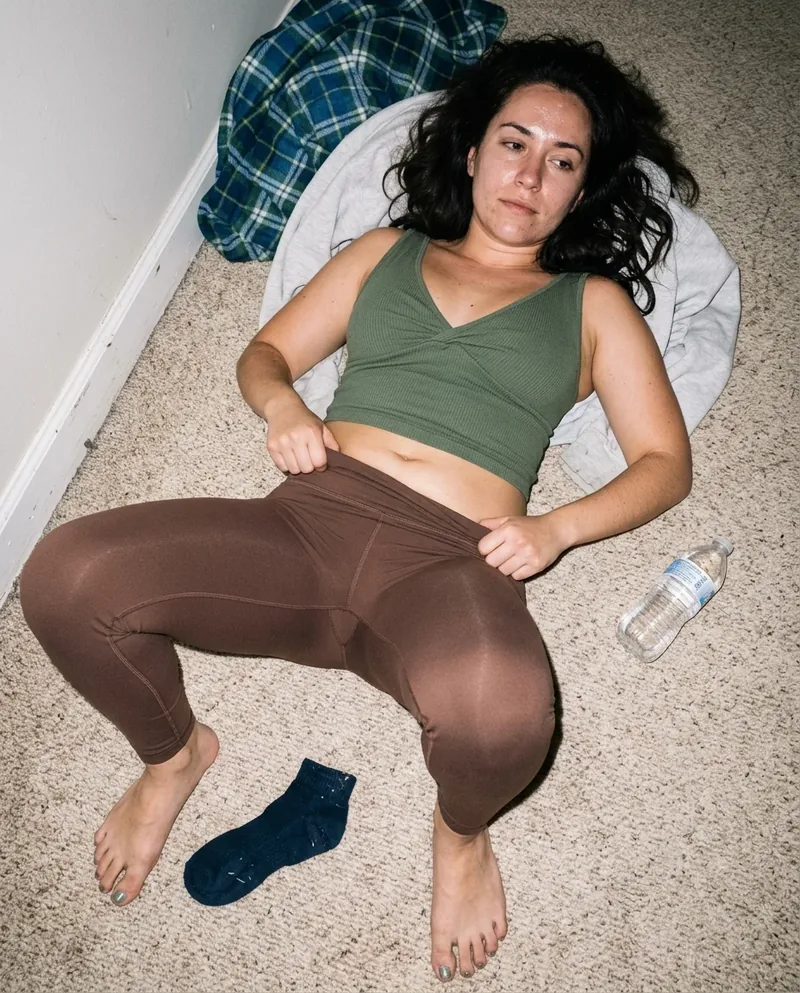
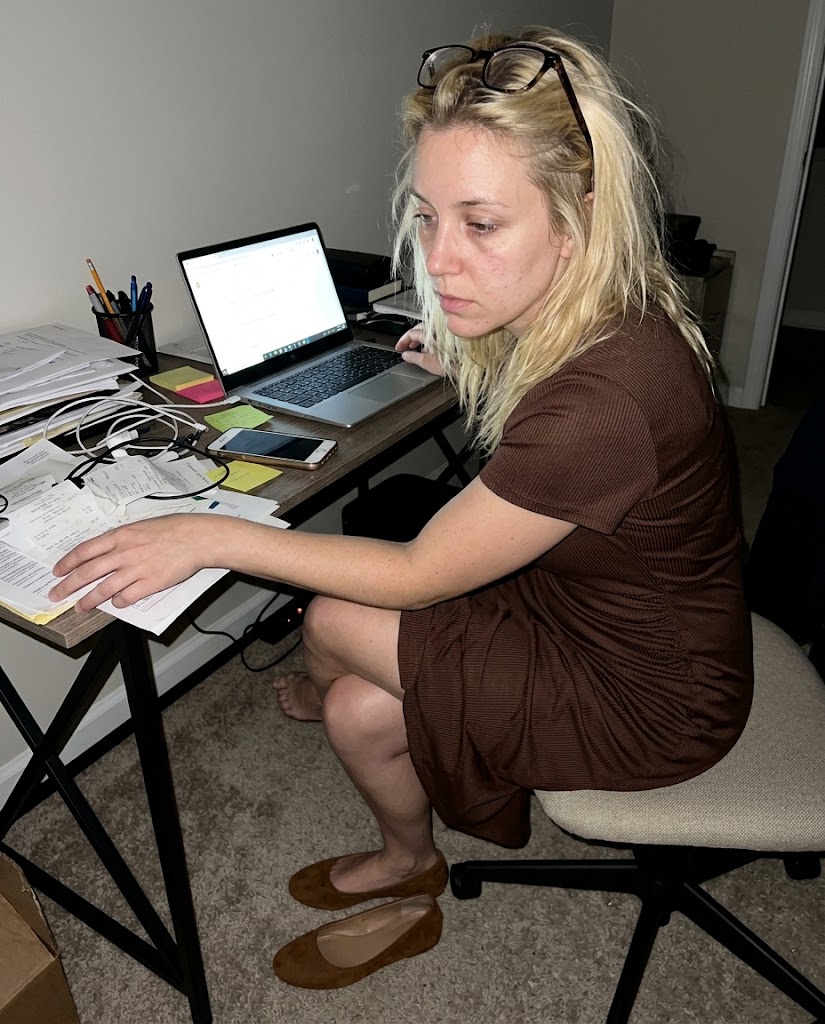
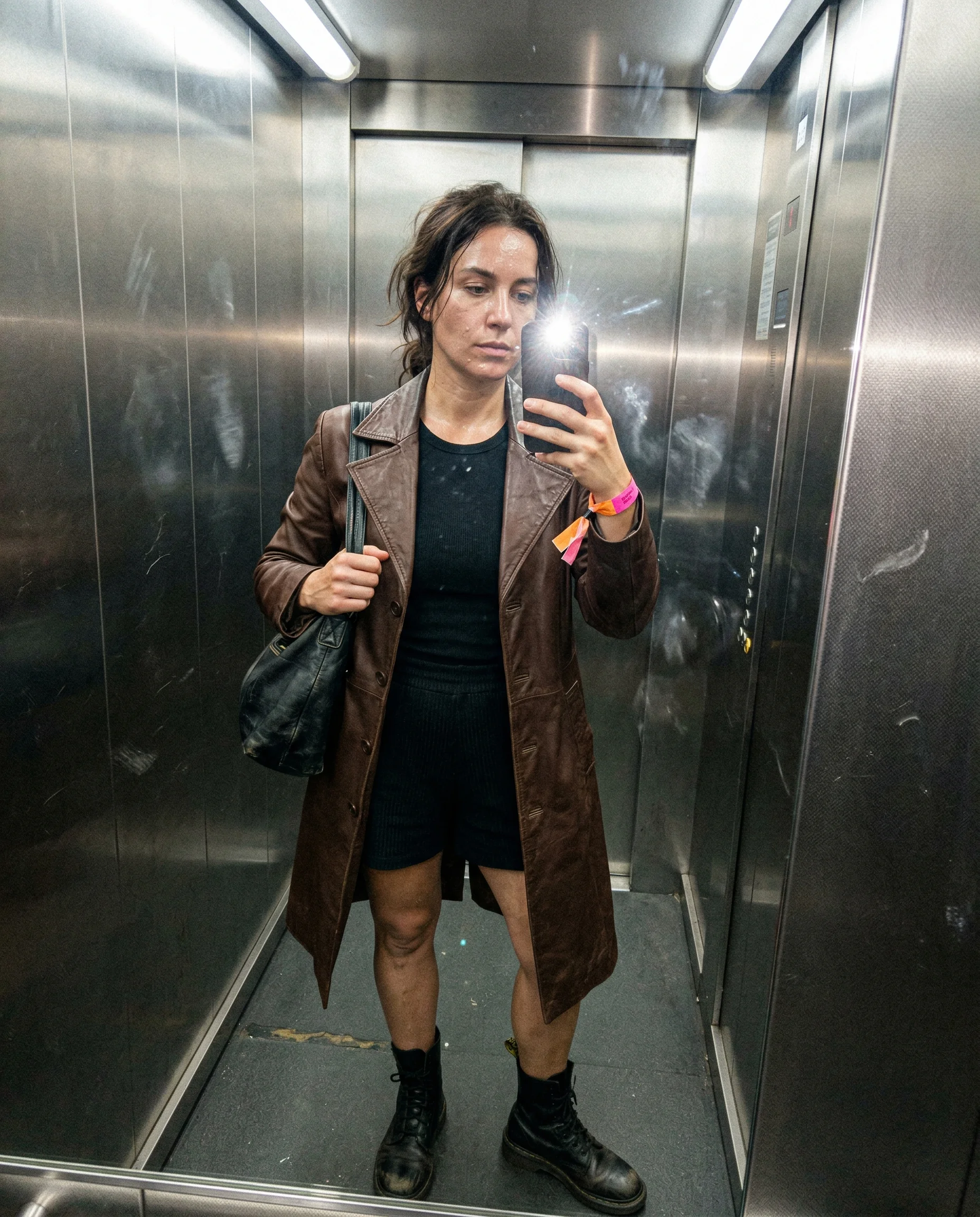
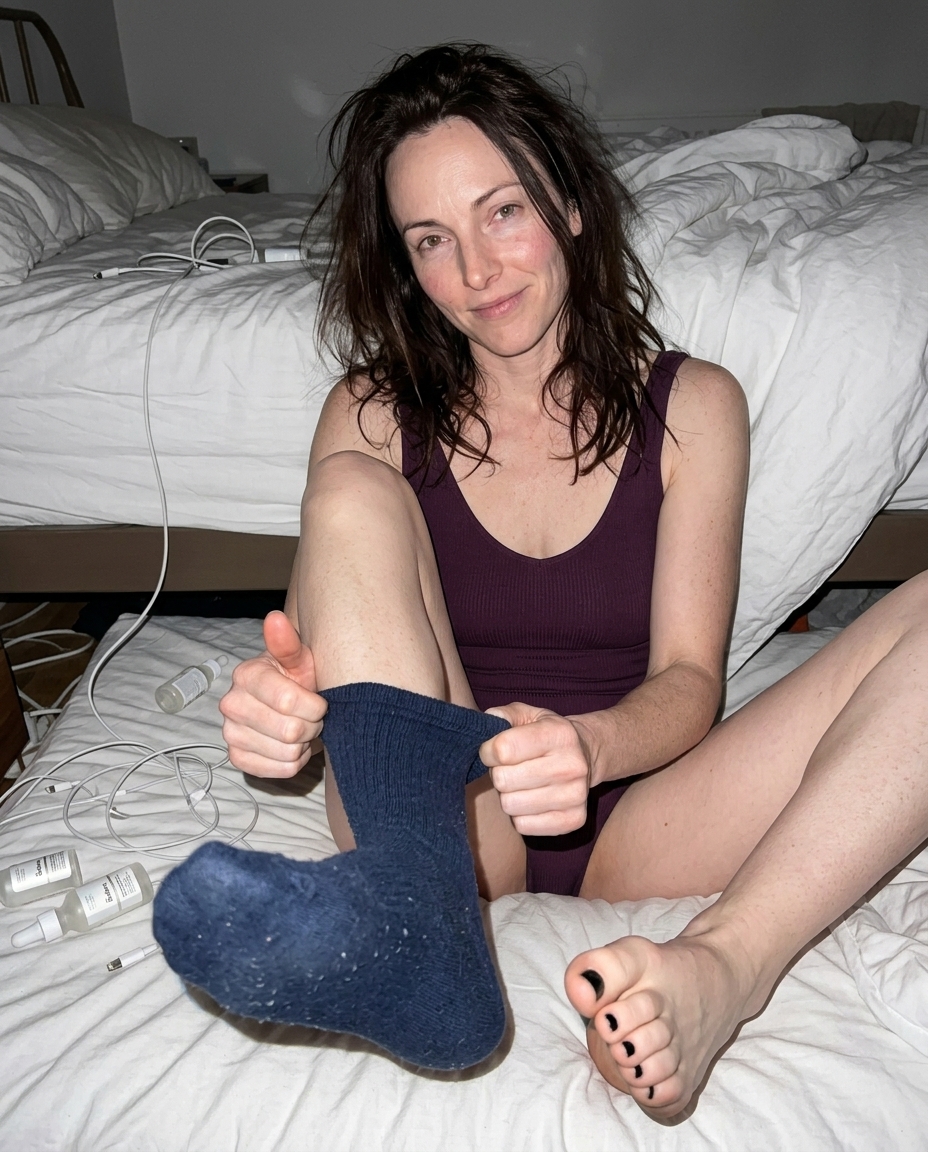
High ISO should show up when the camera is struggling. Think hallway mirrors, club exits, apartment floors, office corners after dark, and bathrooms where the overhead light is doing almost nothing useful.
let the shadows stay rough
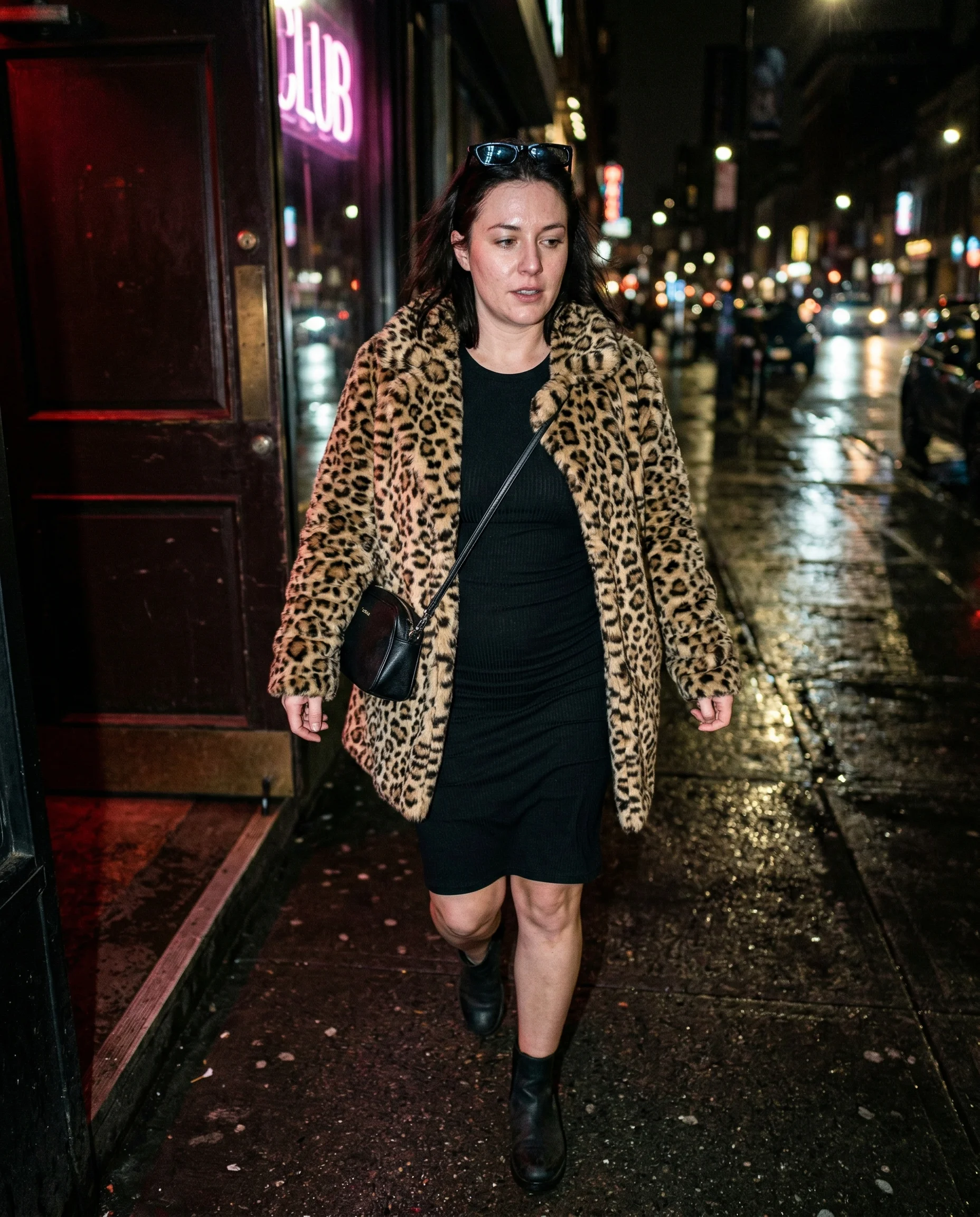
Do not clean up every dark patch. High ISO gives shadows little specks, uneven color, and soft edges. That roughness helps the image feel captured by a sensor instead of rendered by a machine with perfect patience.
noise plus motion feels believable
A high-ISO shot can hold a little blur, a late autofocus lock, or a body caught mid-shift. The camera is compensating, not performing. If everything freezes perfectly, the ISO note becomes decoration.
Read the underlying camera, lighting, and texture rules before opening the prompt grid.
Start from an aesthetic hub, then drill into the specific prompt pages that make the look usable.
Frequently asked questions about High ISO AI Photo Prompts
What does high ISO do in an AI prompt?
It tells the model the scene is low light and the camera is raising sensitivity, which creates visible noise, rougher shadows, and less polished detail.
When should I use high ISO instead of flash?
Use high ISO when you want the room to stay dim and available-light messy. Use flash when you want hard shadows, blown highlights, and a more aggressive phone-photo feel.
Can high ISO make images look worse?
It can, in a useful way. Too much noise gets ugly fast, but a little roughness is often what keeps low-light AI images from looking over-rendered.