
24mm AI Photo Prompts
24mm AI photo prompts for photorealistic image models with close phone framing, slight distortion, messy rooms, and wide-angle edges that feel real.
 Ref Verified Mia
  Ref Verified Mia
 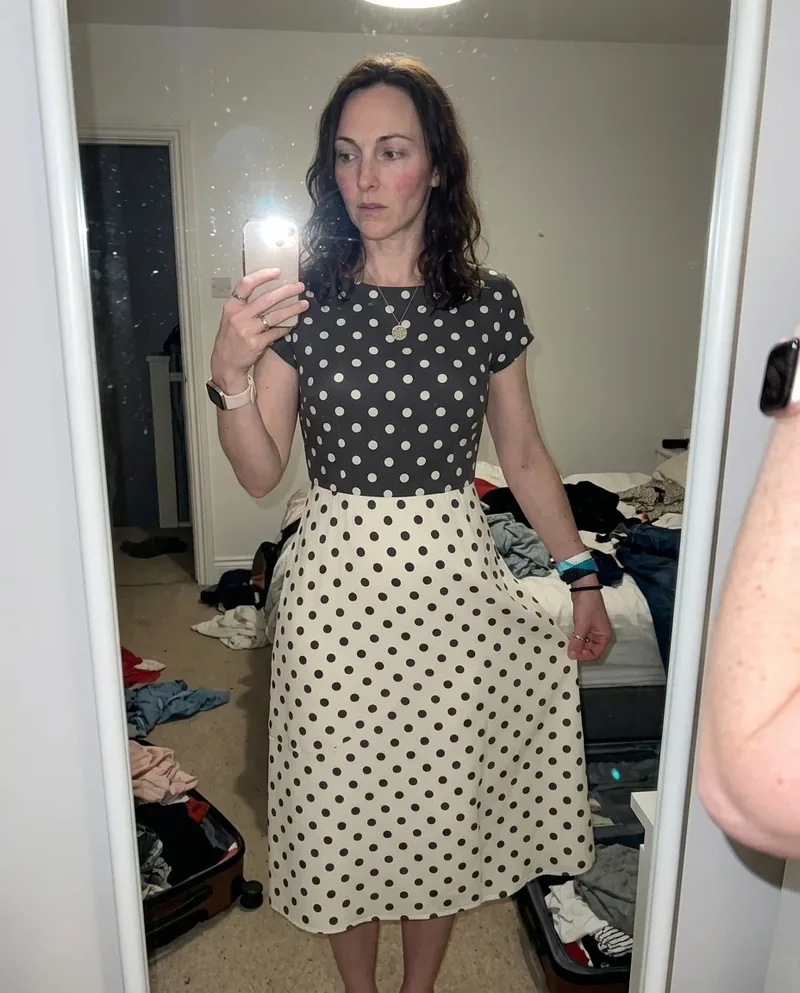 Ref Verified Mia
 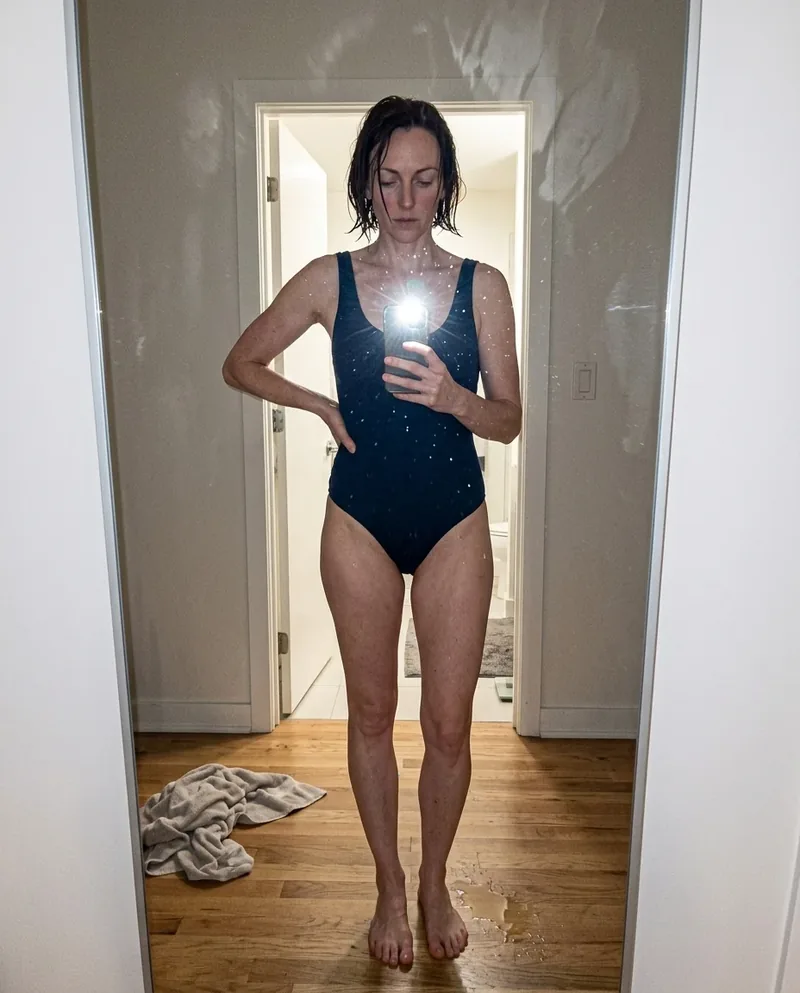 Ref Verified Mia
 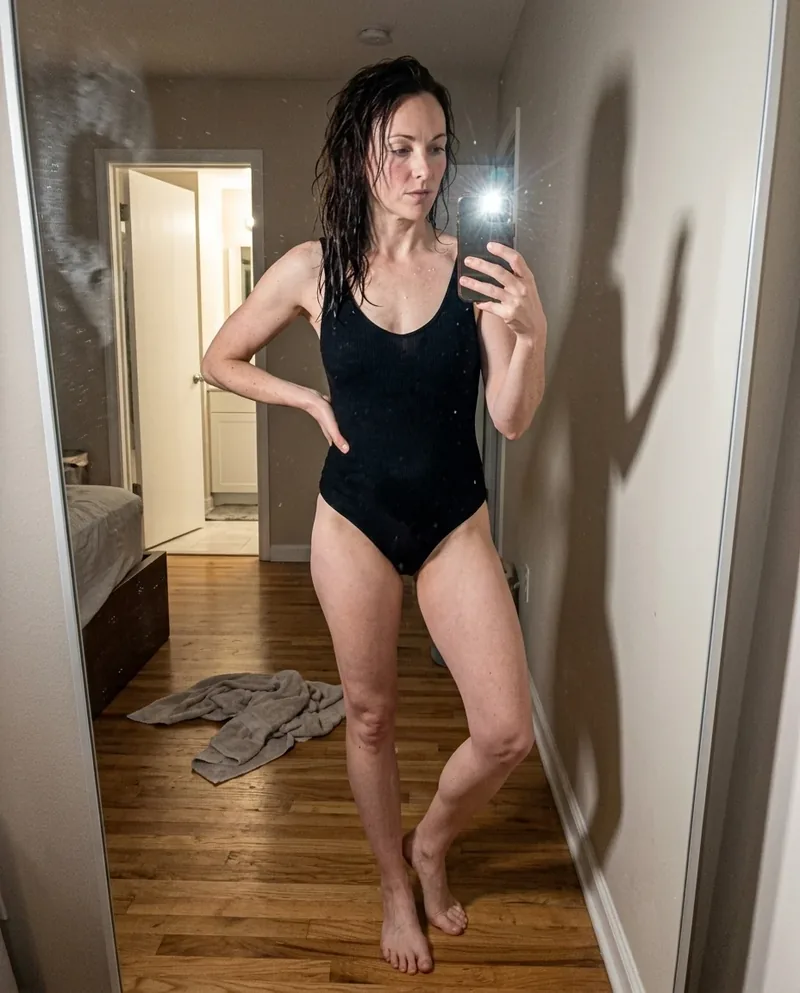 Ref Verified Mia
 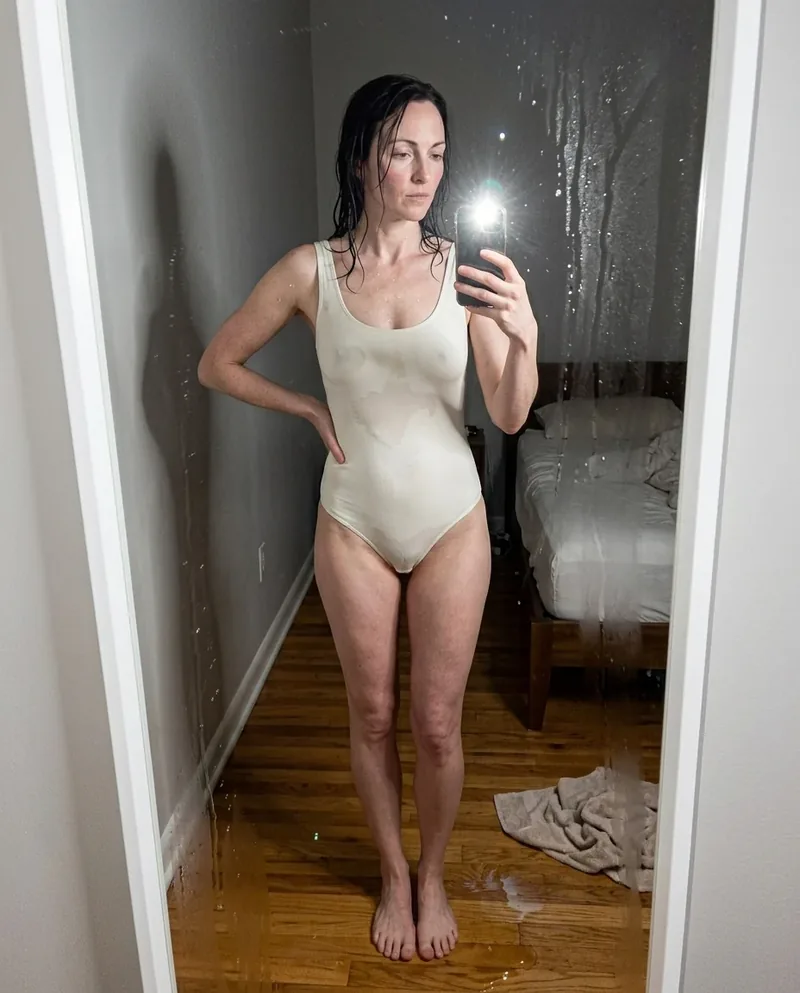 Ref Verified Mia
 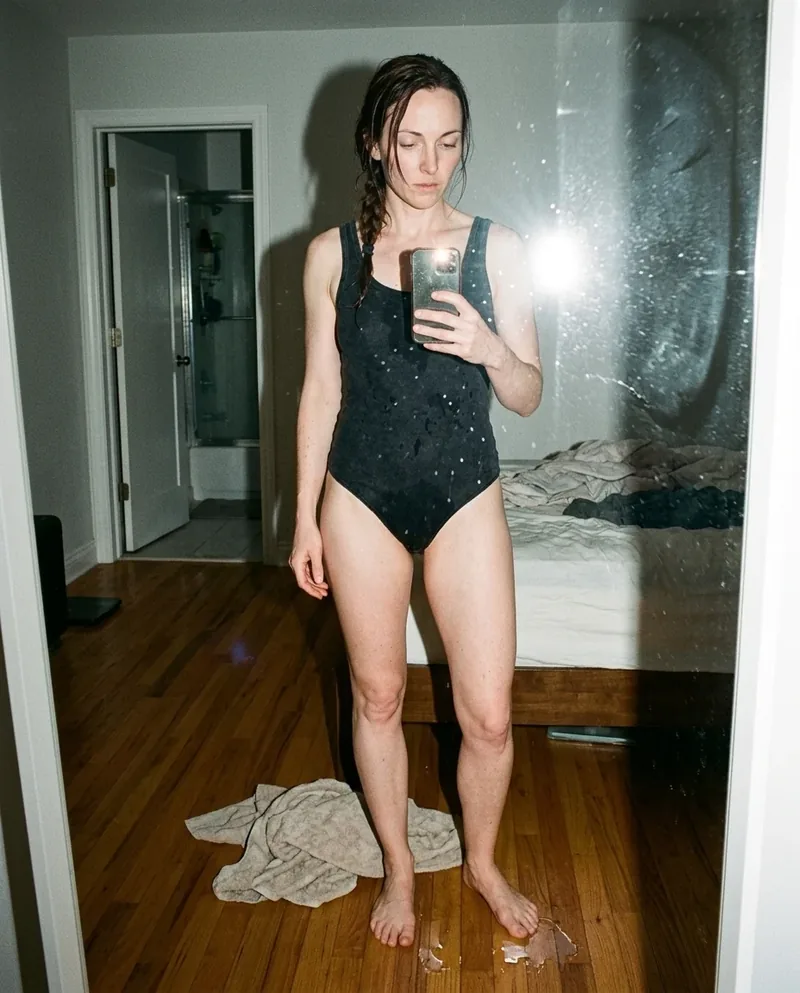 Ref Verified Mia
 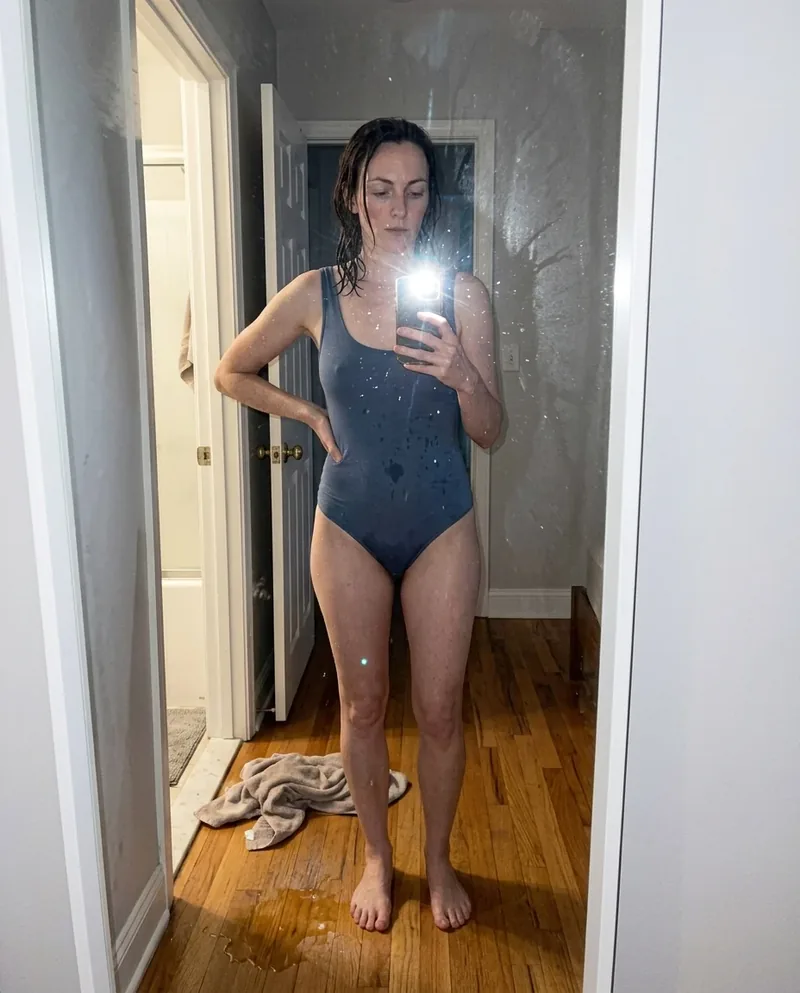 Ref Verified Mia
 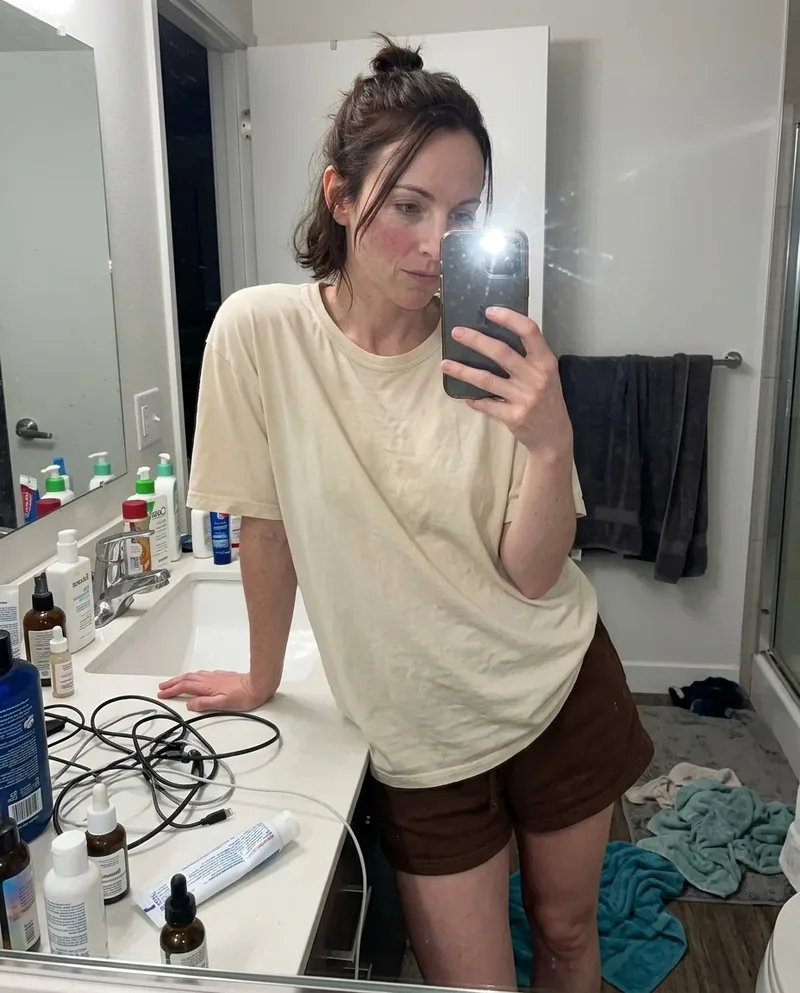 Ref Verified Mia
 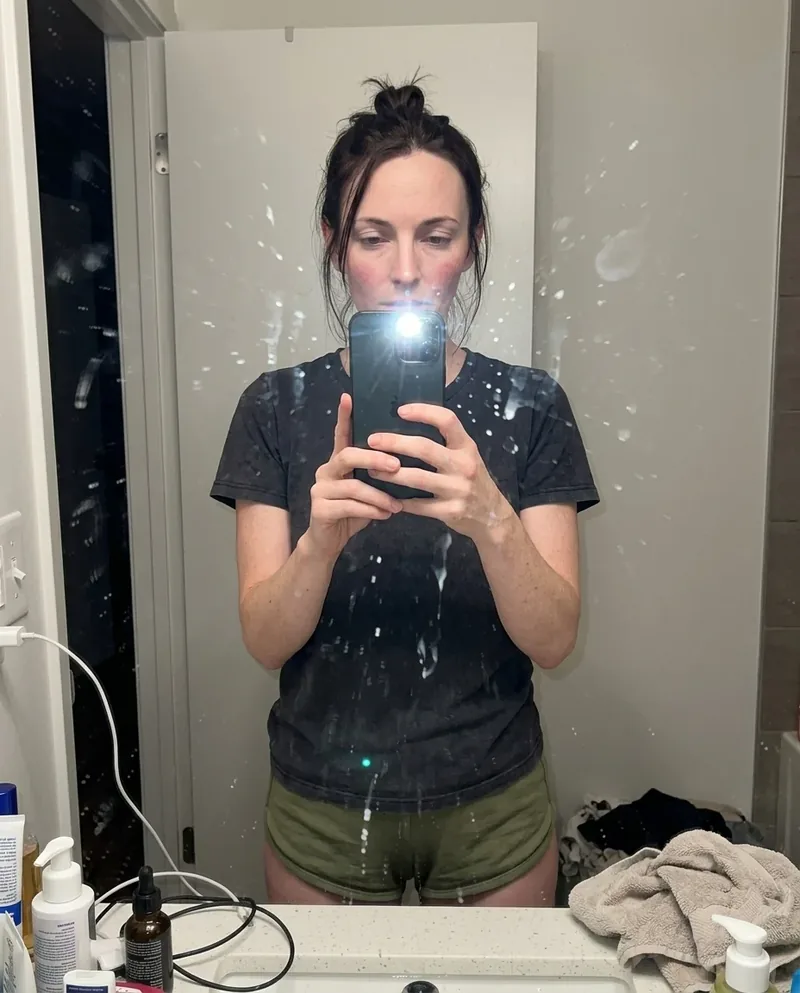 Ref Verified Mia
 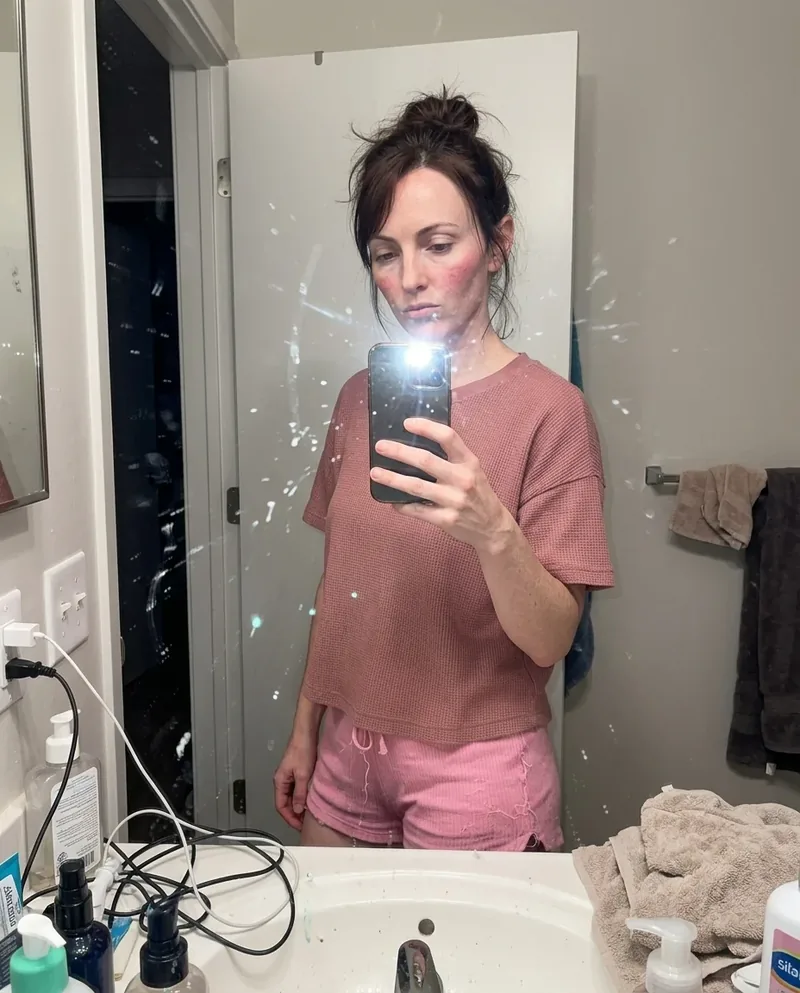 Ref Verified Mia
 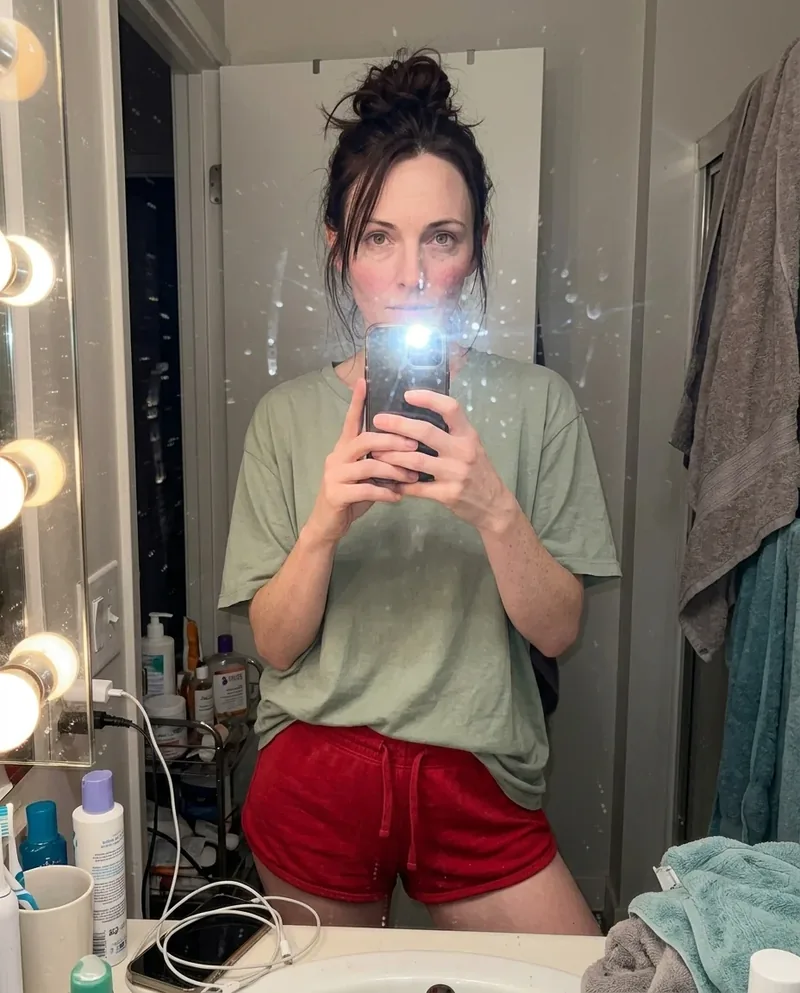 Ref Verified Mia
 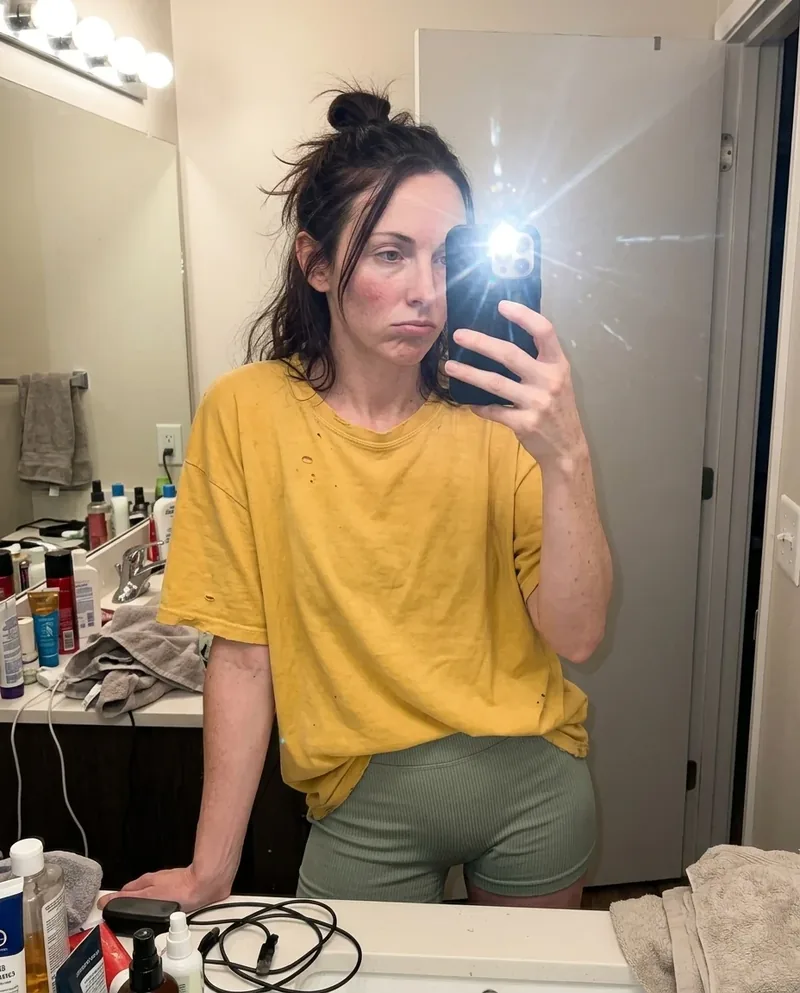 Ref Verified Mia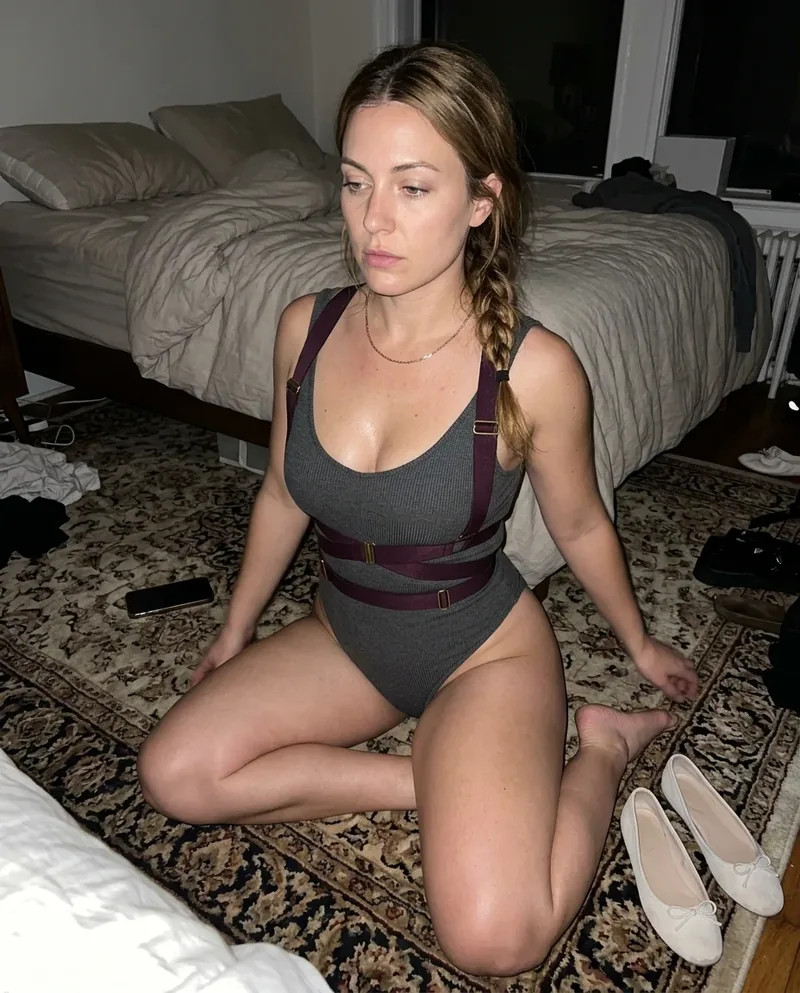



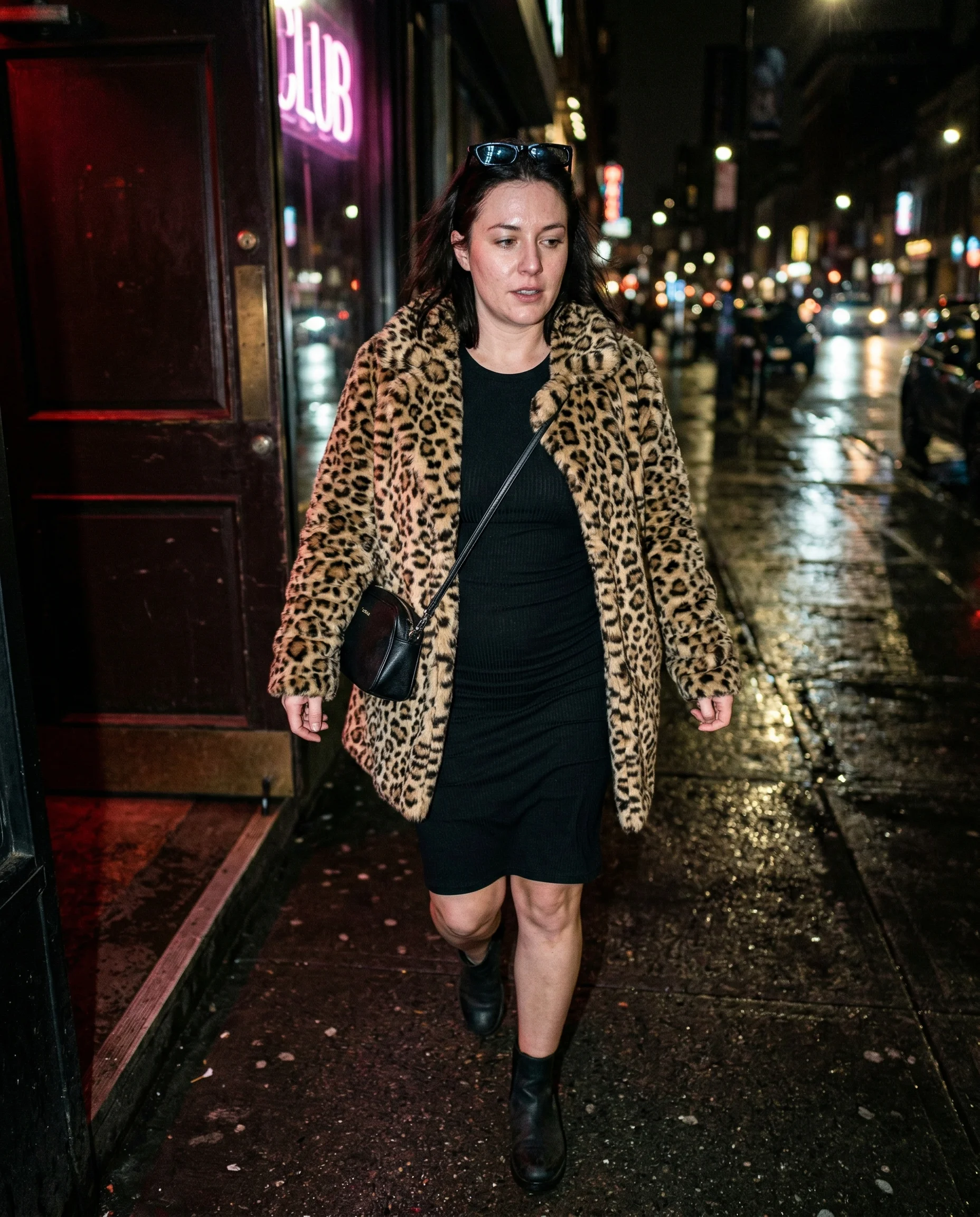
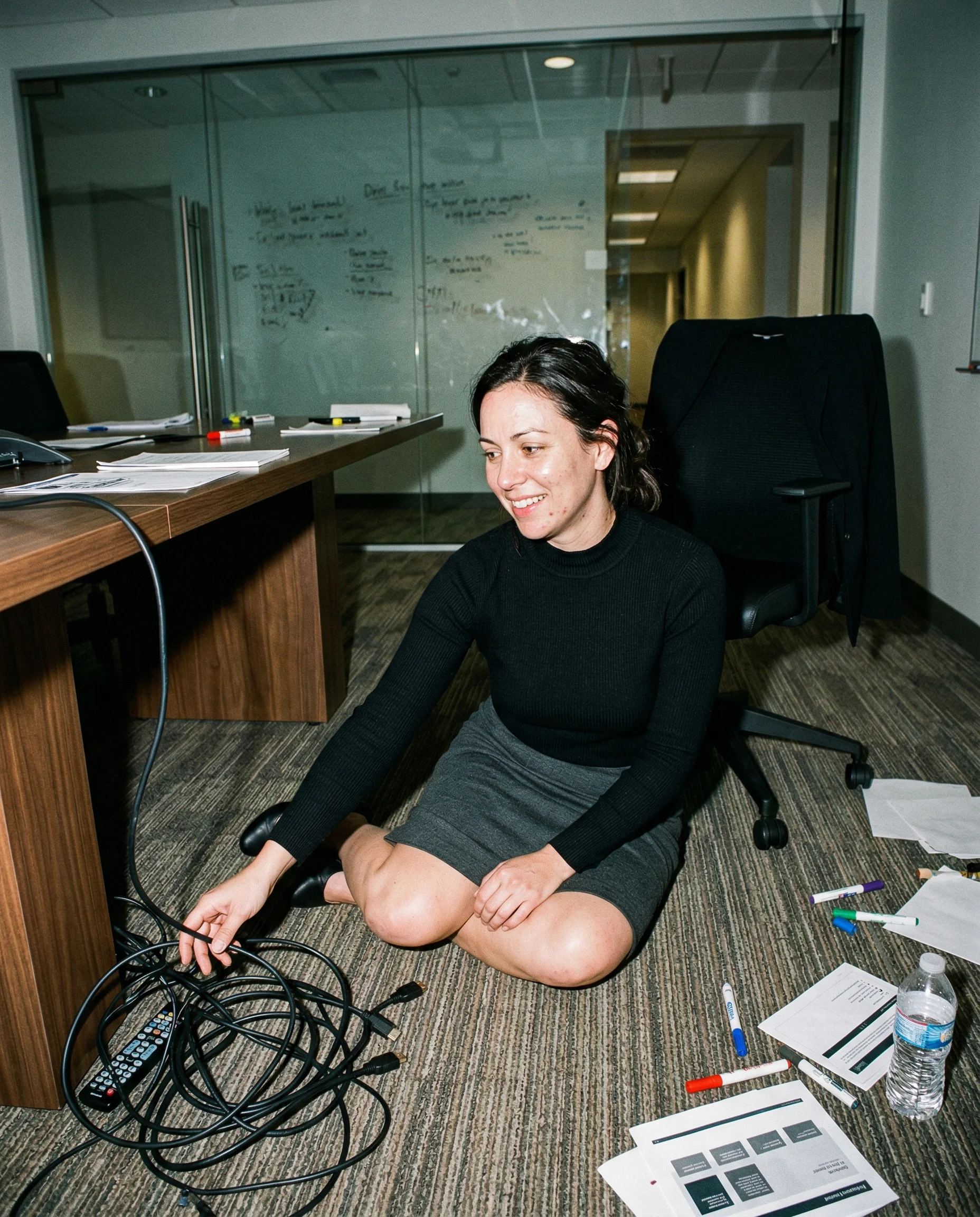
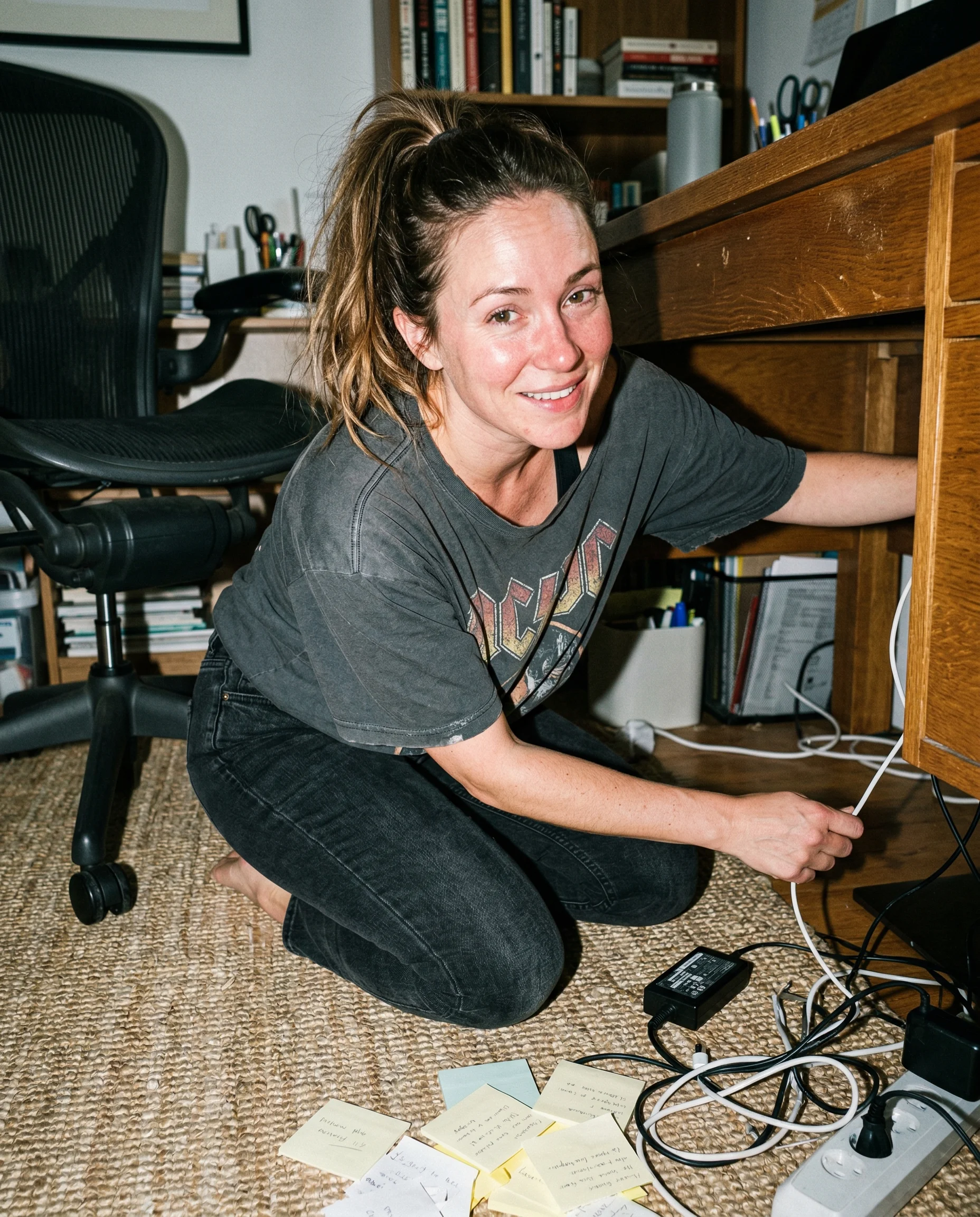
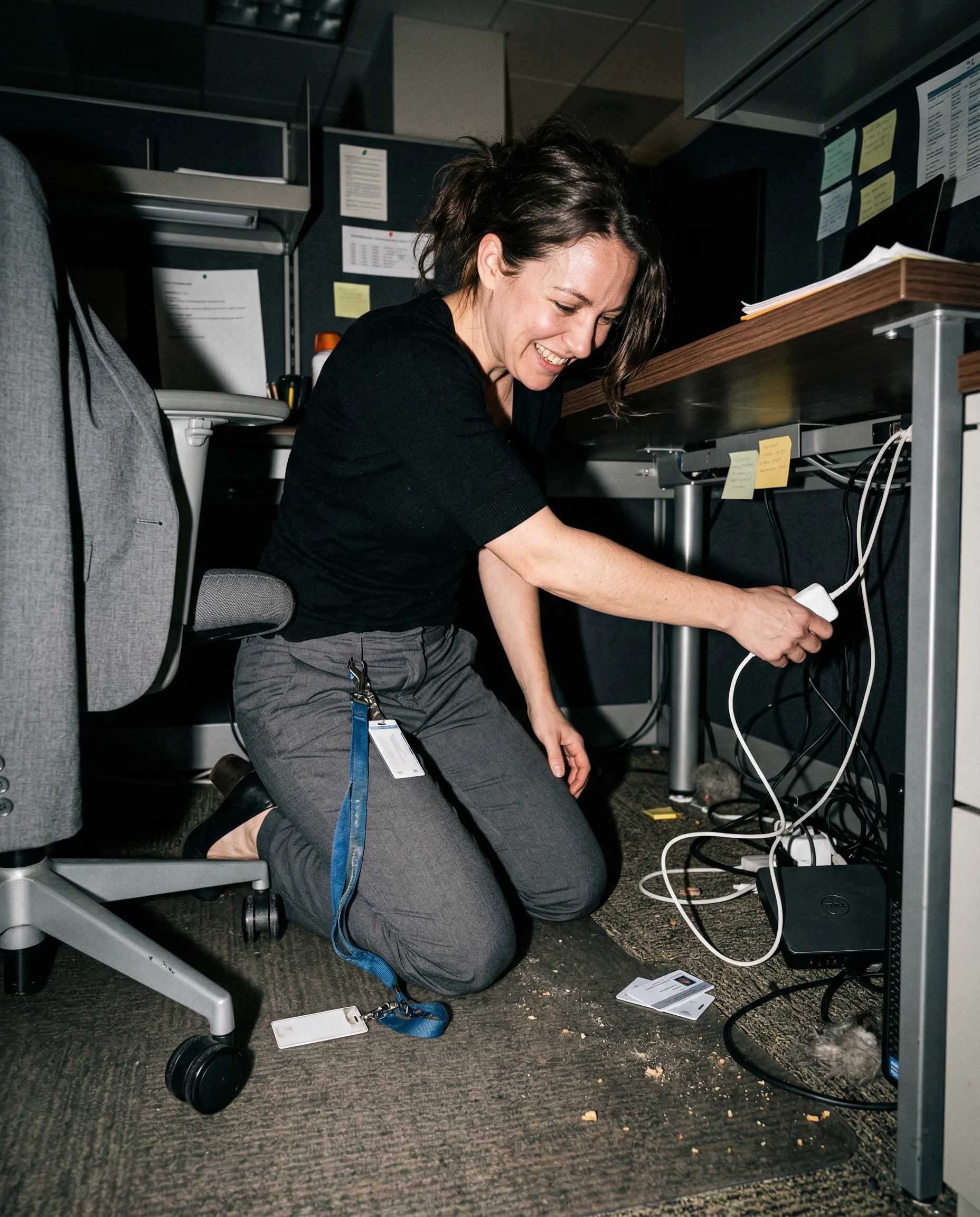
 Mia
Mia 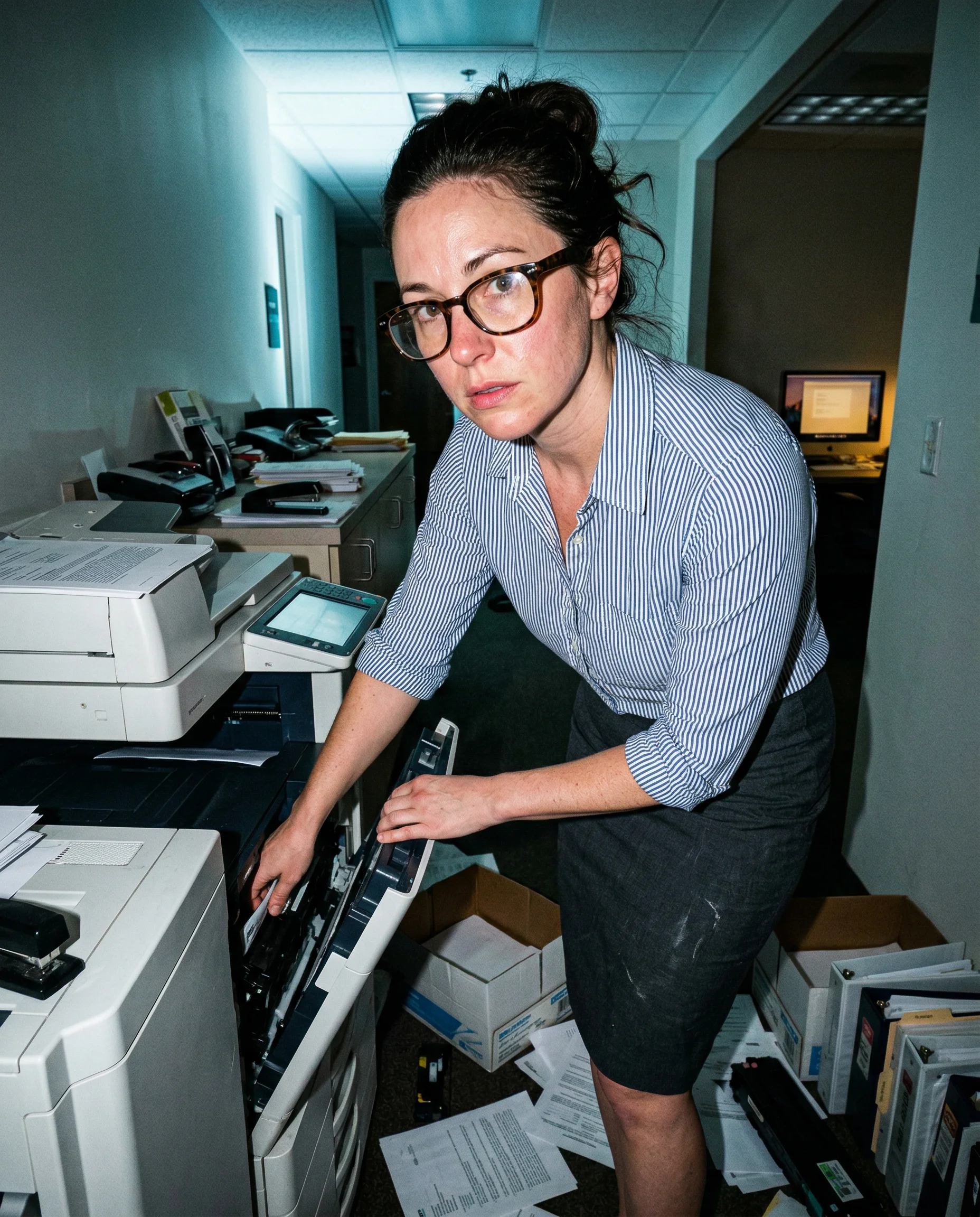
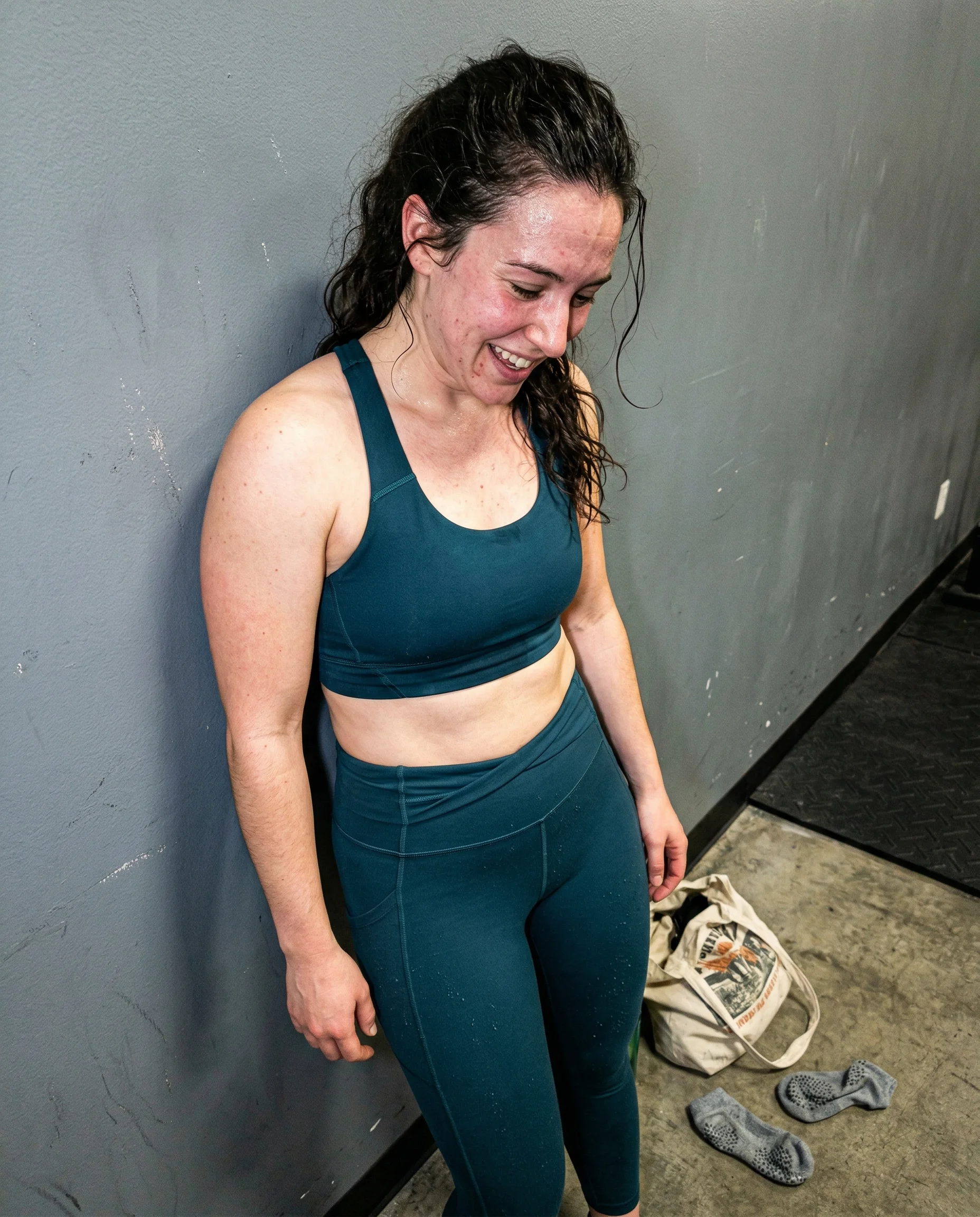
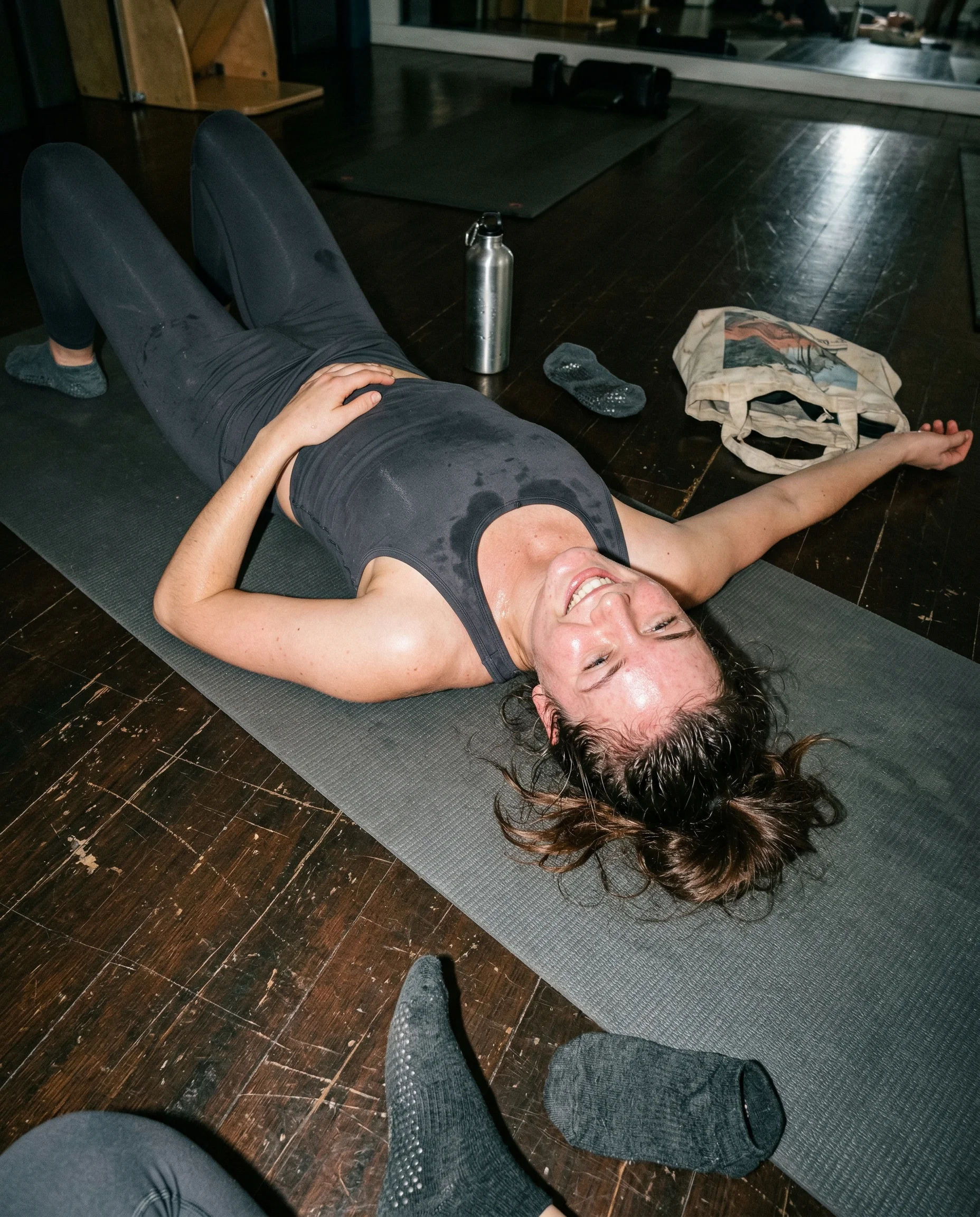
close enough to bend the room
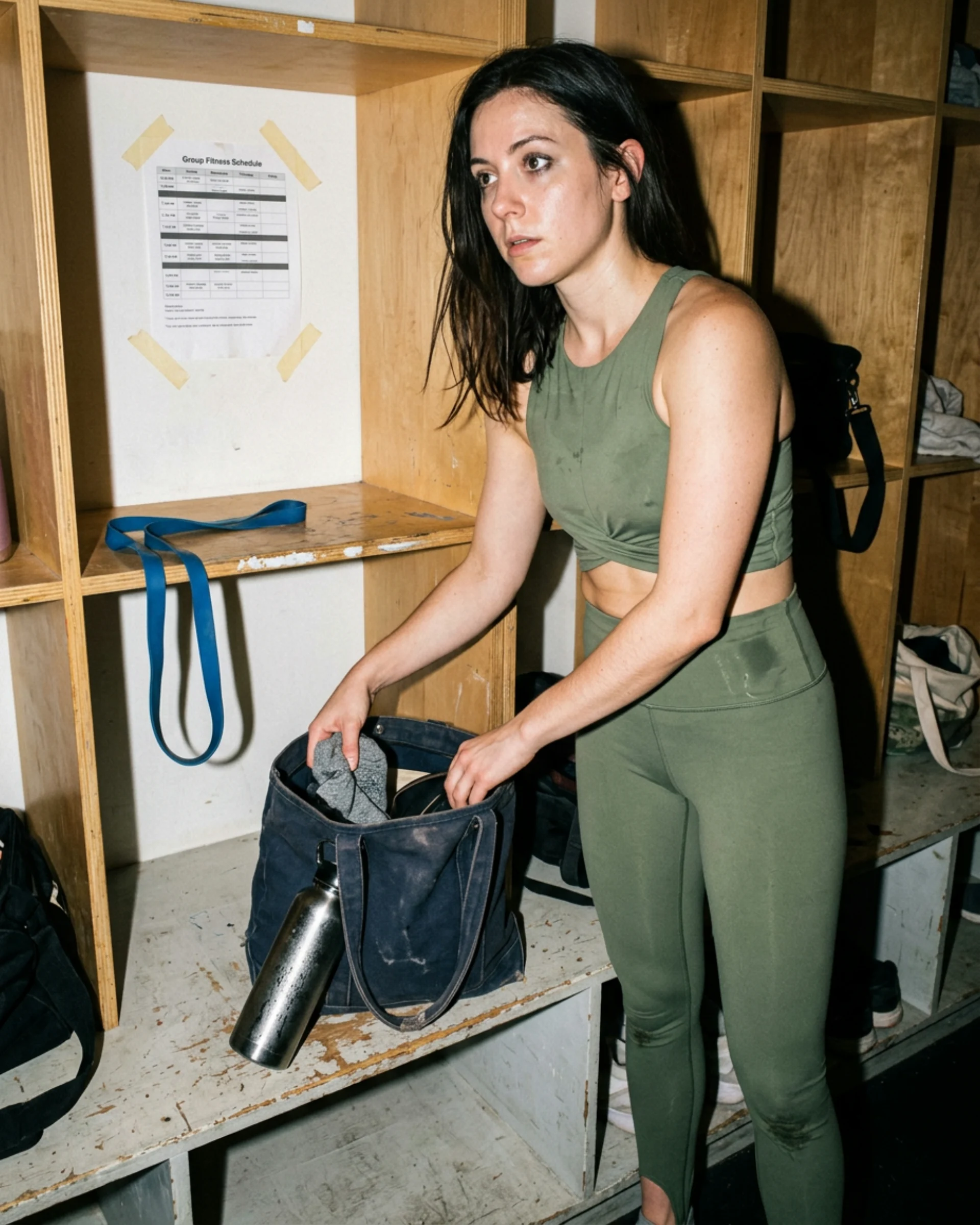
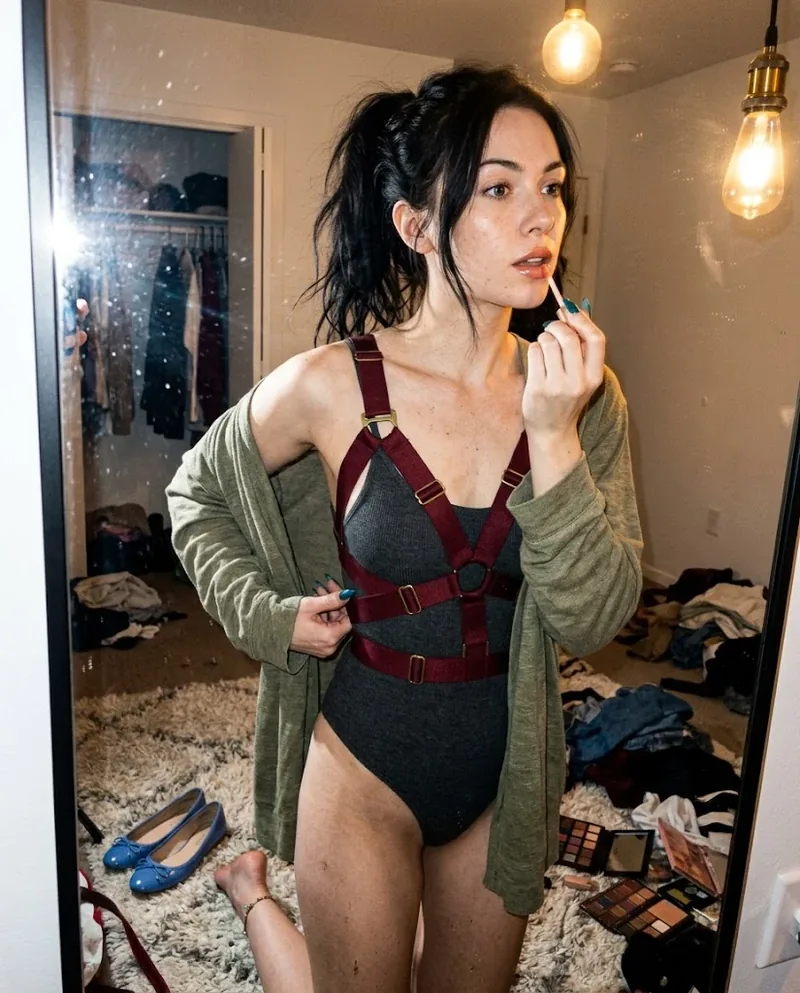
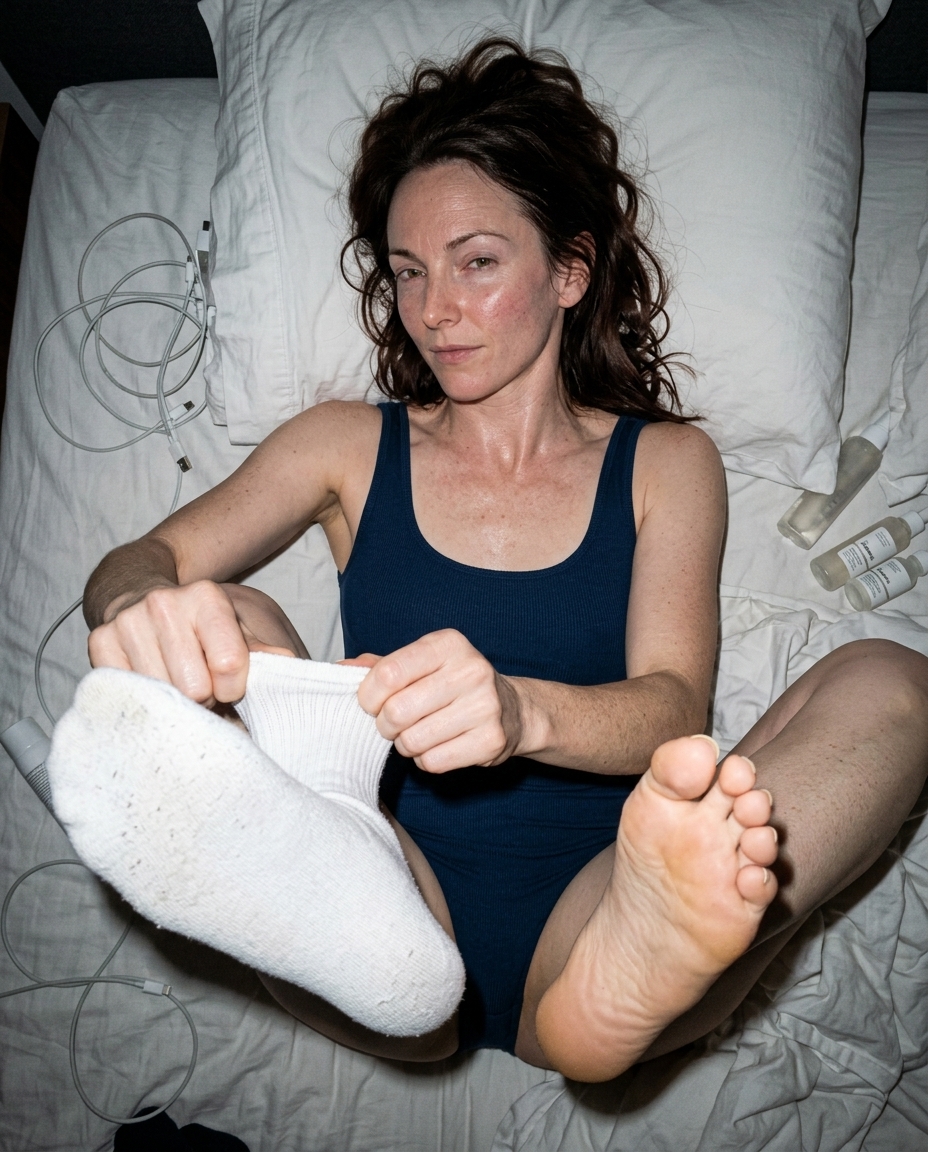
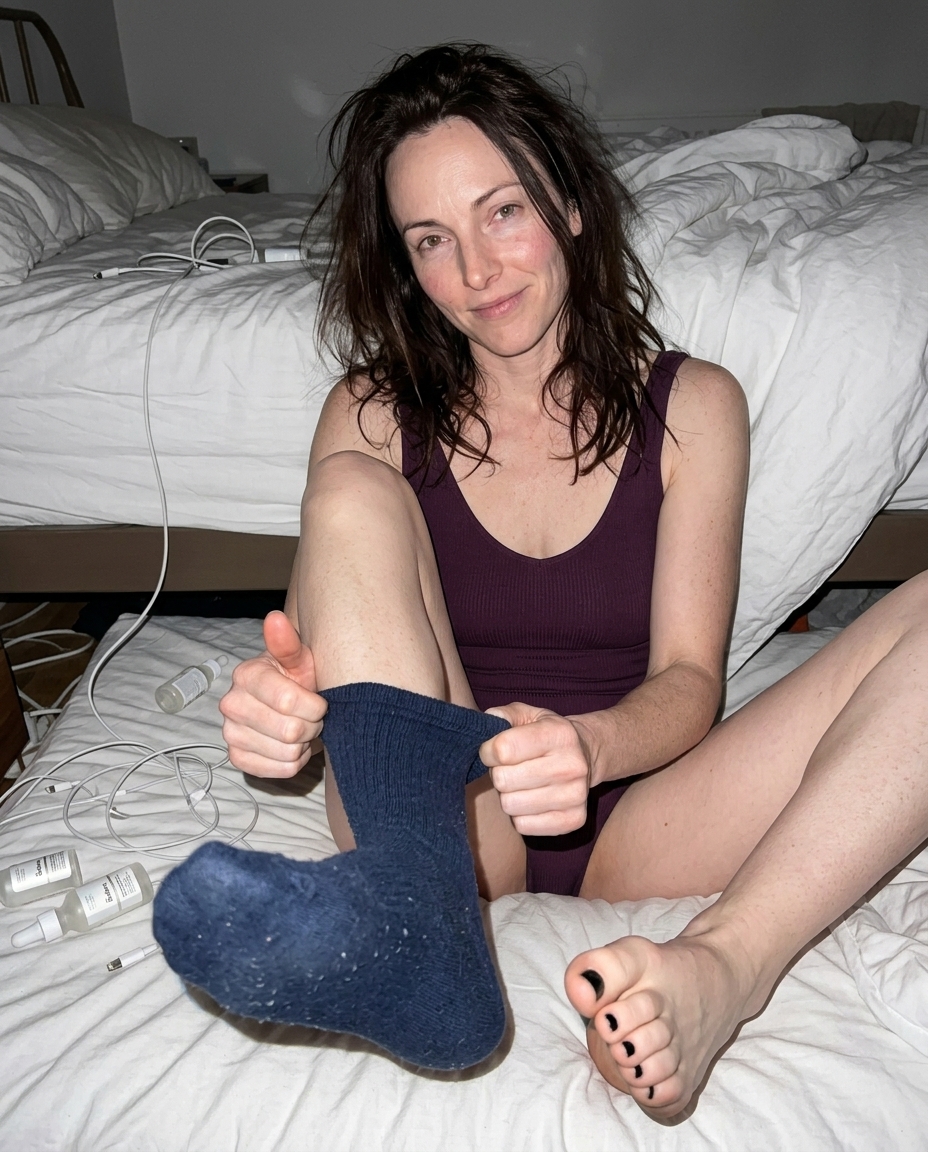
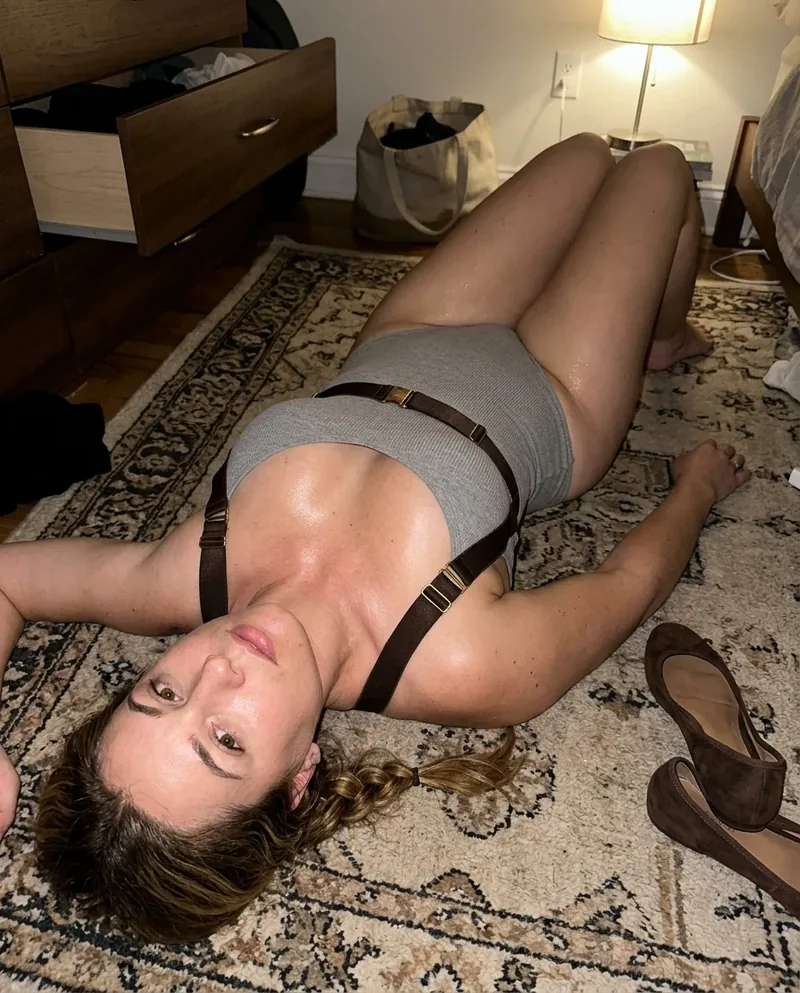
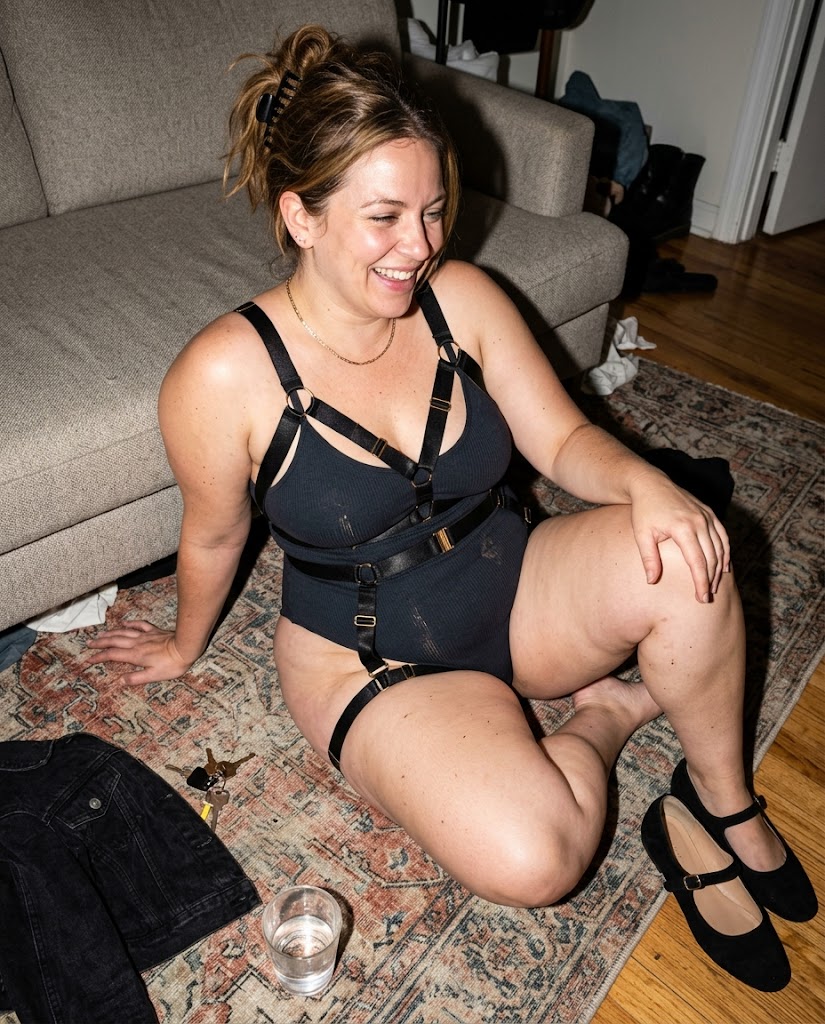
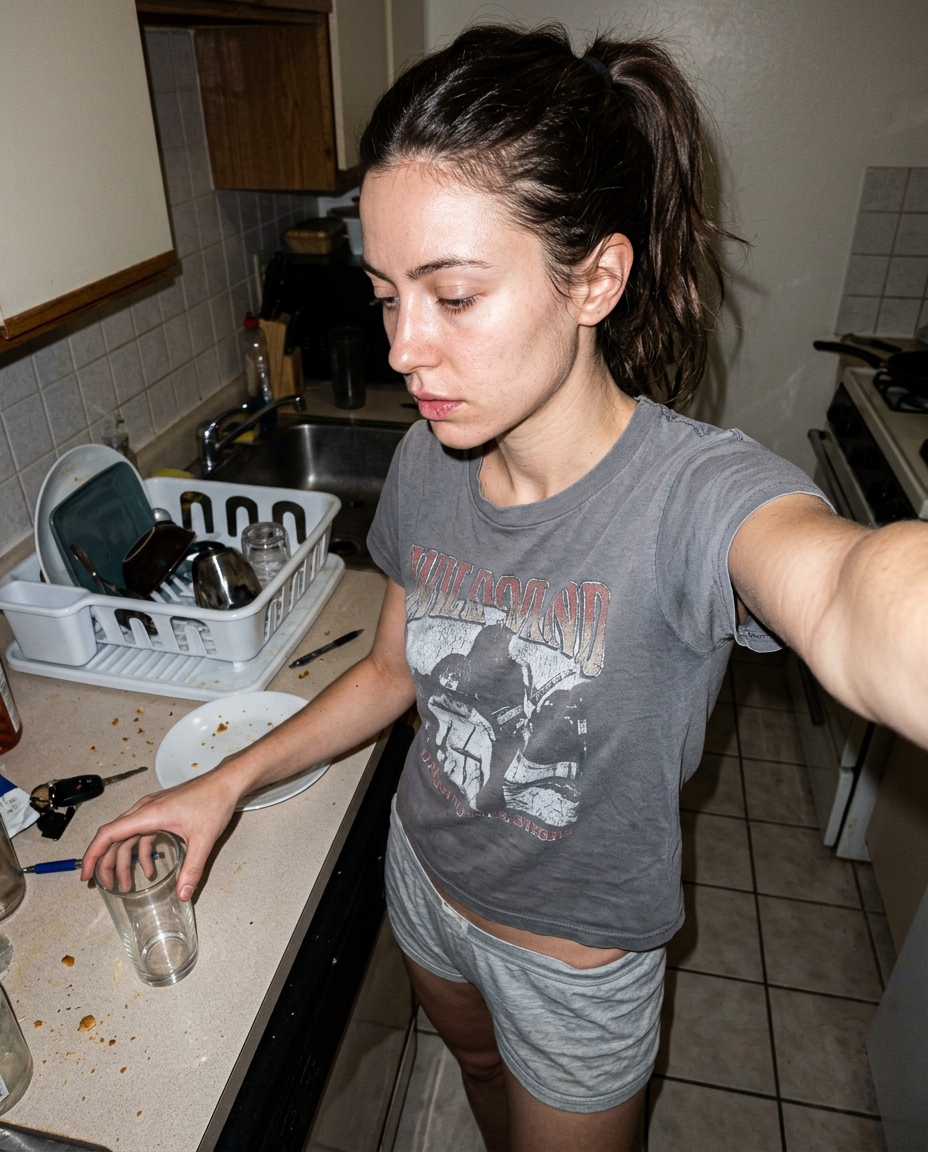
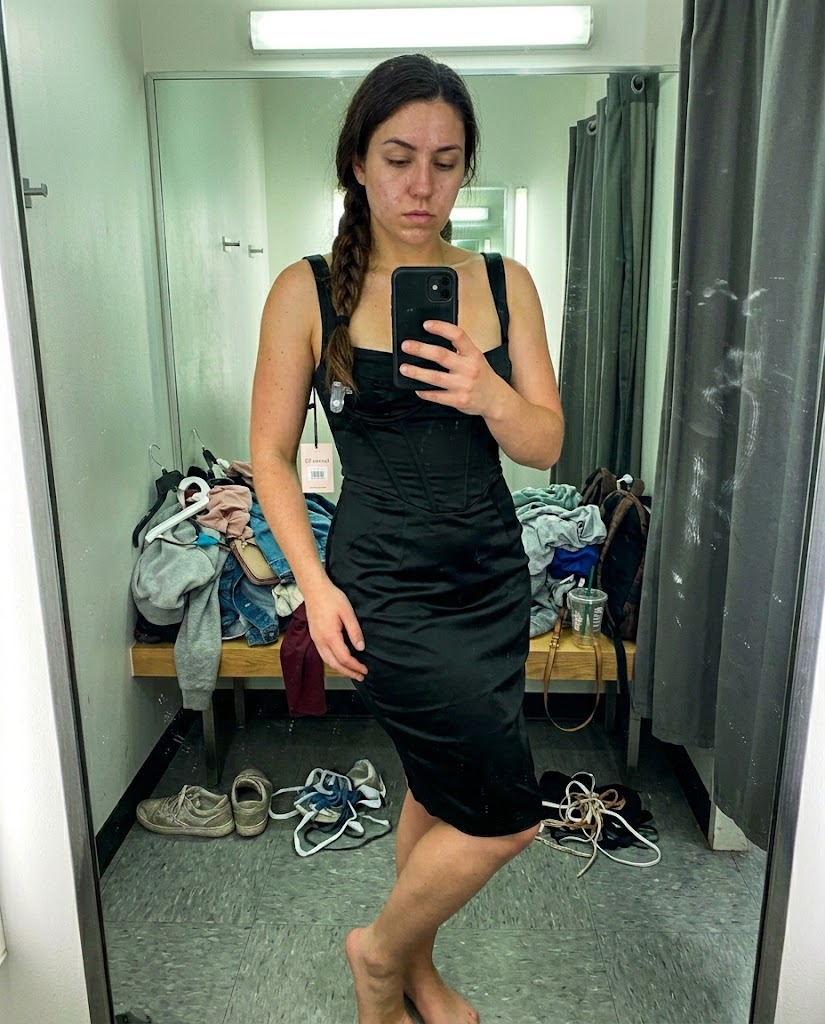
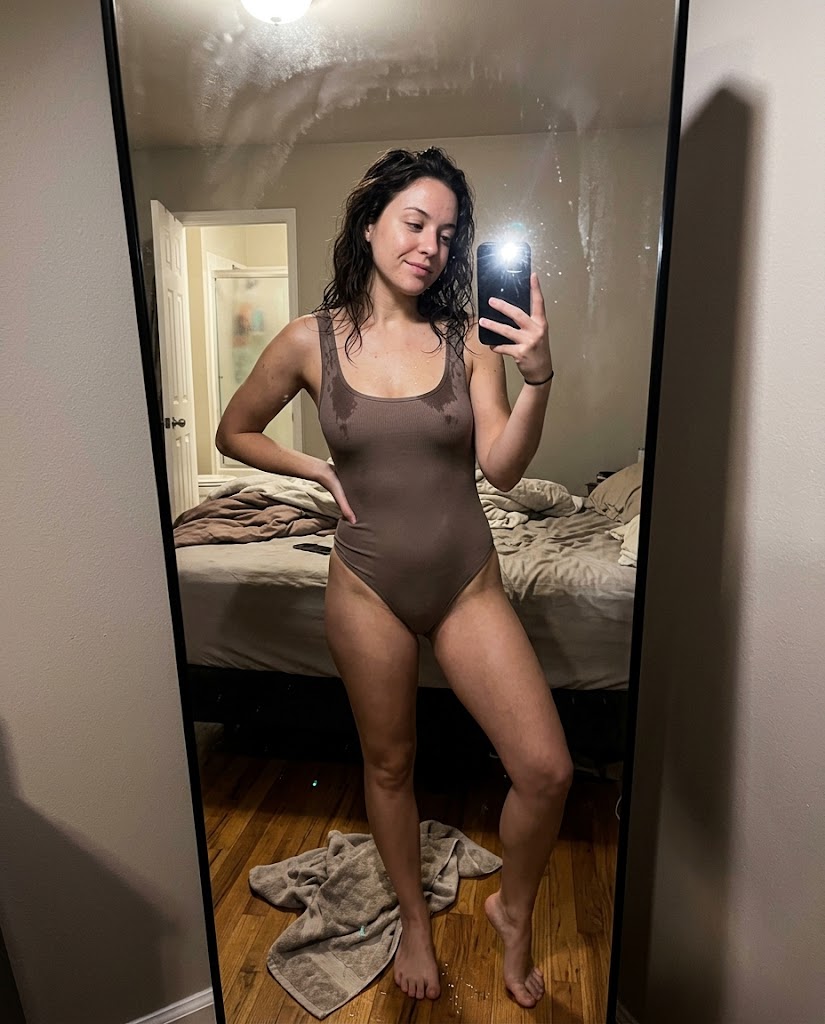
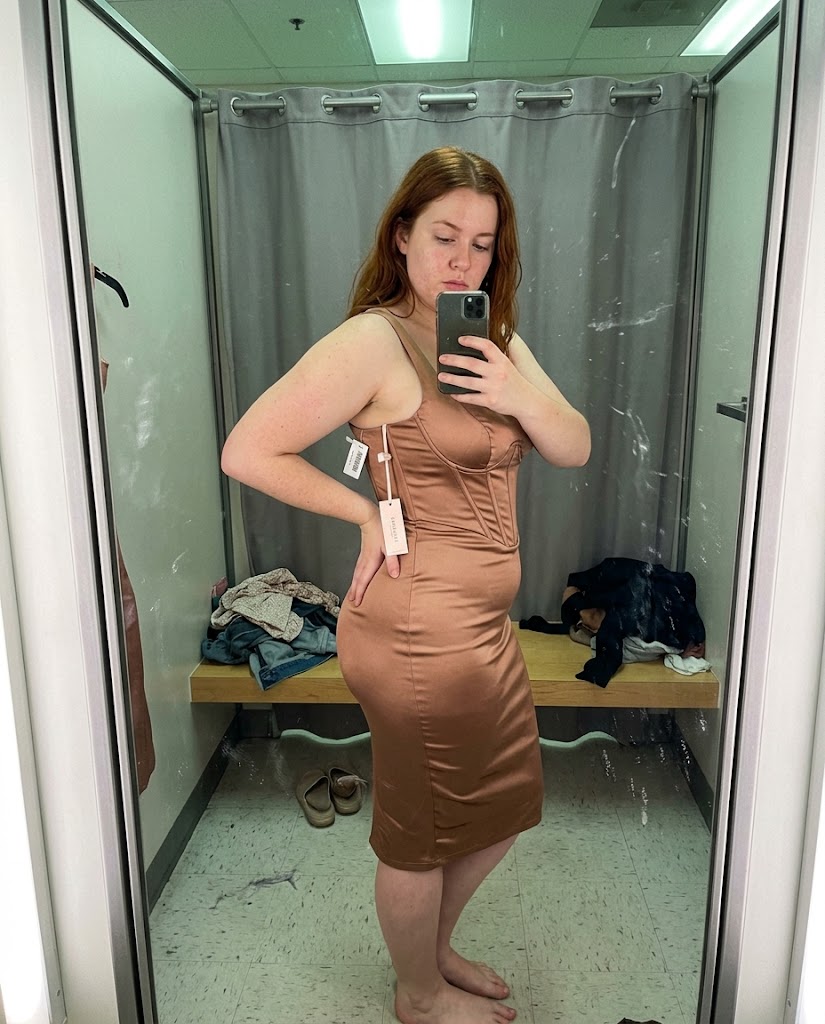
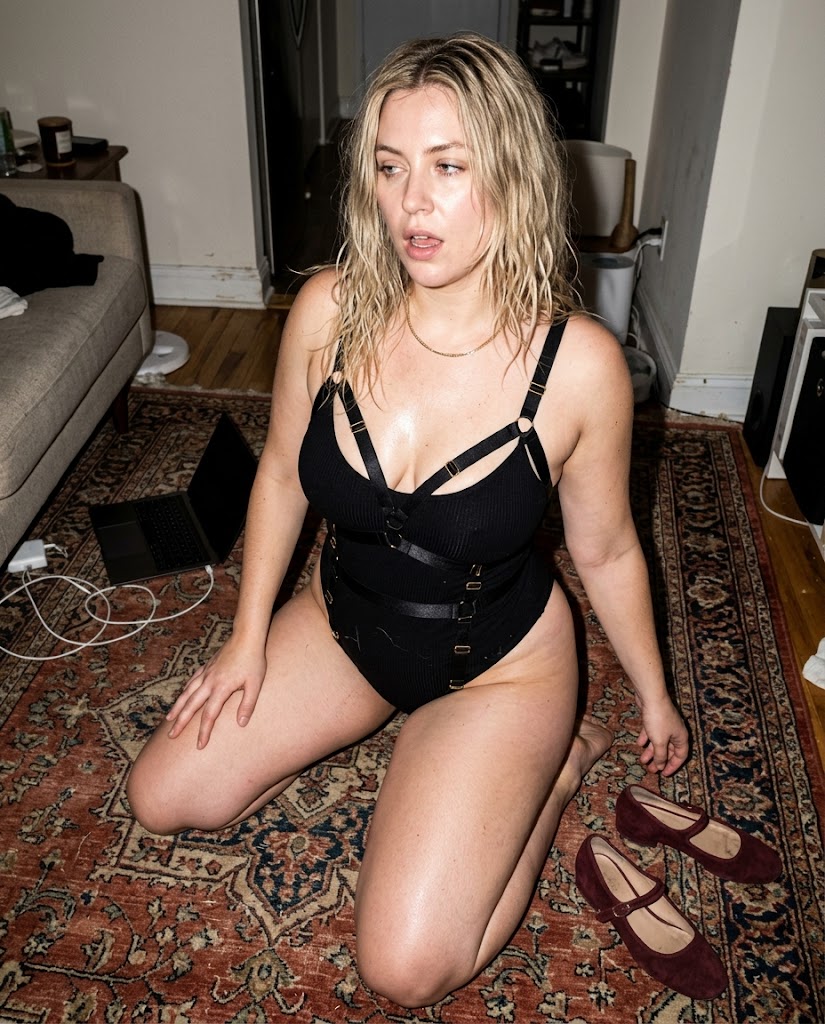
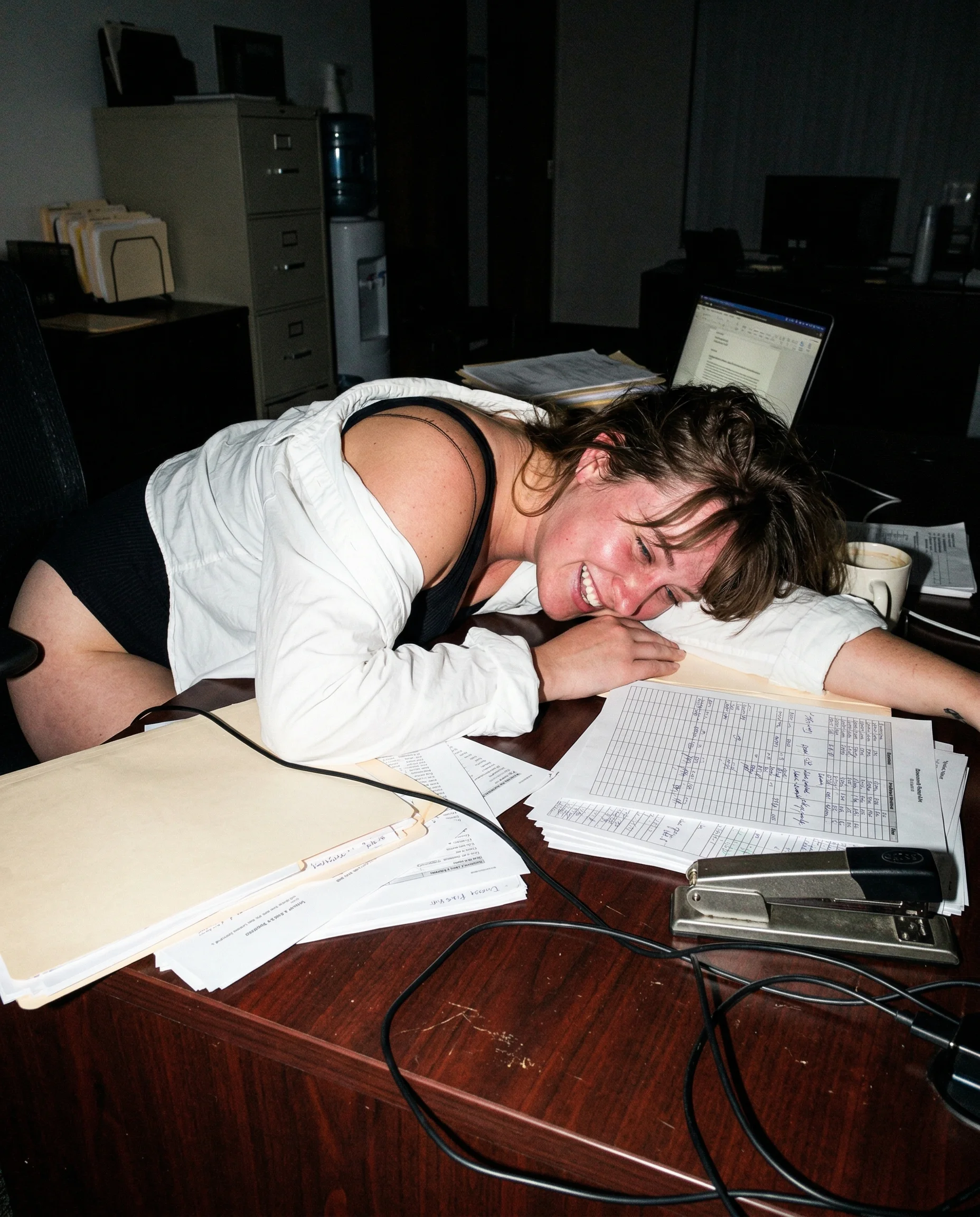
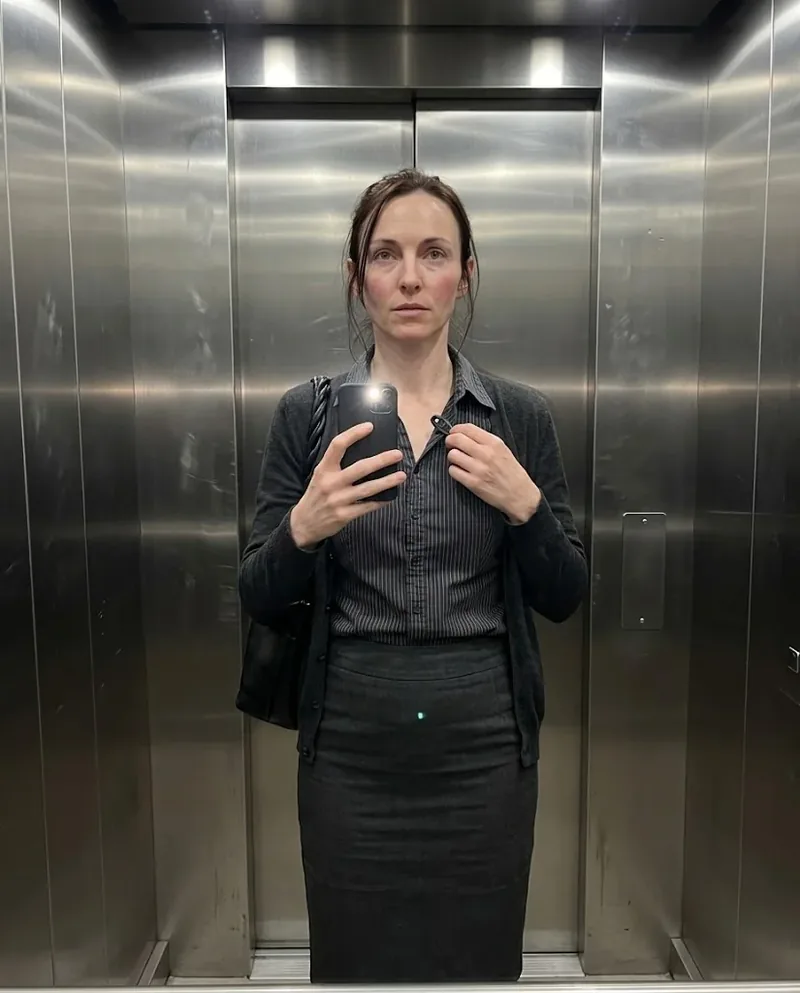
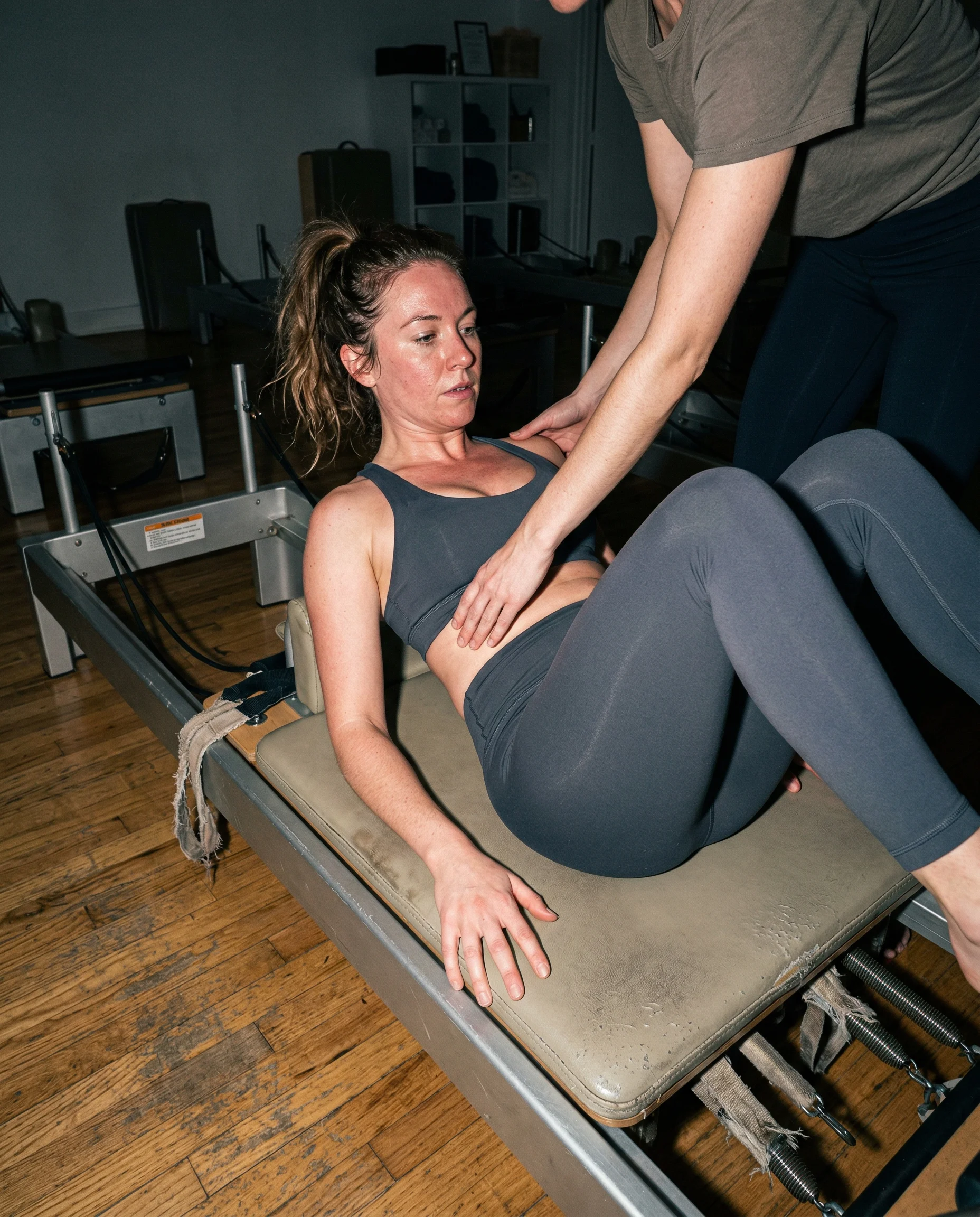
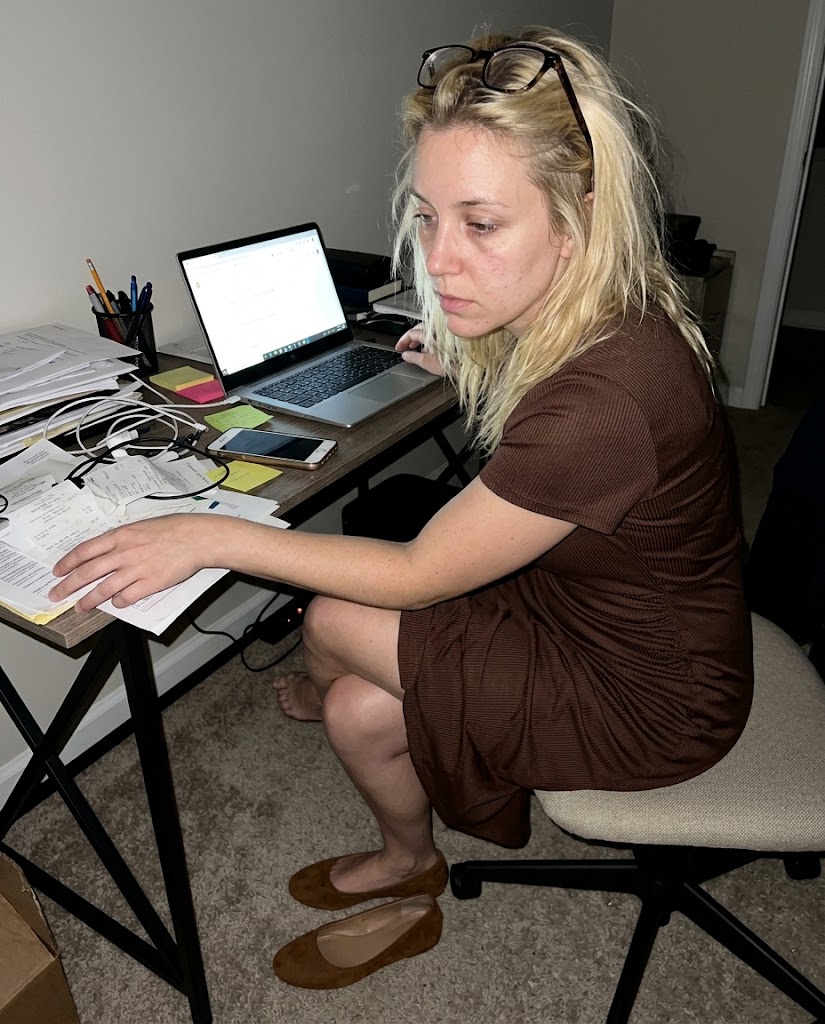
A 24mm prompt should feel like the phone is almost too close. Arms stretch a little, doorframes lean, and the room starts crowding the subject. That mild distortion helps because a perfect portrait distance usually makes the image look staged.
wide edges need evidence
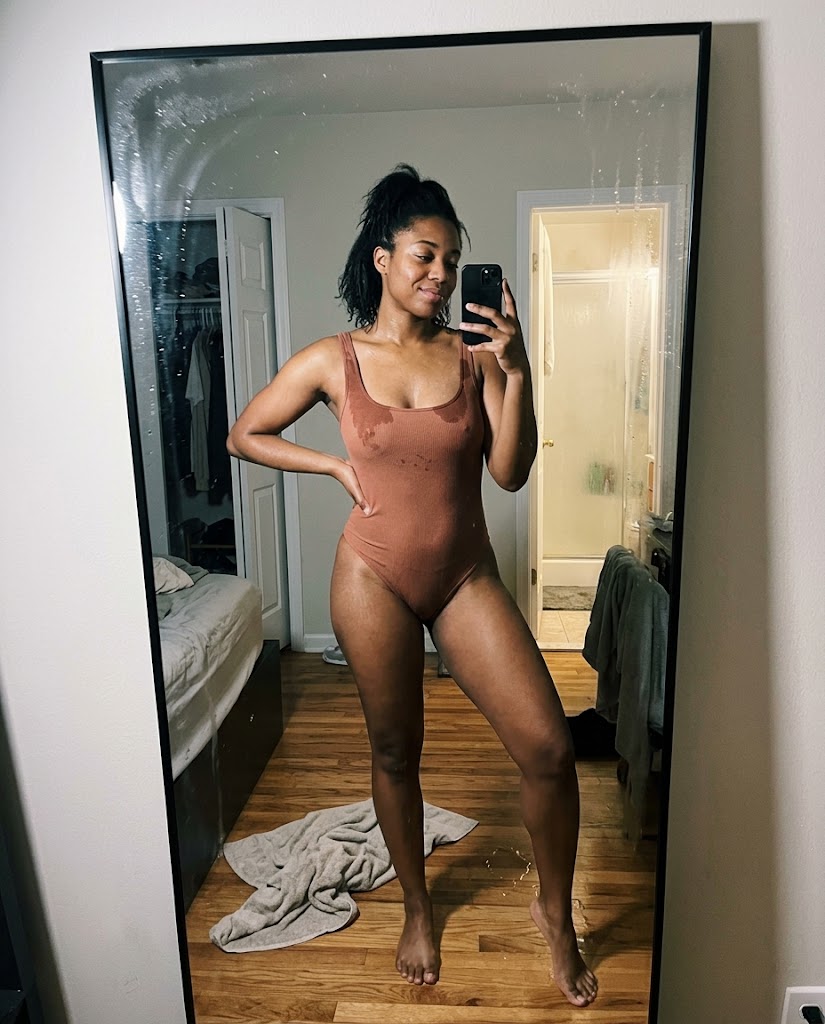
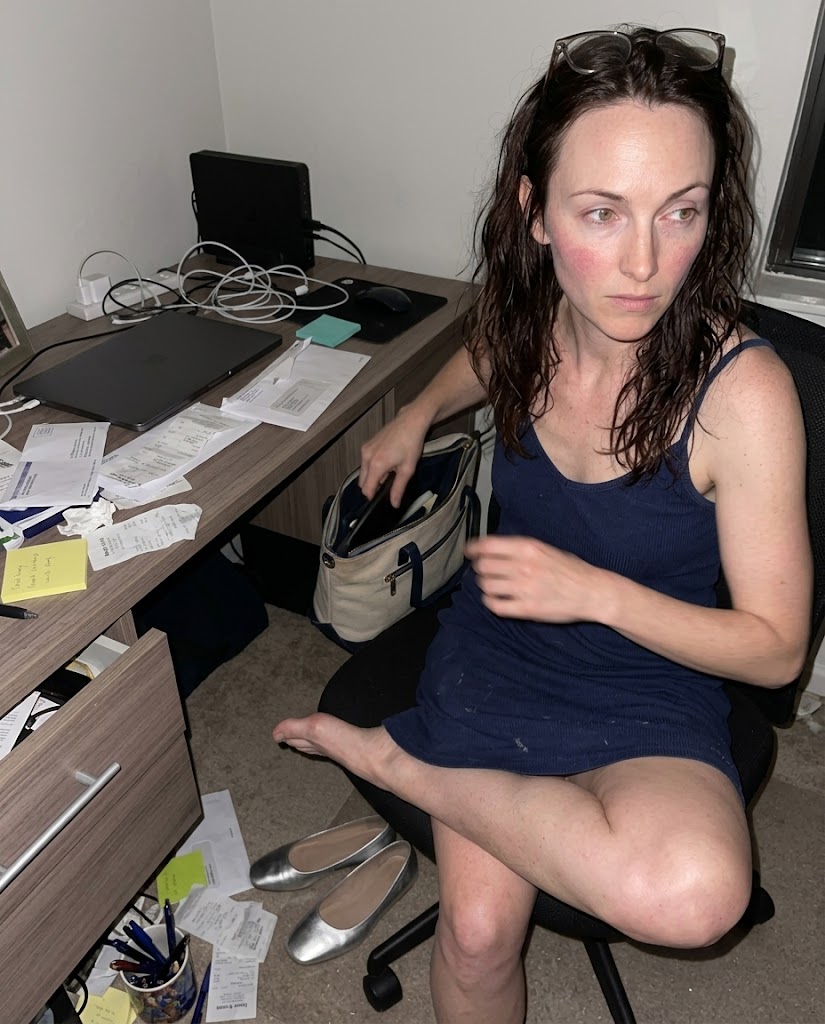
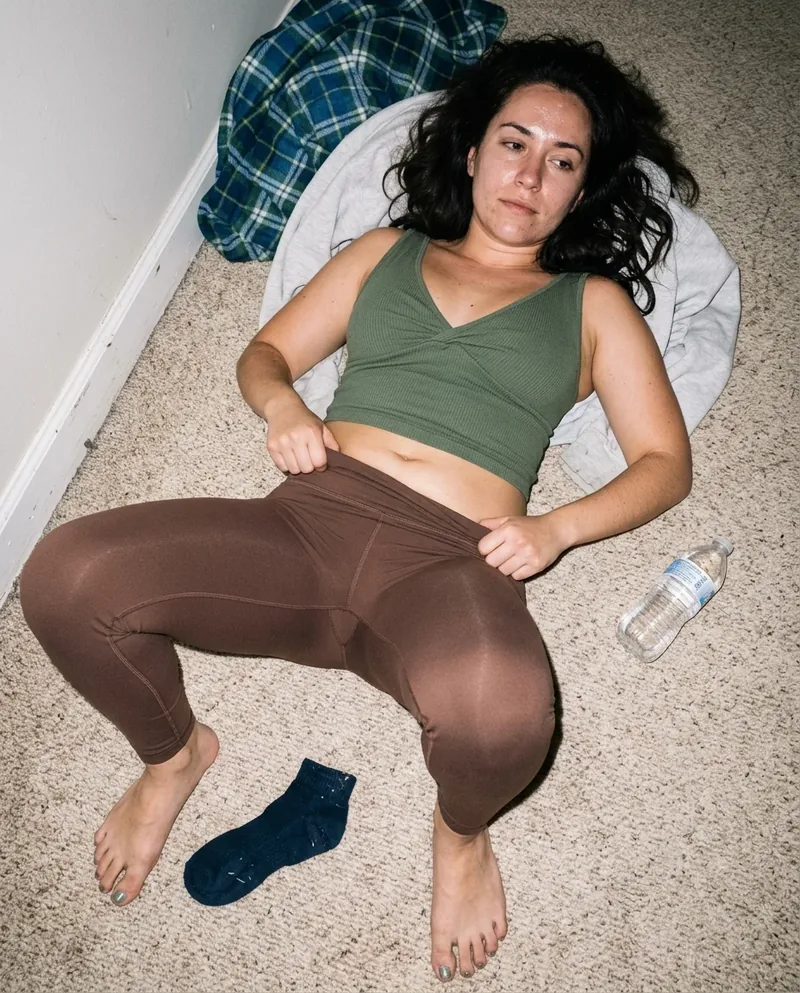
The edges are where 24mm starts paying rent. Let a tote handle cut into the frame, a mirror edge go crooked, or a chair leg show up where it should have been cropped out. Clean borders make the shot feel designed instead of grabbed.
keep the camera human
Do not overcorrect the perspective. A phone held too low, too high, or too close is exactly the point. The image should feel like somebody took the shot quickly and only noticed the weird geometry after the fact.
Read the underlying camera, lighting, and texture rules before opening the prompt grid.
Start from an aesthetic hub, then drill into the specific prompt pages that make the look usable.
Frequently asked questions about 24mm AI Photo Prompts
Why use 24mm in AI photo prompts?
24mm gives the image a close phone-camera feel. It adds slight wide-angle distortion, pulls more of the room into the frame, and makes the shot feel less like a clean portrait render.
What should a 24mm prompt include?
Use close distance, visible room edges, imperfect cropping, and a physical camera position. The lens note works better when the prompt also names what the wide frame accidentally catches.
Can 24mm make faces look strange?
Yes, and that is part of the risk. Keep the distortion mild by tying it to a believable phone distance instead of asking for extreme wide-angle warping.