
Harsh Flash AI Image Prompts
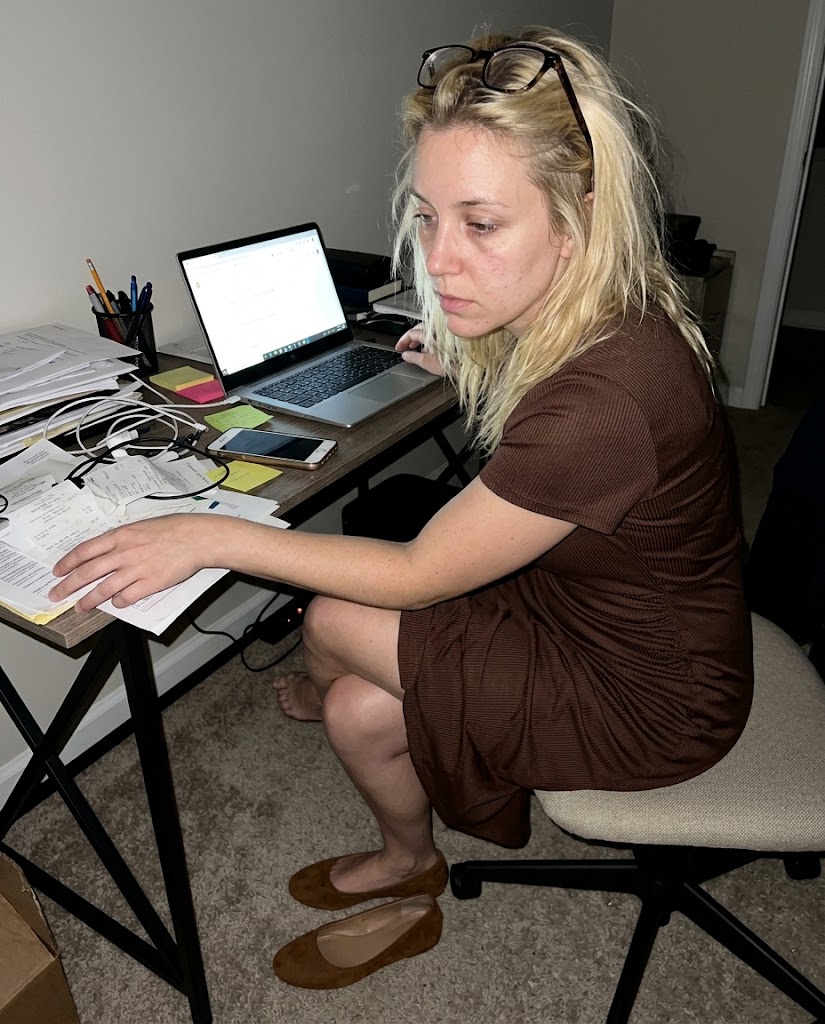
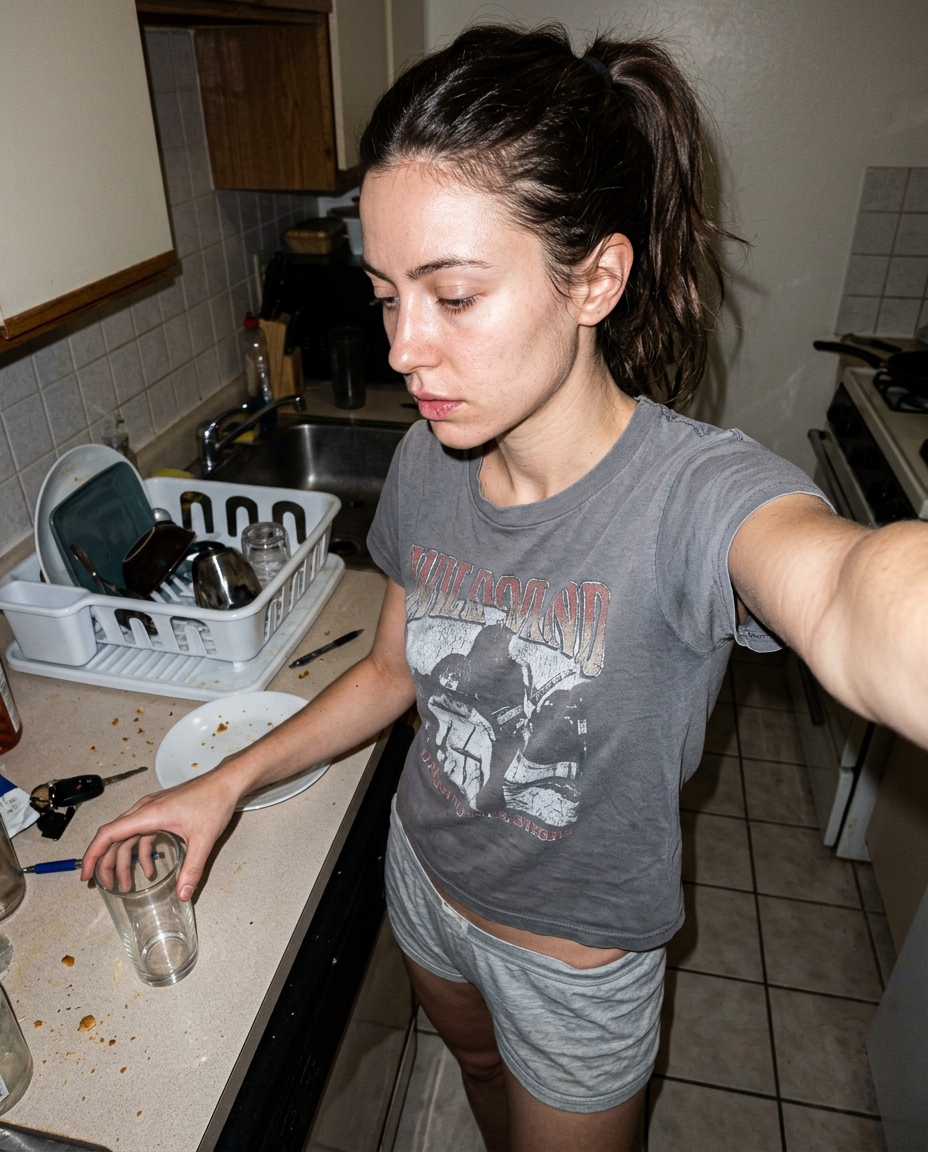
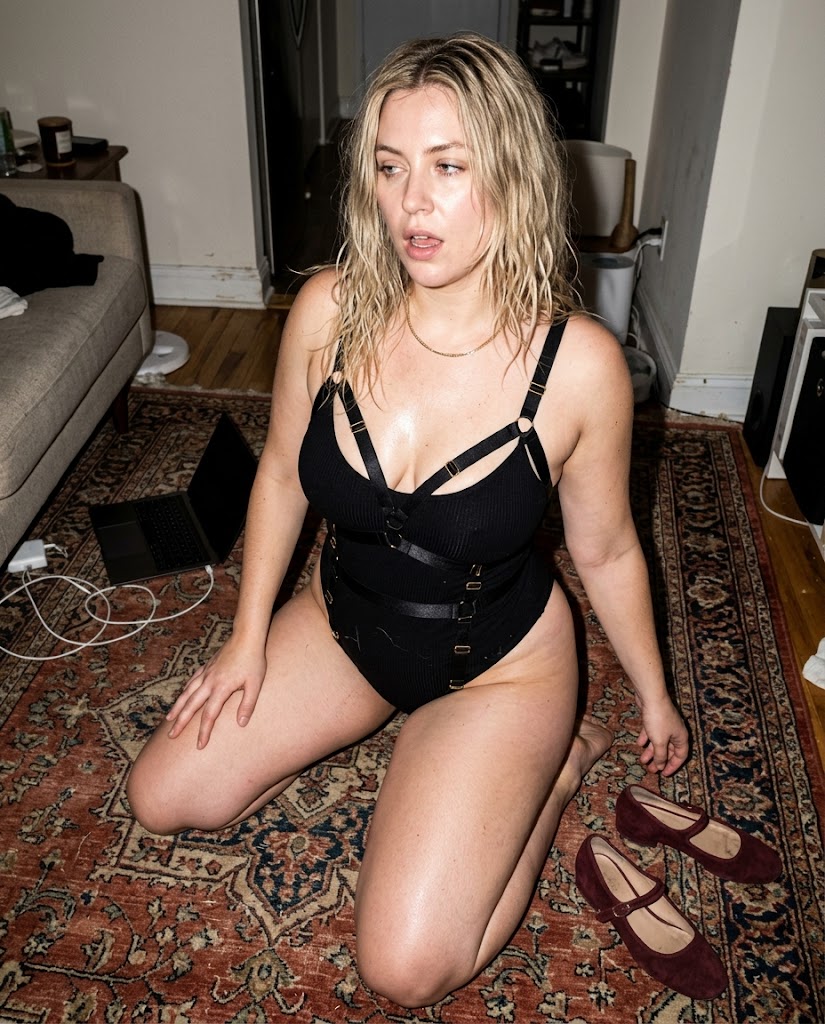
Harsh flash AI image prompts for photorealistic image models built around blown highlights, hard shadows, dirty mirrors, and skin texture that survives the light.
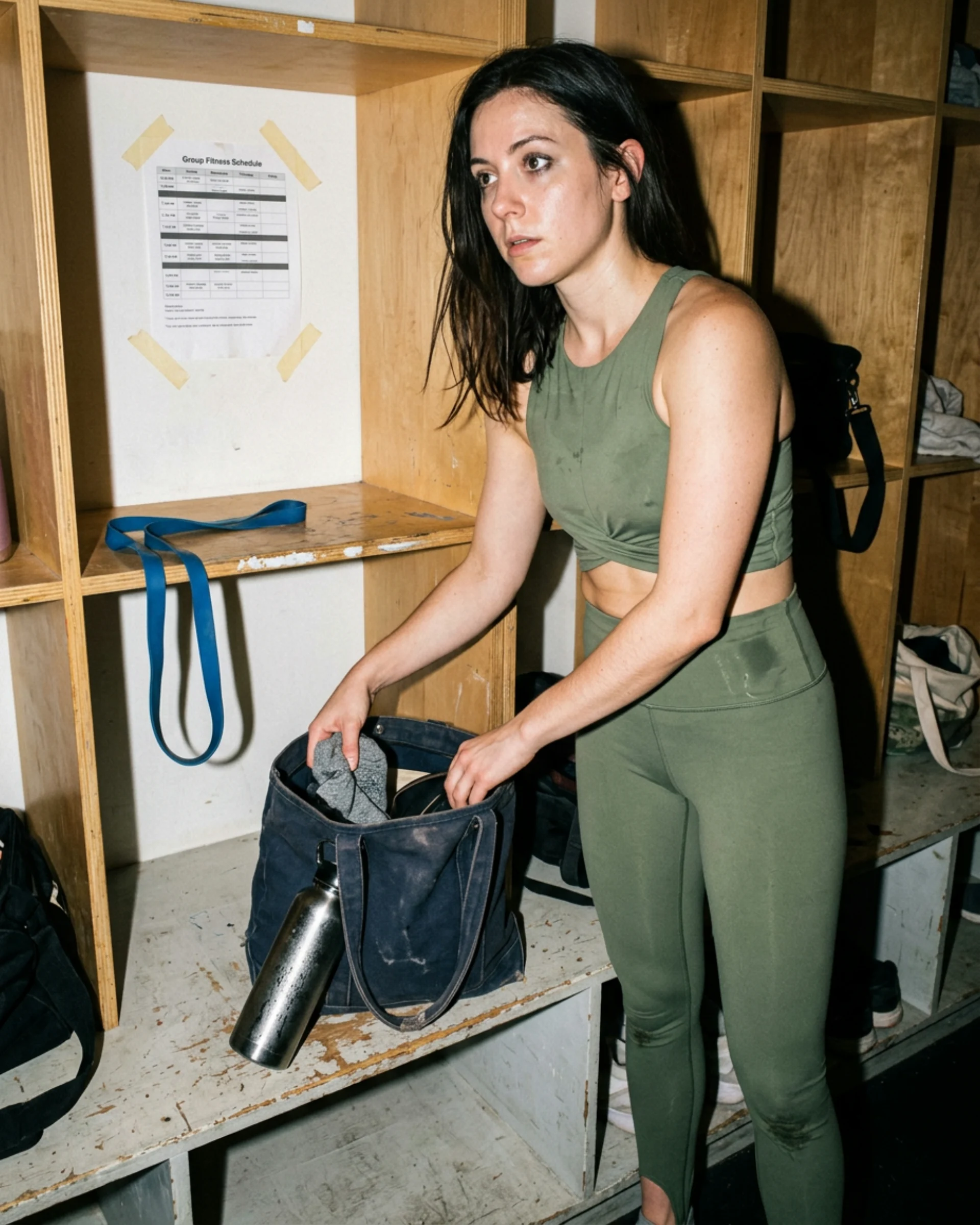
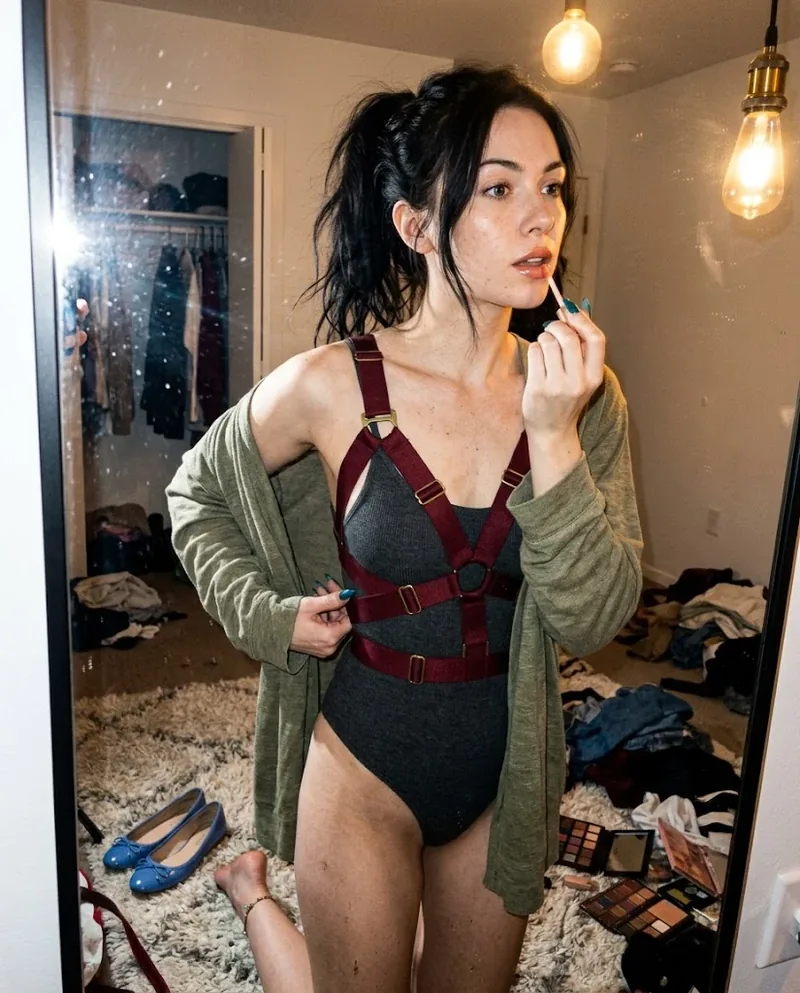
 Ref Verified Mia
 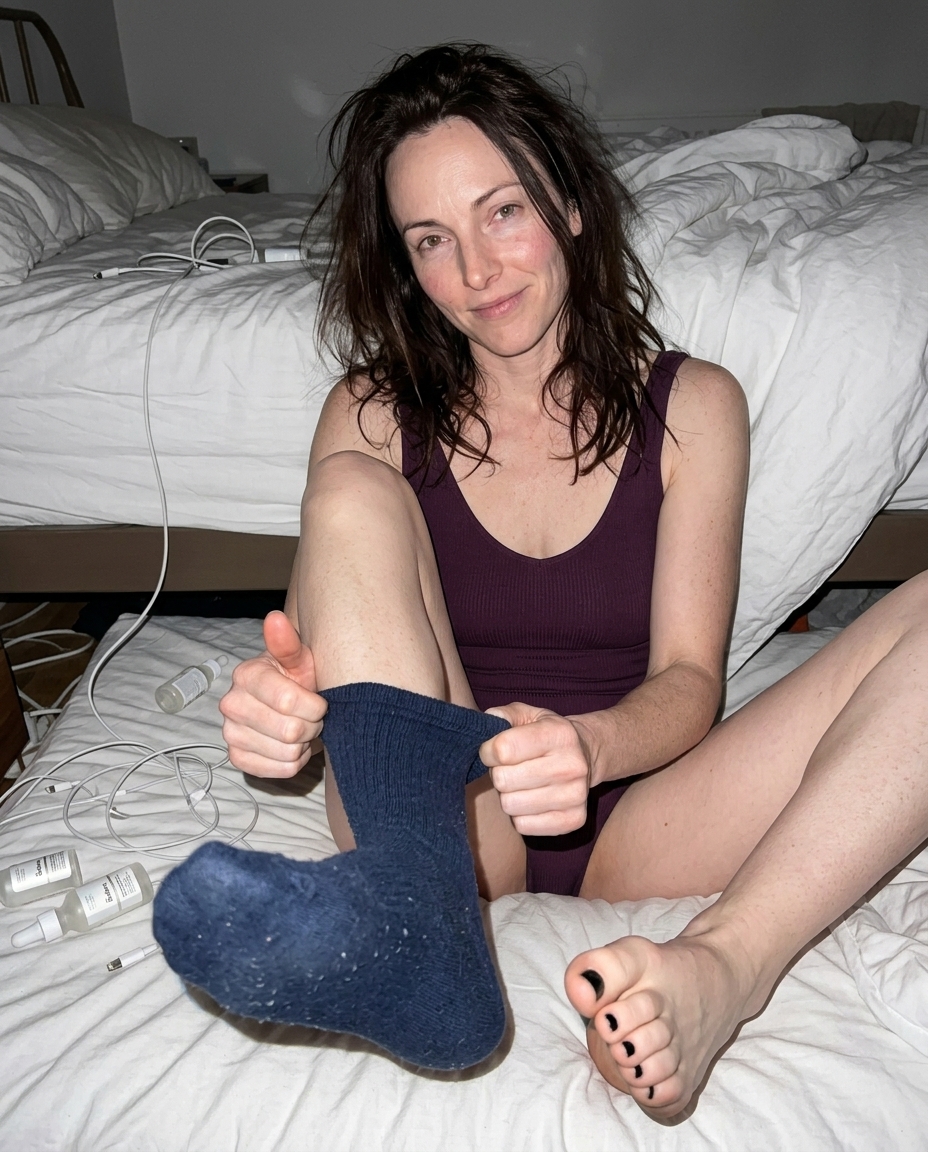 Ref Verified Mia
 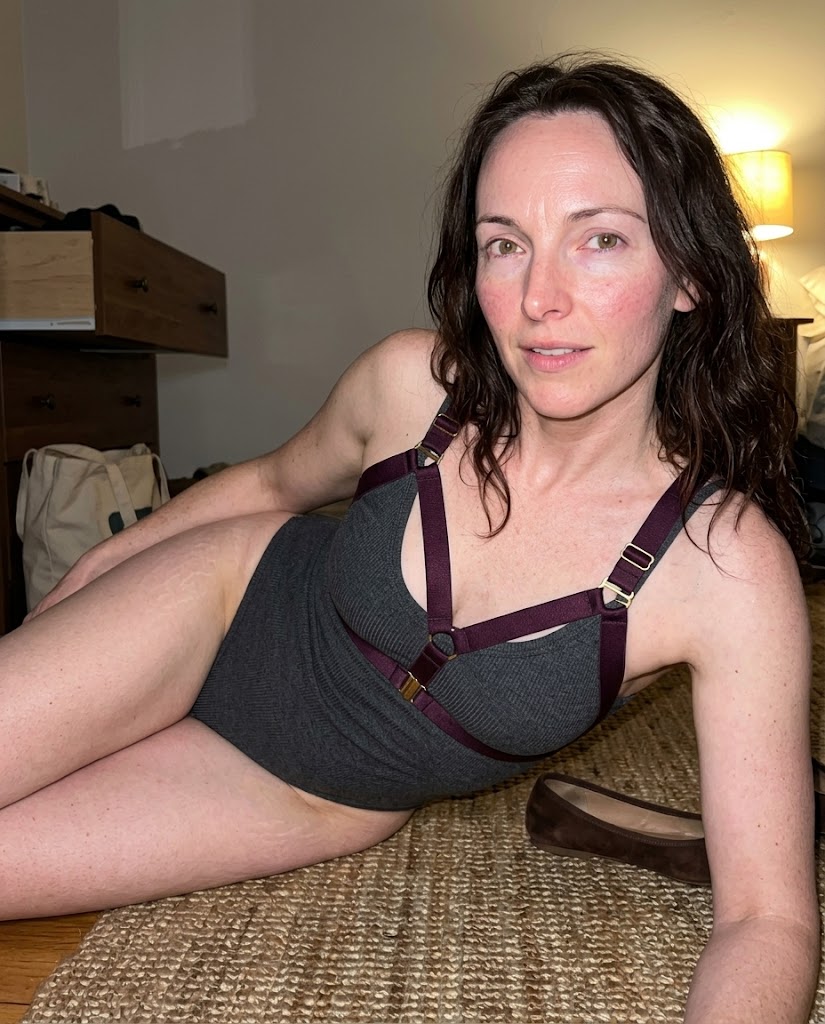 Ref Verified Mia
 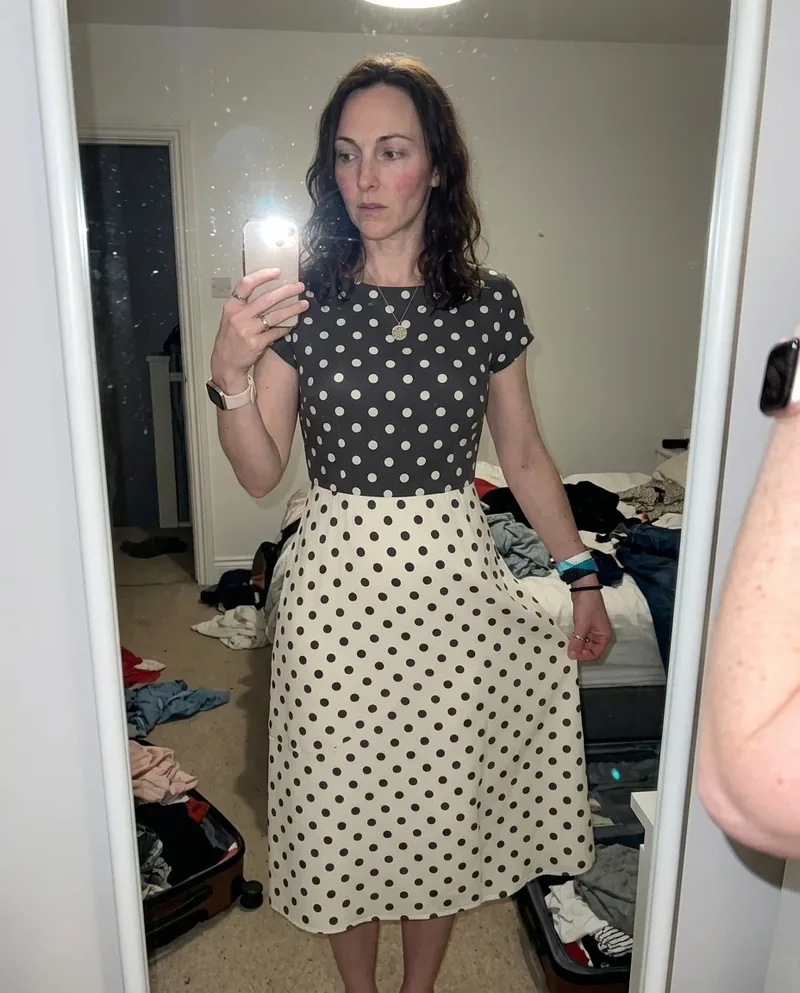 Ref Verified Mia
 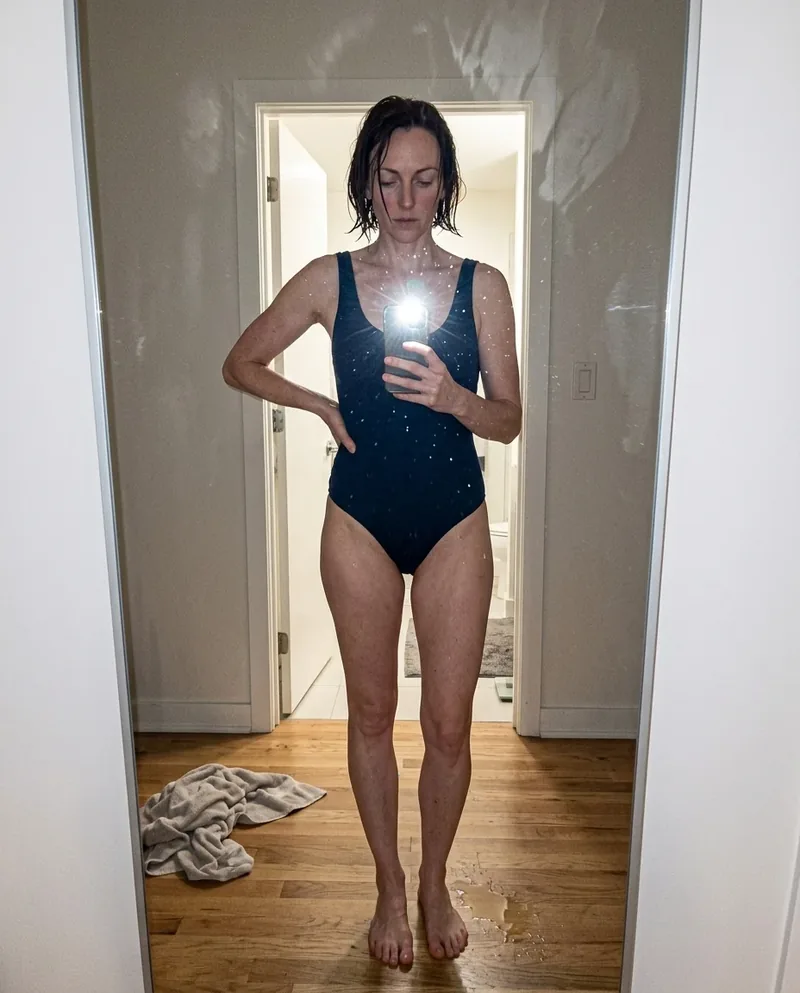 Ref Verified Mia
 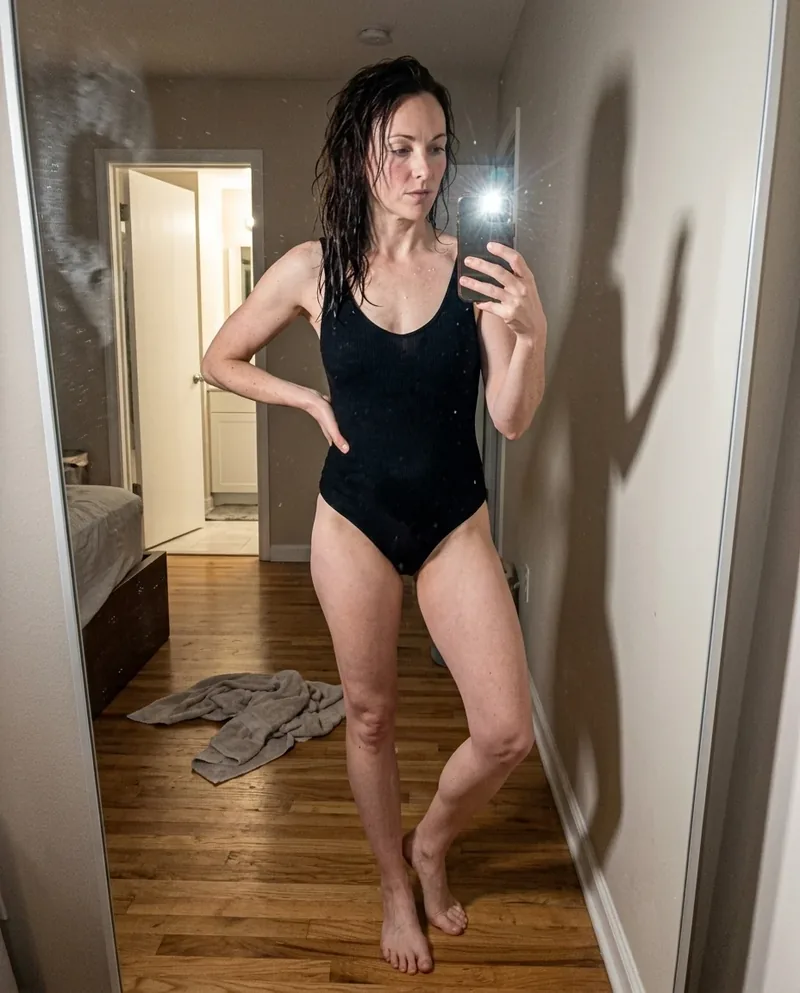 Ref Verified Mia
 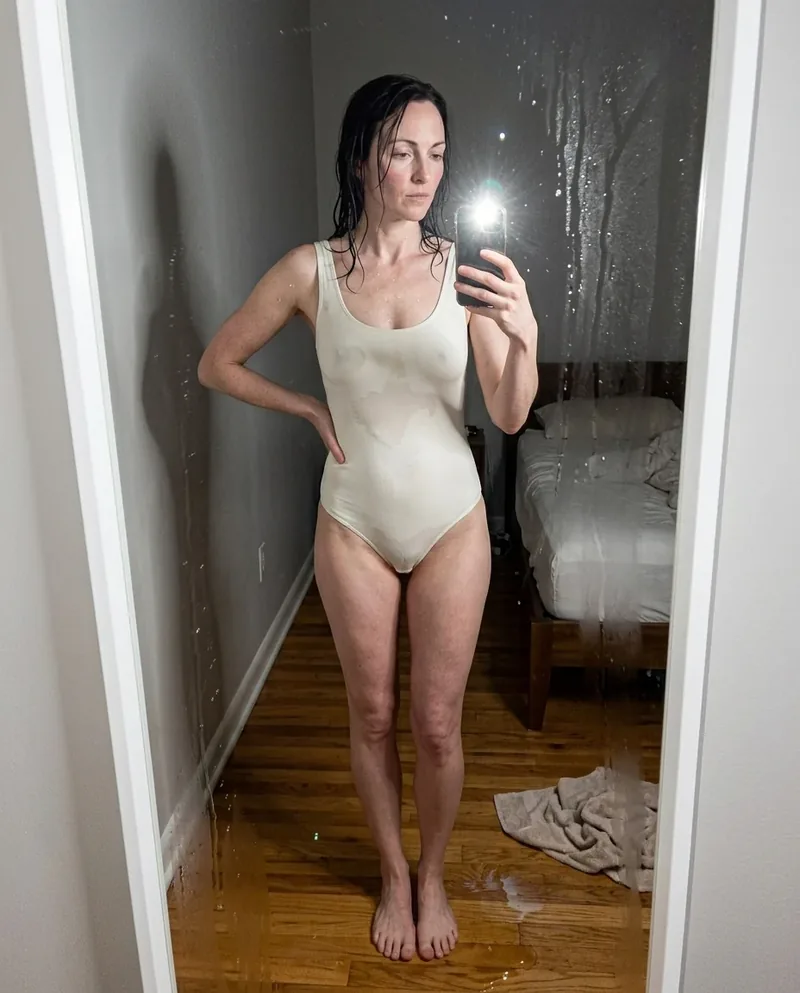 Ref Verified Mia
 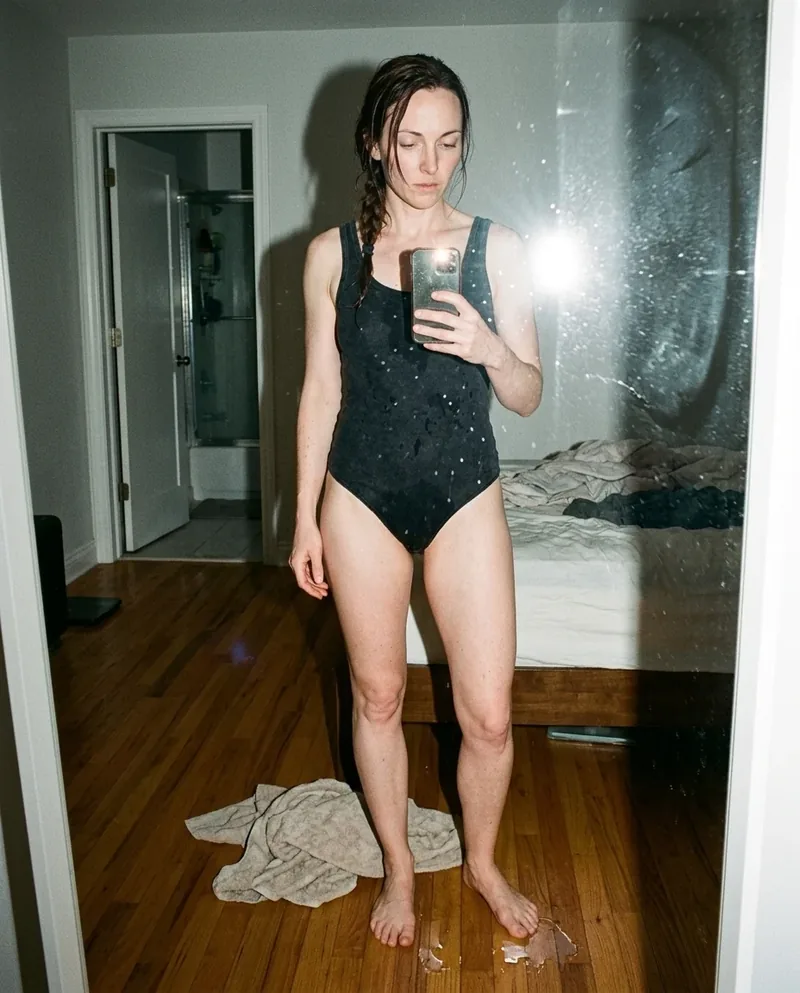 Ref Verified Mia
 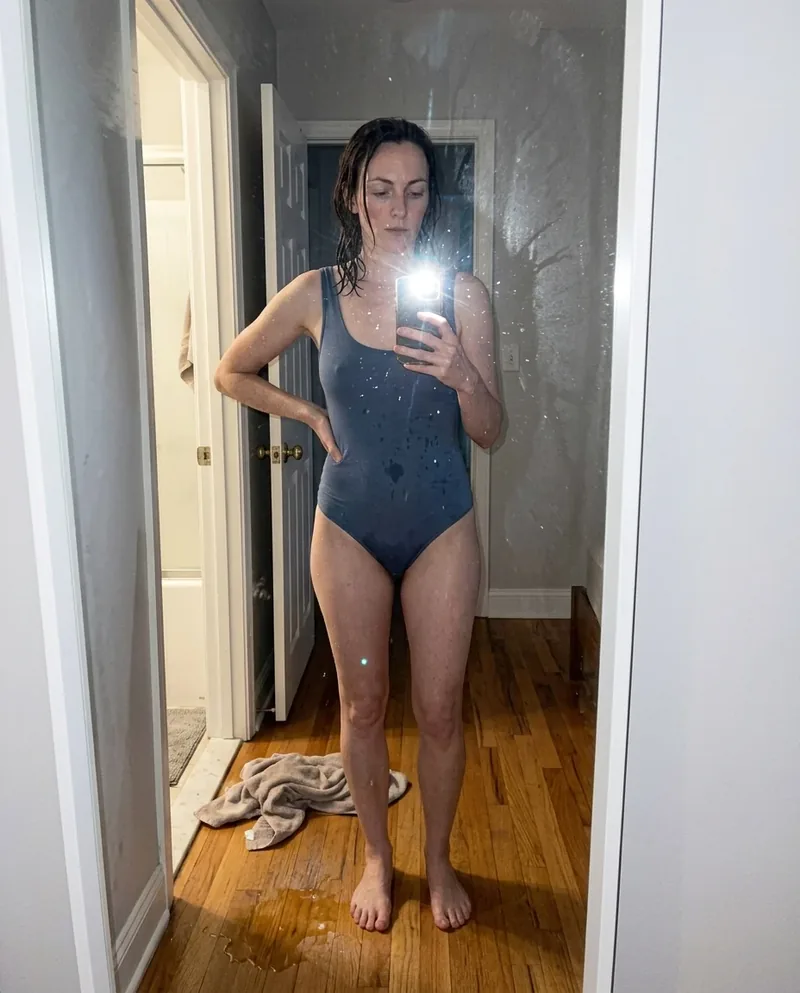 Ref Verified Mia
  Ref Verified Mia
 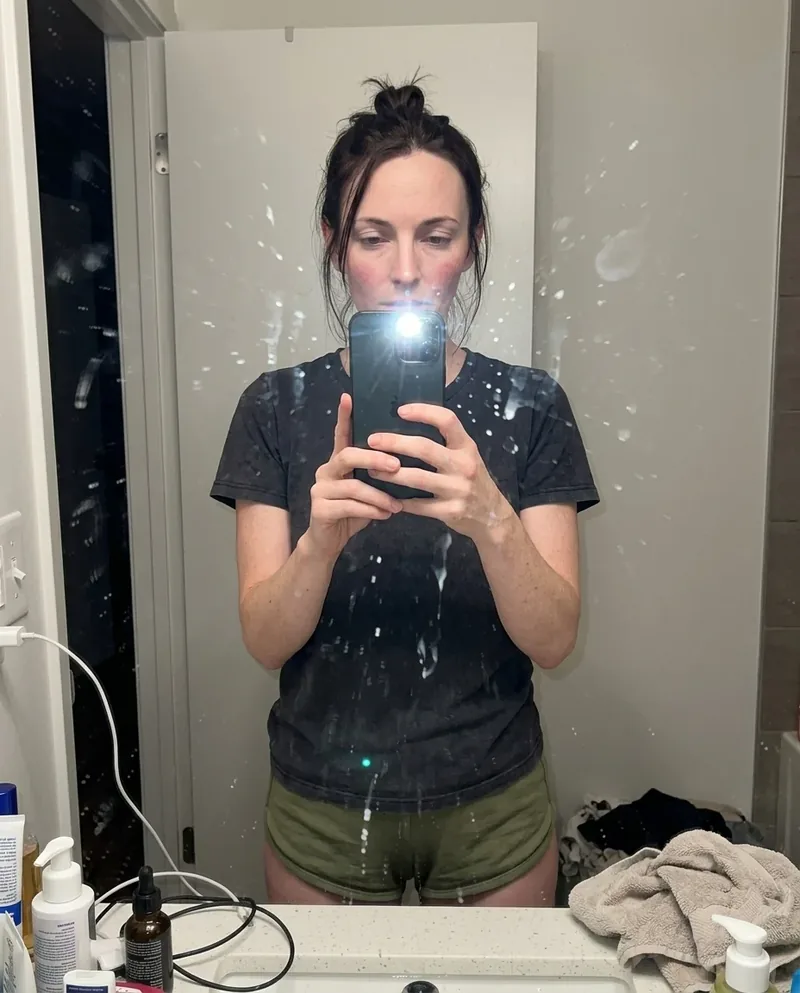 Ref Verified Mia
  Ref Verified Mia
  Ref Verified Mia
  Ref Verified Mia



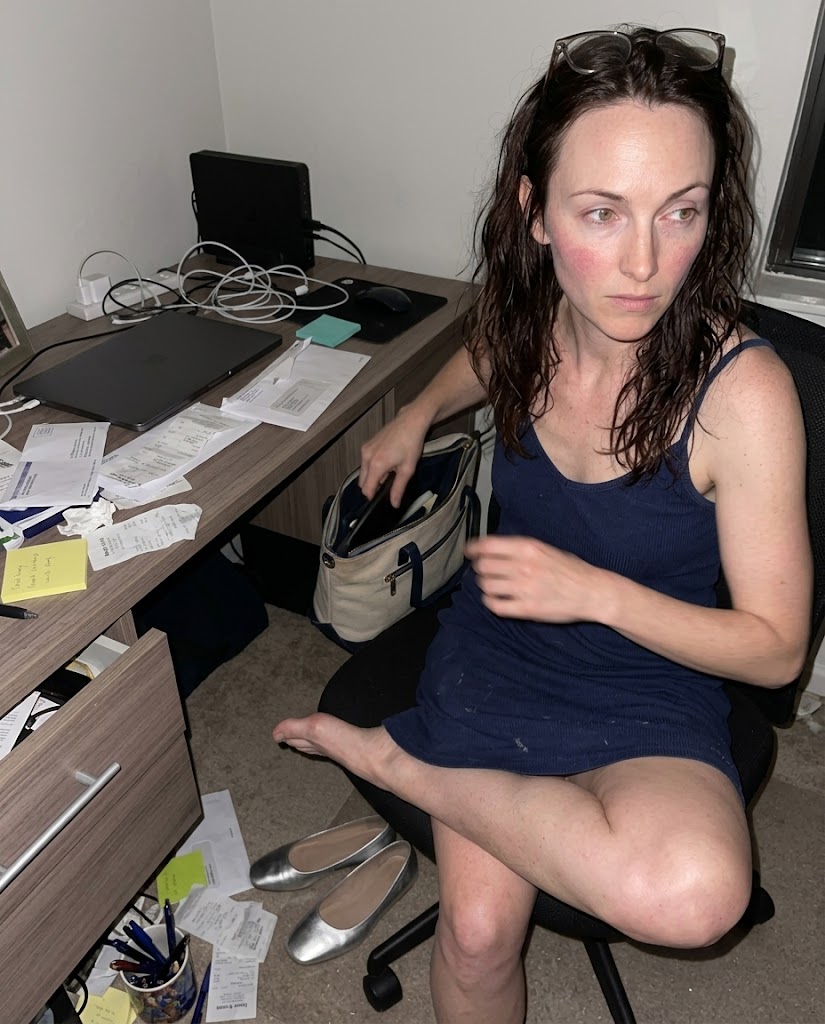 Ref Verified Mia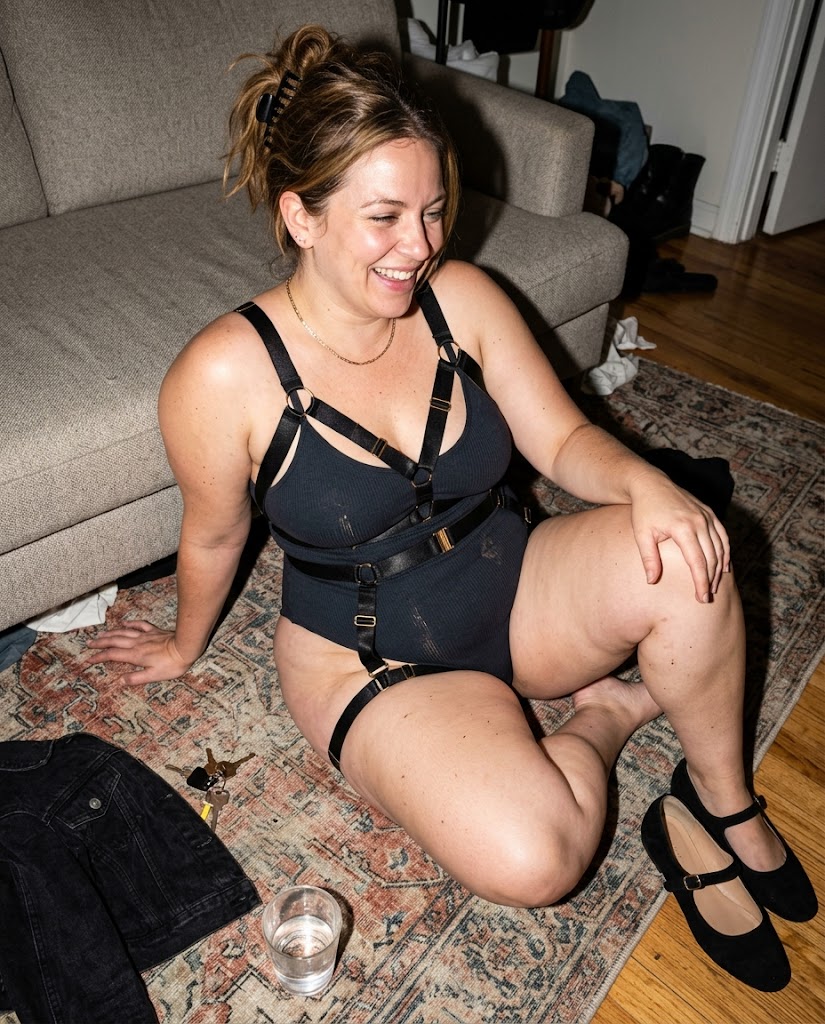


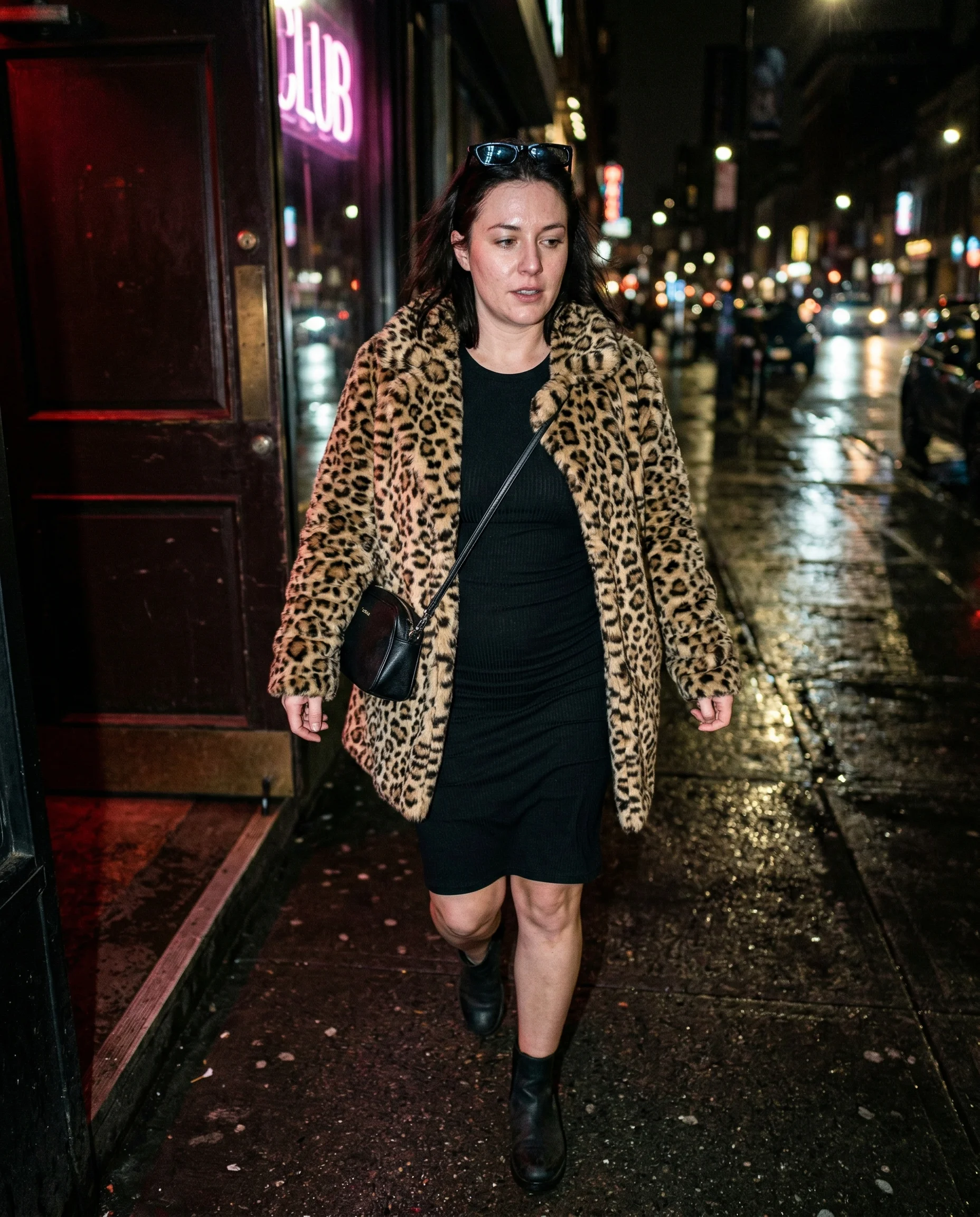
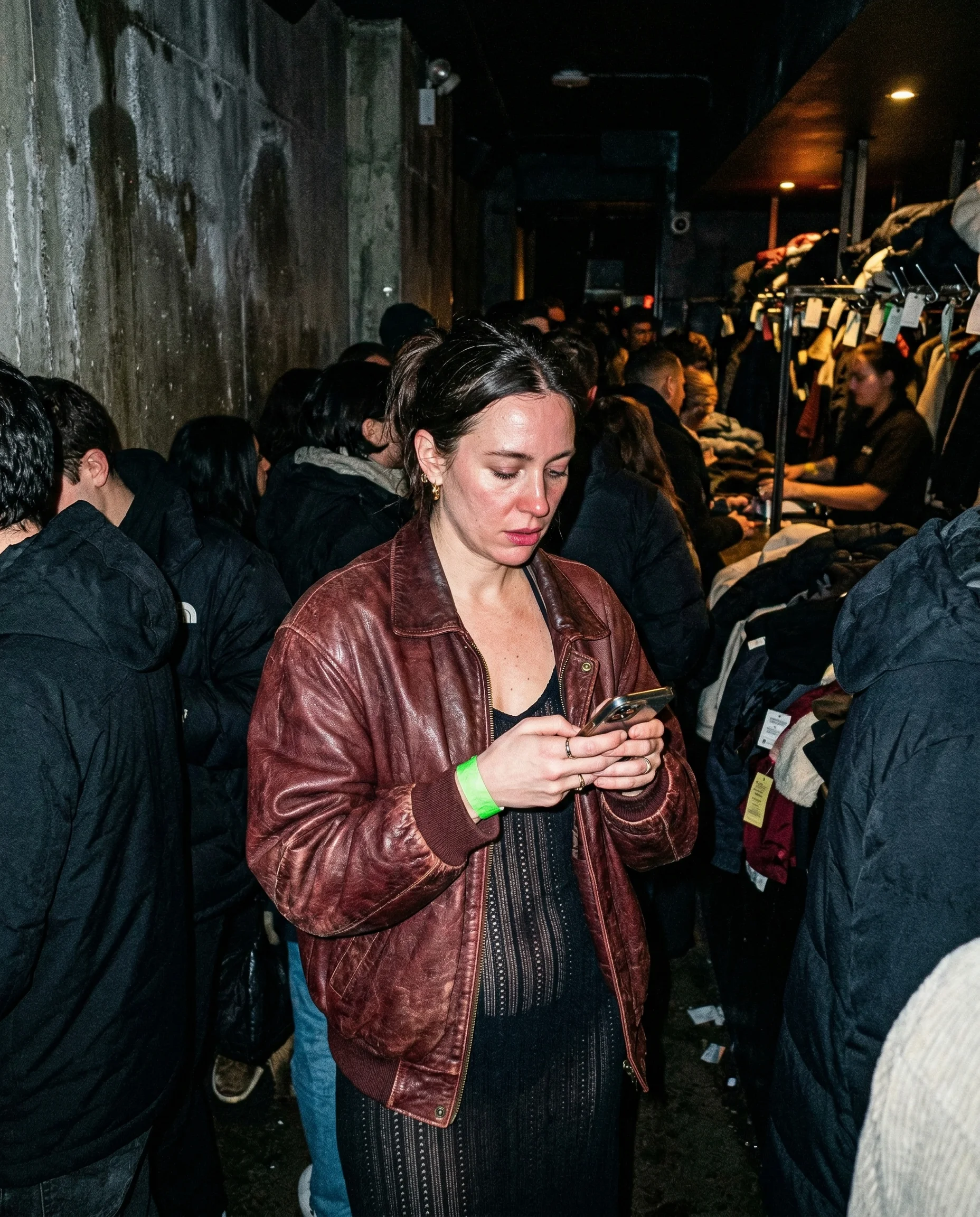
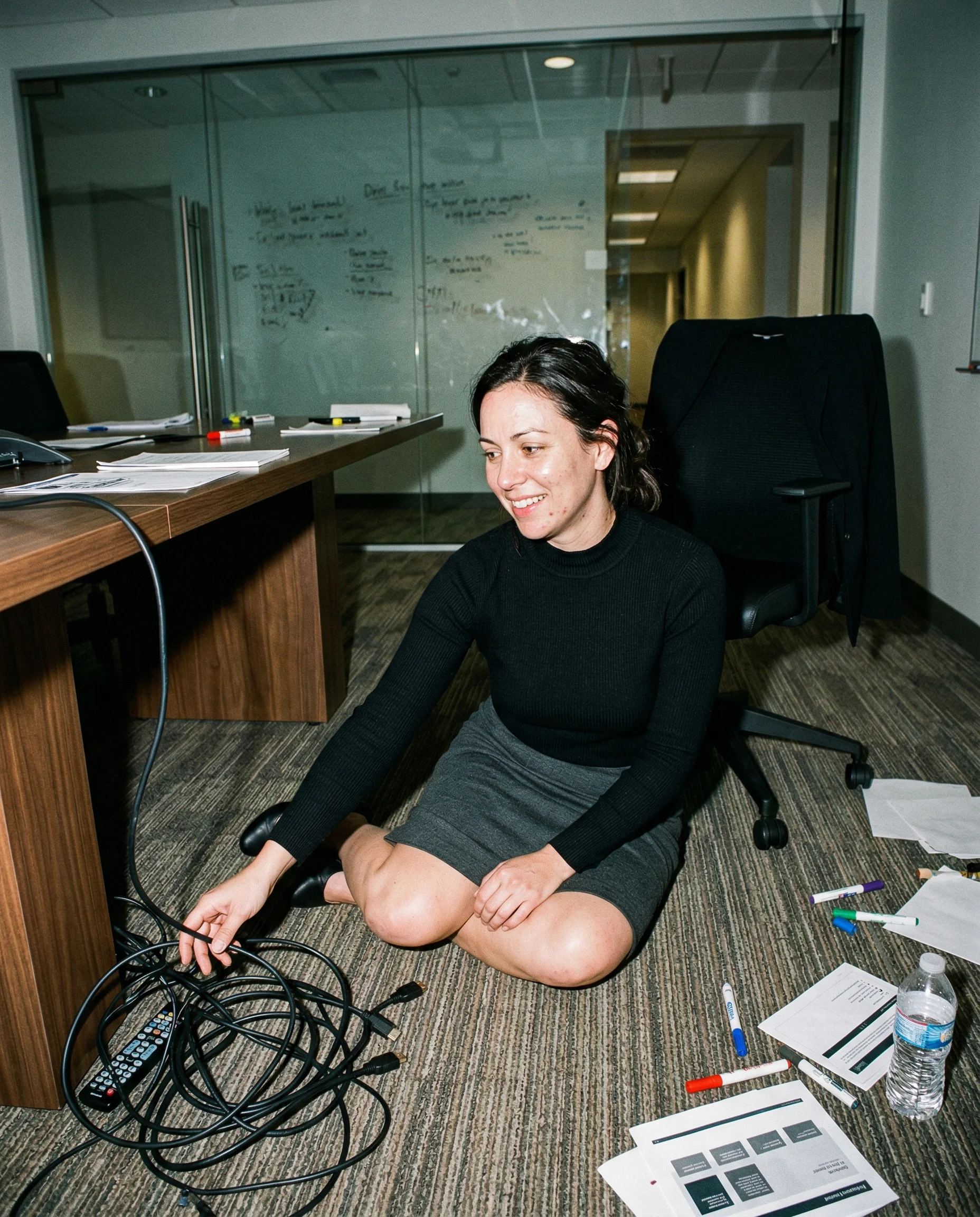
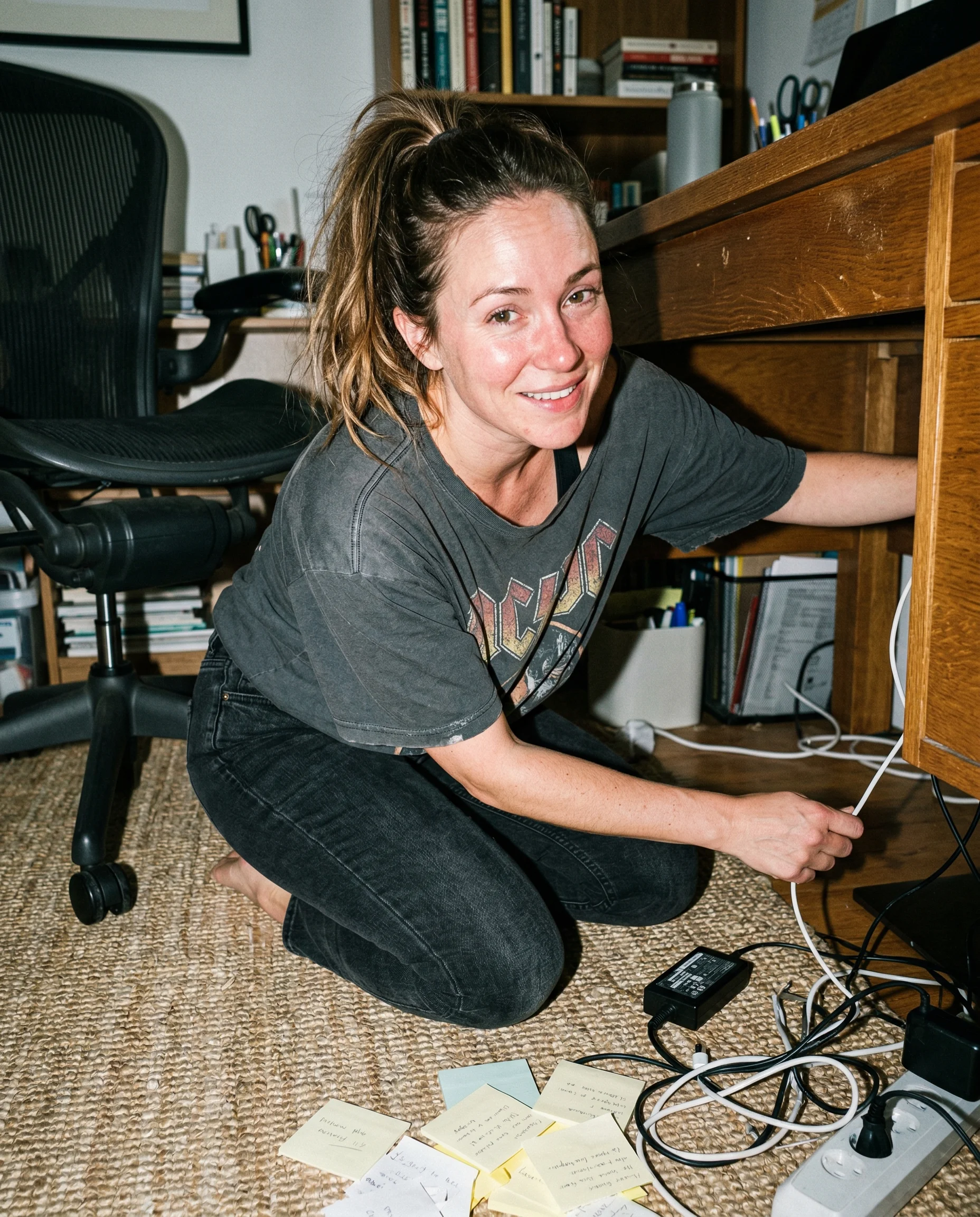
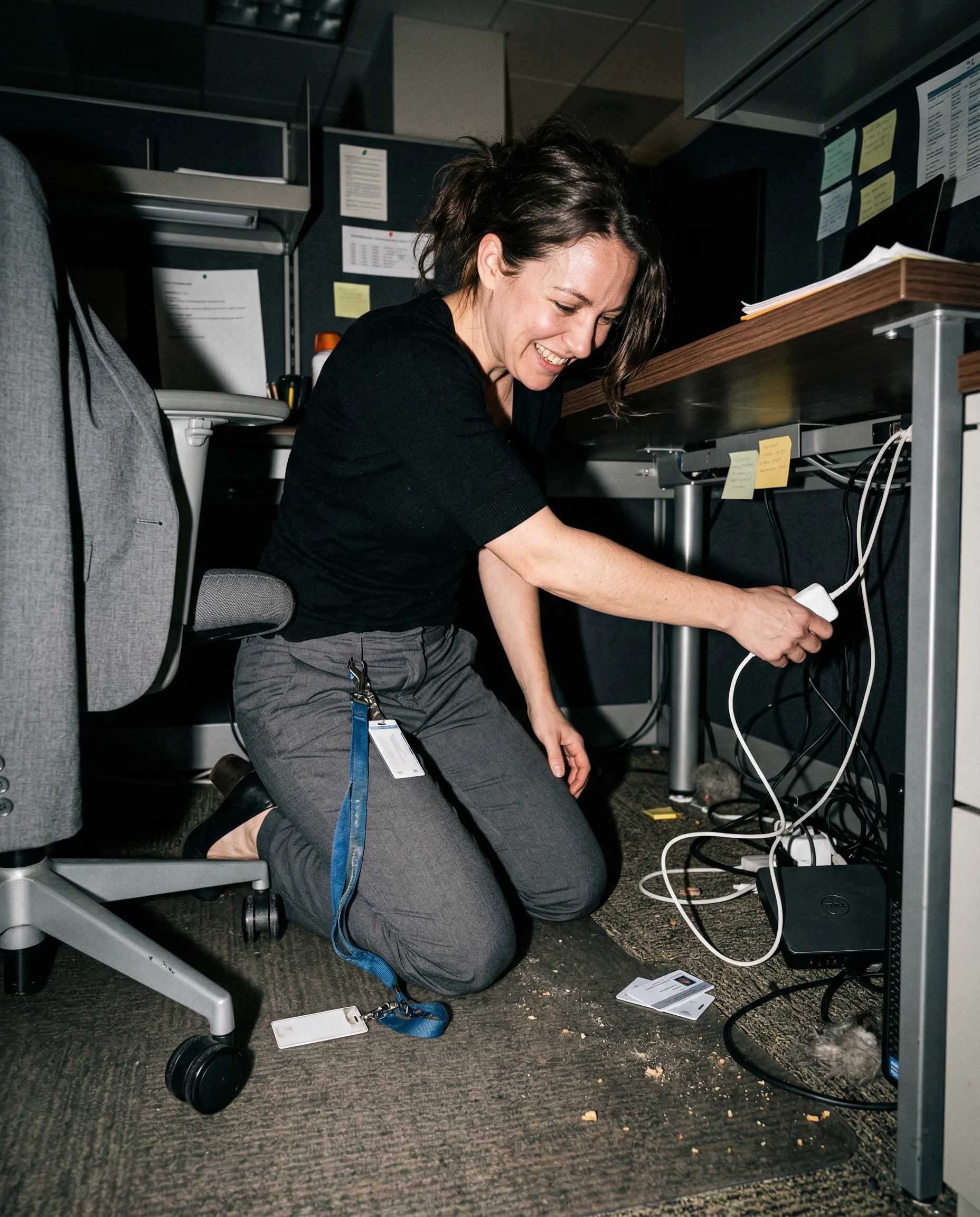
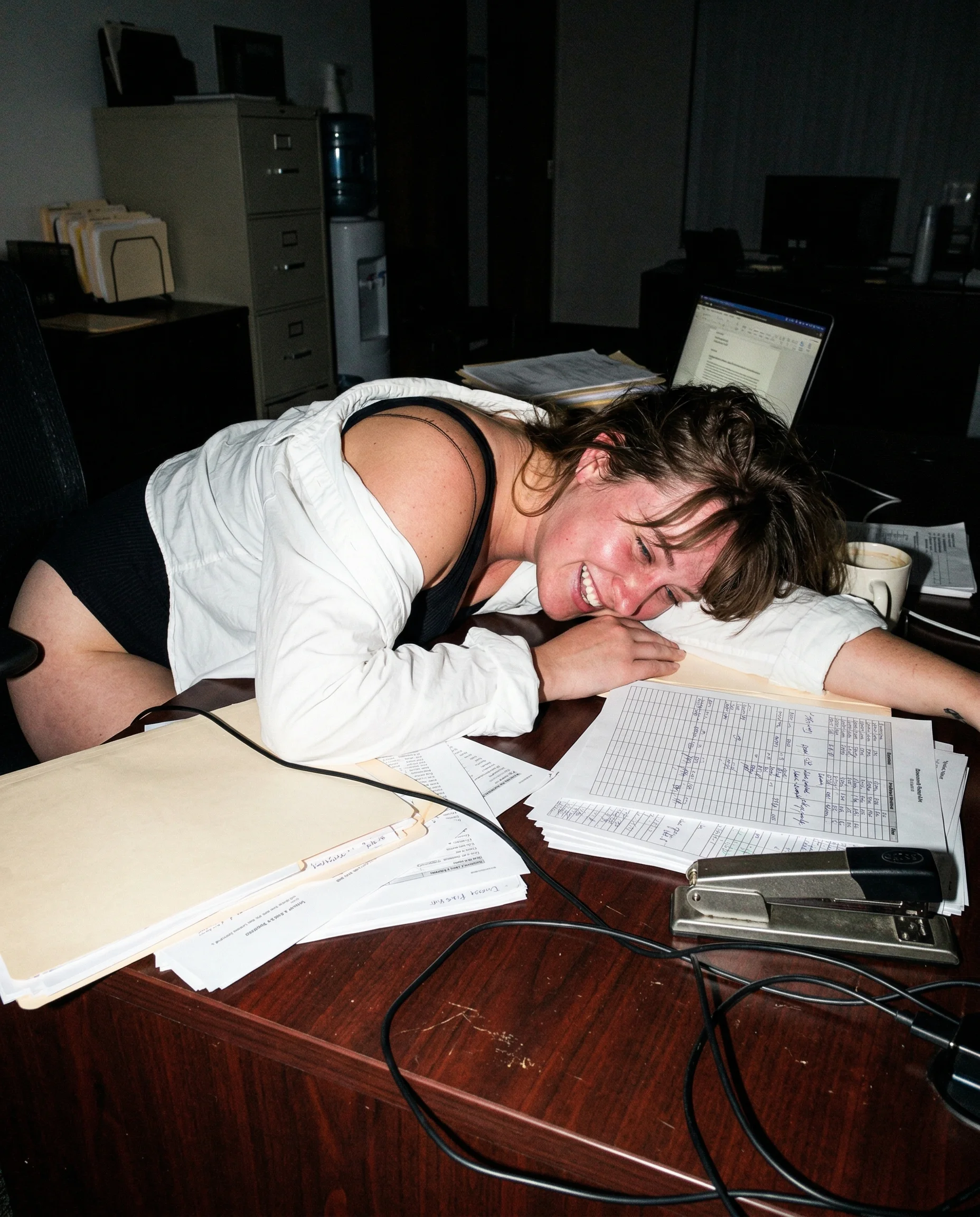
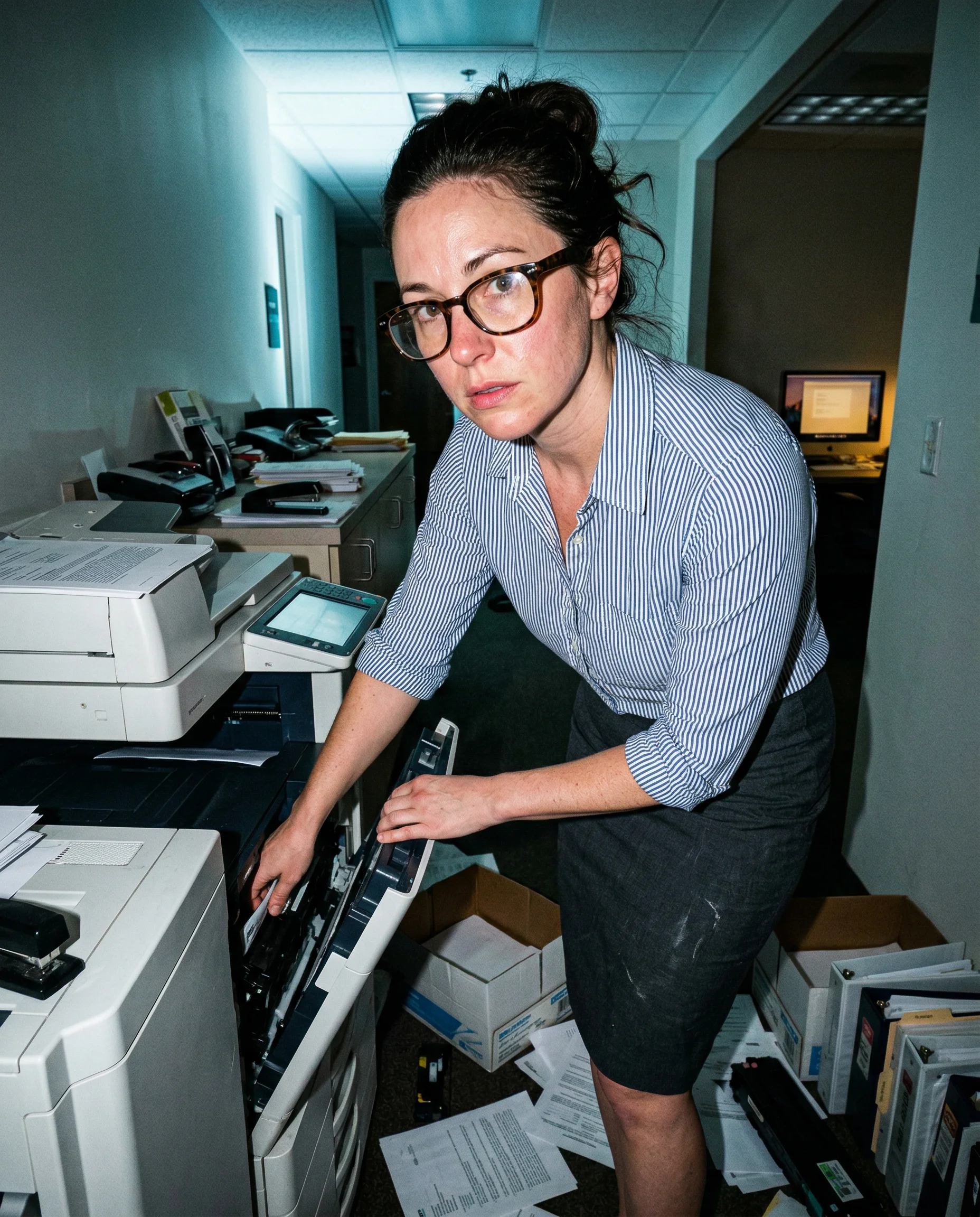

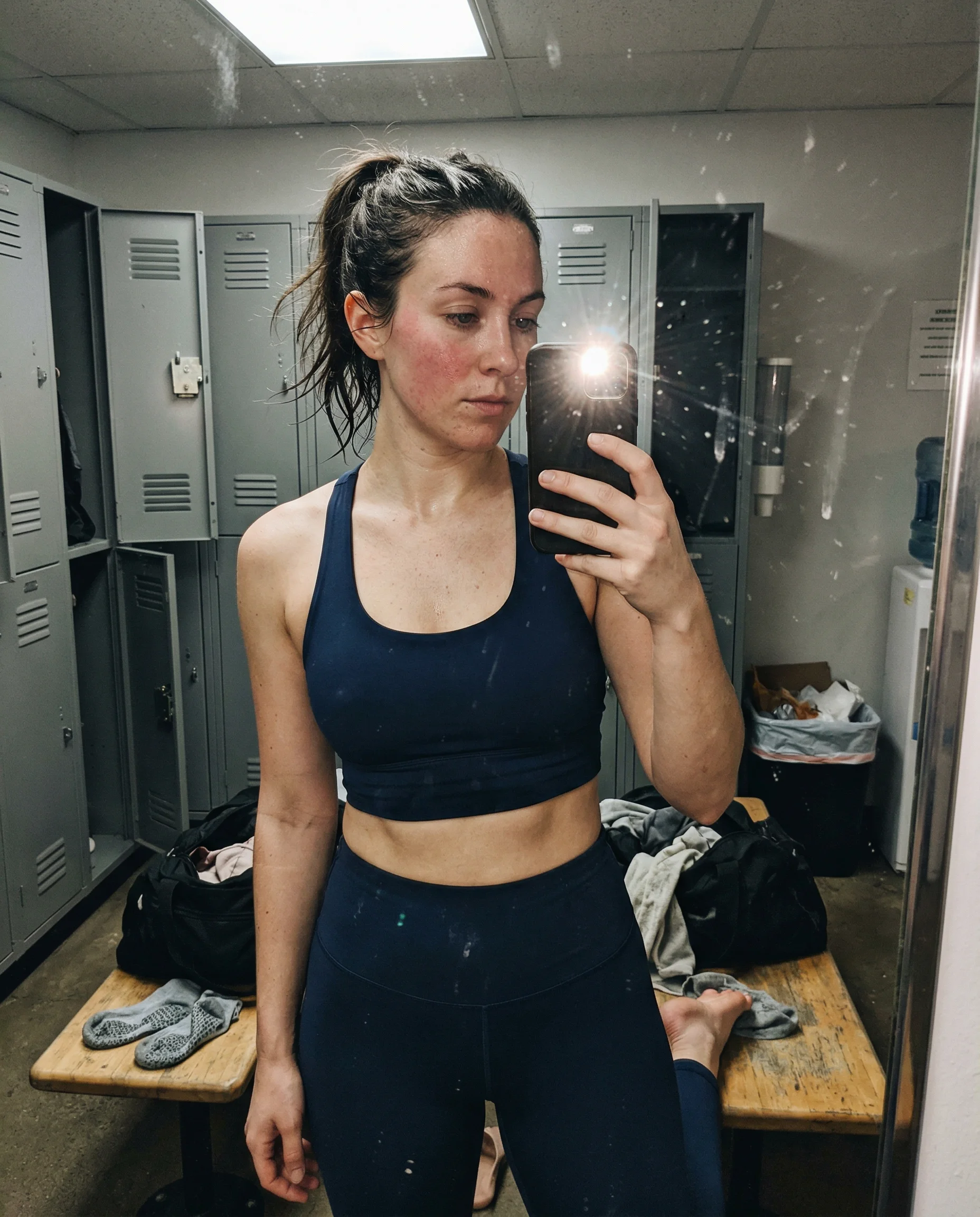
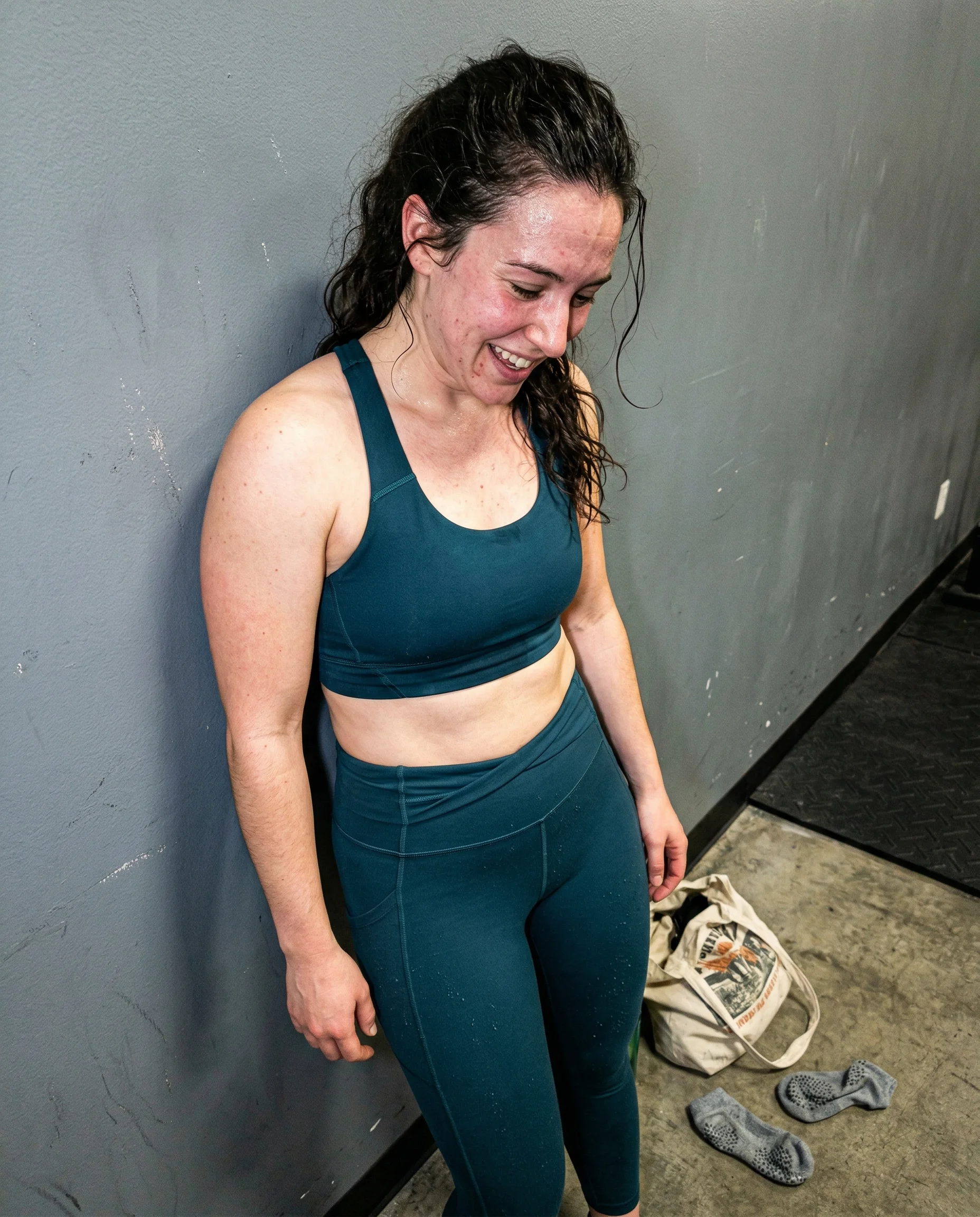
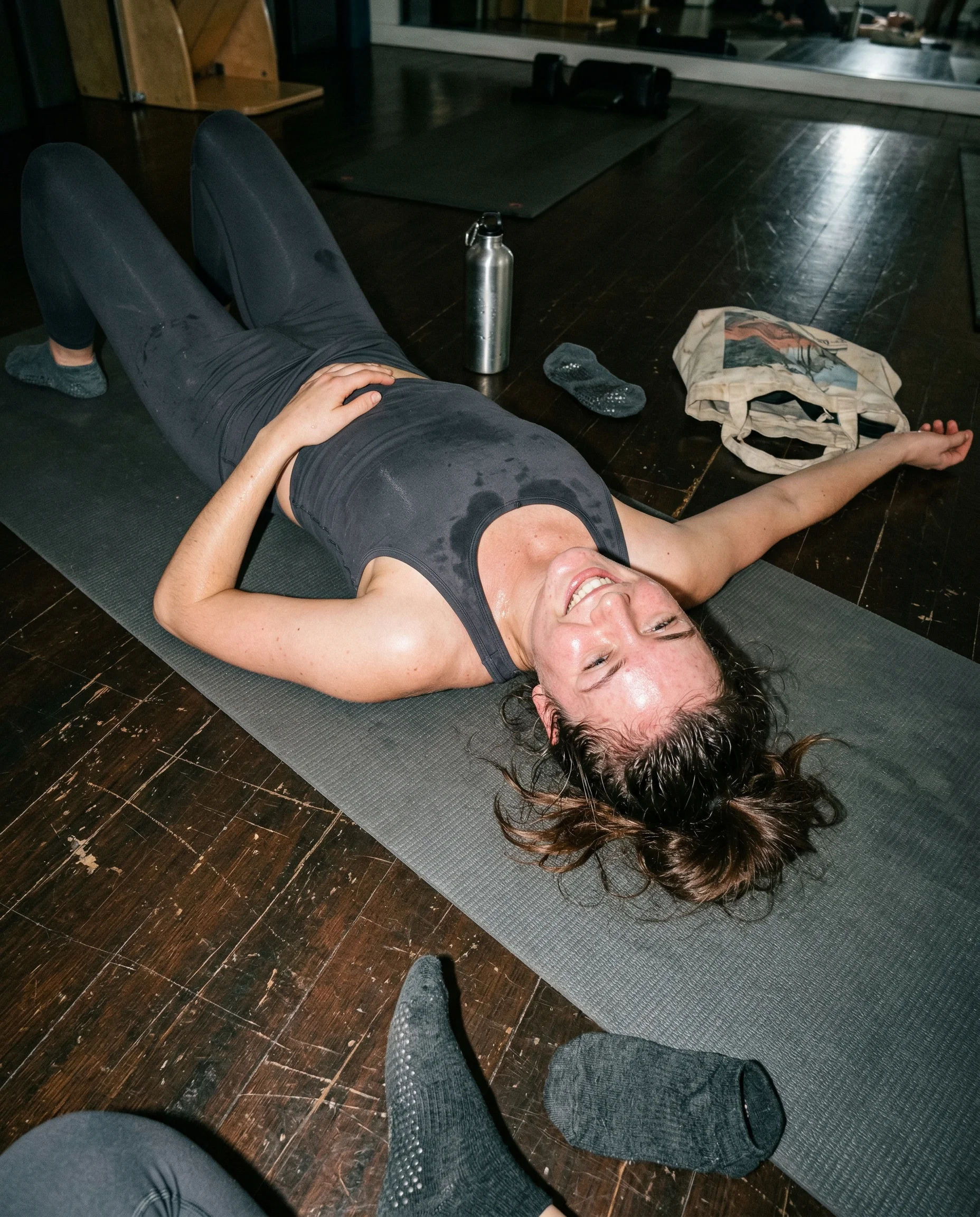
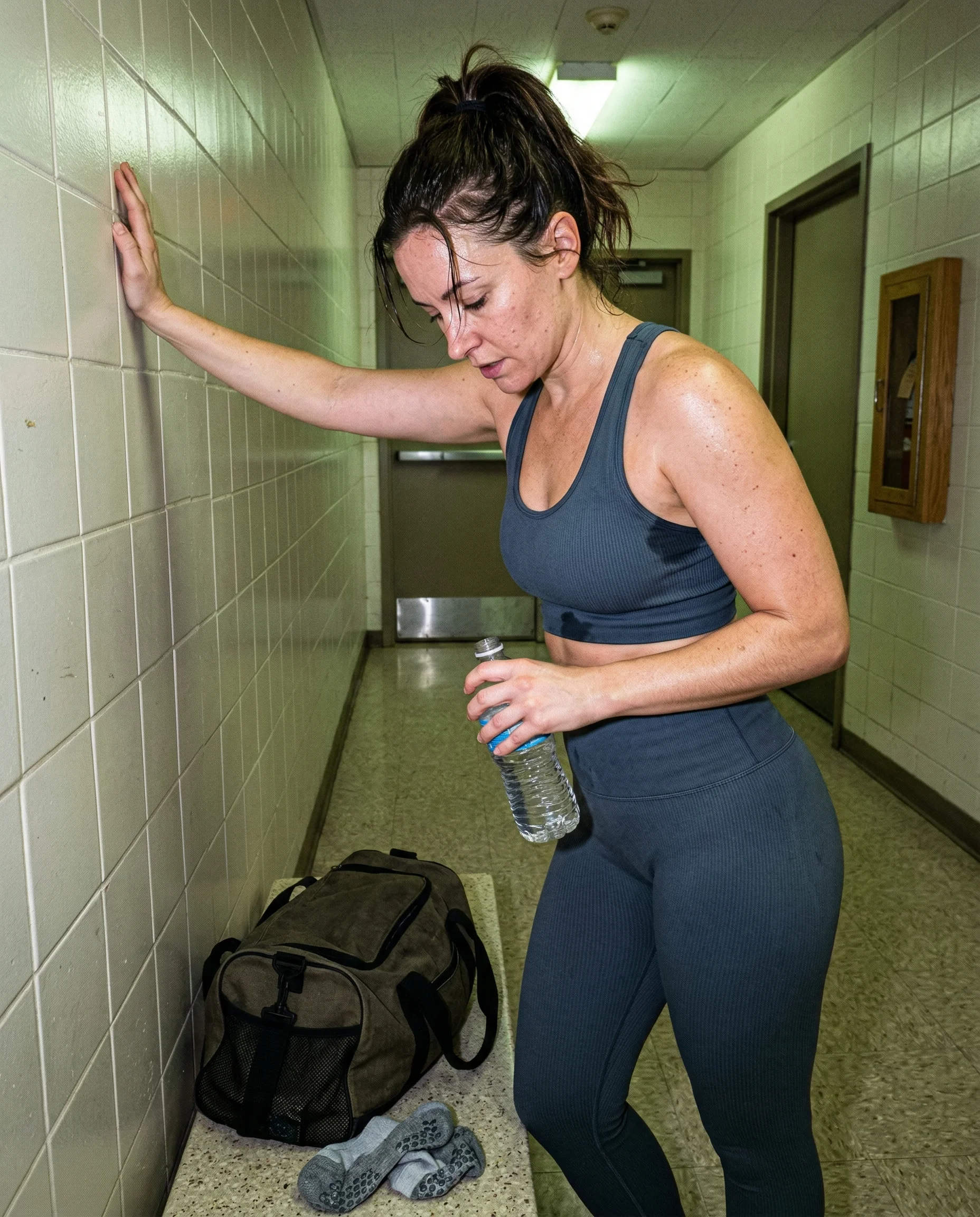
flash that refuses to flatter
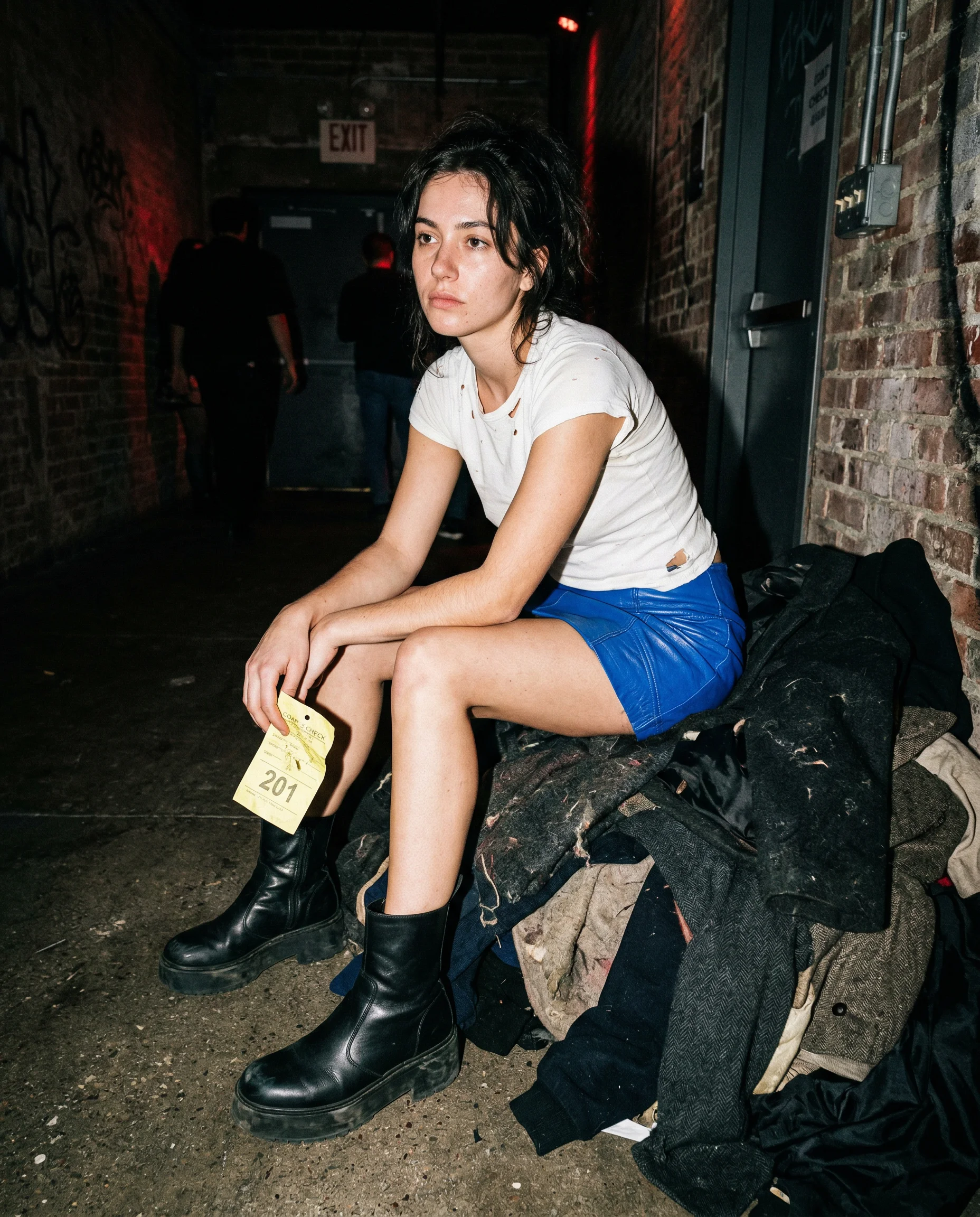
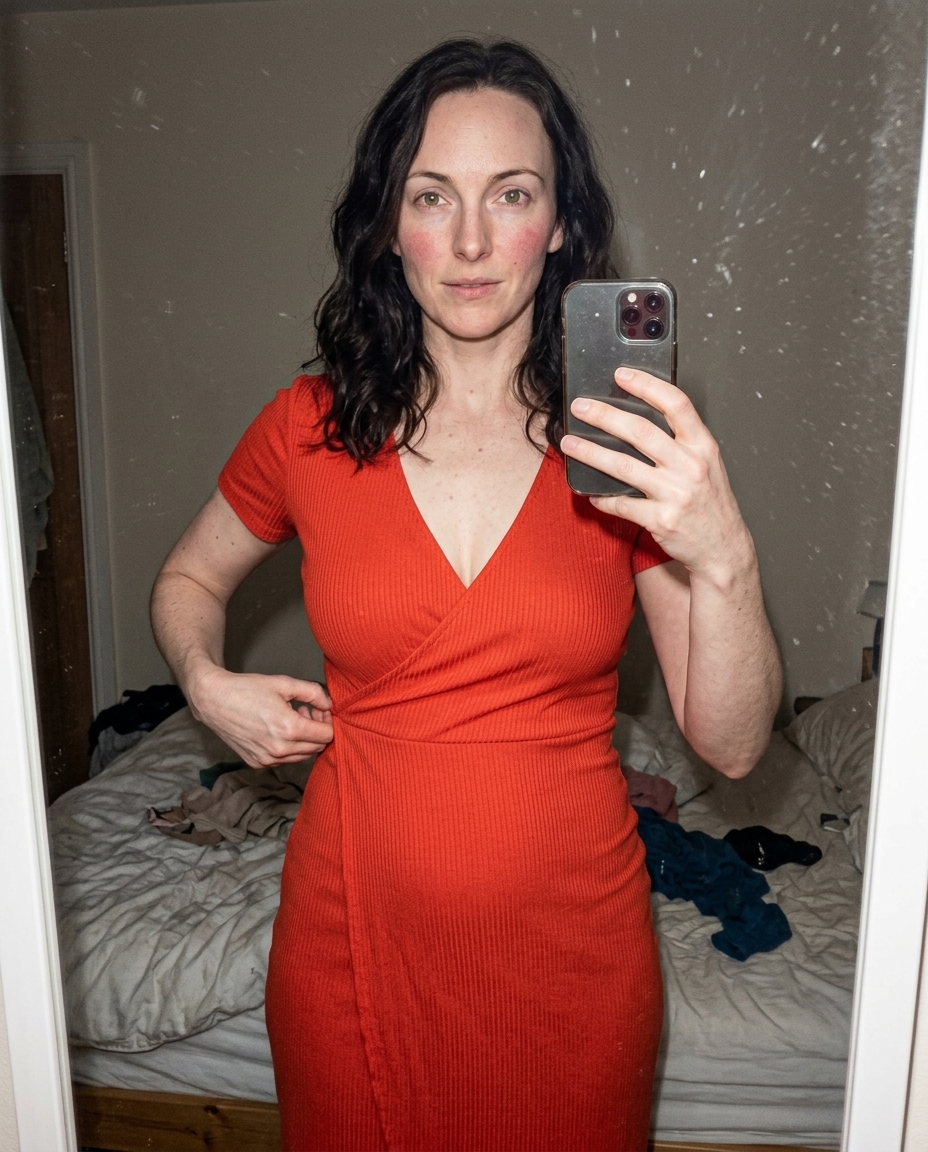
Harsh flash should feel a little rude. It catches forehead shine, mirror grime, condensation, carpet dust, and every small surface the image would rather hide. If the light starts smoothing the subject or softening the room, the whole thing moves back toward fake studio polish.
hard shadows keep the room honest
A direct flash creates ugly shadows behind arms, bags, legs, furniture, and bathroom fixtures. Those shadows are useful. They make the body feel close to the wall and the camera feel physically present. Without them, the image floats into that clean render look that does not belong here.
blown highlights are allowed
Do not rescue every highlight. A flash photo can lose detail on a cheekbone, a sink edge, a laminate table, or the steel wall of an elevator. That small overexposure tells the model to stop making everything balanced and let the image behave like a rushed phone photo.
Read the underlying camera, lighting, and texture rules before opening the prompt grid.
Start from an aesthetic hub, then drill into the specific prompt pages that make the look usable.
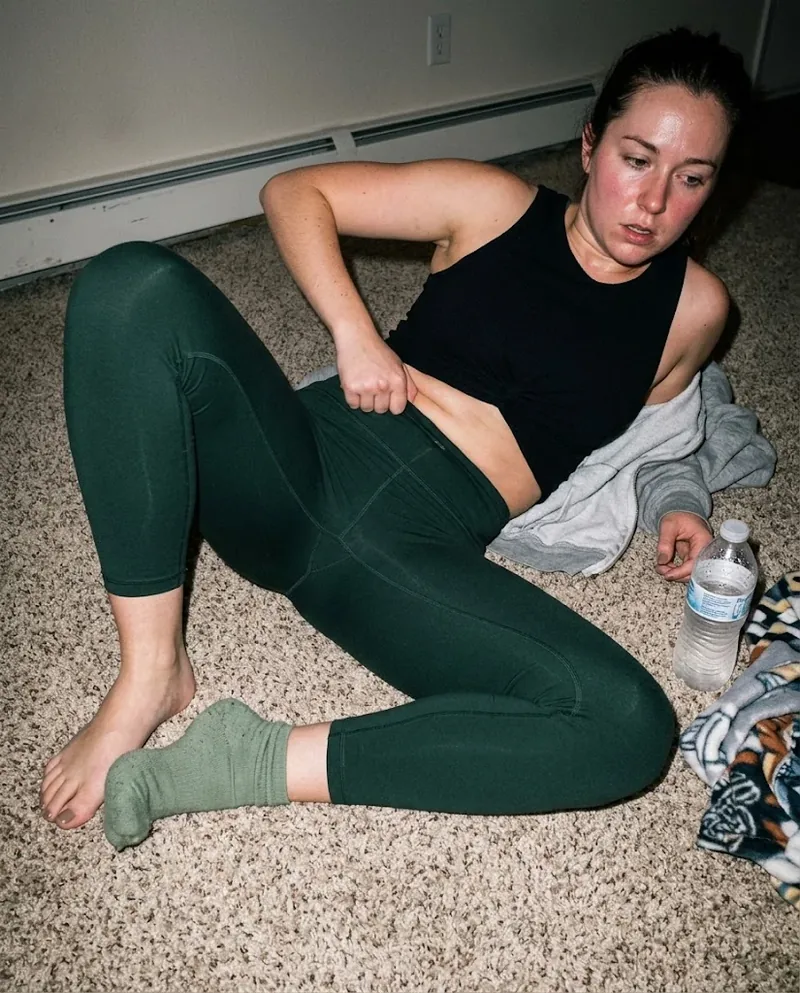
Frequently asked questions about Harsh Flash AI Image Prompts
Why use harsh flash in AI image prompts?
Harsh flash creates the physical mistakes that make a generated photo feel real: hard shadows, blown highlights, visible pores, shiny skin, and dirty reflective surfaces. It fights the soft, flattering light that makes AI images look too clean.
How do I keep harsh flash from looking like a studio setup?
Keep the camera close and the environment ugly. Name a phone flash, a dirty mirror, cheap wall paint, a sticky tabletop, or a cramped hallway. If the light feels intentionally designed, it stops reading as a candid flash photo.
What should harsh flash reveal?
It should reveal texture: pores, peach fuzz, fabric wear, fingerprints, lint, dust, and hard object shadows. The flash is not there to make the image prettier. It is there to make the scene harder to fake.