
Phone Camera AI Image Prompts
Phone camera AI image prompts for photorealistic image models with awkward framing, bad flash, sensor grain, and casual shots that avoid studio polish.
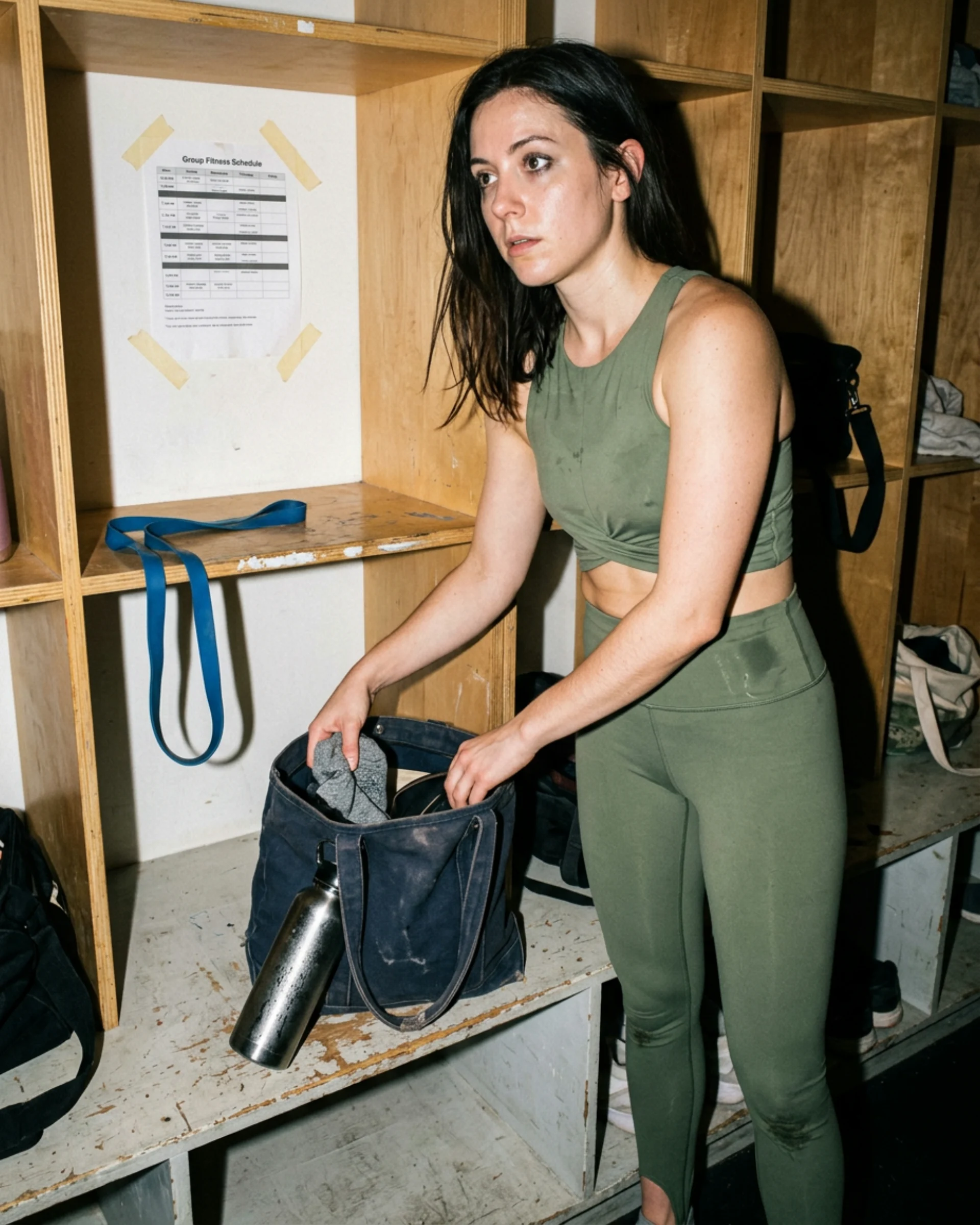
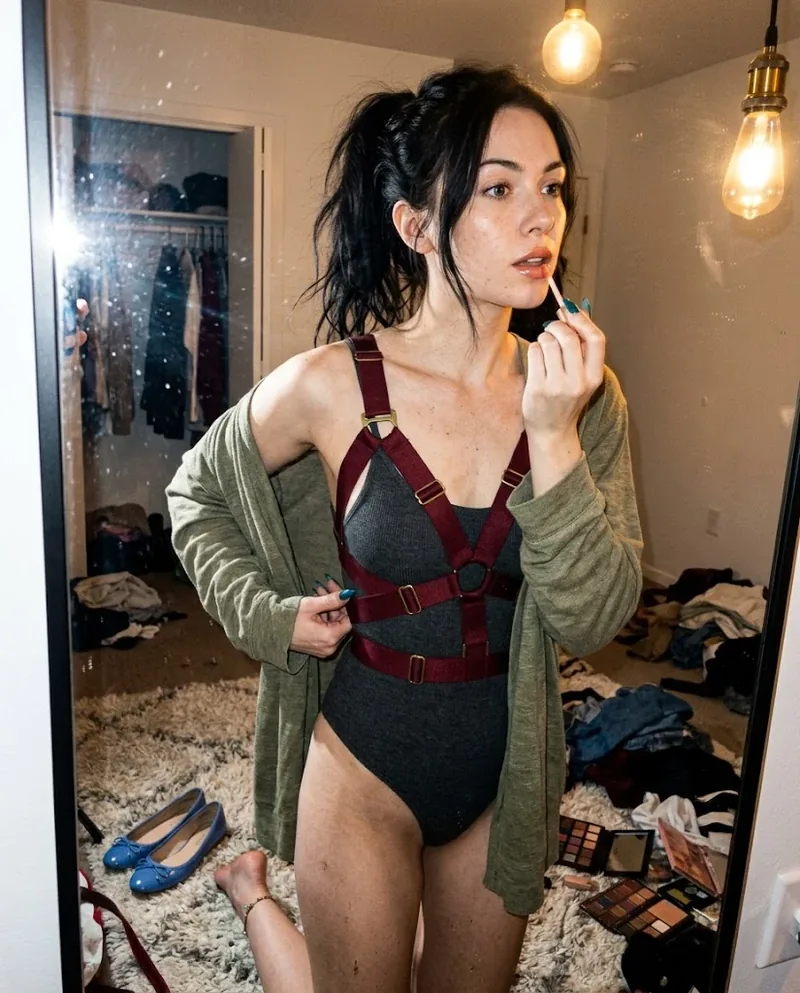
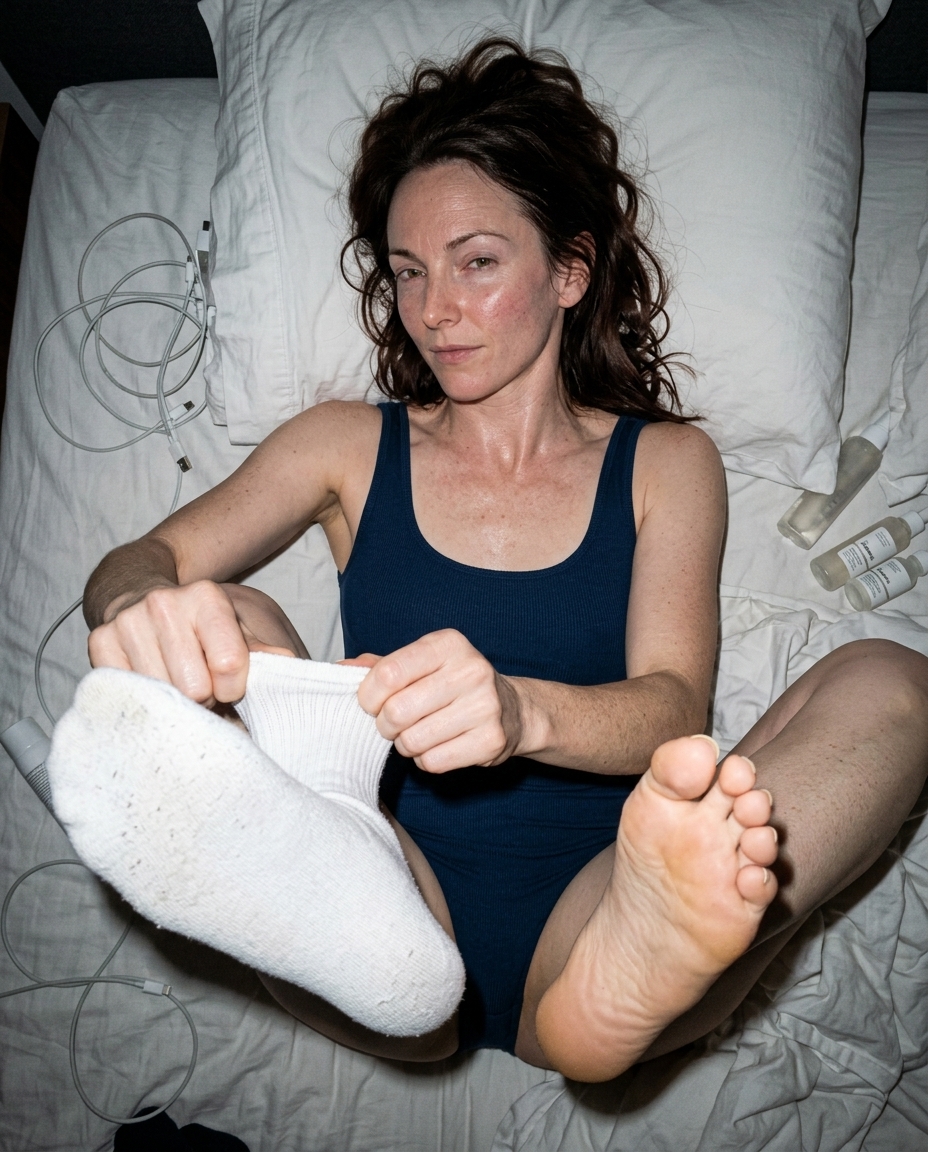 Ref Verified Mia
 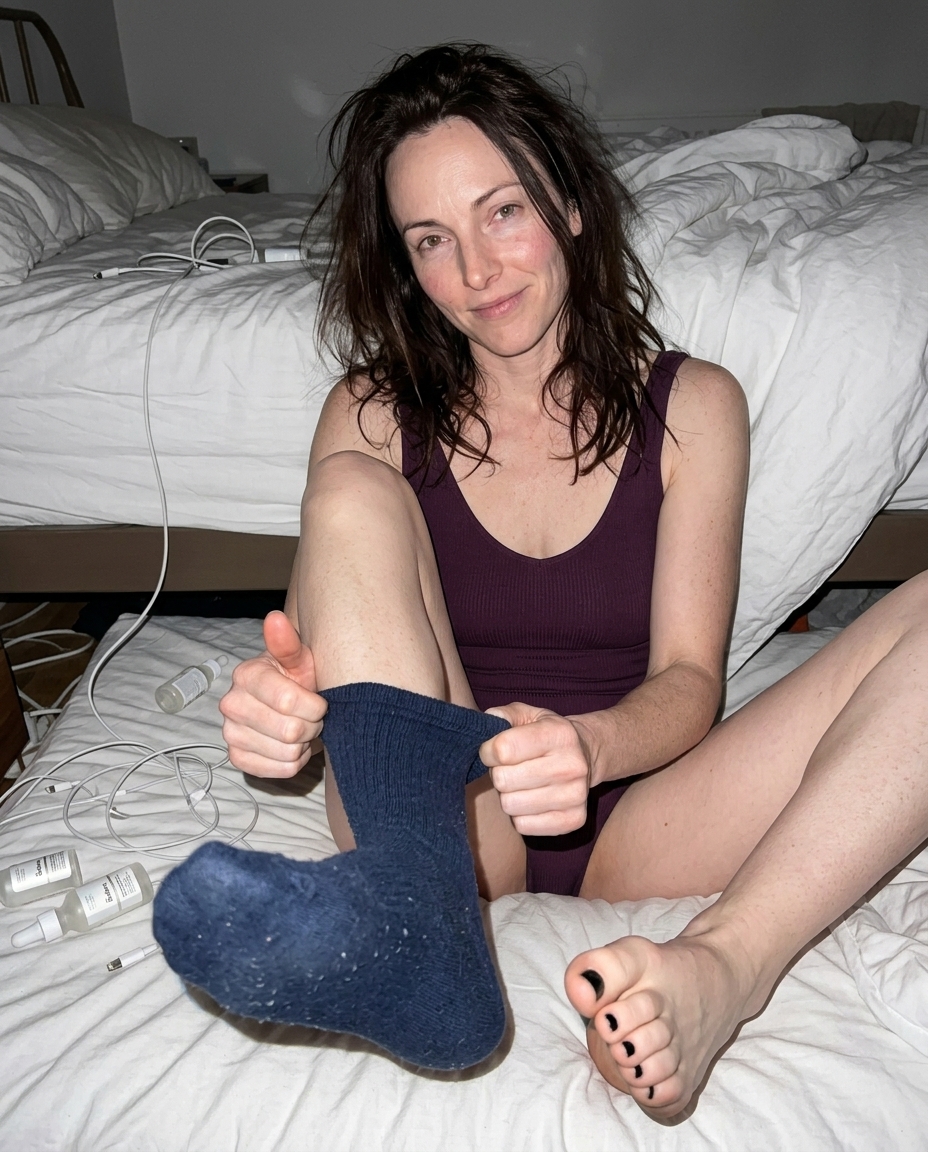 Ref Verified Mia
 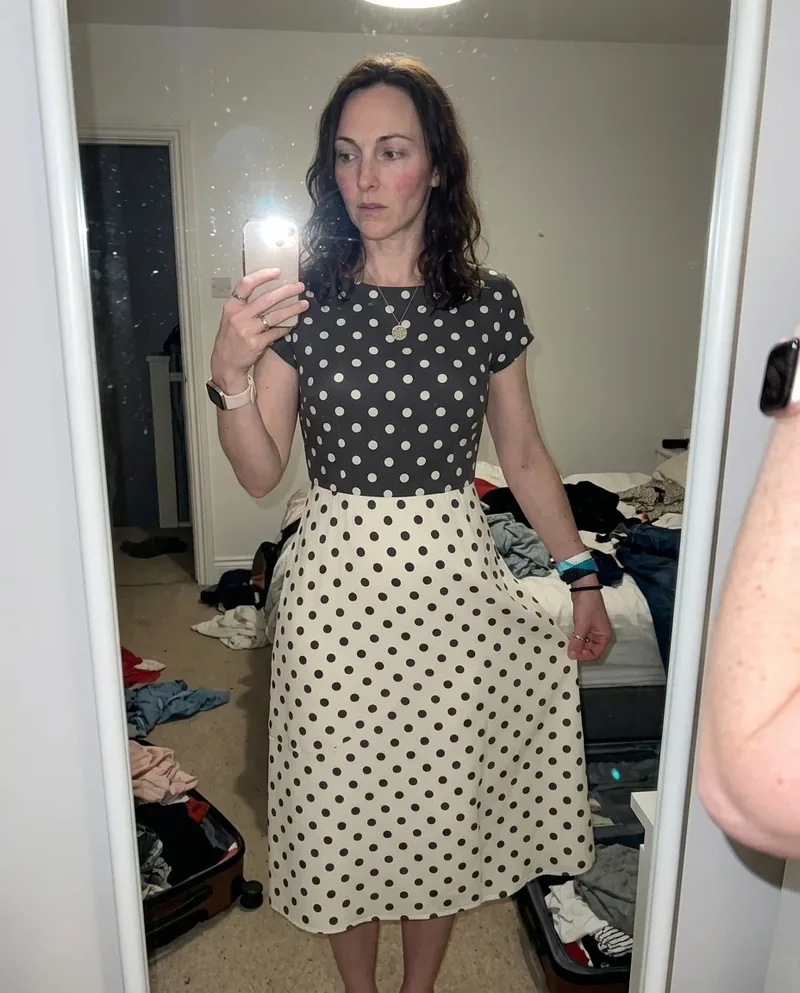 Ref Verified Mia
 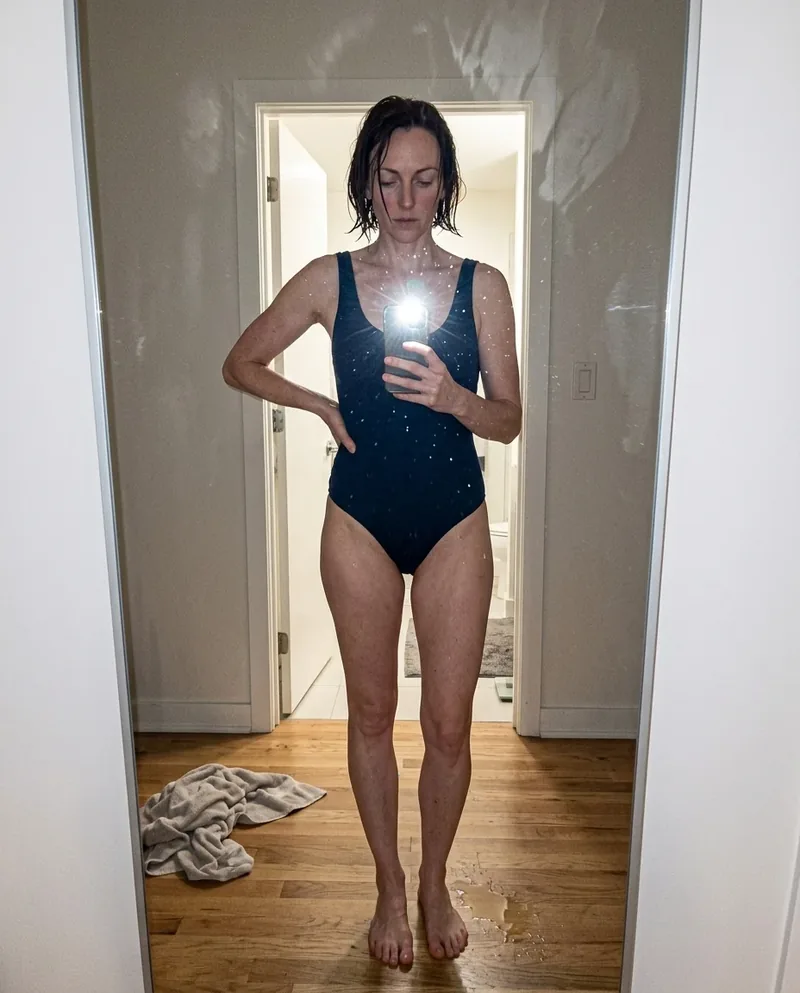 Ref Verified Mia
 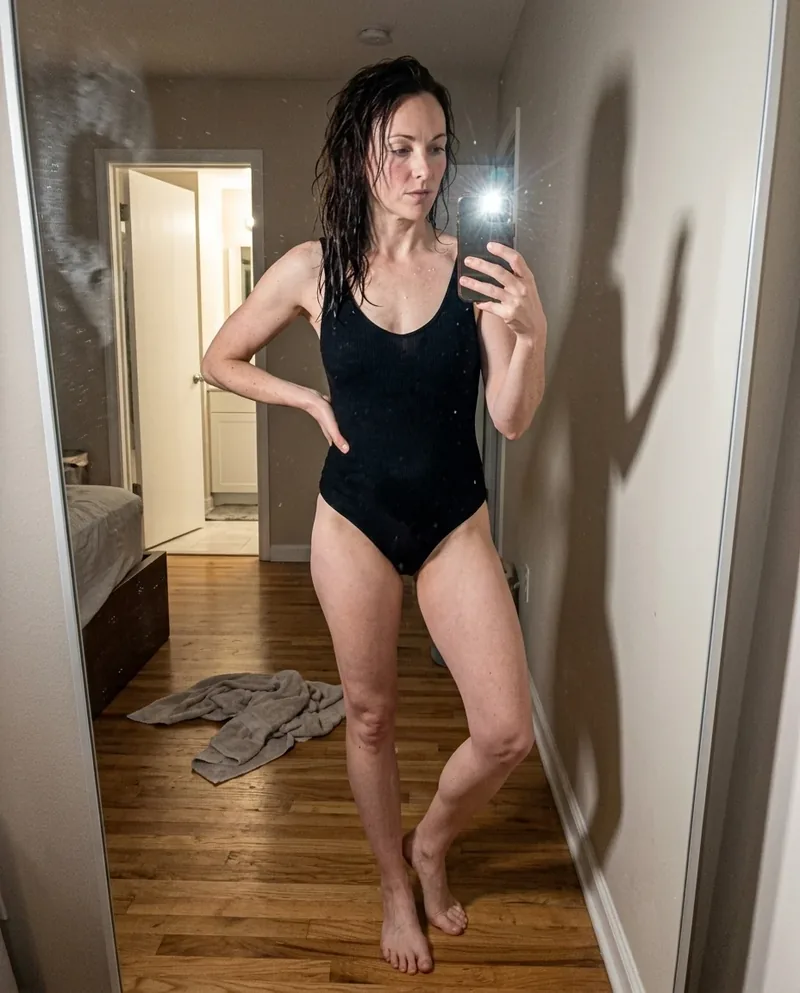 Ref Verified Mia
 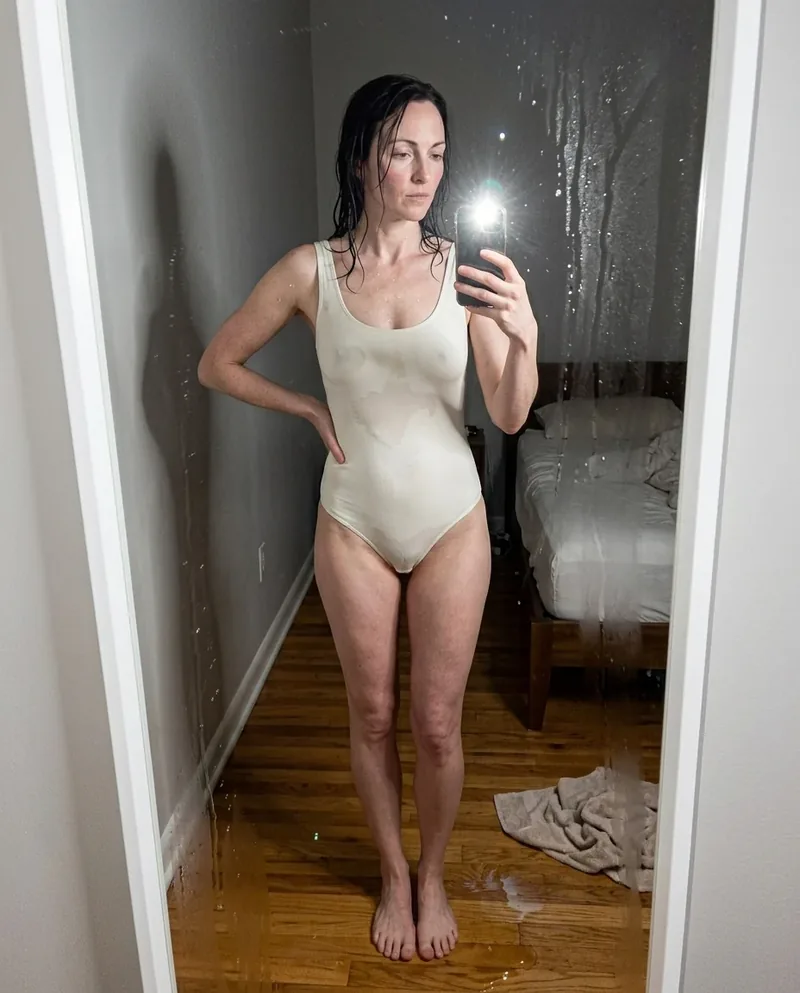 Ref Verified Mia
  Ref Verified Mia
  Ref Verified Mia
  Ref Verified Mia
  Ref Verified Mia
 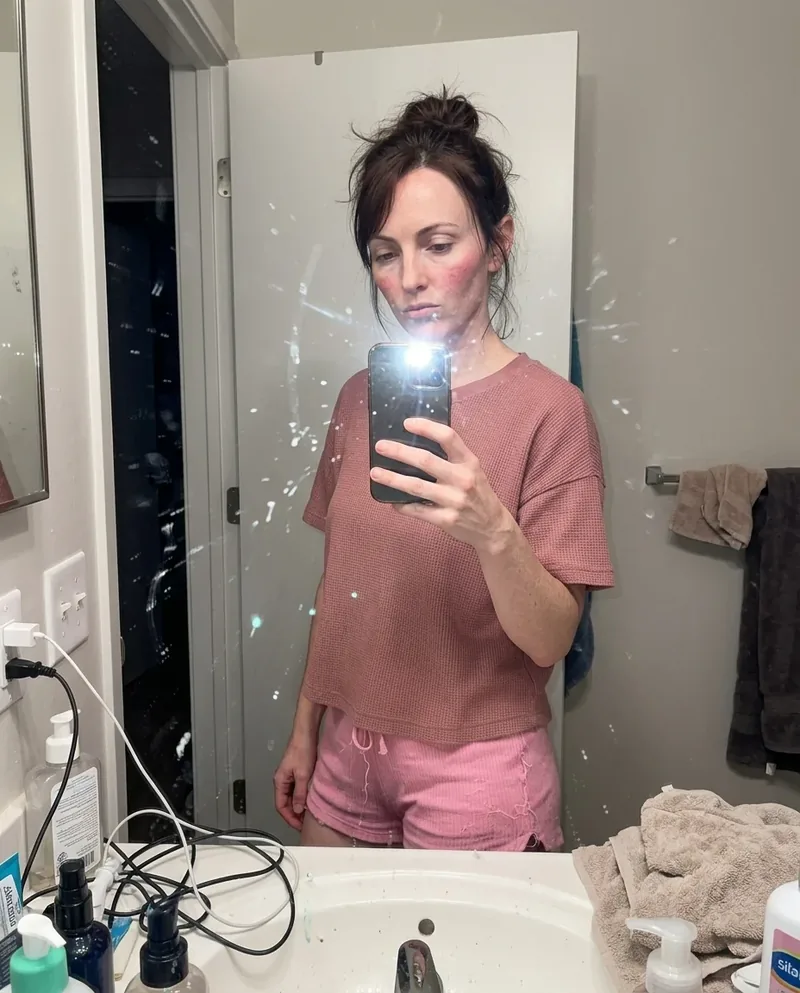 Ref Verified Mia
 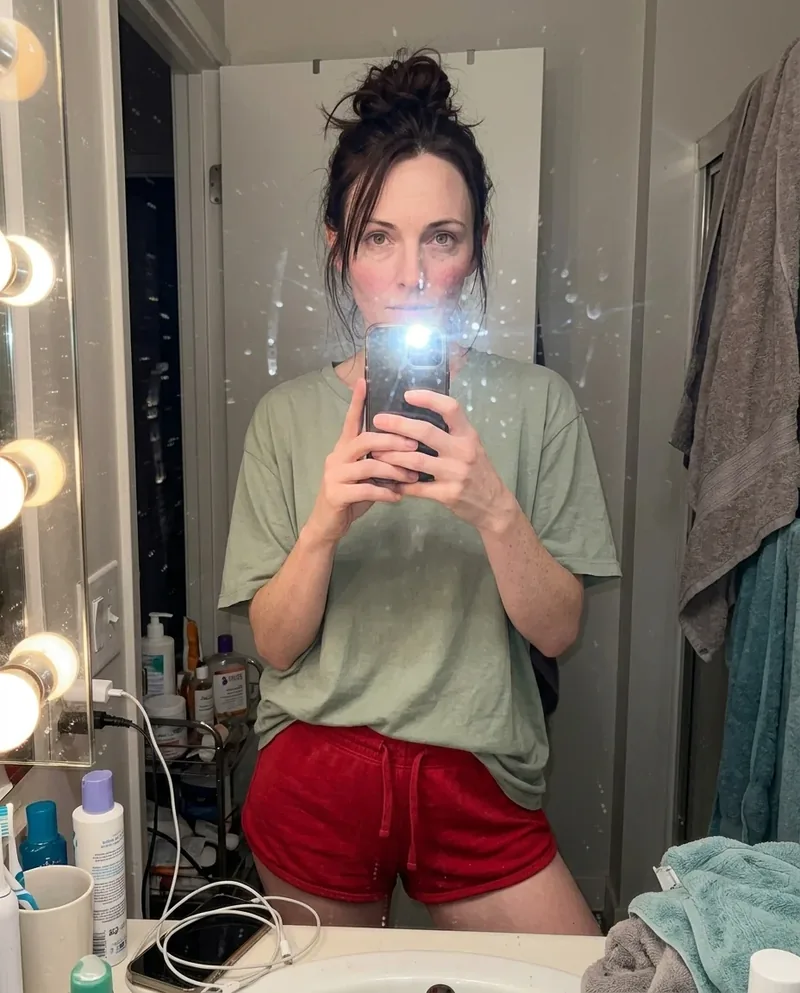 Ref Verified Mia
 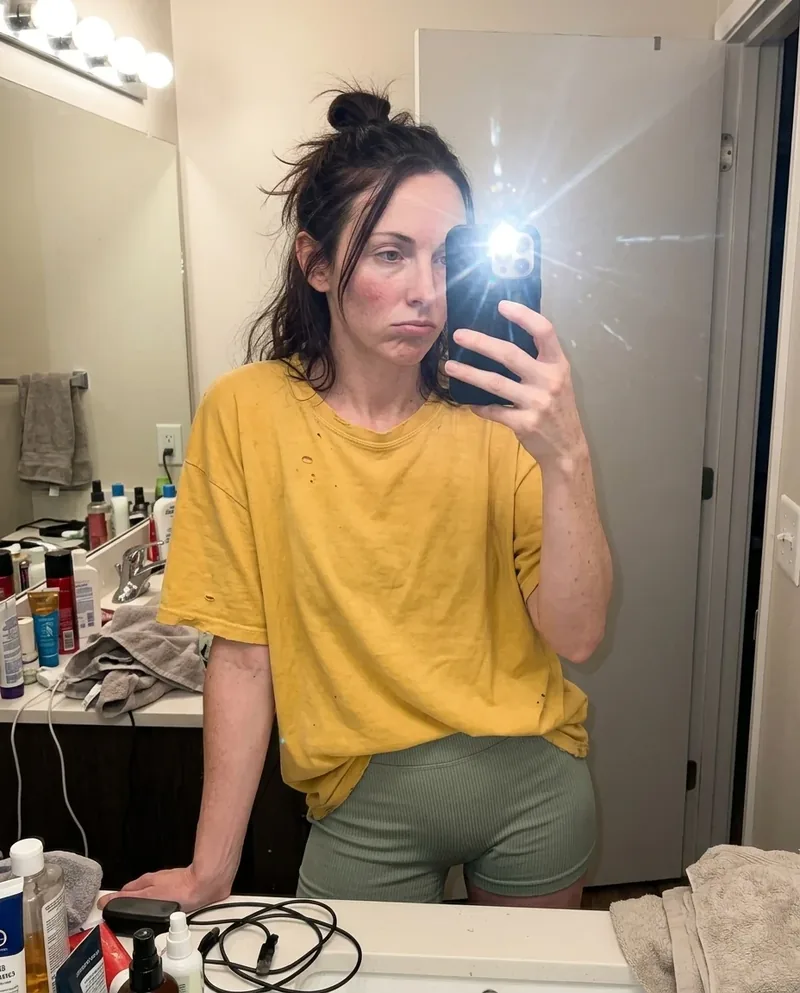 Ref Verified Mia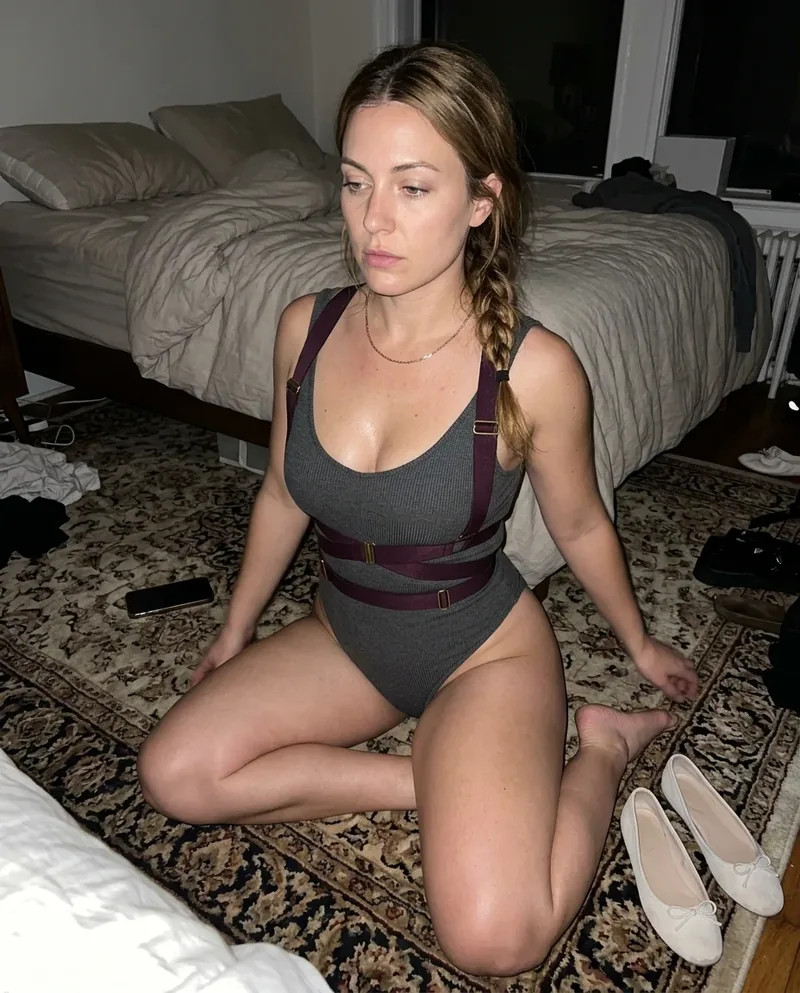
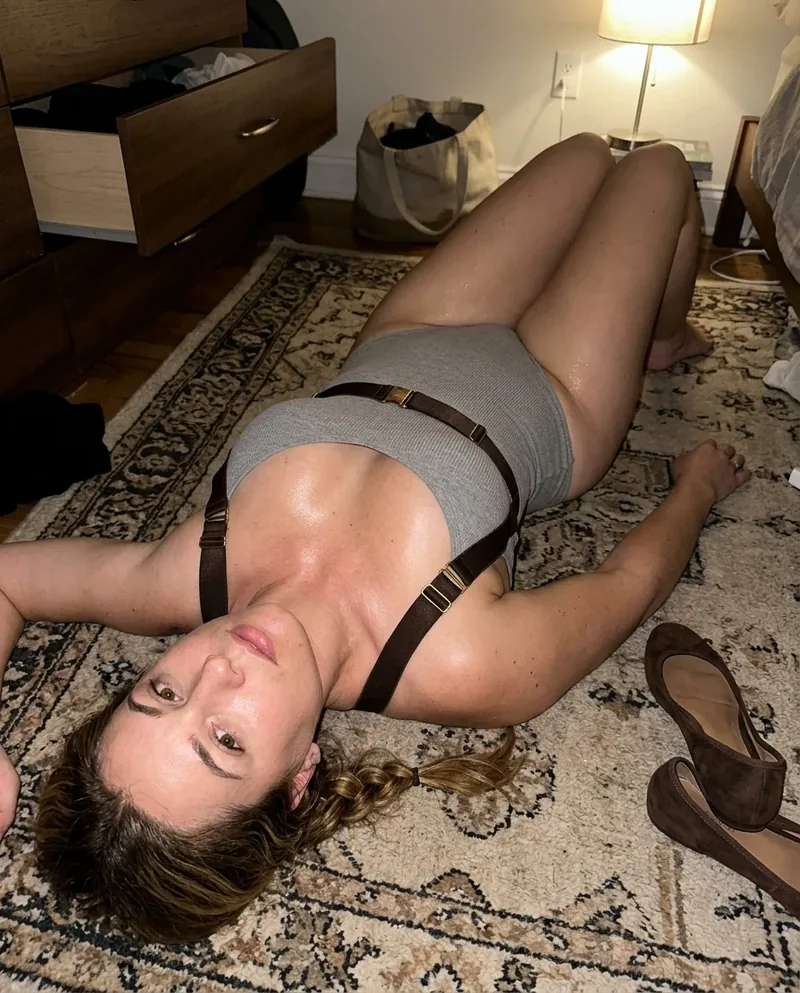


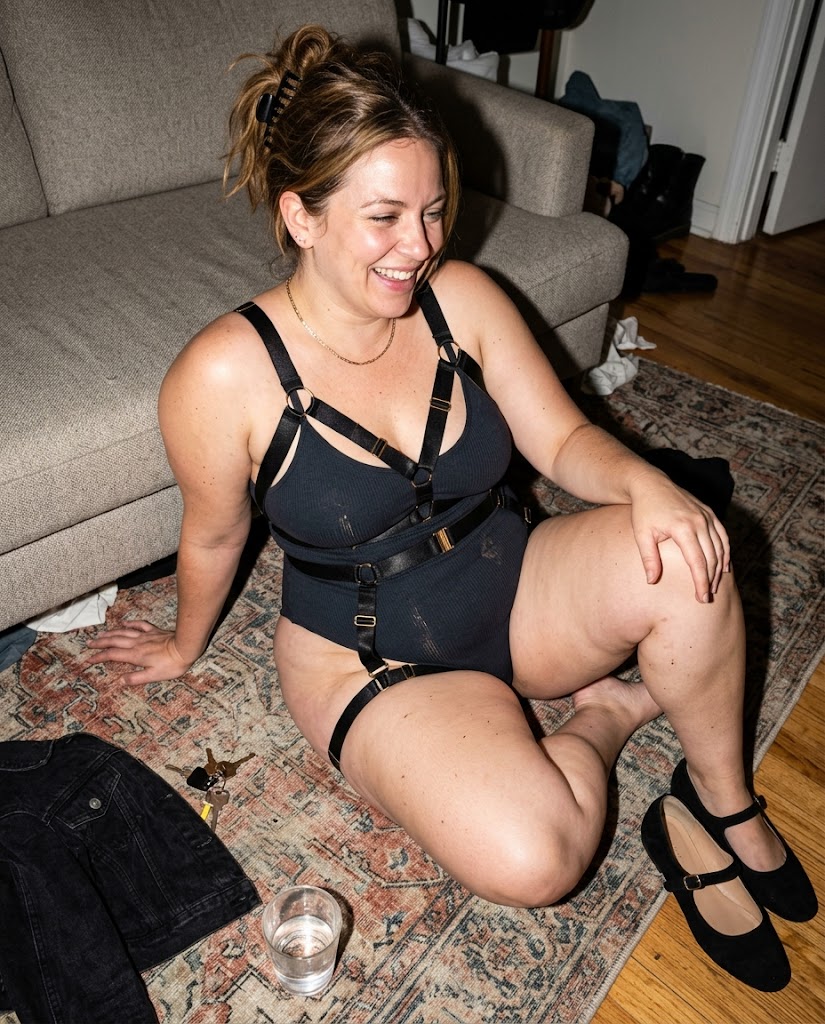
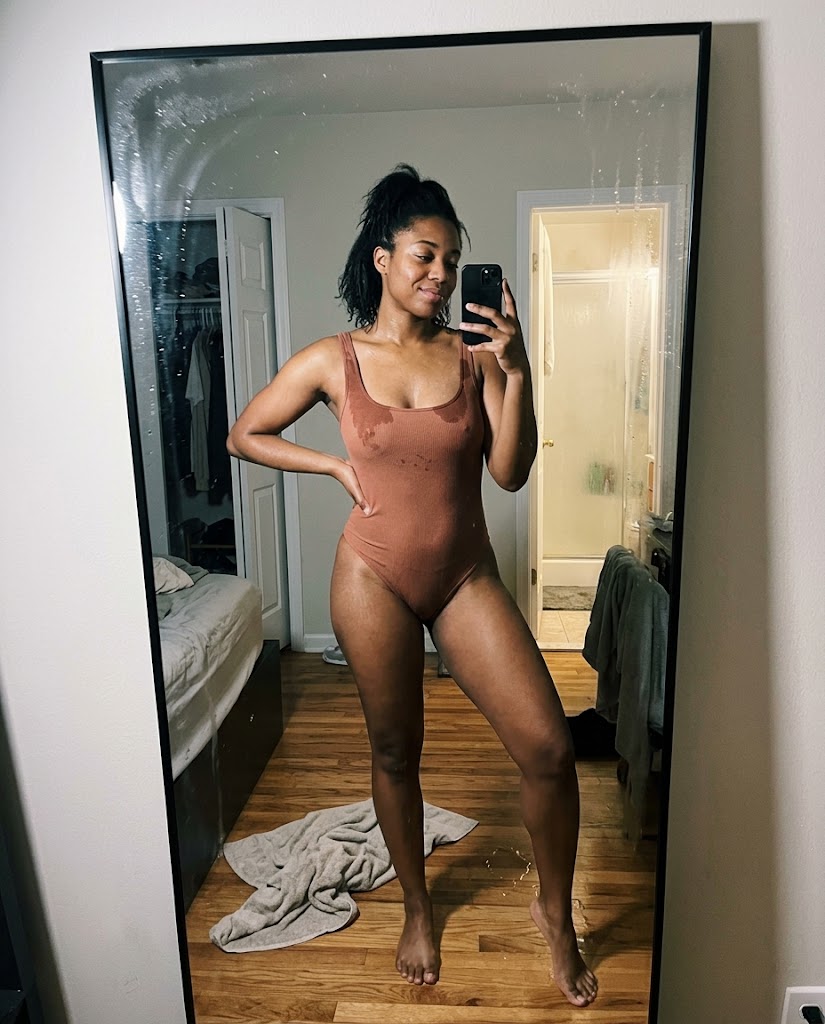
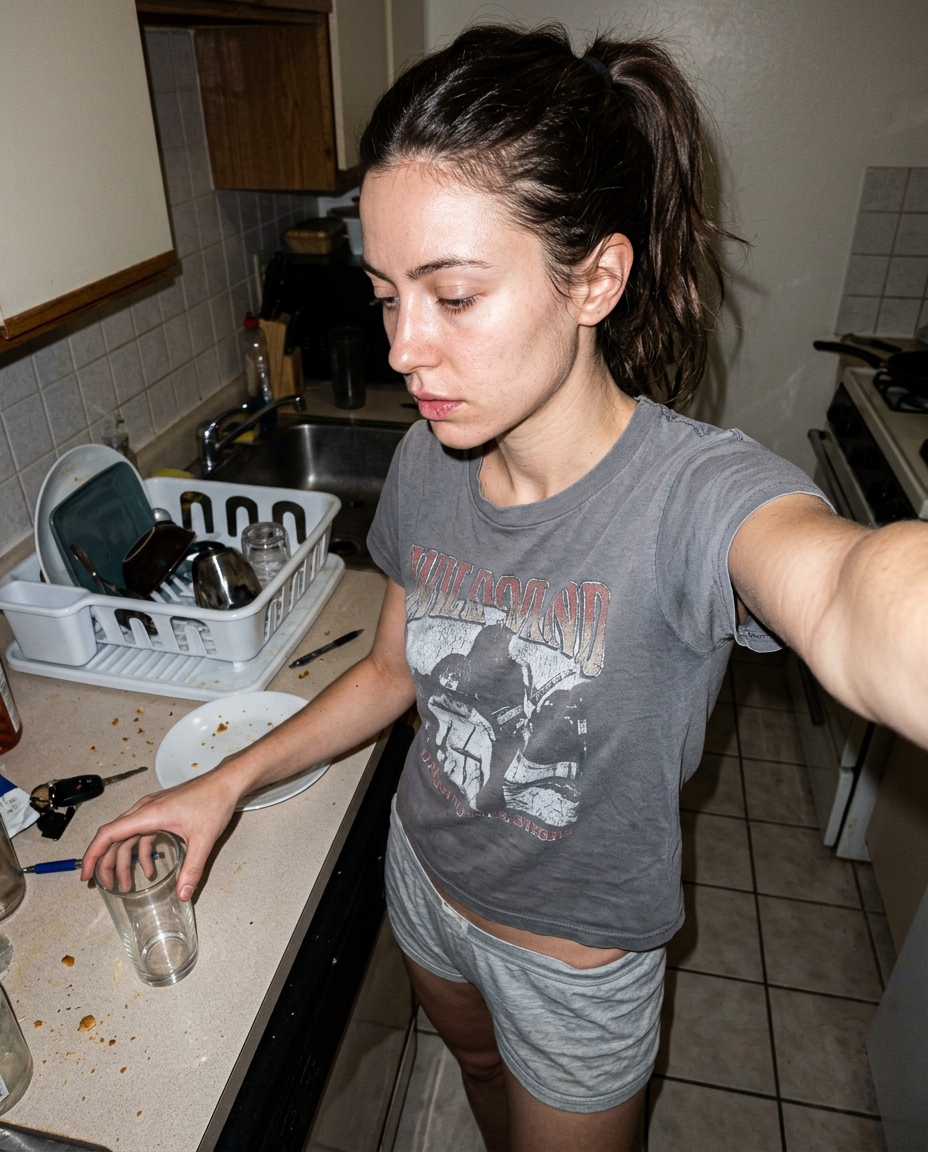
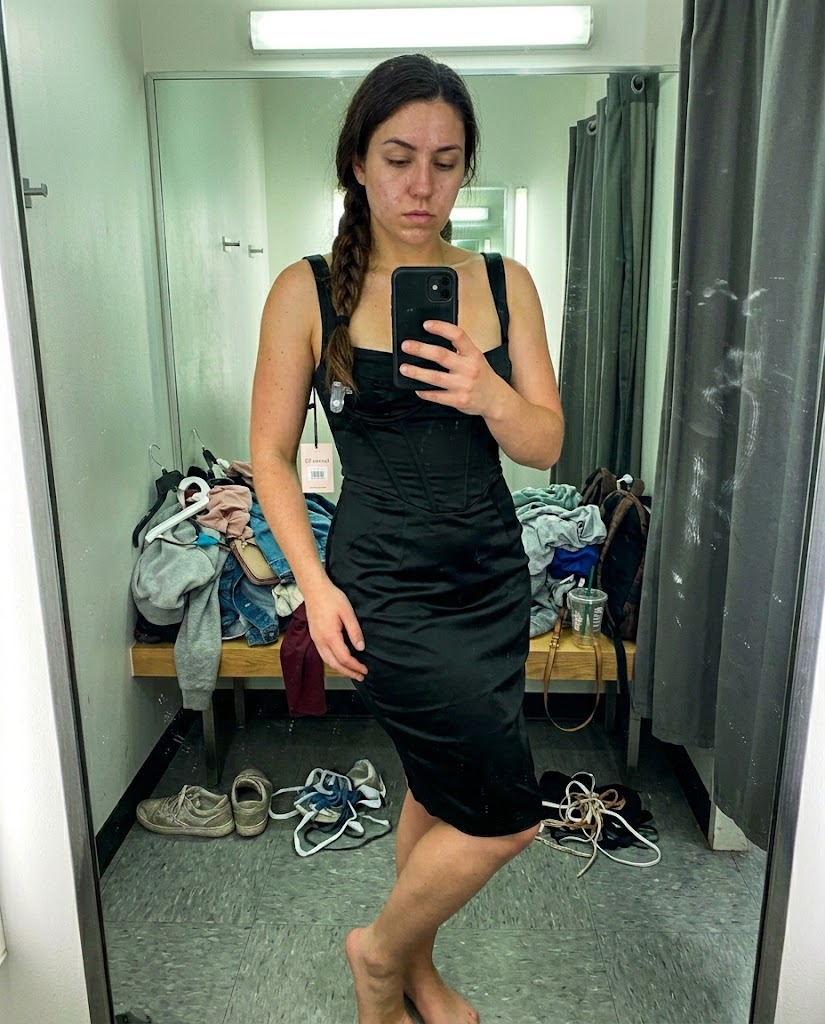
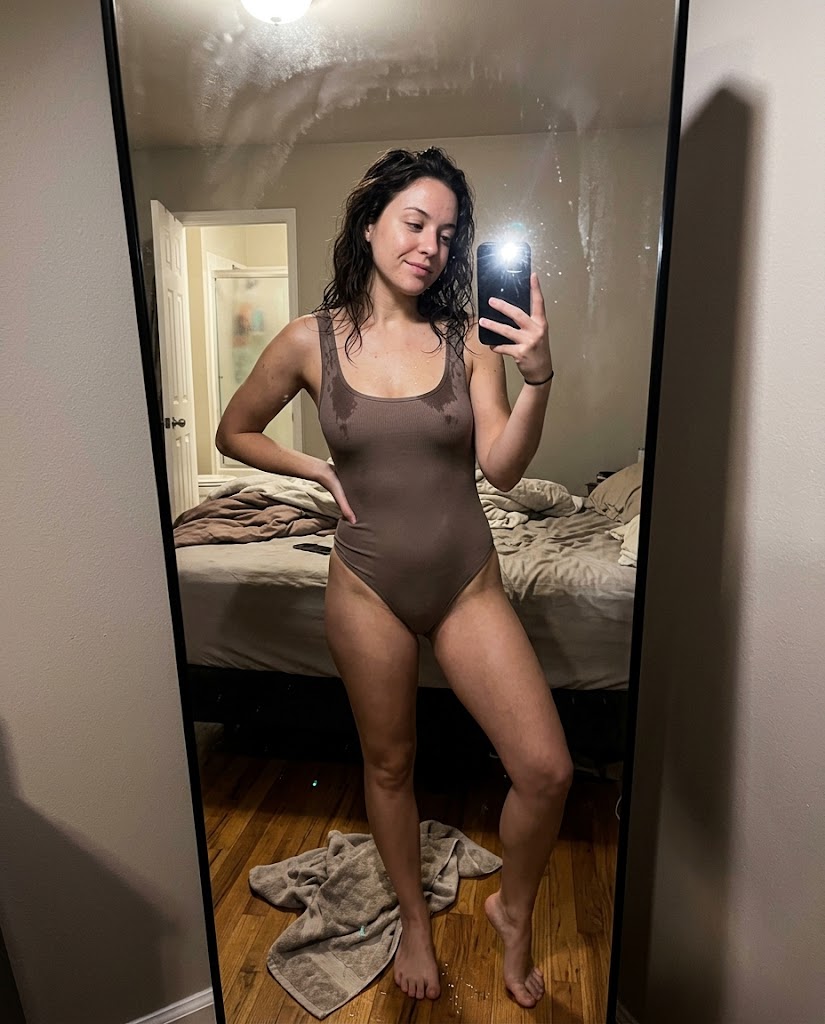
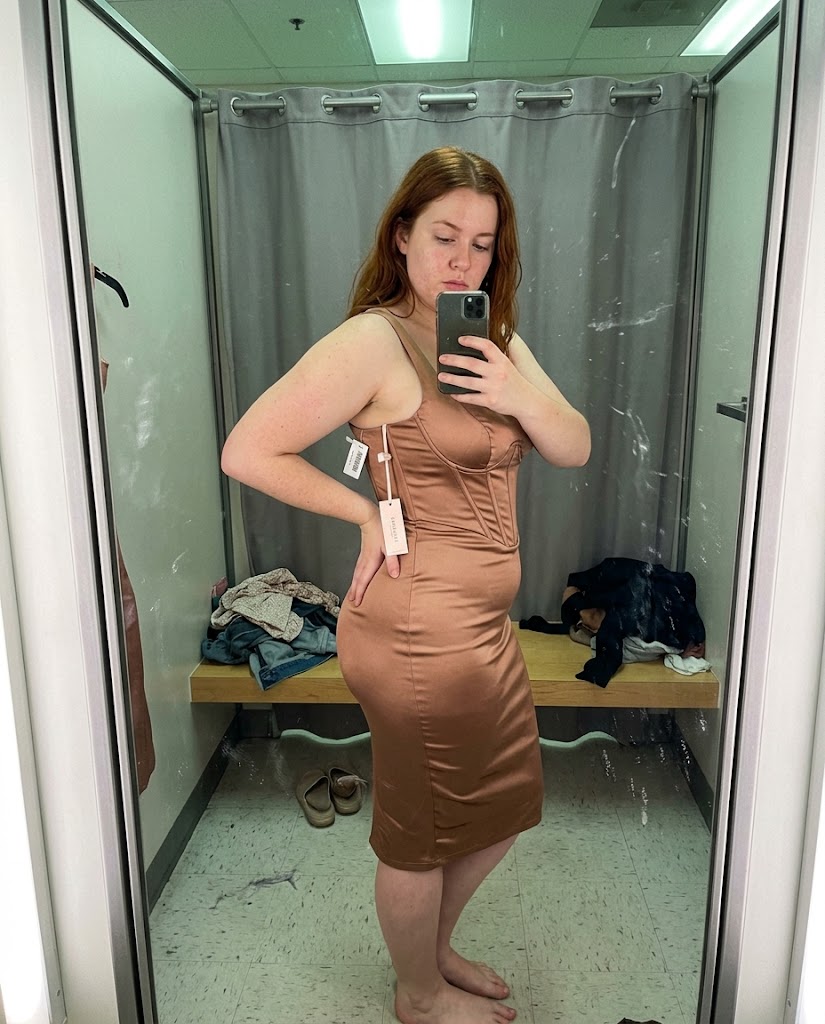
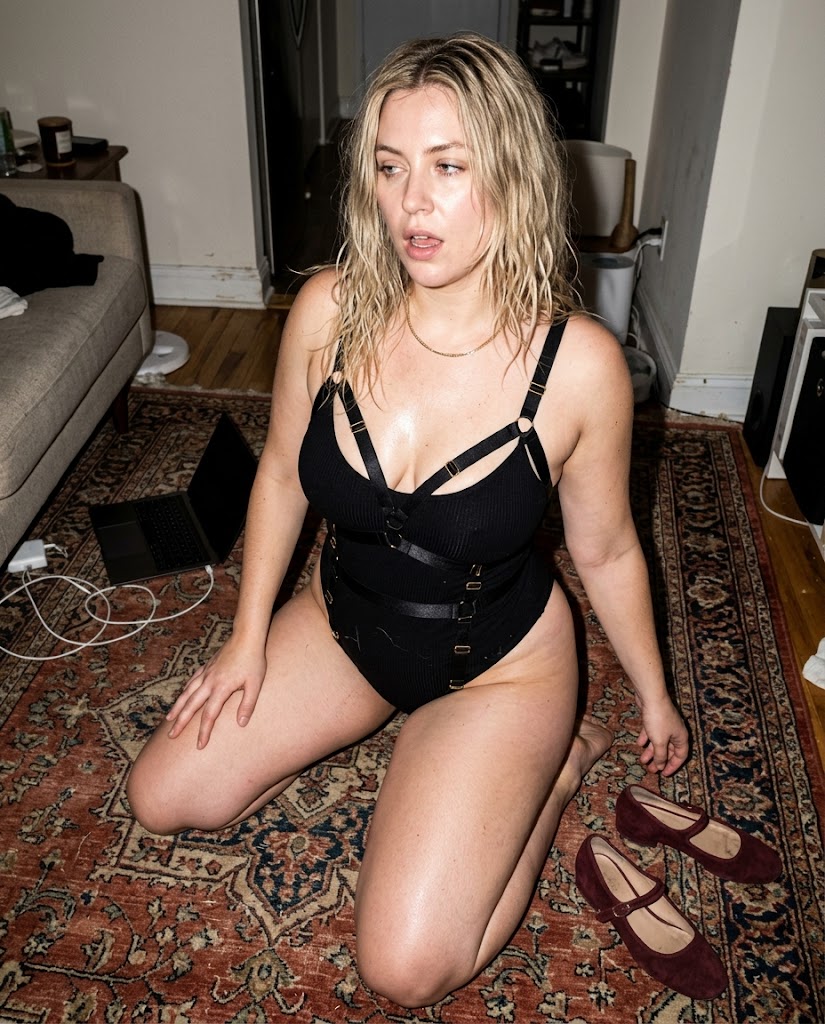
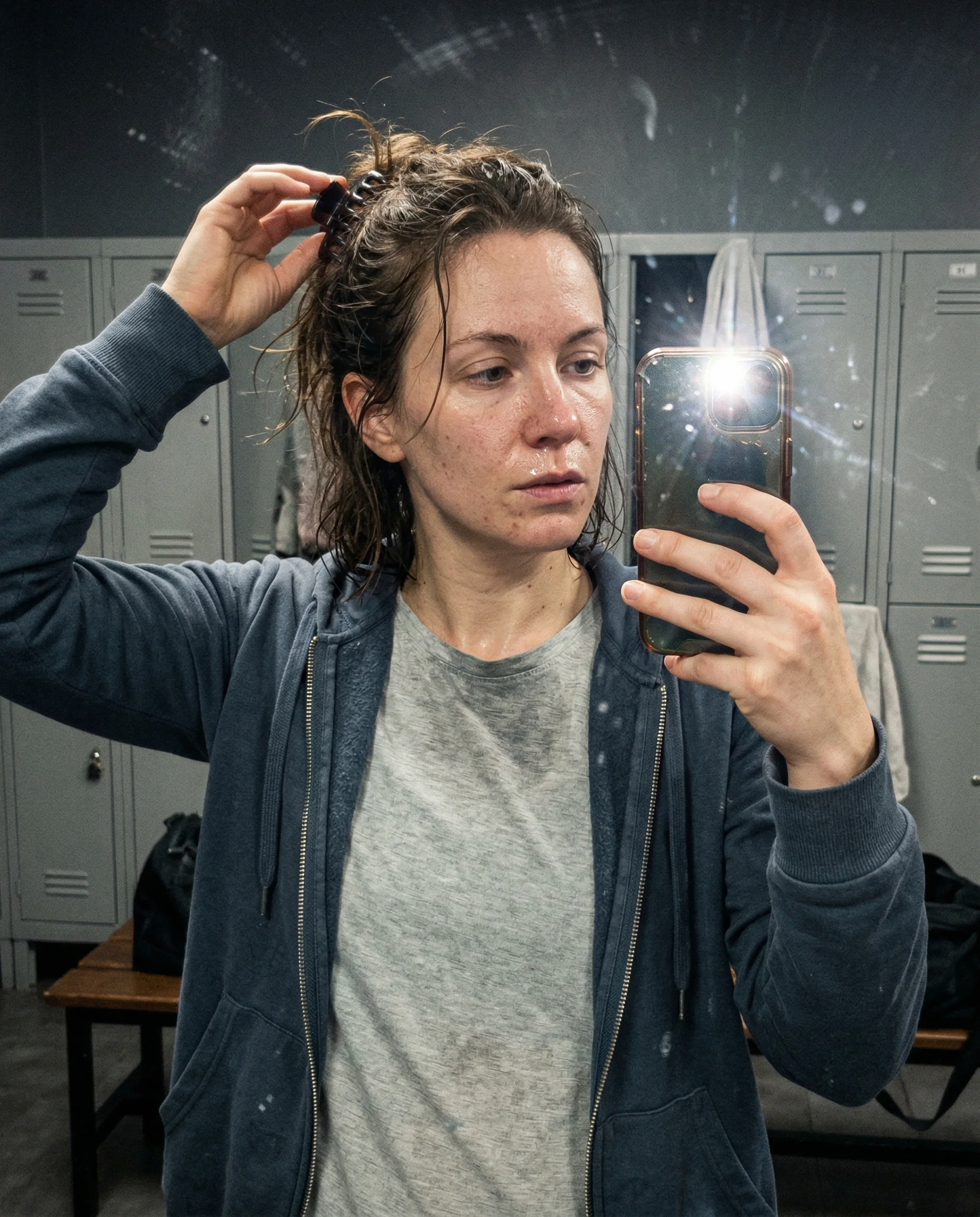
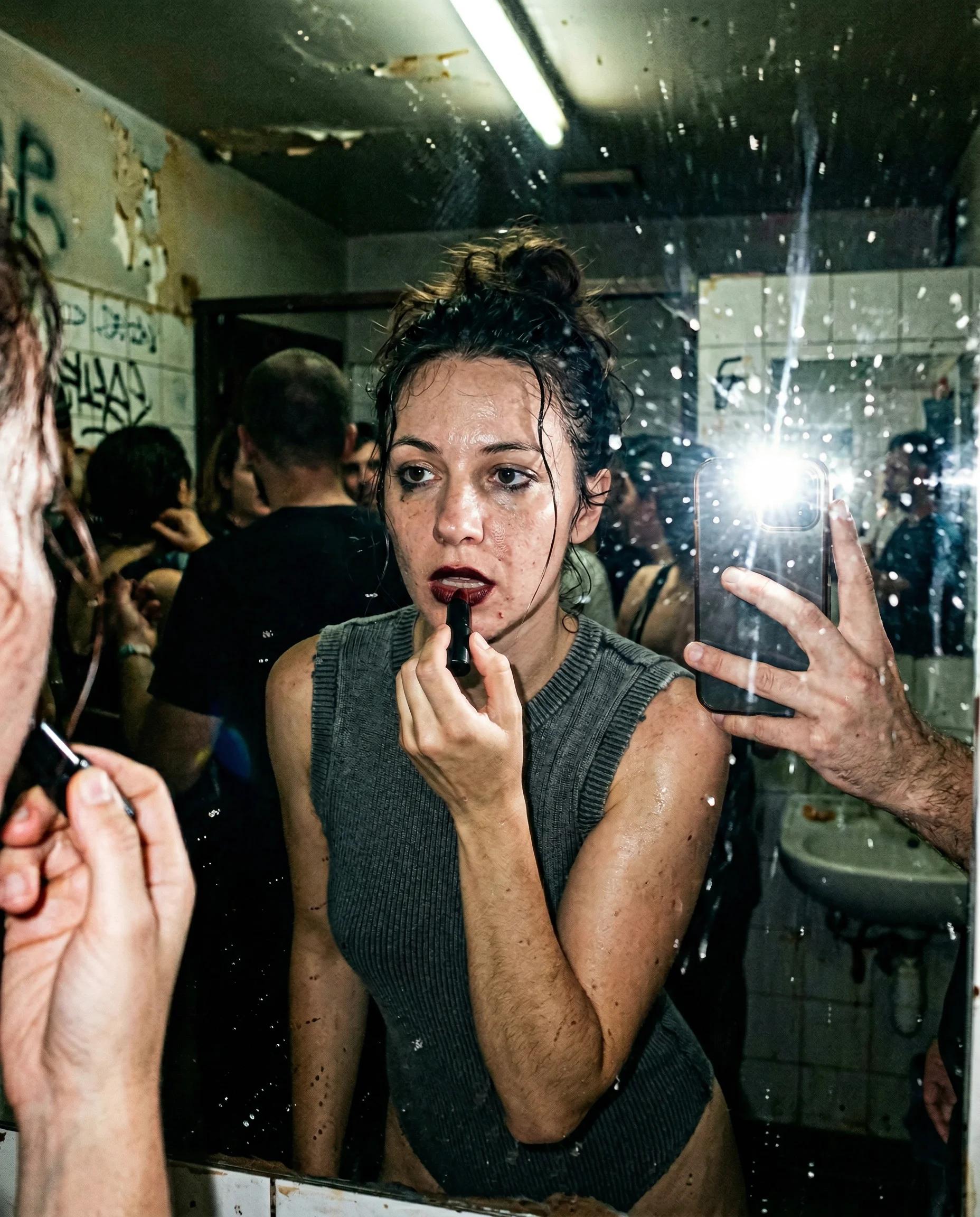
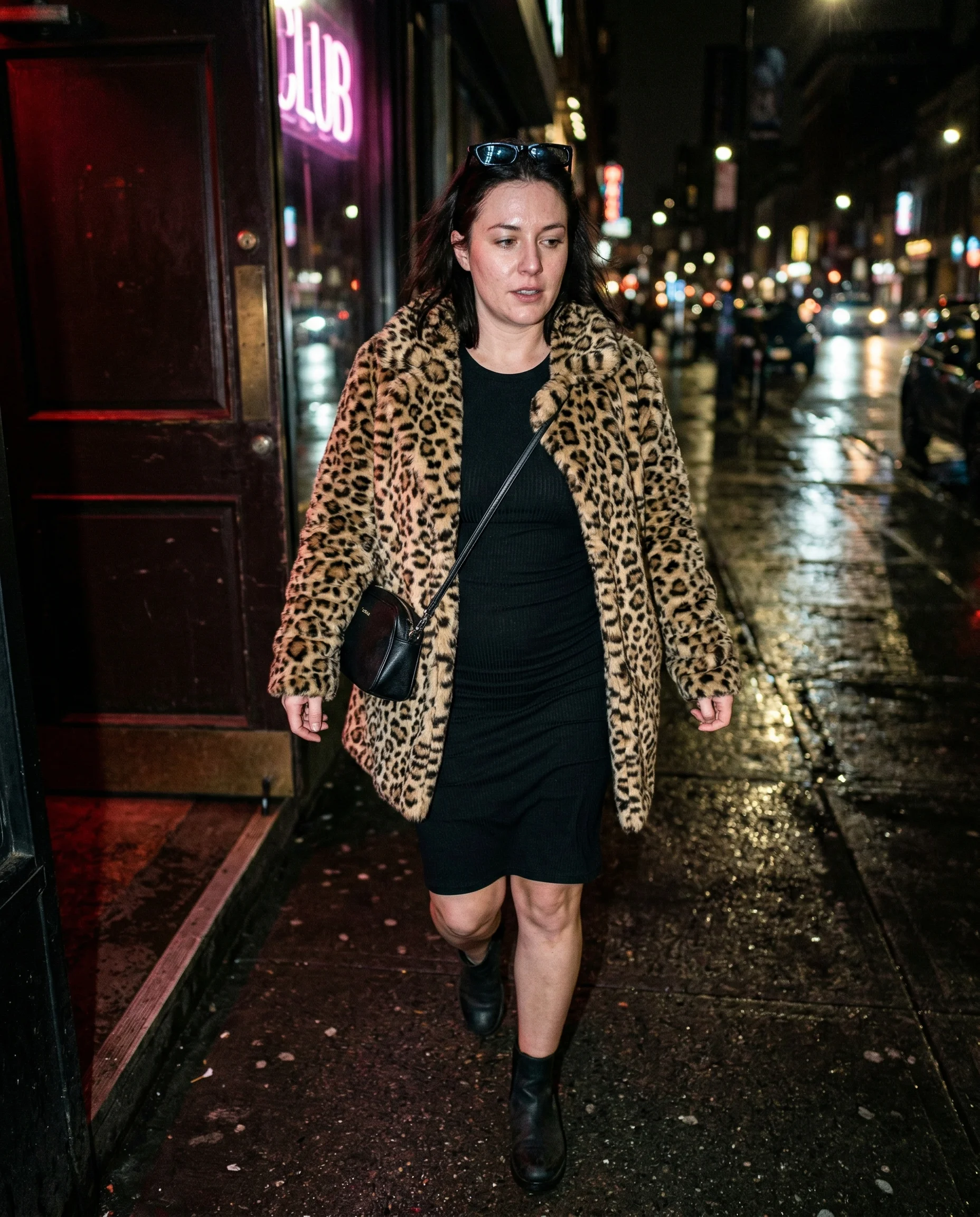
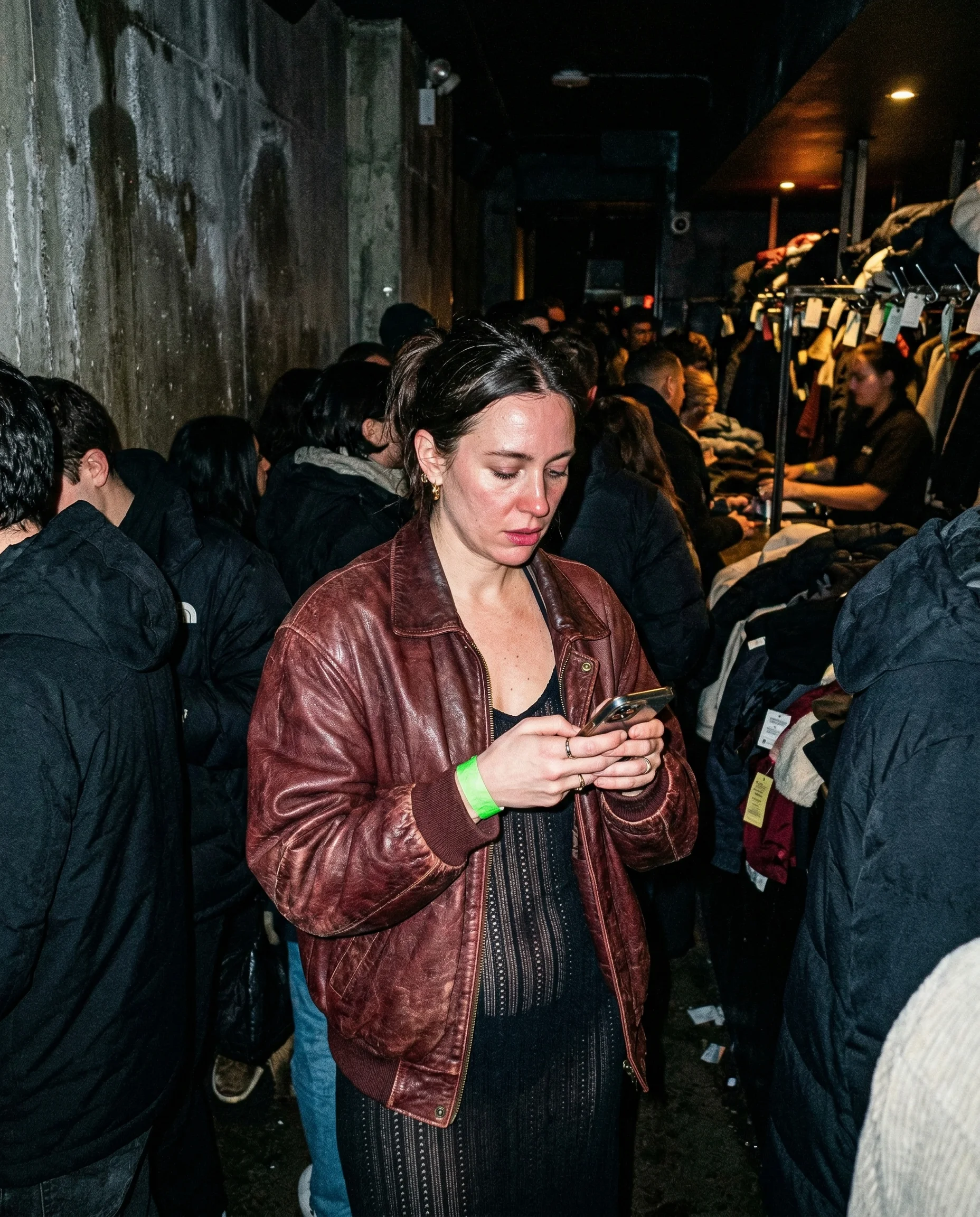
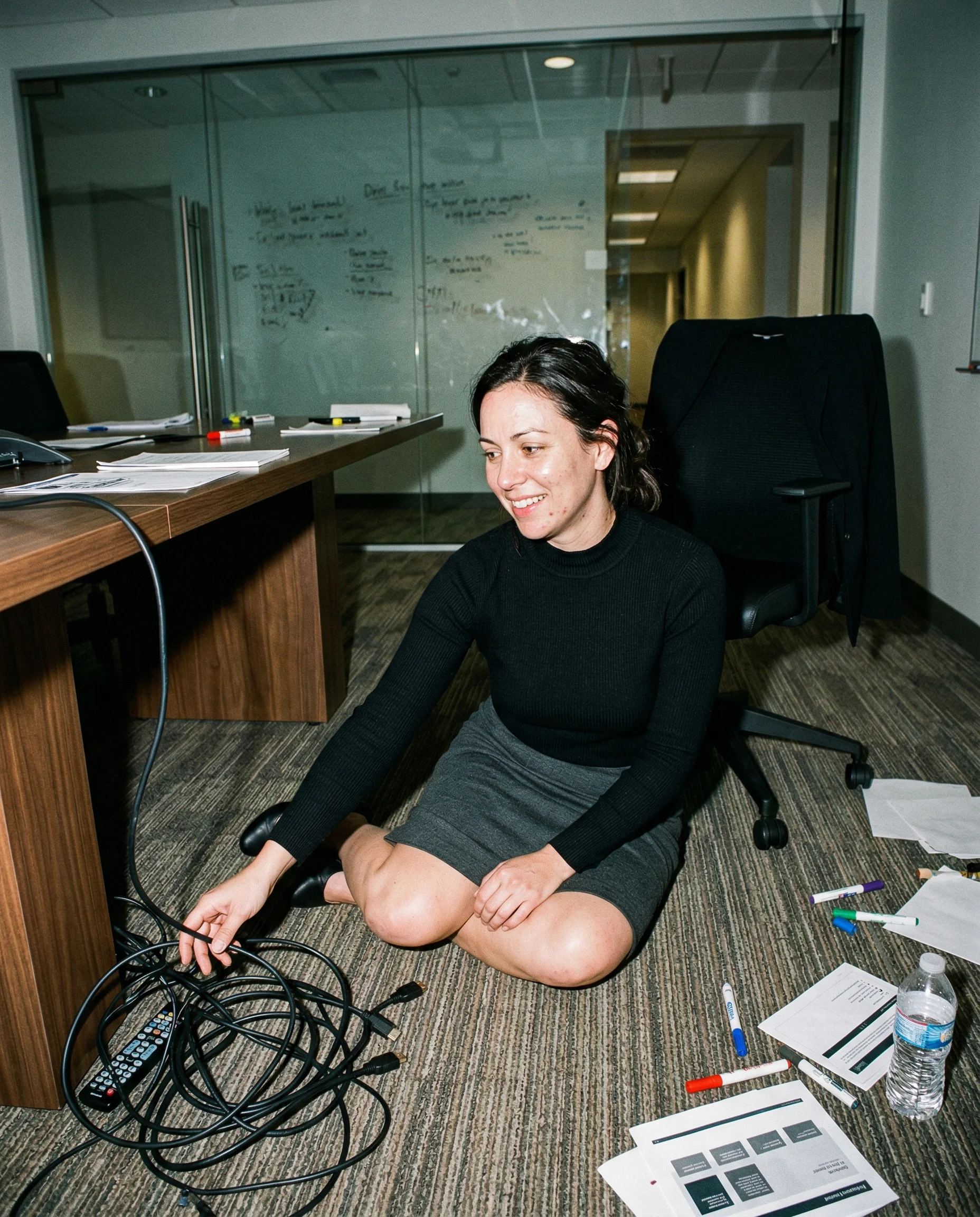
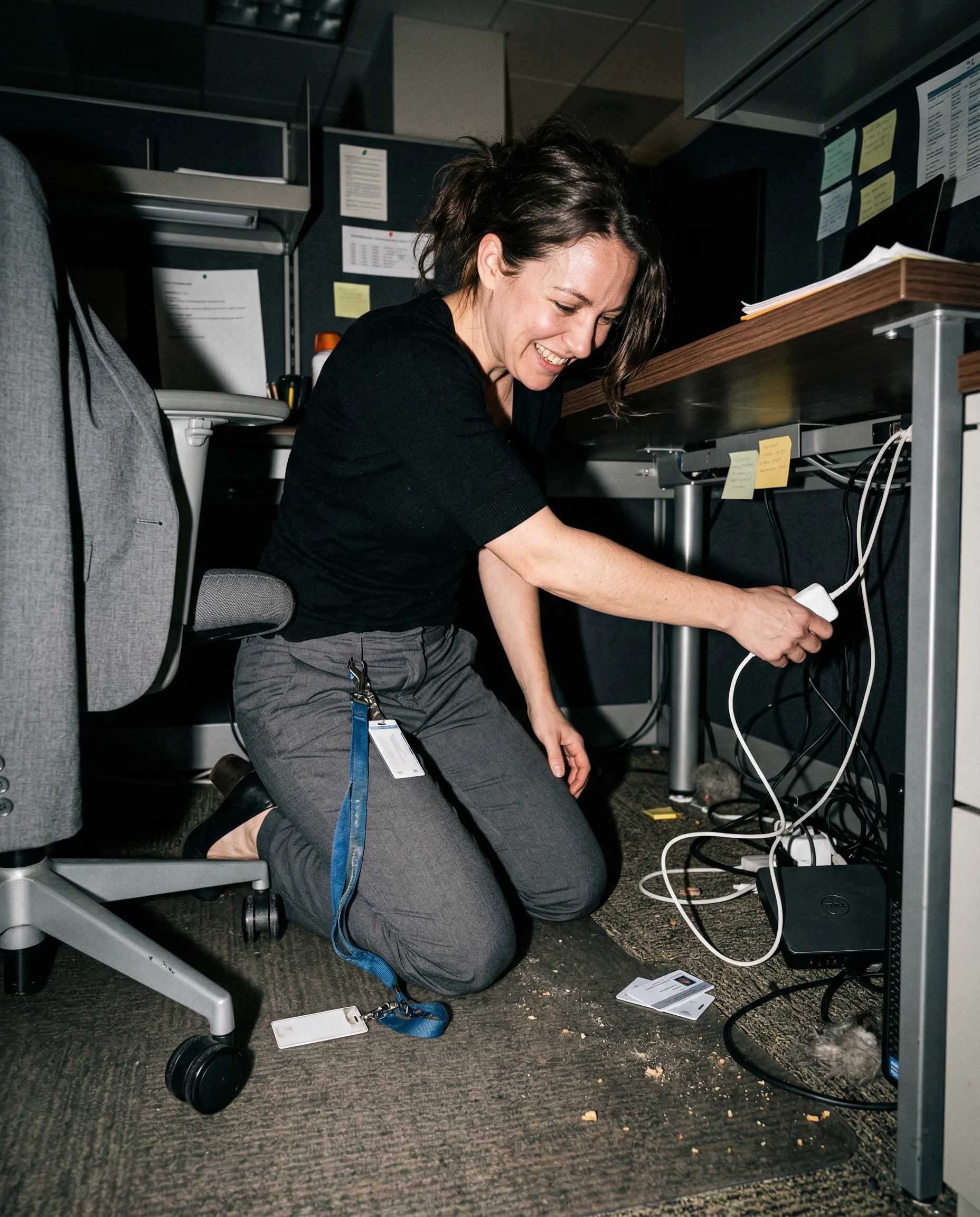
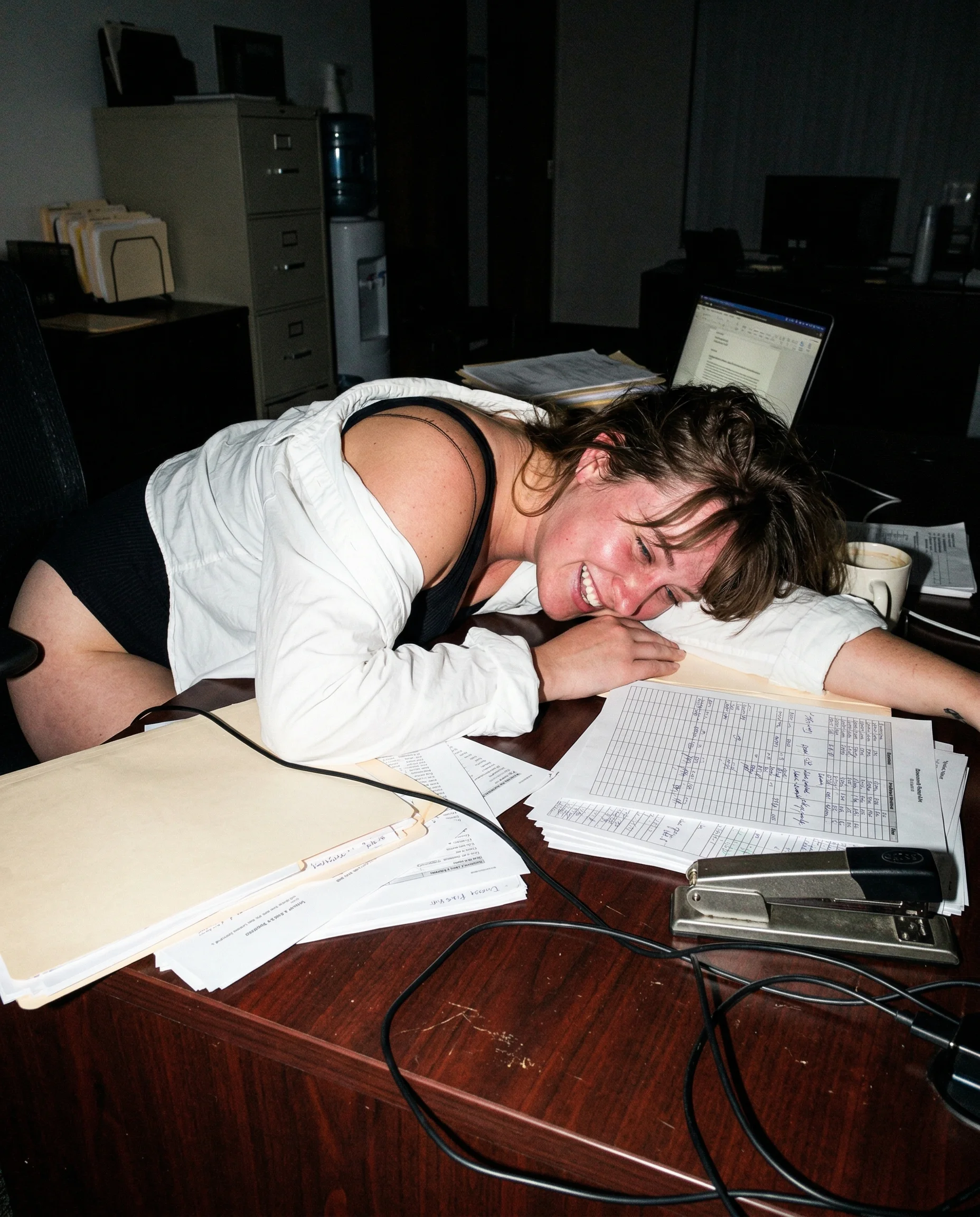
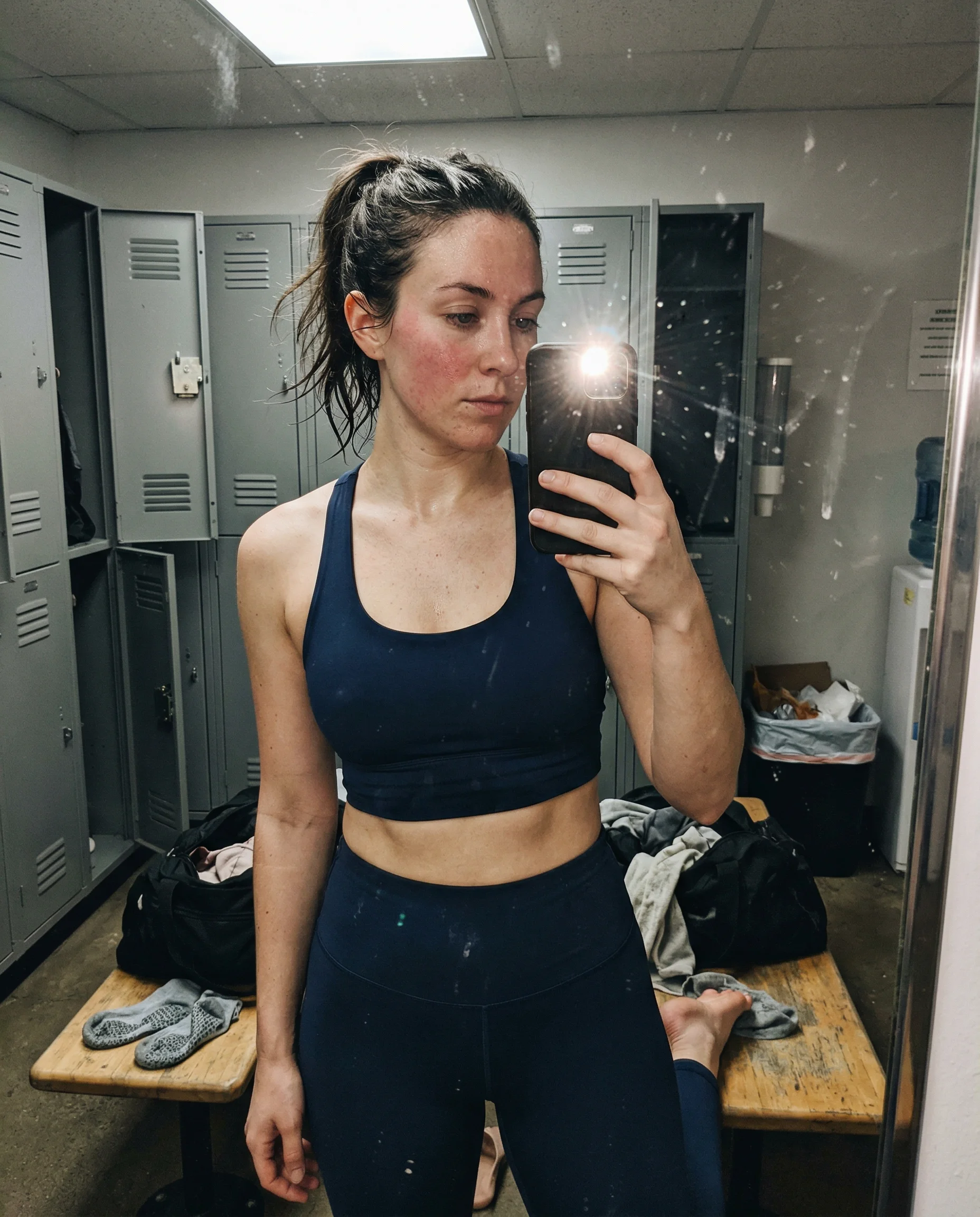
the phone should make mistakes
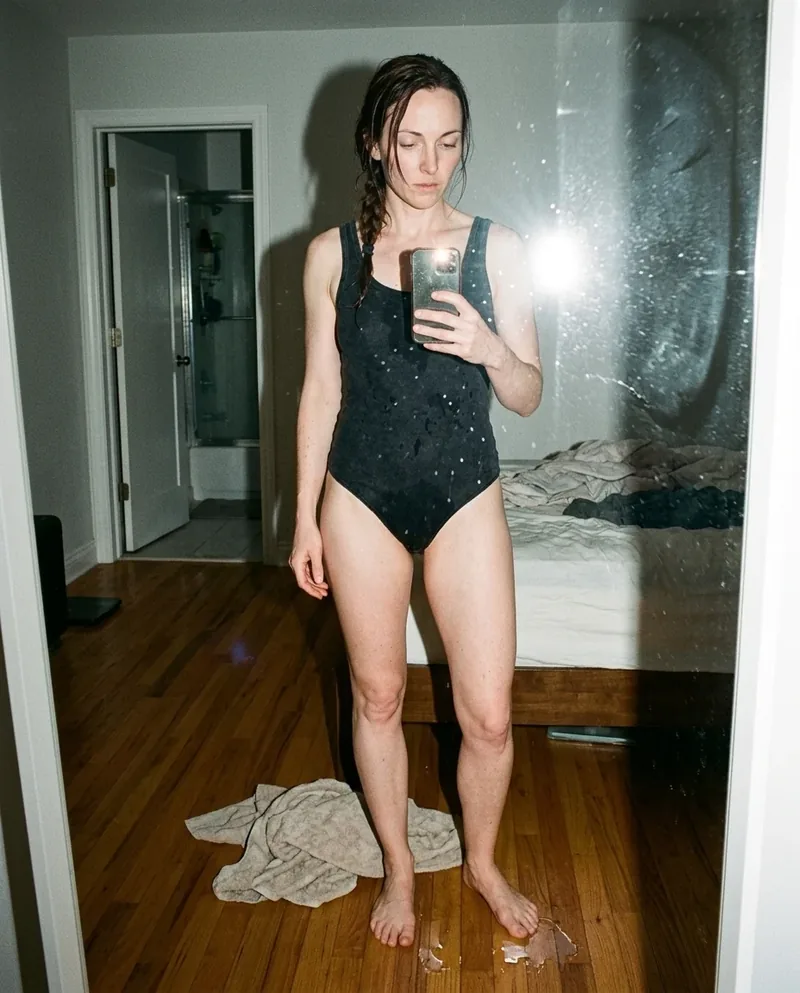
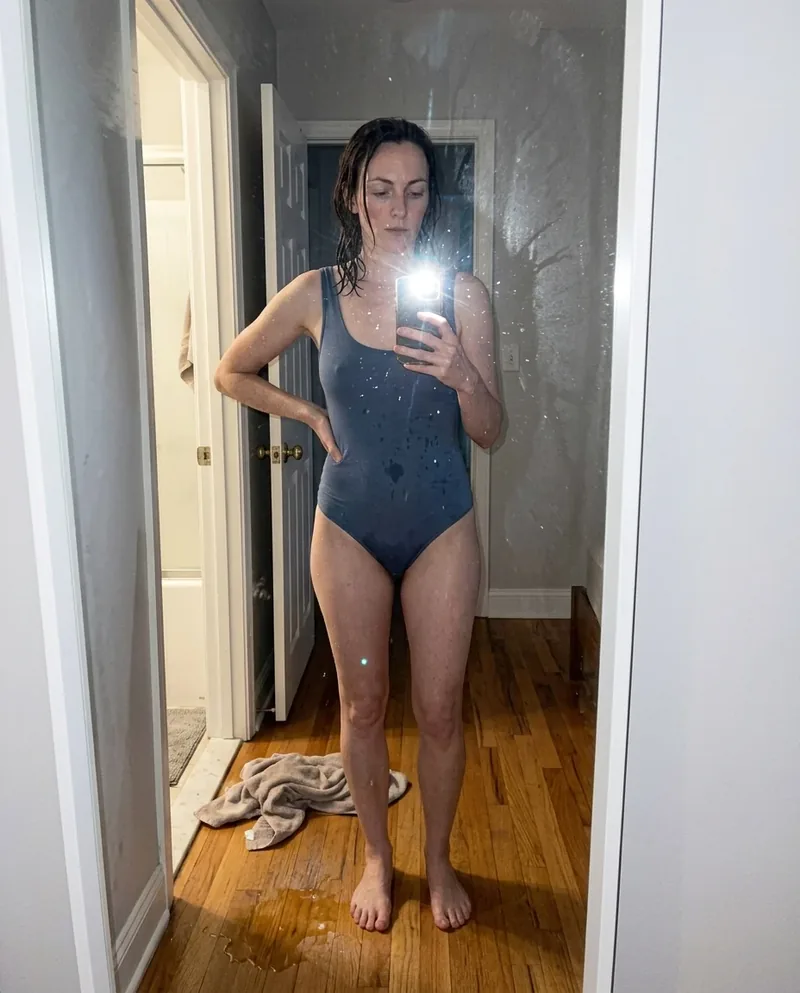
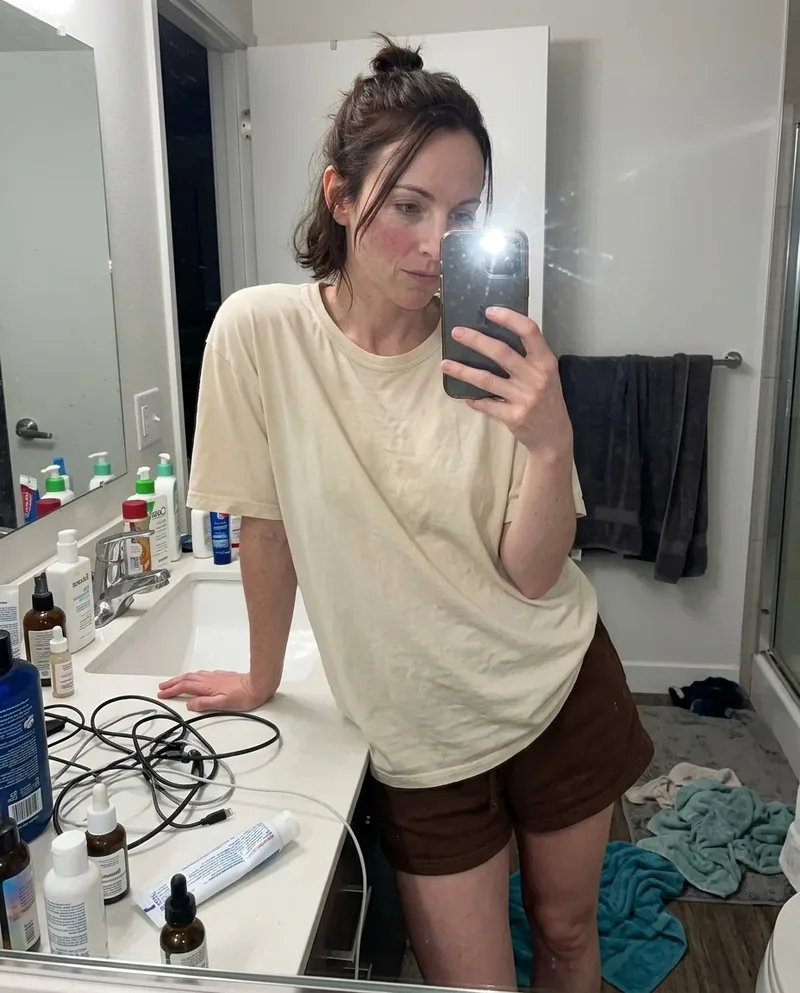
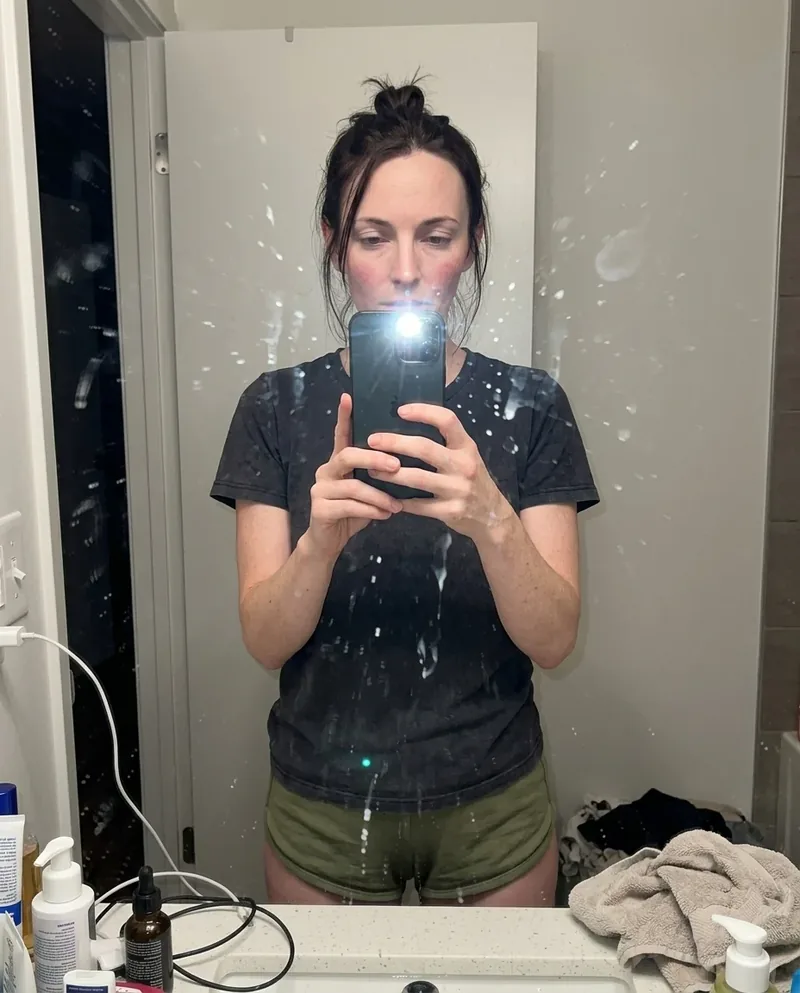
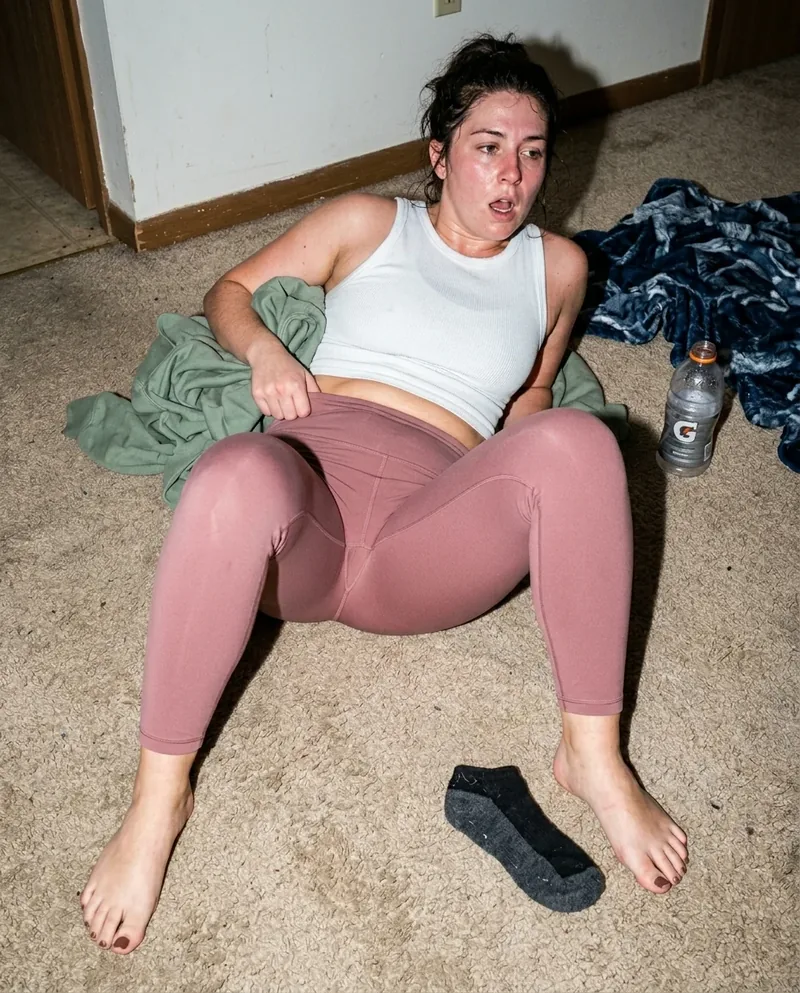
A phone camera prompt gets better when the device behaves like a real device. Let the focus land slightly late, let the flash flatten one surface too much, and let the crop miss a clean composition. The mistake is what keeps the image from turning into a fake campaign shot.
casual framing beats perfect framing
Most believable phone shots are not balanced. They clip elbows, show too much ceiling, catch a bag in the corner, or leave the subject lower in the frame than expected. Those choices tell the model this was captured, not art-directed.
small hardware clues help
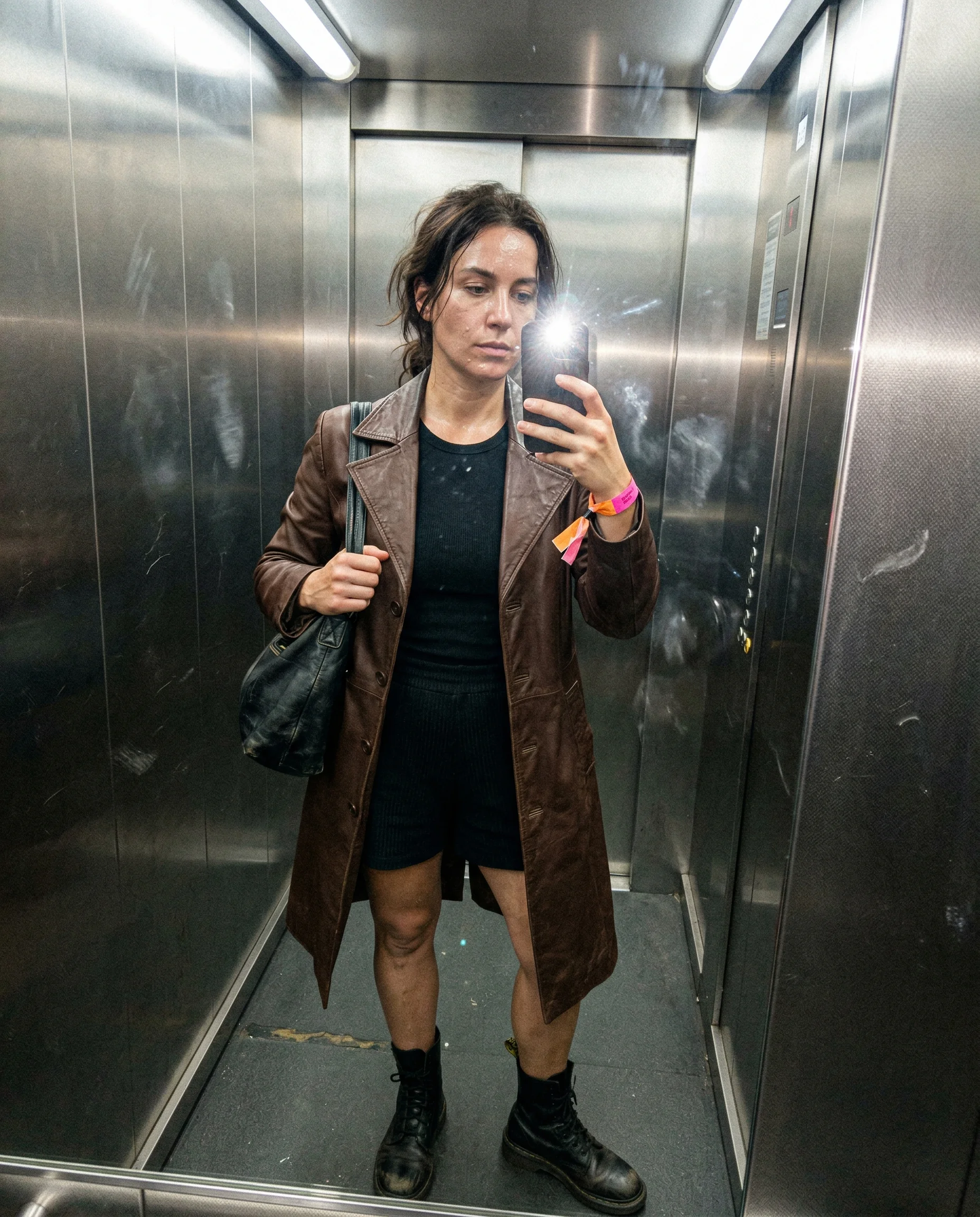
Name the front camera, rear flash, dirty mirror, low indoor light, or over-sharpened phone processing when it matters. The camera does not need a brand lecture. It needs enough physical clues to stop behaving like an invisible studio rig.
Read the underlying camera, lighting, and texture rules before opening the prompt grid.
Start from an aesthetic hub, then drill into the specific prompt pages that make the look usable.
Frequently asked questions about Phone Camera AI Image Prompts
How do I make an AI image look like a phone photo?
Use close distance, casual framing, imperfect focus, phone flash, and room clutter. The shot should feel like somebody had one hand free and no time to compose it perfectly.
Should phone camera prompts mention a specific phone?
Only when it helps. Usually the behavior matters more than the model name: flash falloff, sensor grain, awkward crop, dirty lens, and over-sharpened edges do more work than a device label.
What makes phone photos look fake in AI?
Too much balance. If the light, crop, skin, and background all look corrected, the phone claim stops feeling true. Leave one or two annoying camera artifacts in the prompt.