
How to use Aristotle
Browse a prompt, copy it, open the model named on the page, and generate. The gallery is designed to get you from discovery to usable output with as little friction as possible. If you want the camera logic behind the images, the guides live right next to this quick-start page now.
1. Find a prompt
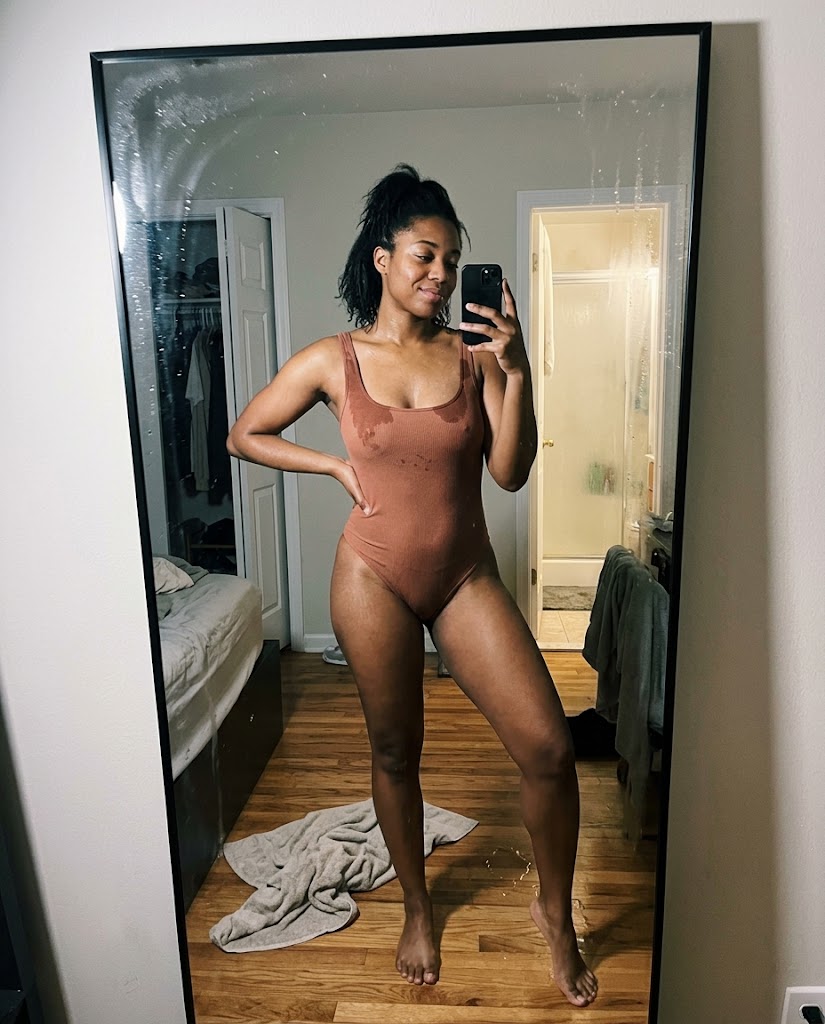
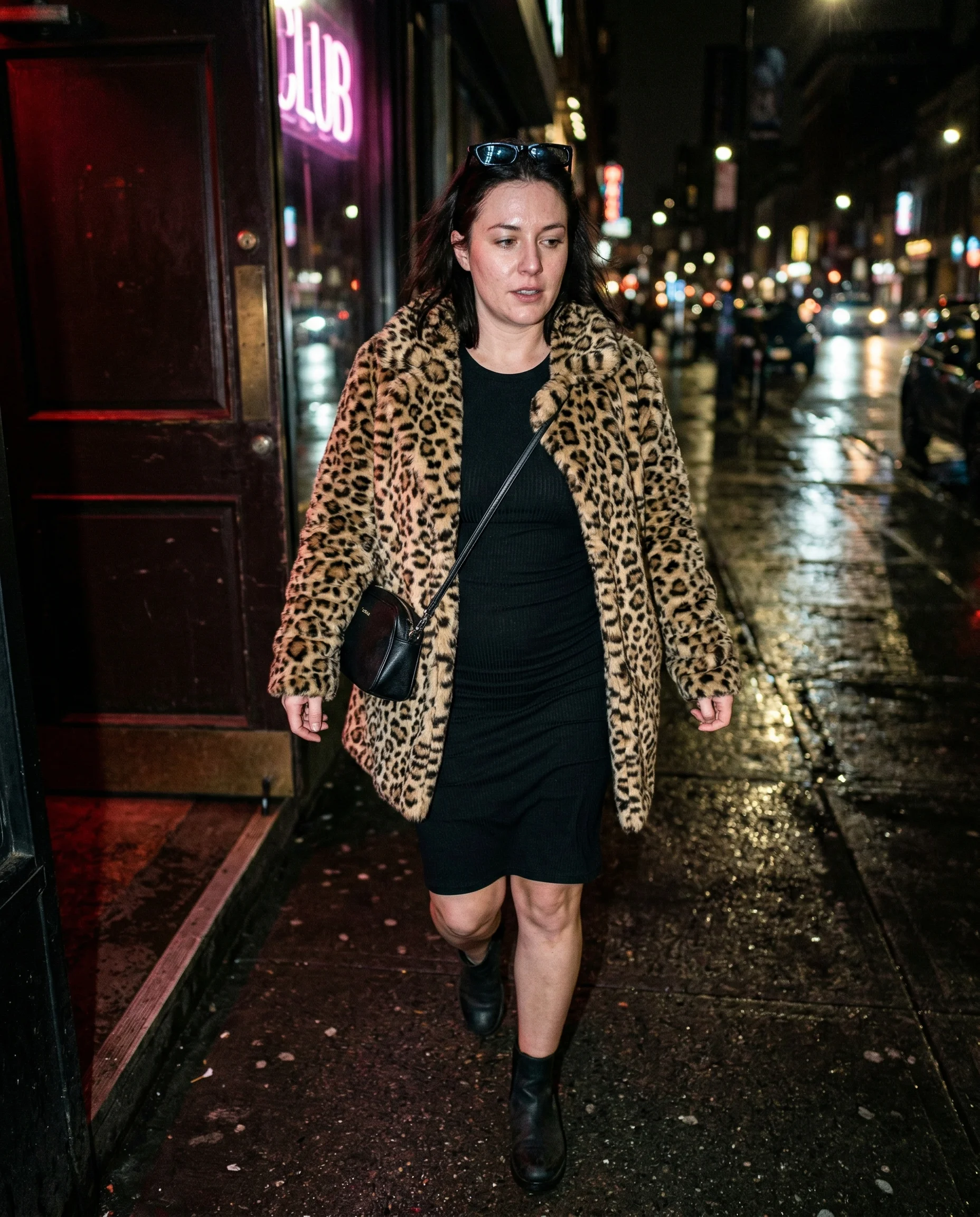
Browse by category in the sidebar, search by tag, or scroll the gallery. Every prompt has a preview image showing what it produces.
2. Copy the prompt
Hit the copy button on any prompt page. The full prompt text is copied to your clipboard, ready to paste.
3. Open the matching image model
Use the model named on the prompt page. Current prompts may point to Nano Banana 2, Nano Banana Pro, Wan 2.7, GPT Image 1.5, or another tested model as the library expands. Start there before rewriting the prompt for a different generator.
4. Paste and generate
Paste the prompt, hit generate. Most prompts work on the first try. If you want the logic behind the ugly flash, skin texture, or camera angle choices, jump into the realism guides after you copy the prompt.
Realism guides
These are the small redacted field notes: the public version of why the flash looks rude, why the skin still has pores, and why I keep putting the camera in mildly inconvenient places like the ones in Low-Angle Framing.

Tips
- Use the tags to find related prompts — they're more specific than categories
- Check aspect ratio and resolution in the settings row before generating
- Negative prompts are included where they matter — don't skip them