
Visible Pores AI Image Prompts
Visible pores AI image prompts for photorealistic image models with close skin detail, natural shine, uneven makeup, and lighting that avoids plastic faces.
 Ref Verified Mia
  Ref Verified Mia
 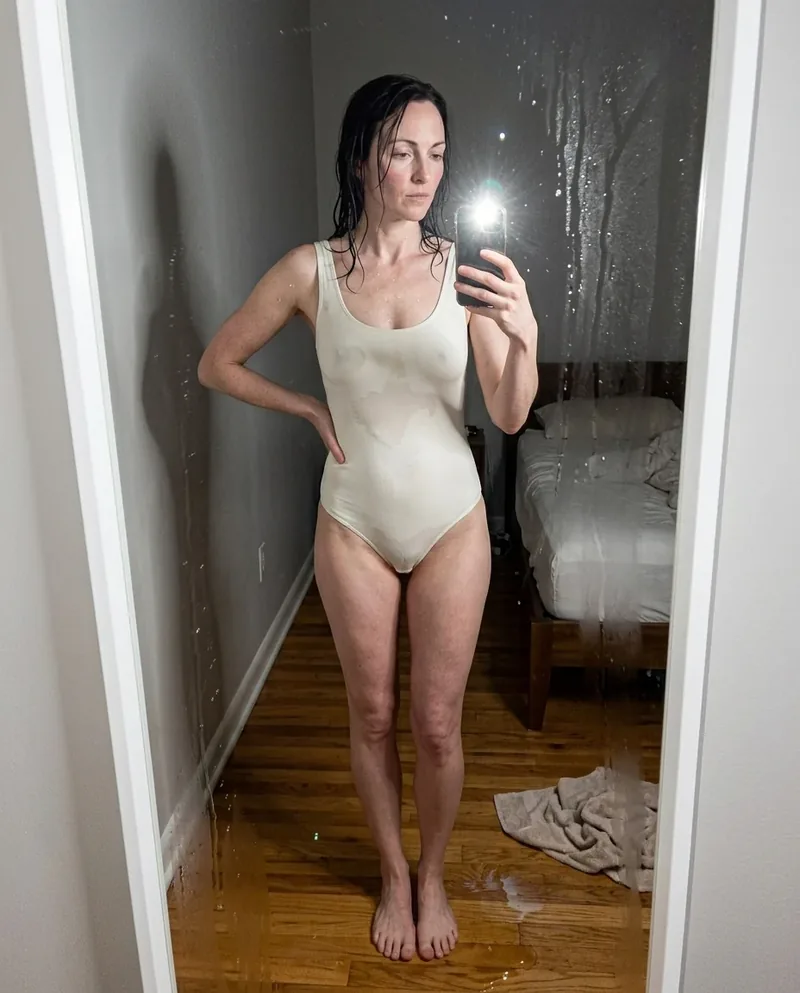 Ref Verified Mia
 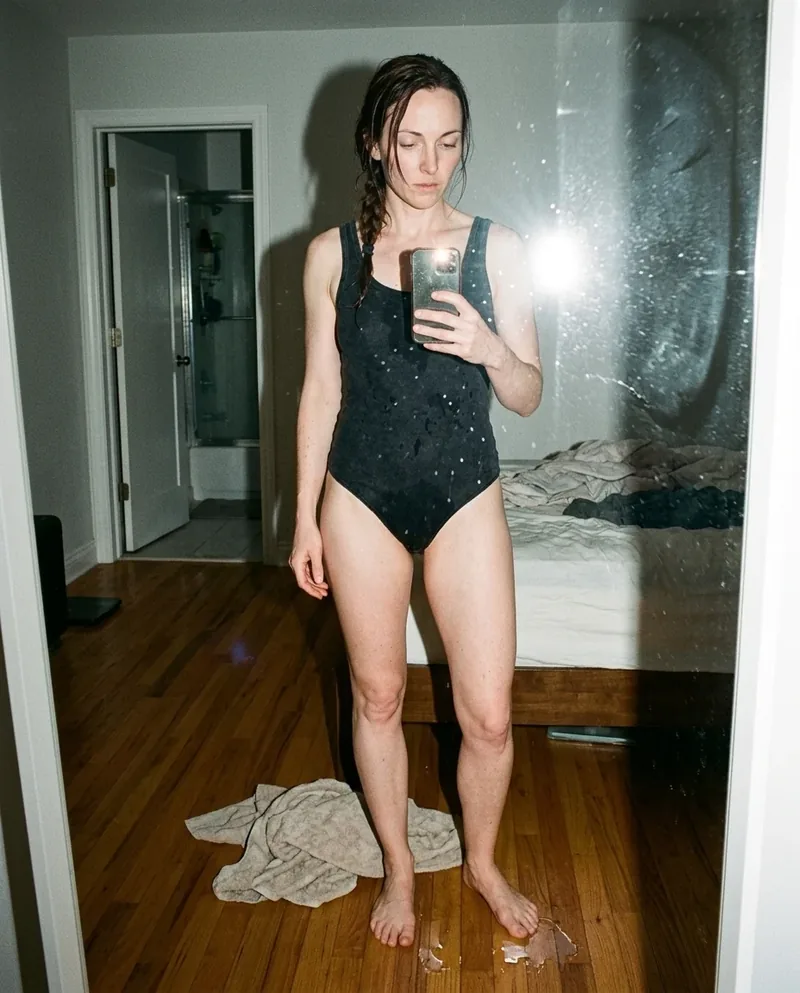 Ref Verified Mia
 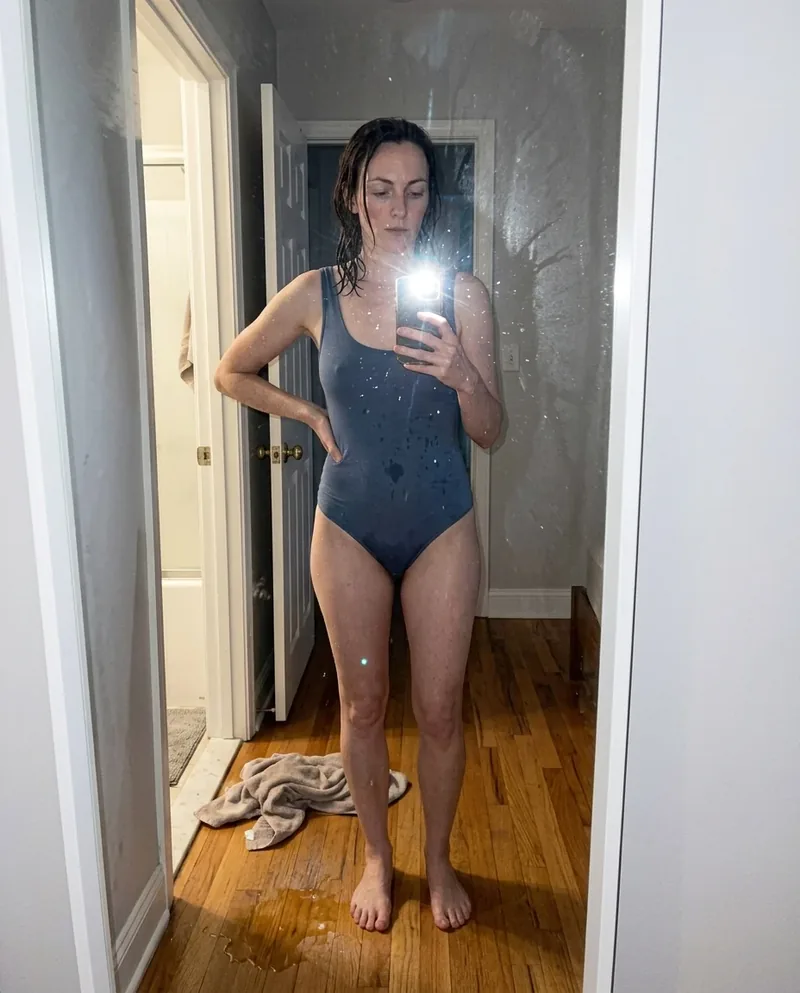 Ref Verified Mia
 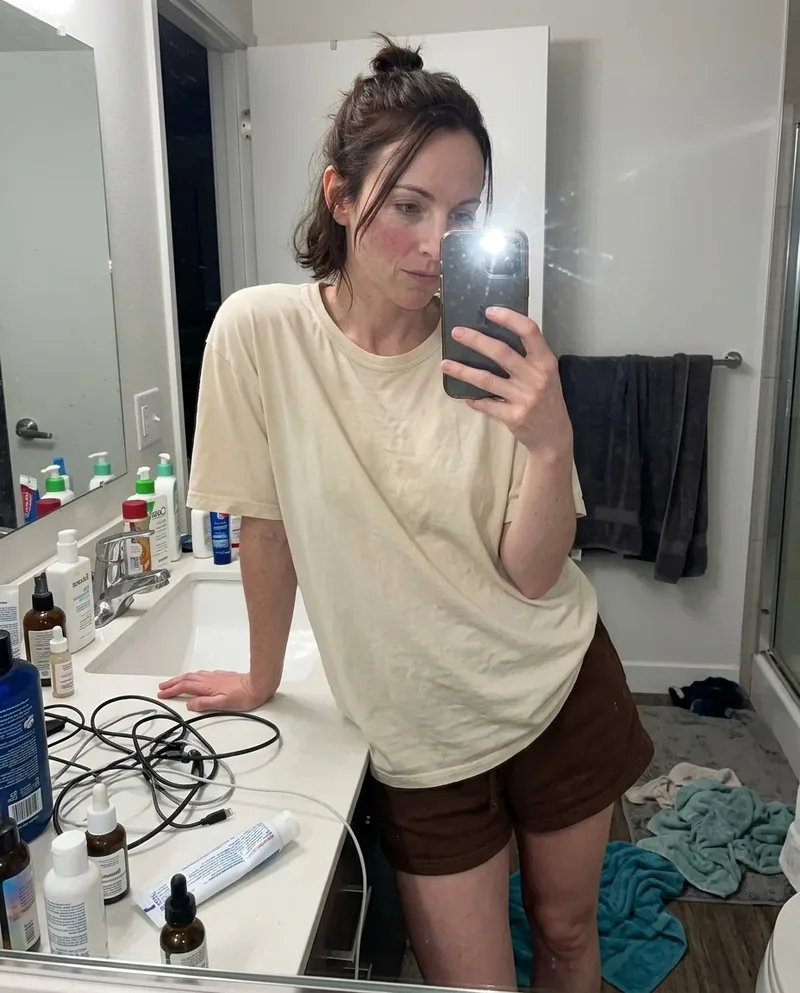 Ref Verified Mia
 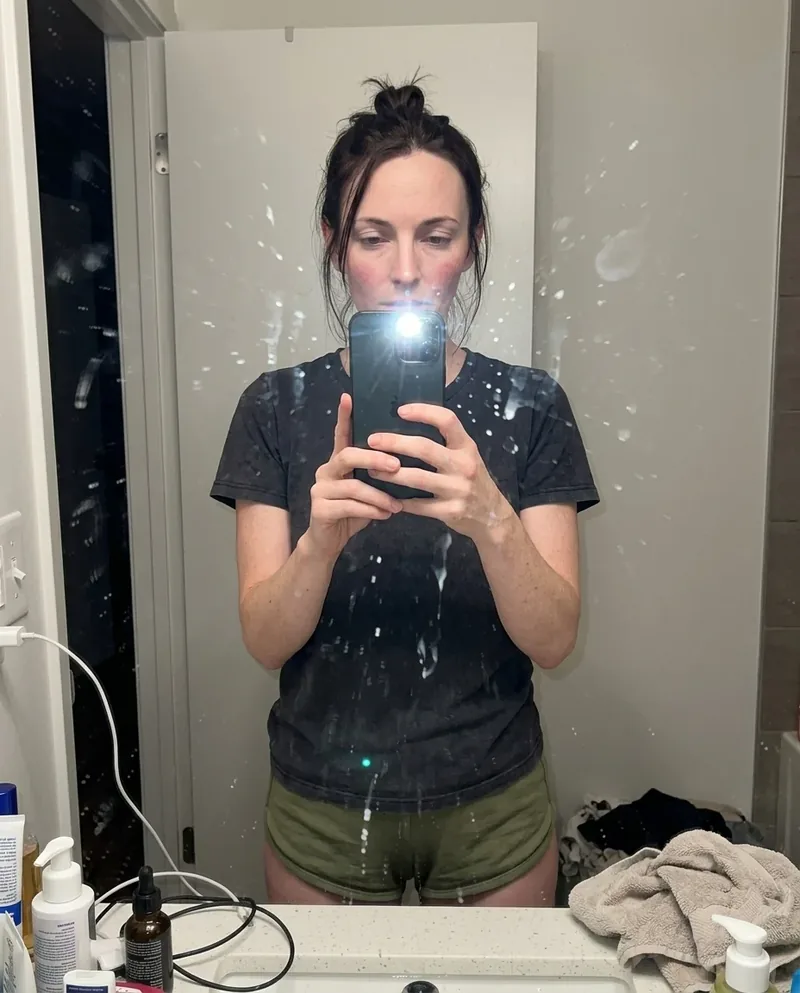 Ref Verified Mia
 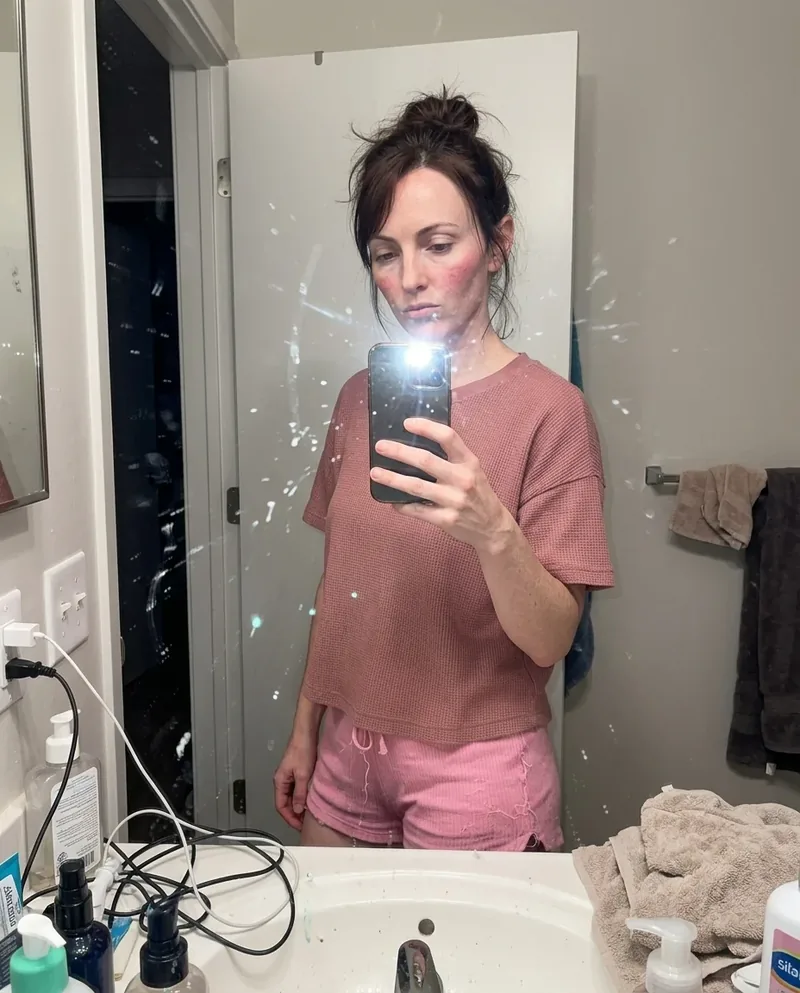 Ref Verified Mia
 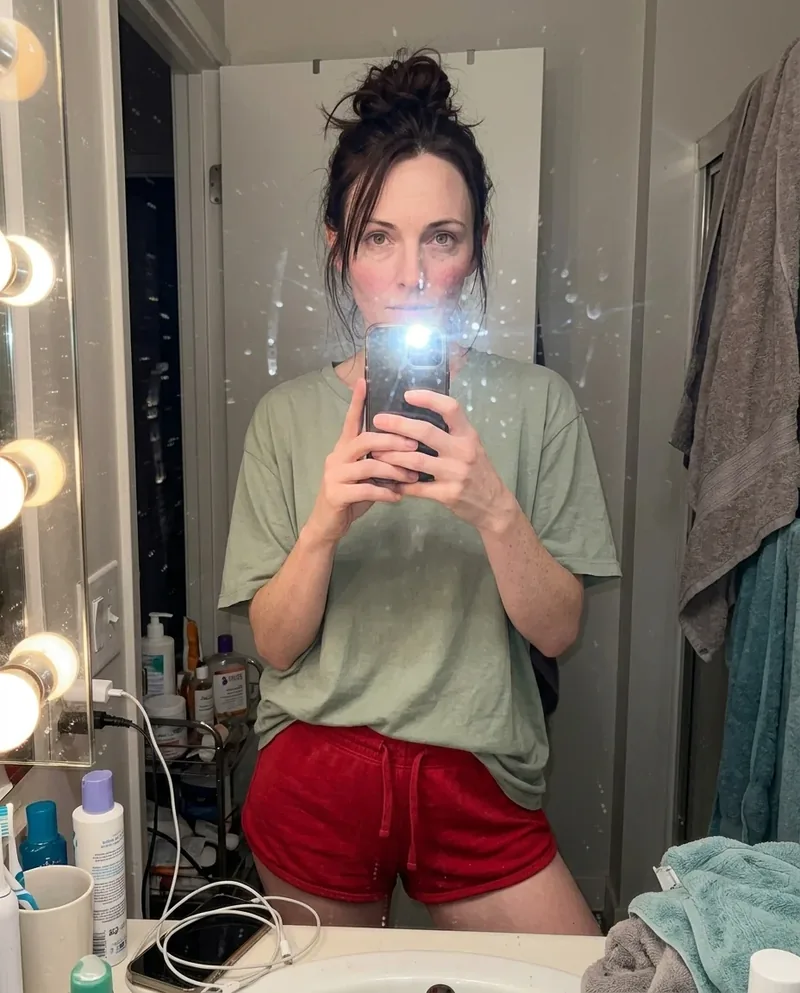 Ref Verified Mia
 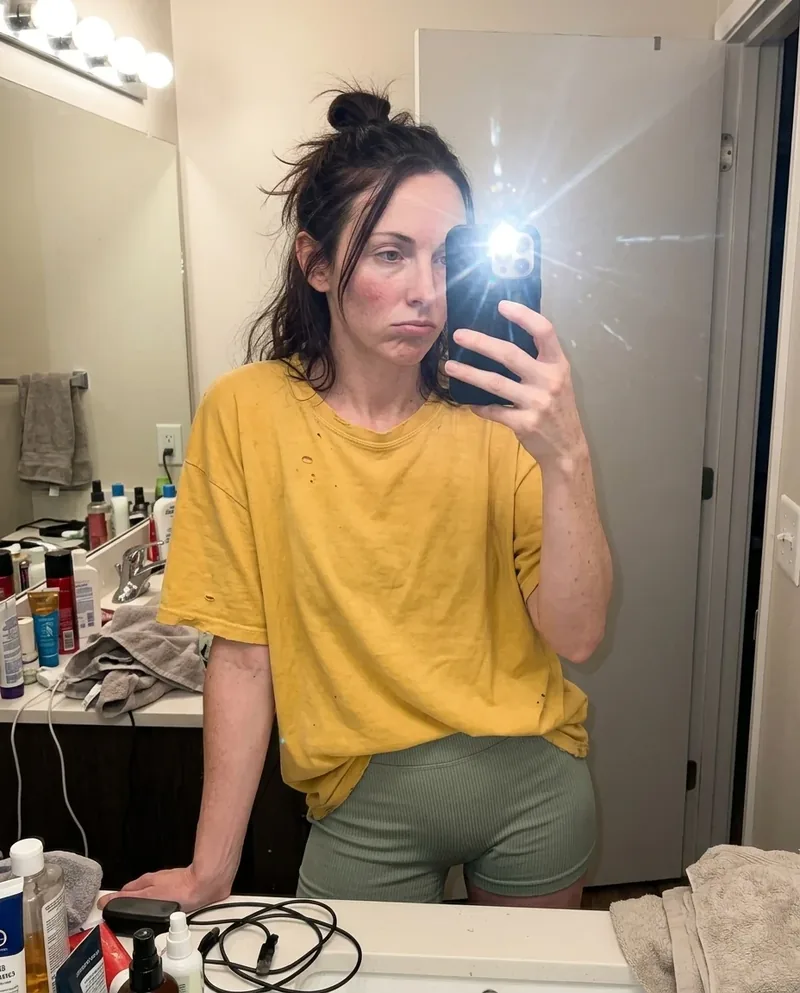 Ref Verified Mia

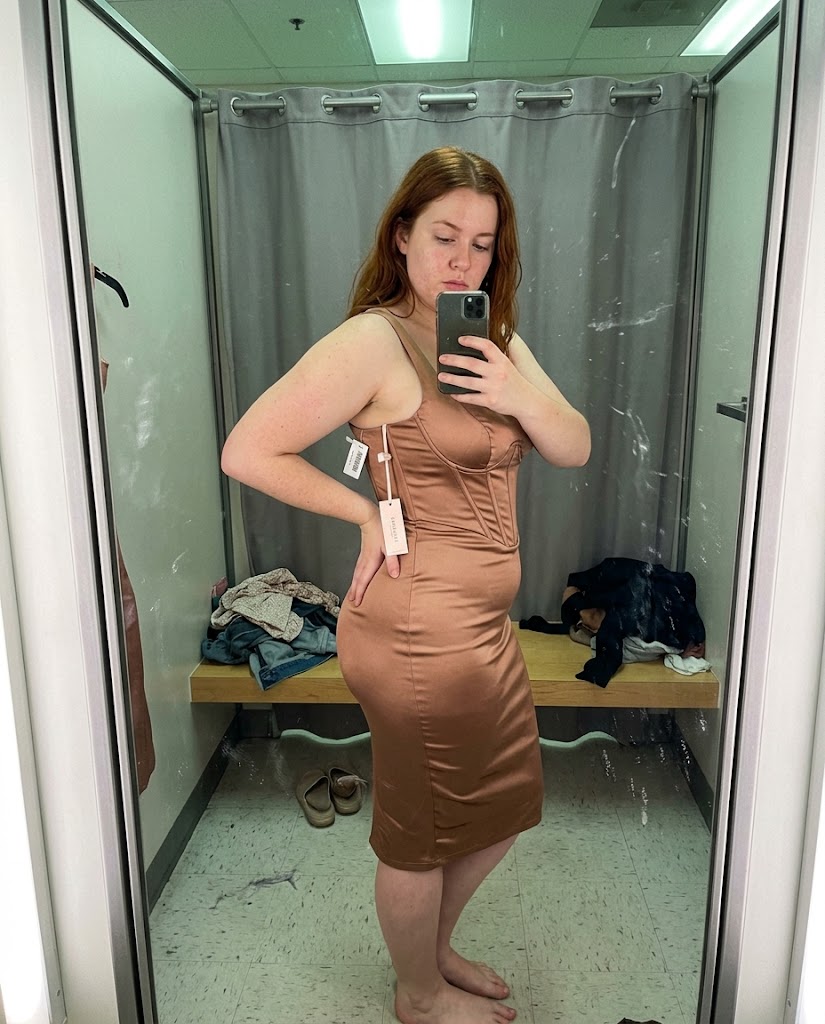
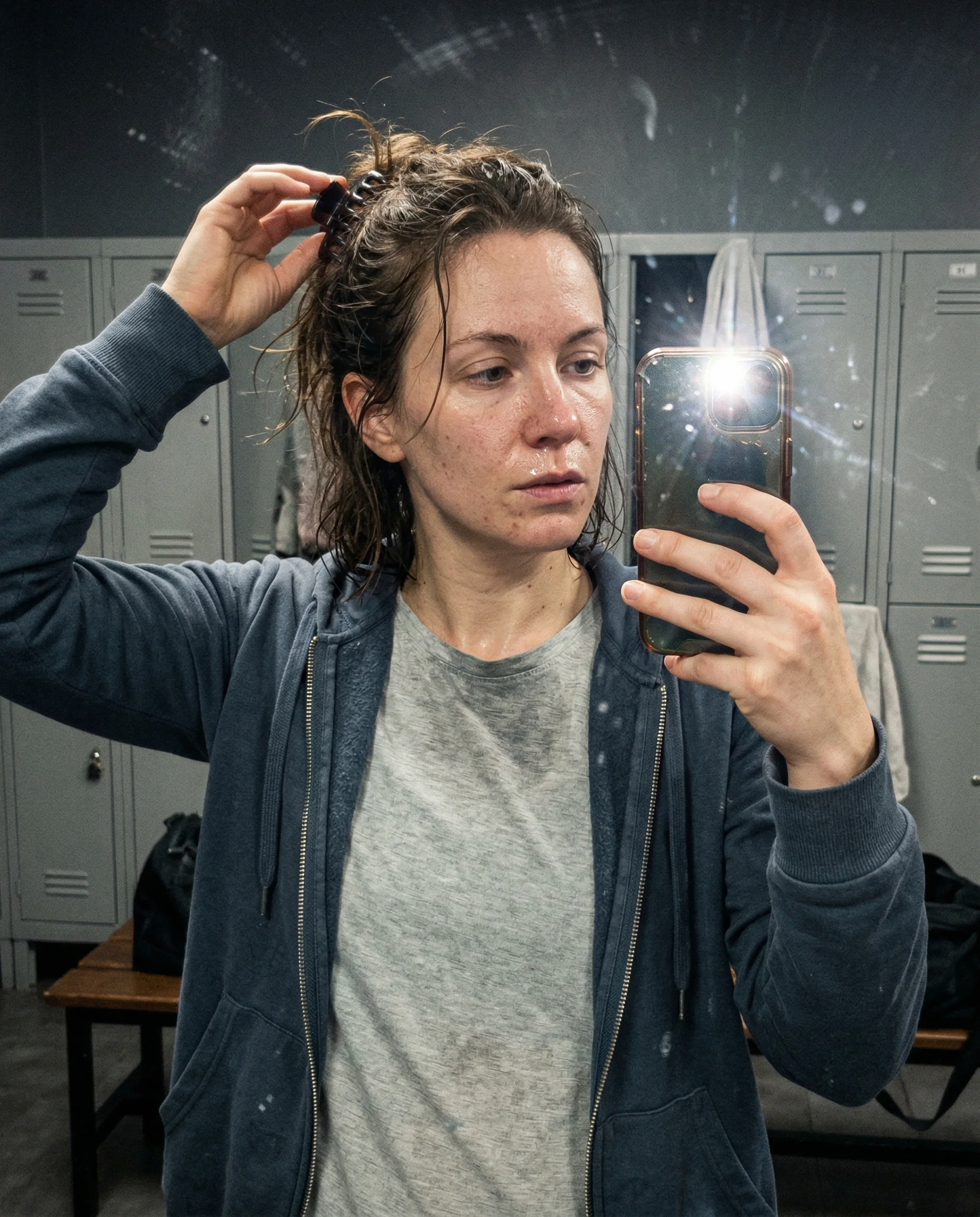
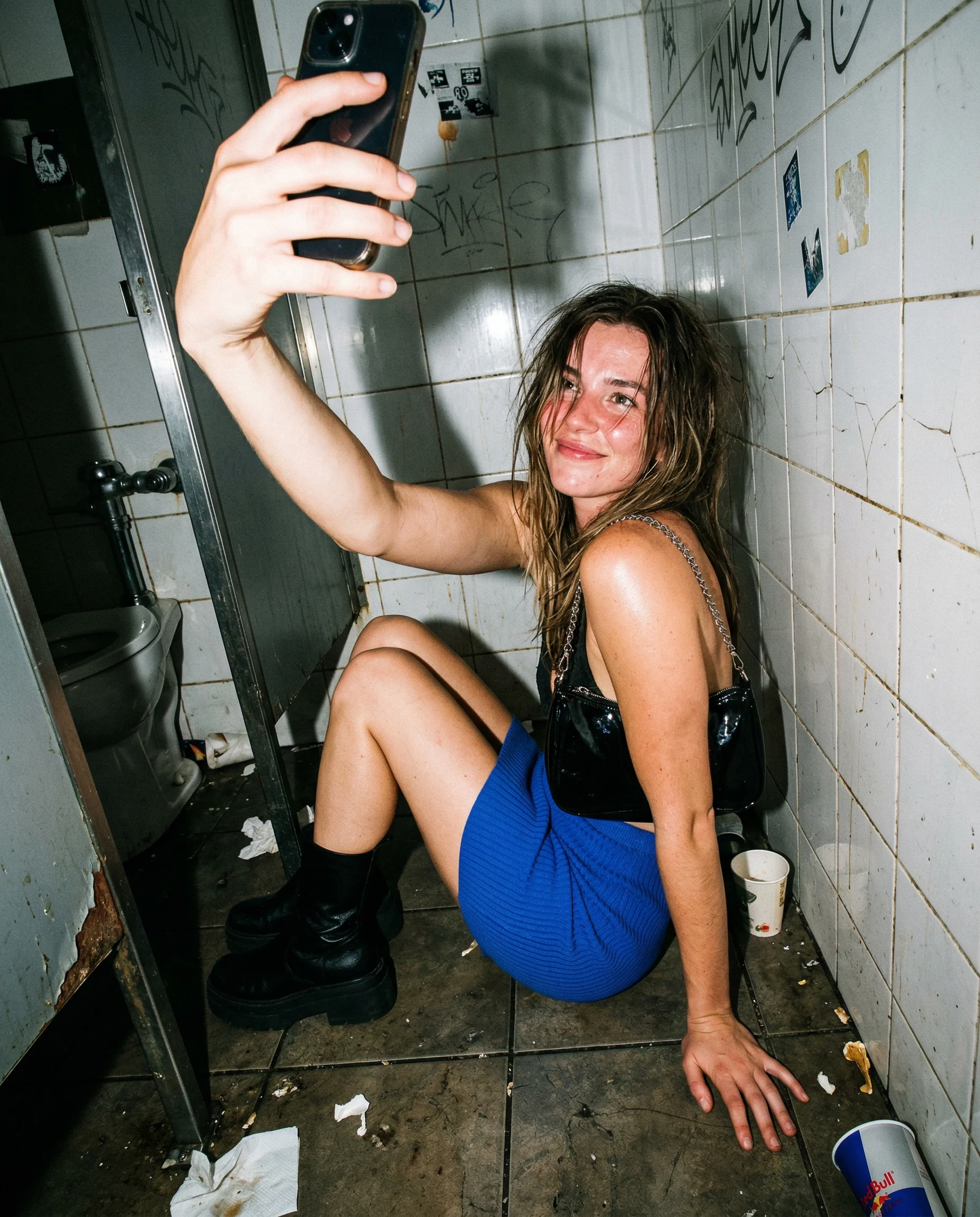
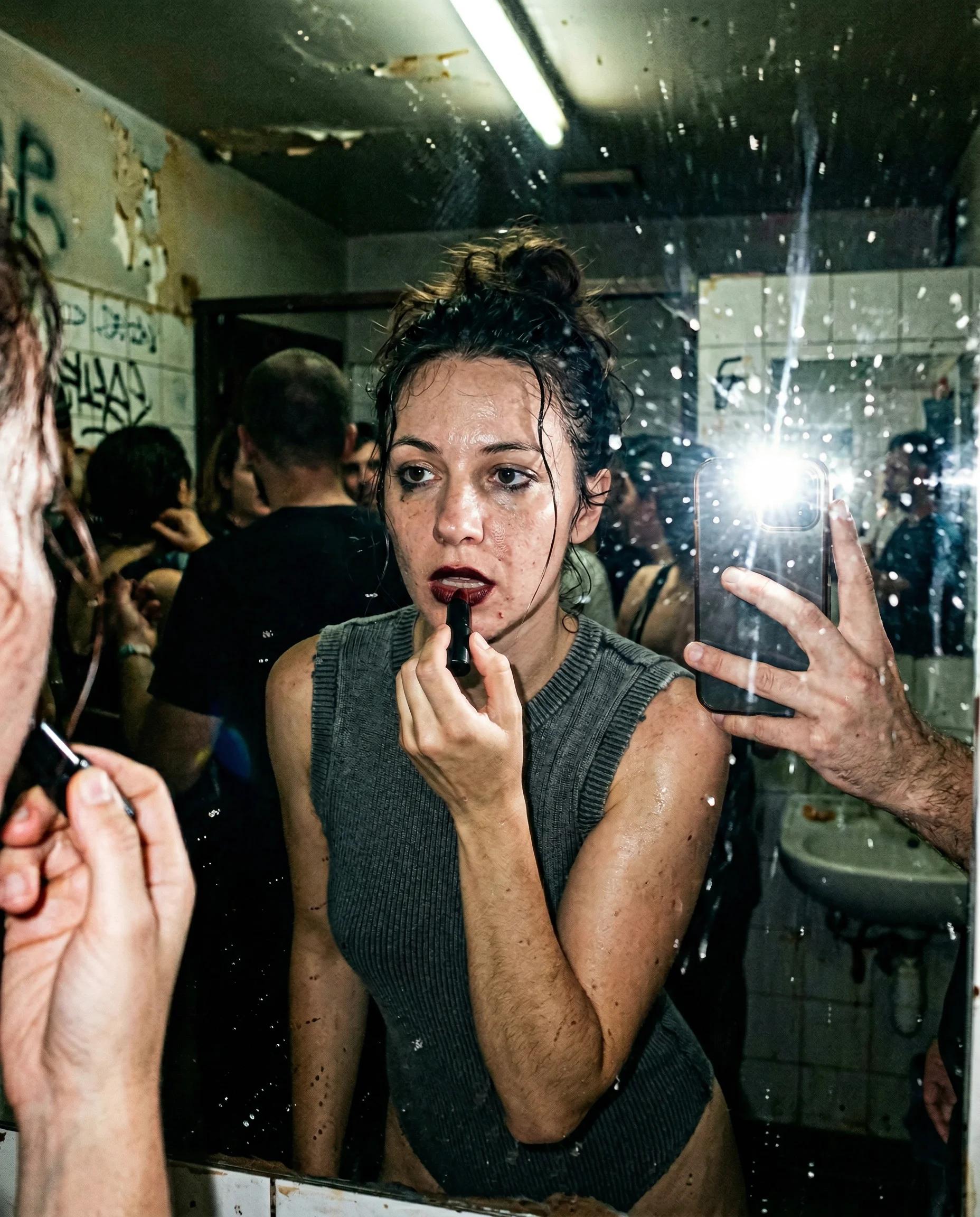
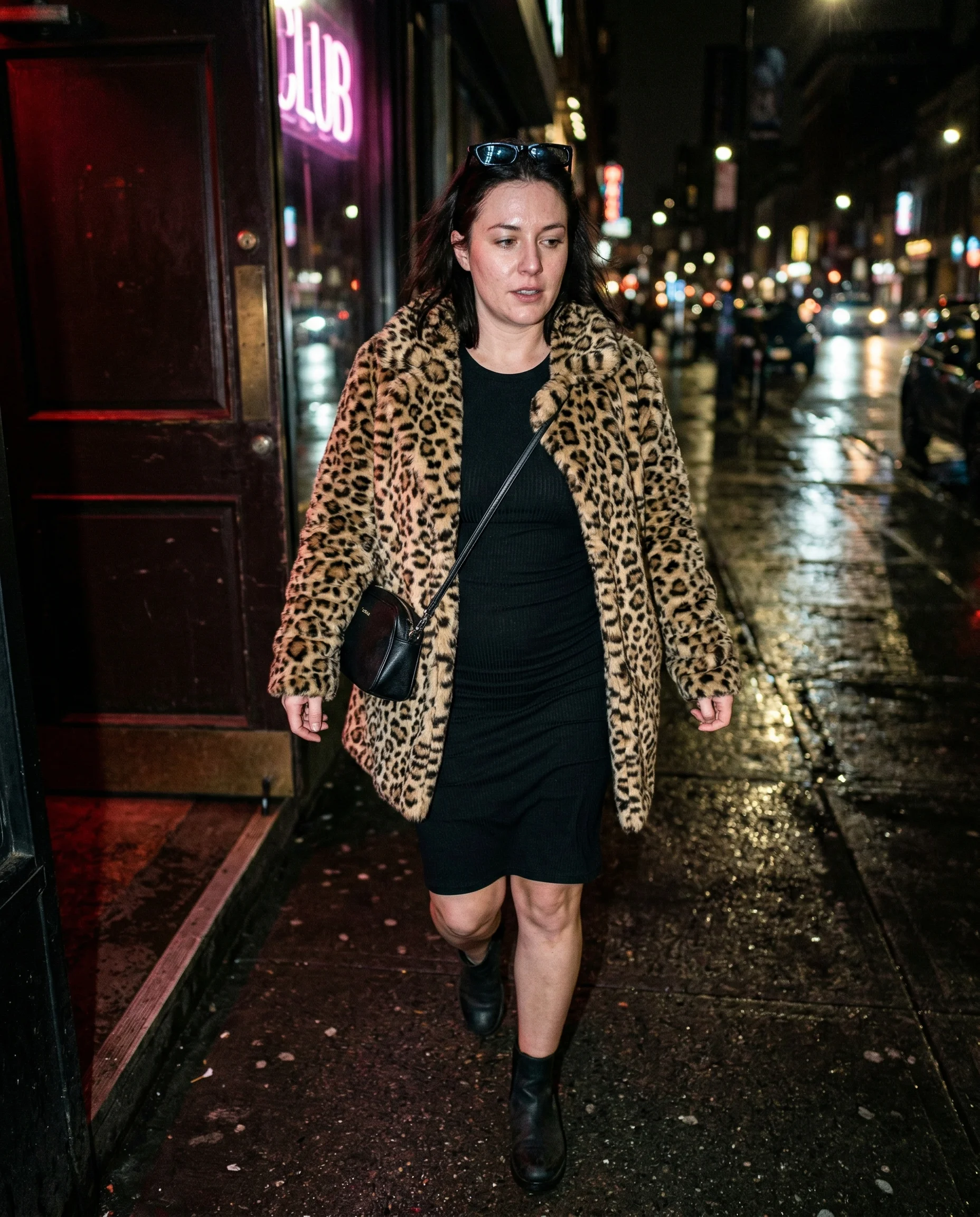
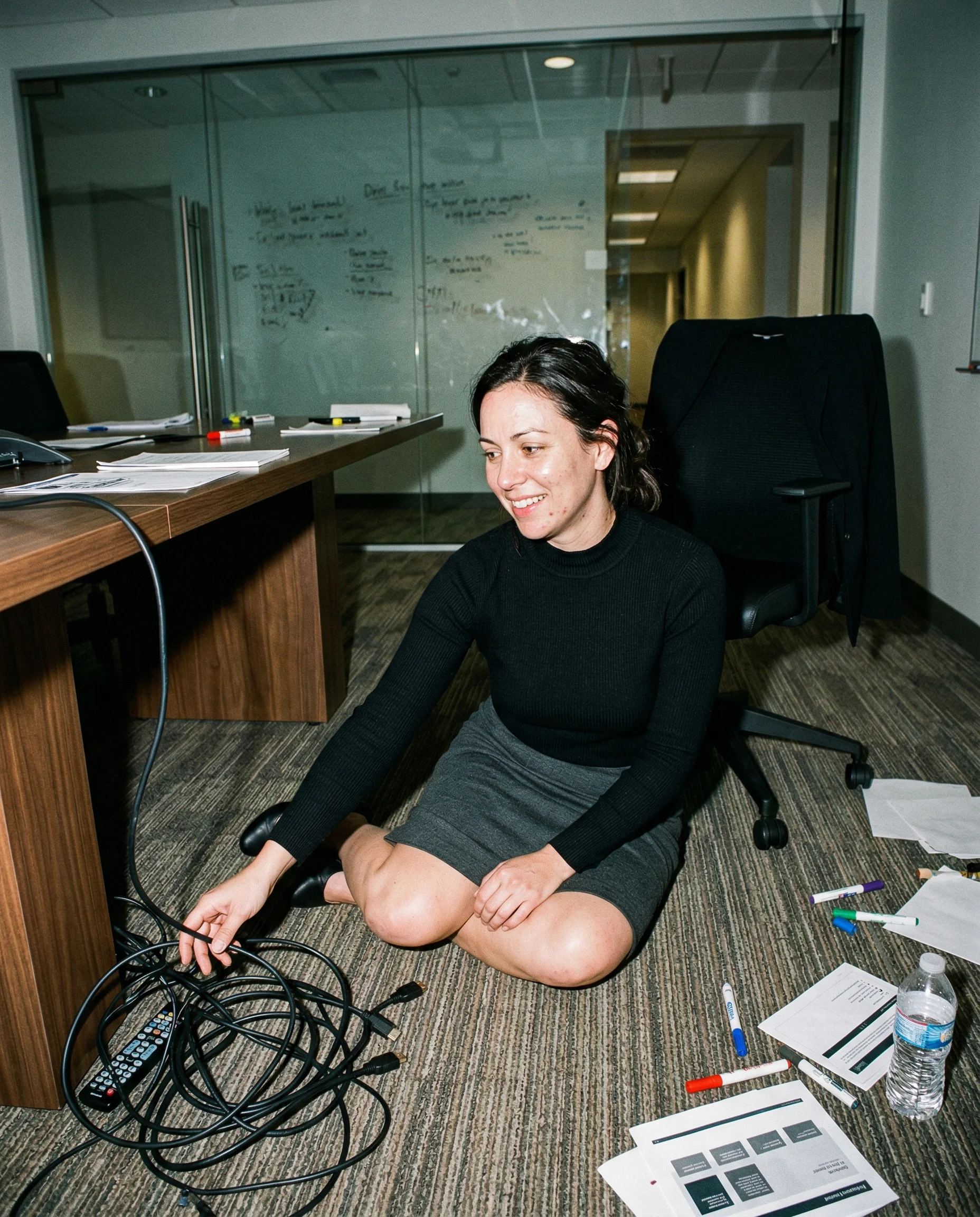
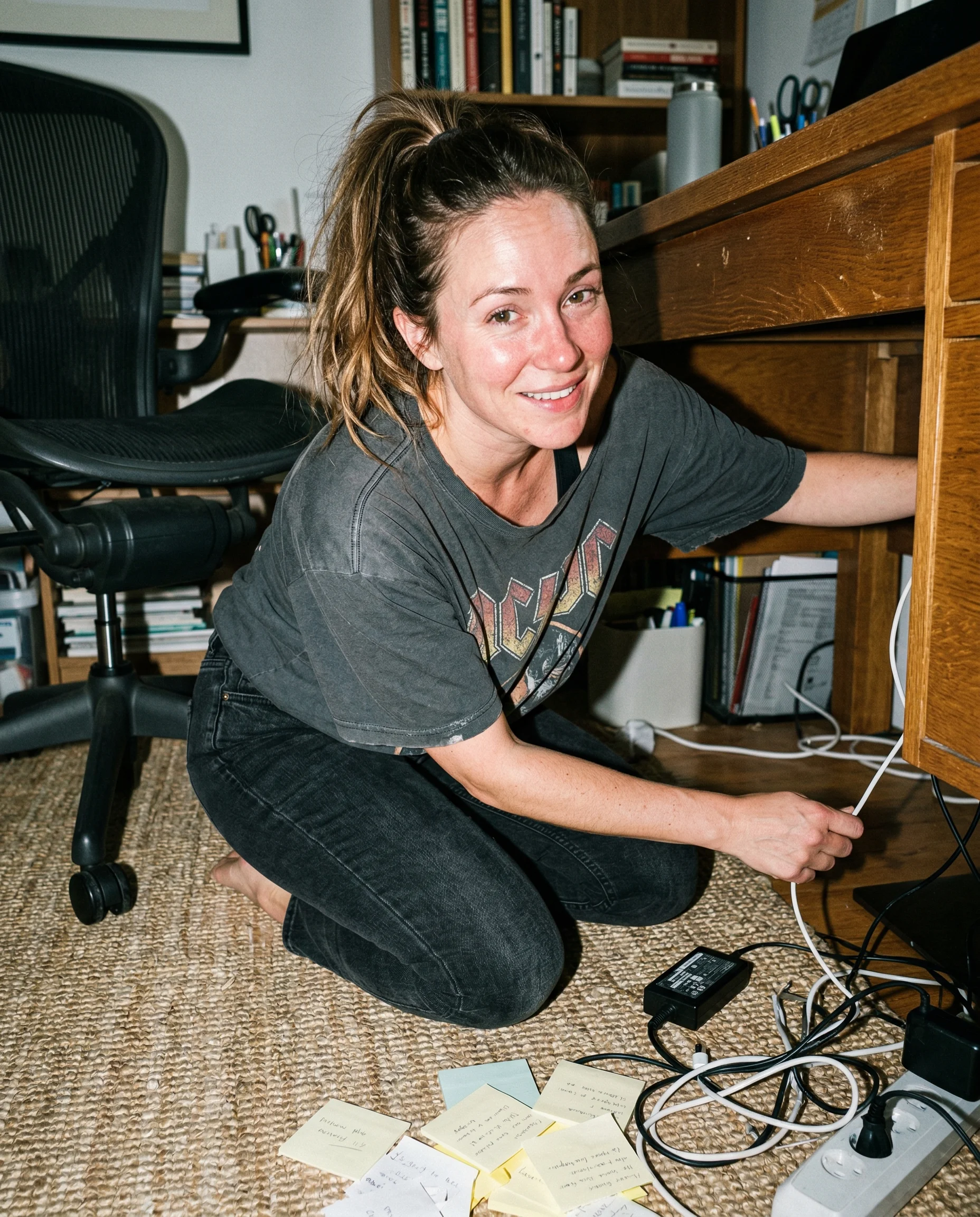
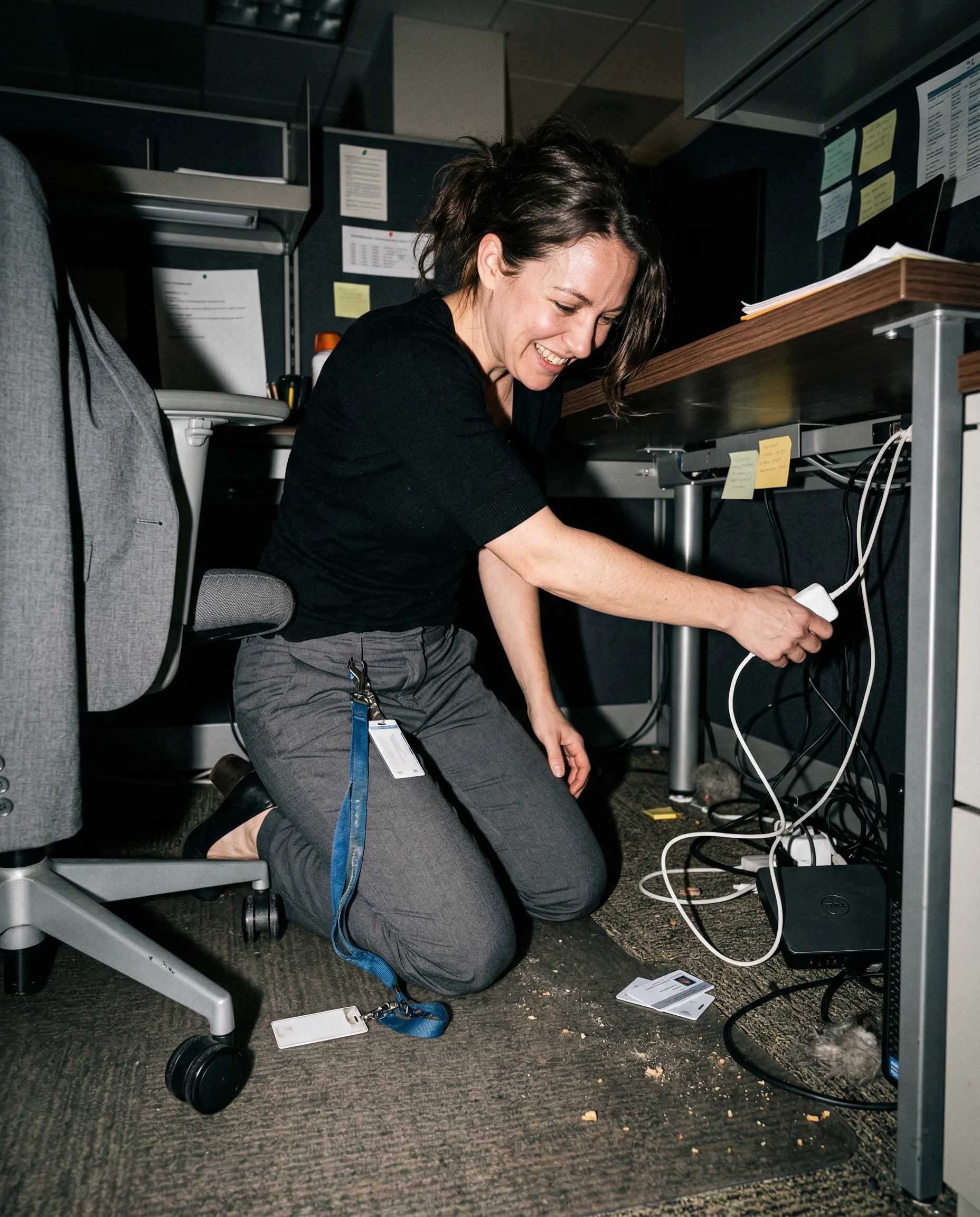
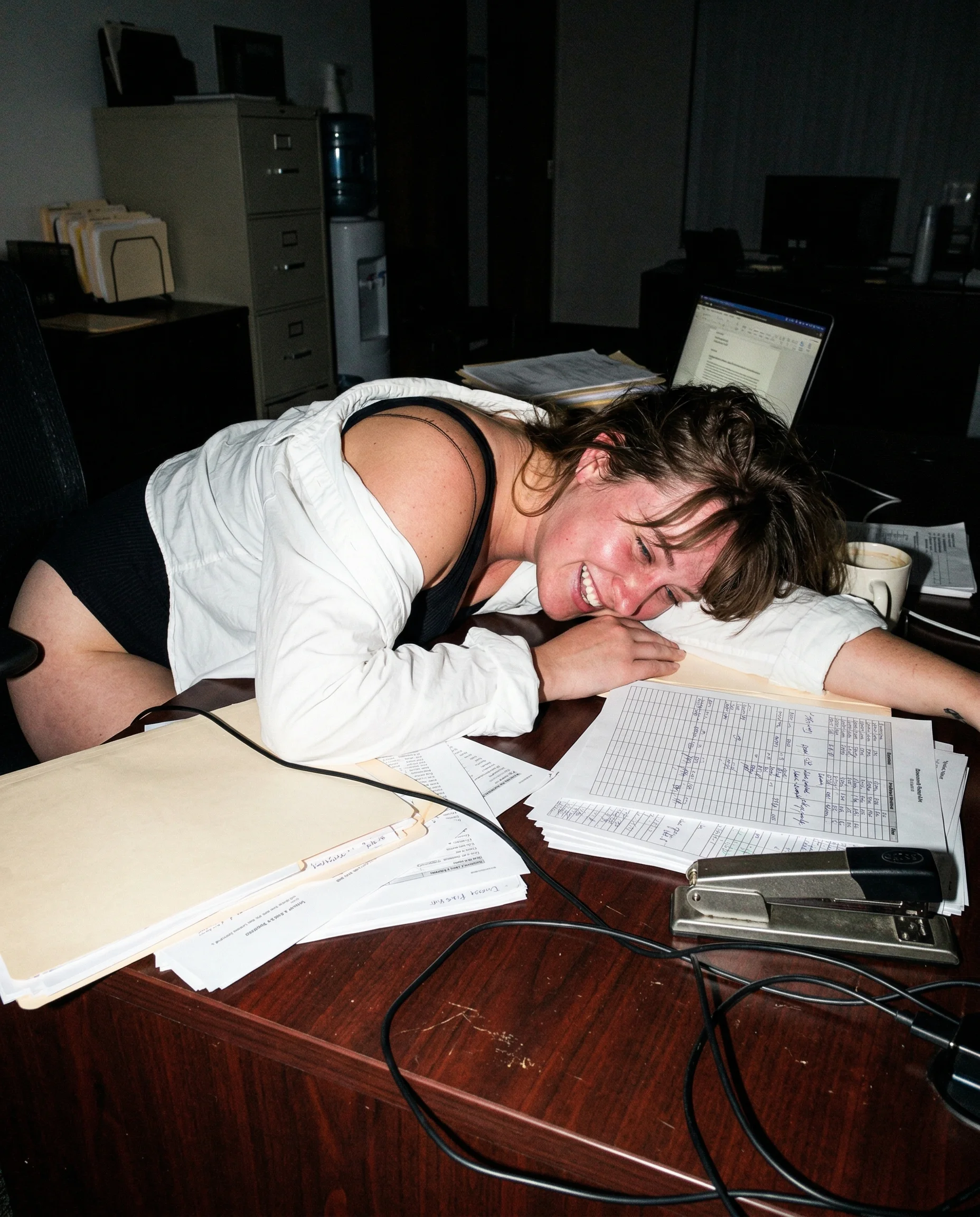
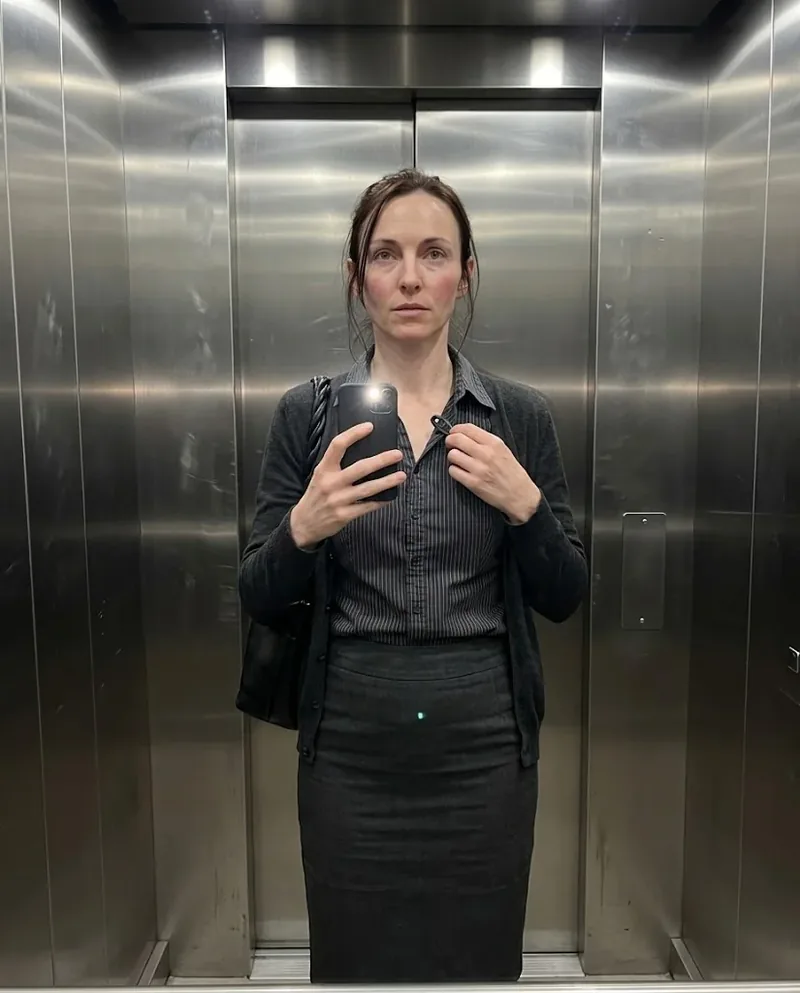 Mia
Mia 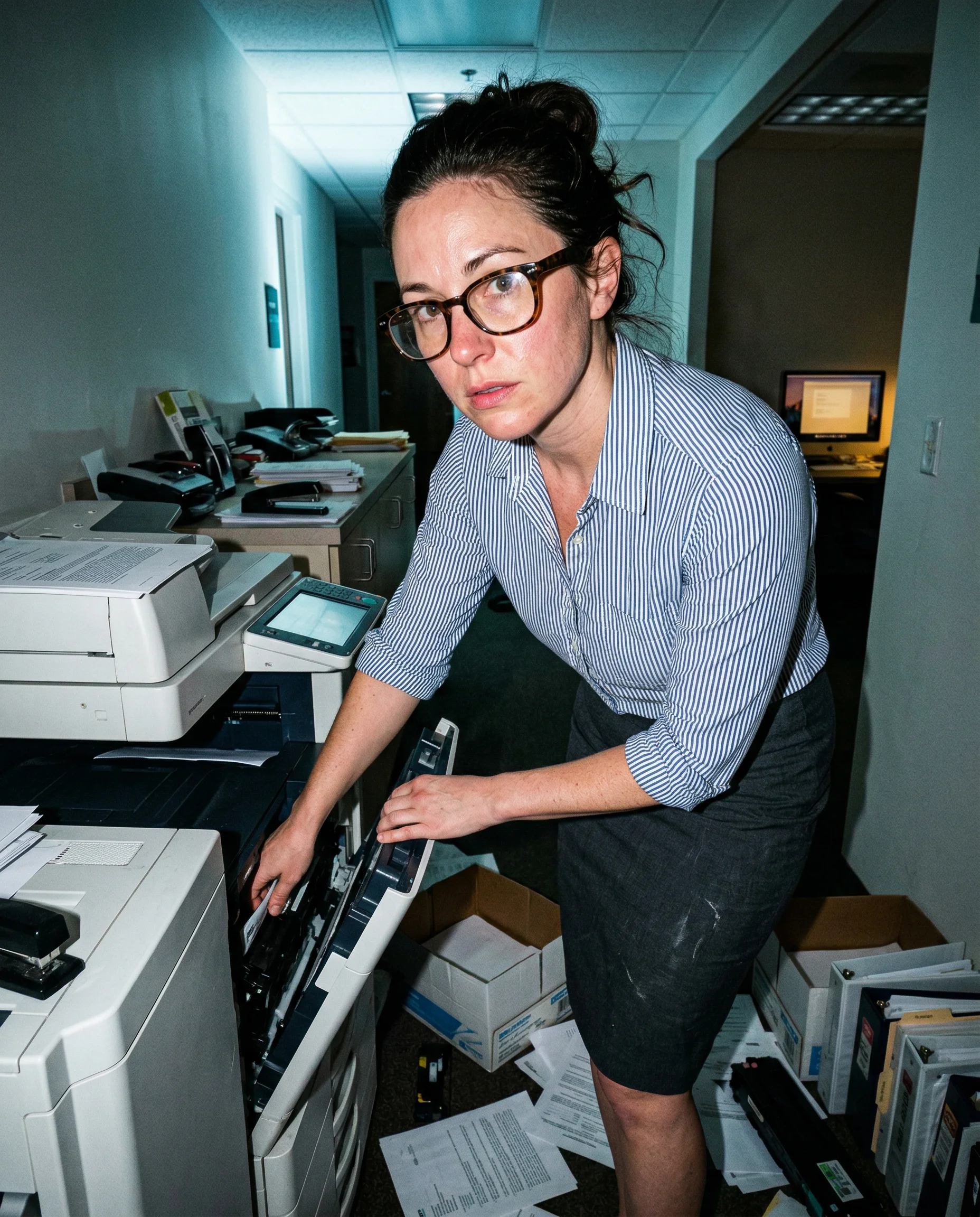
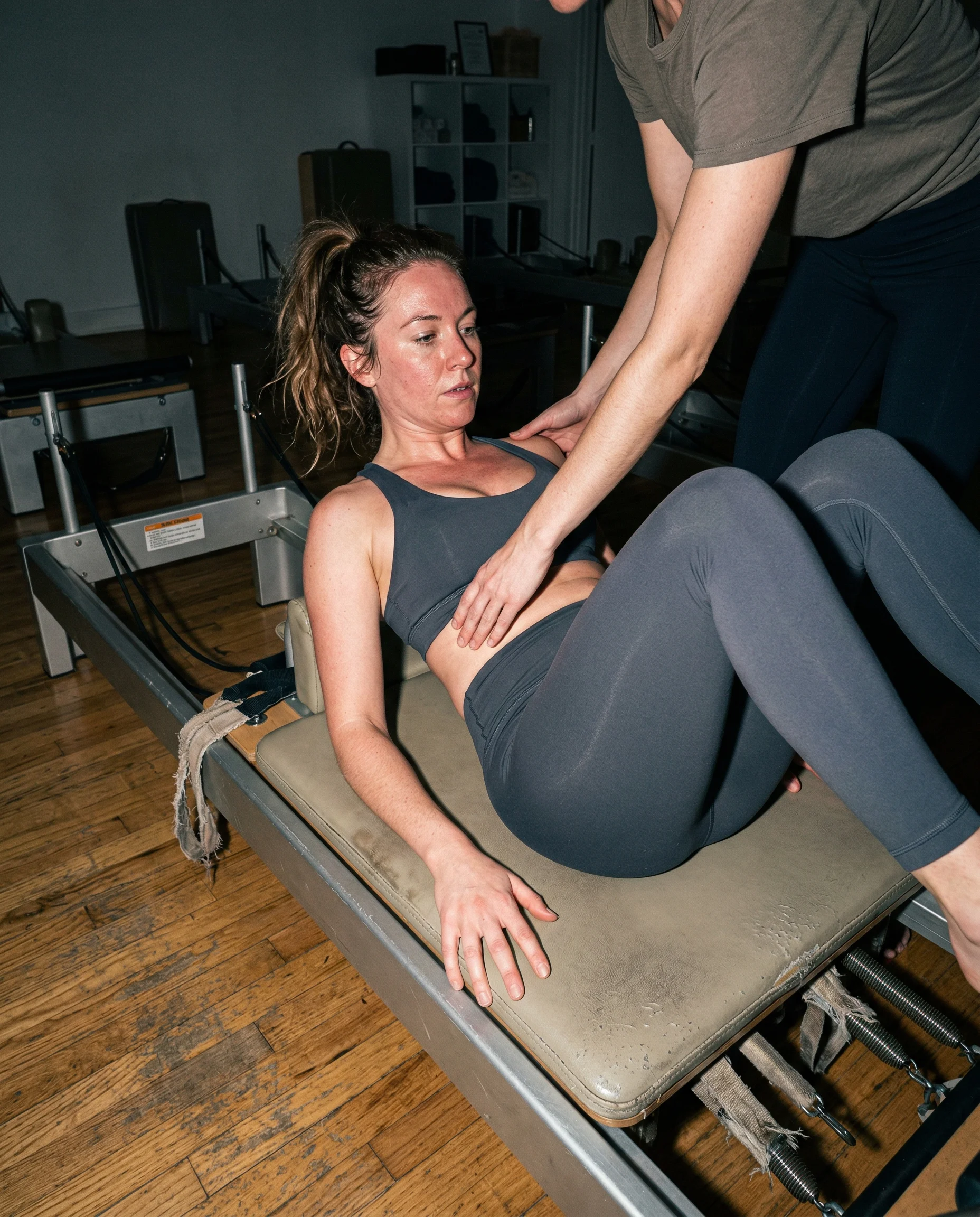
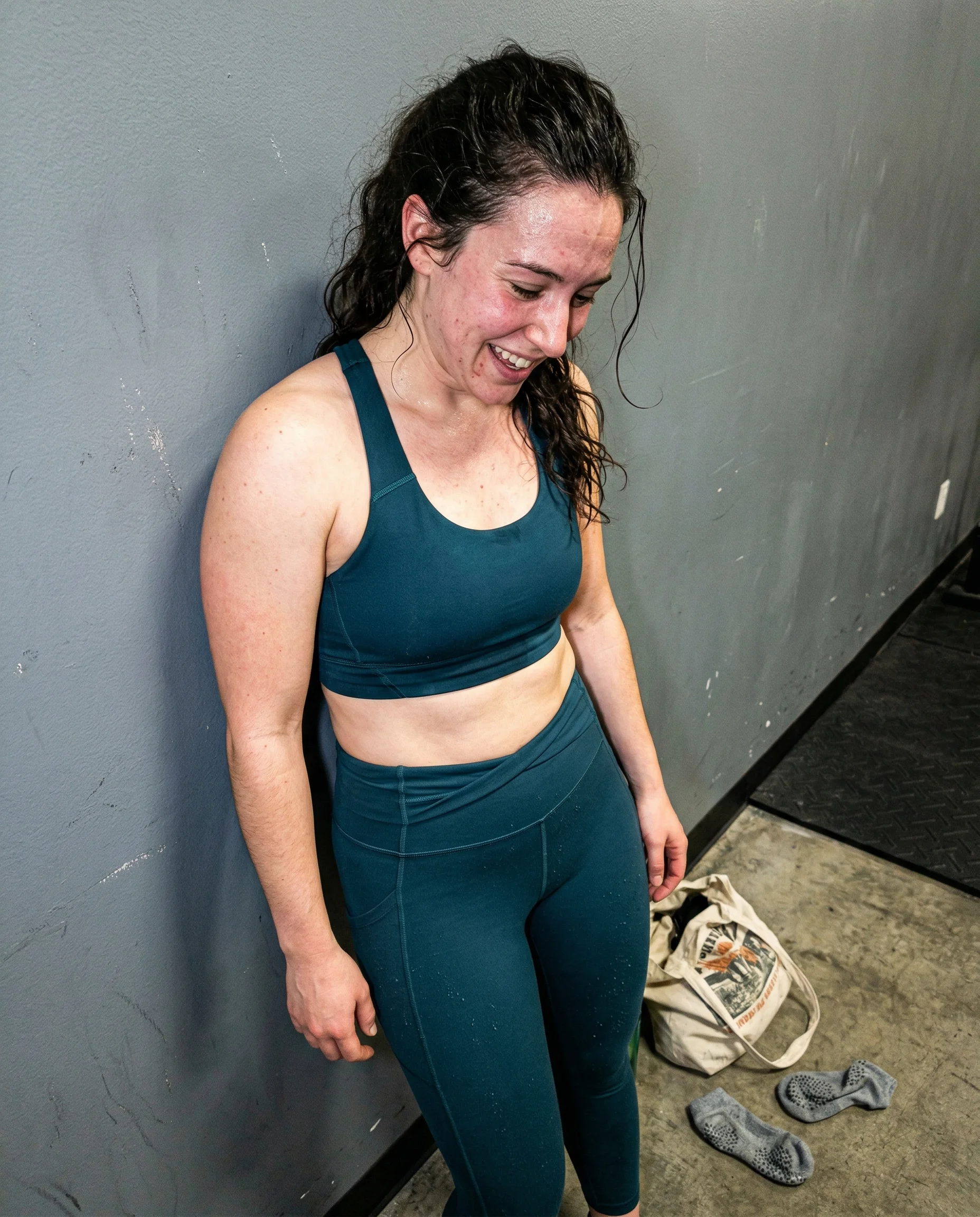
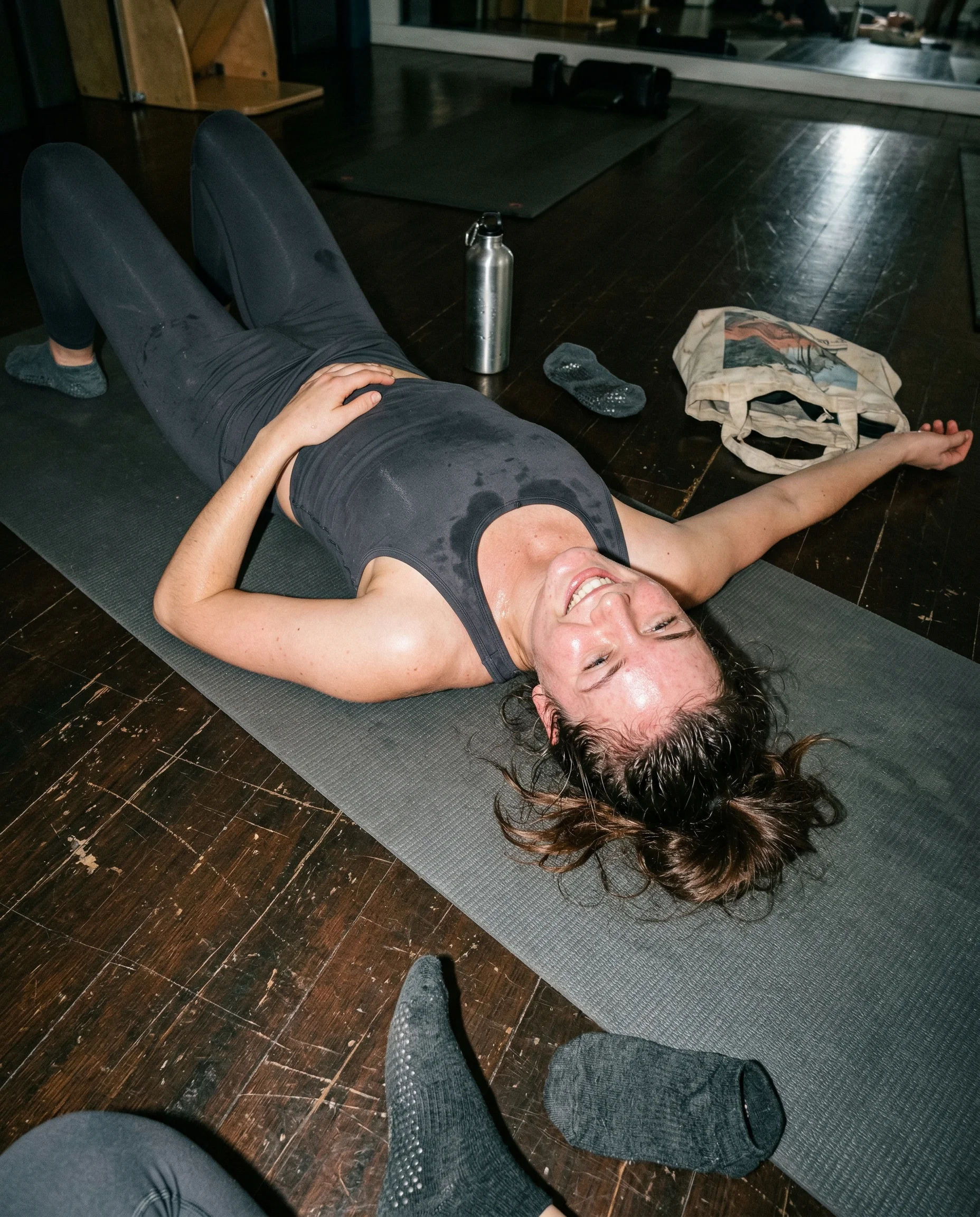
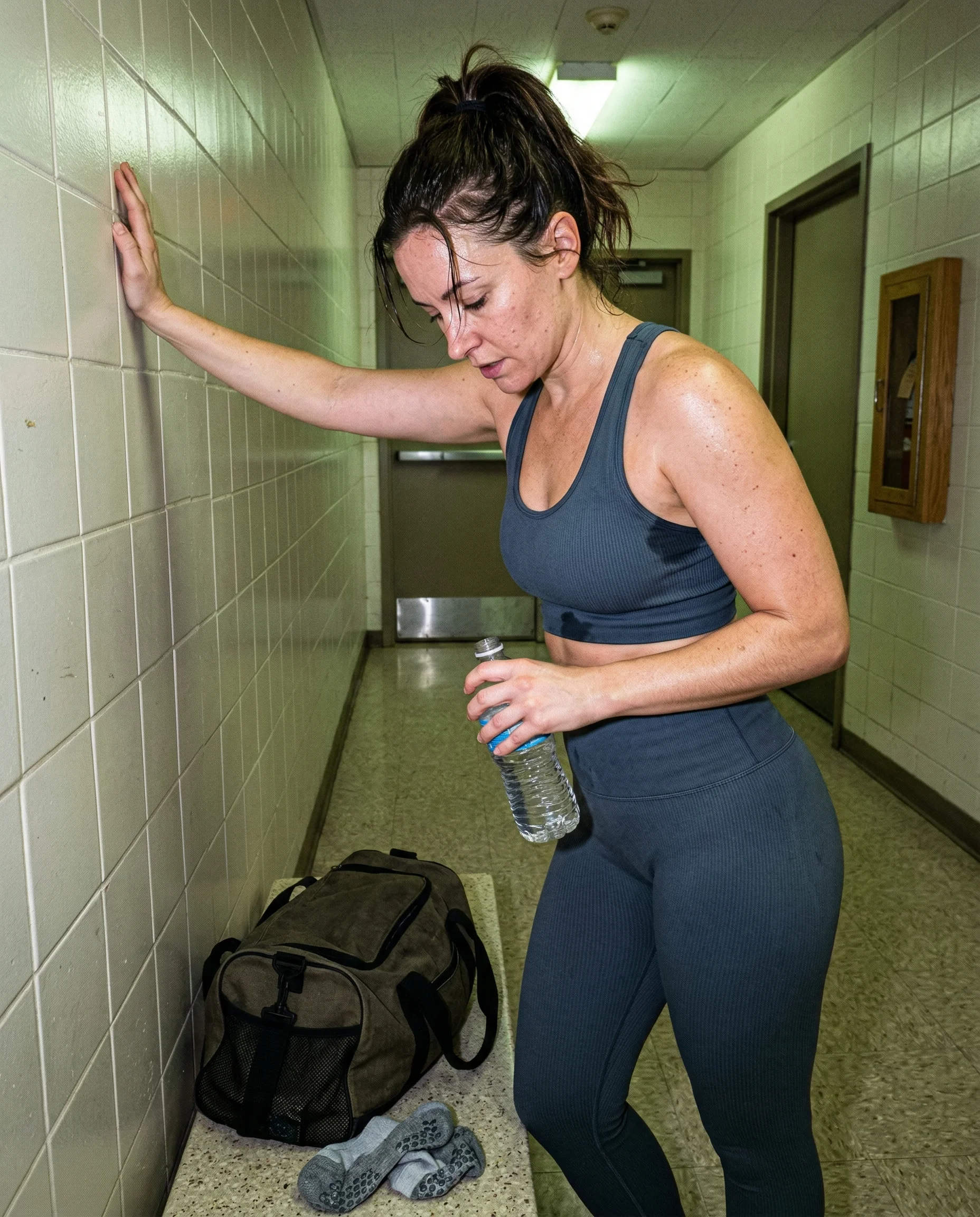
pores need a reason to show up
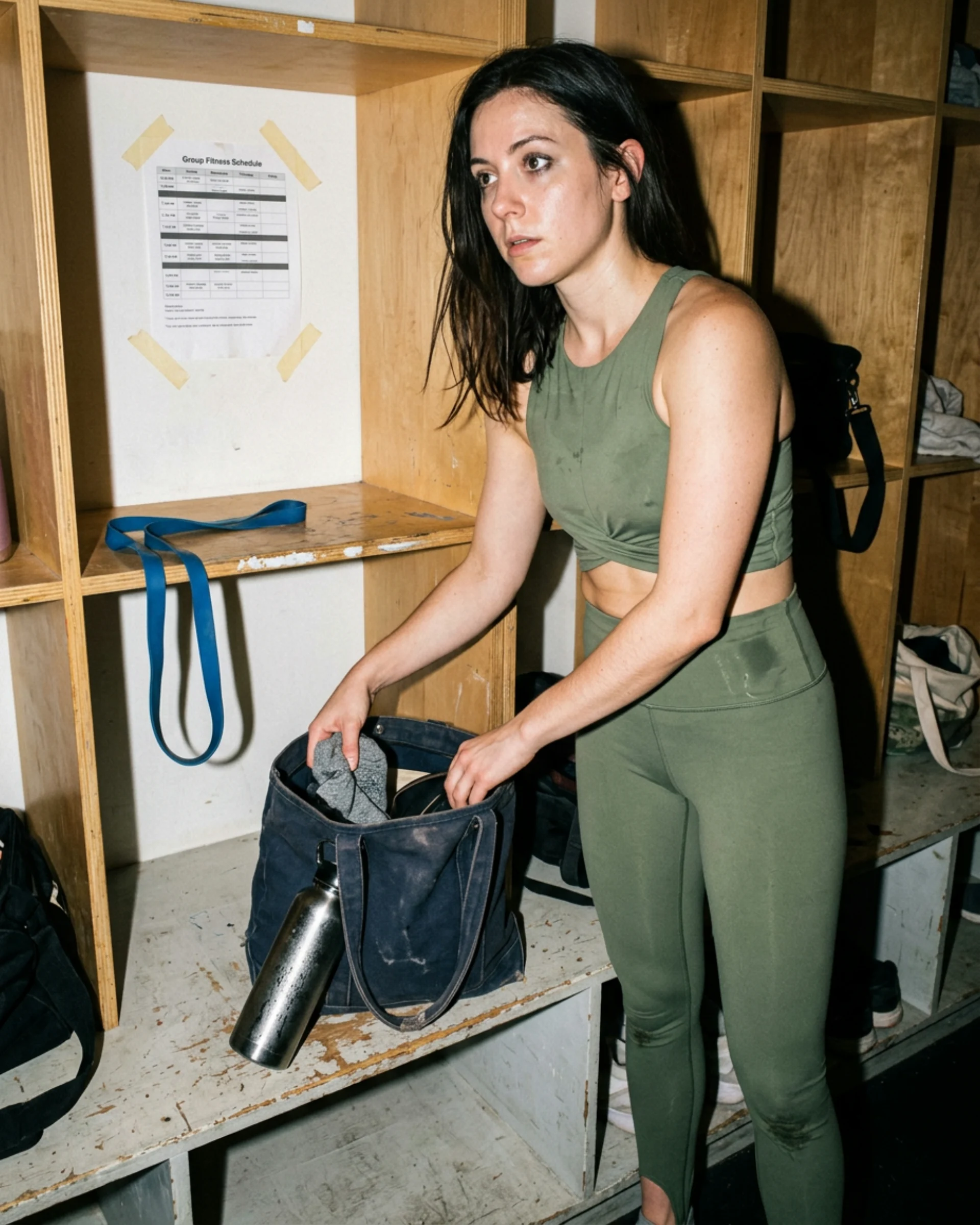
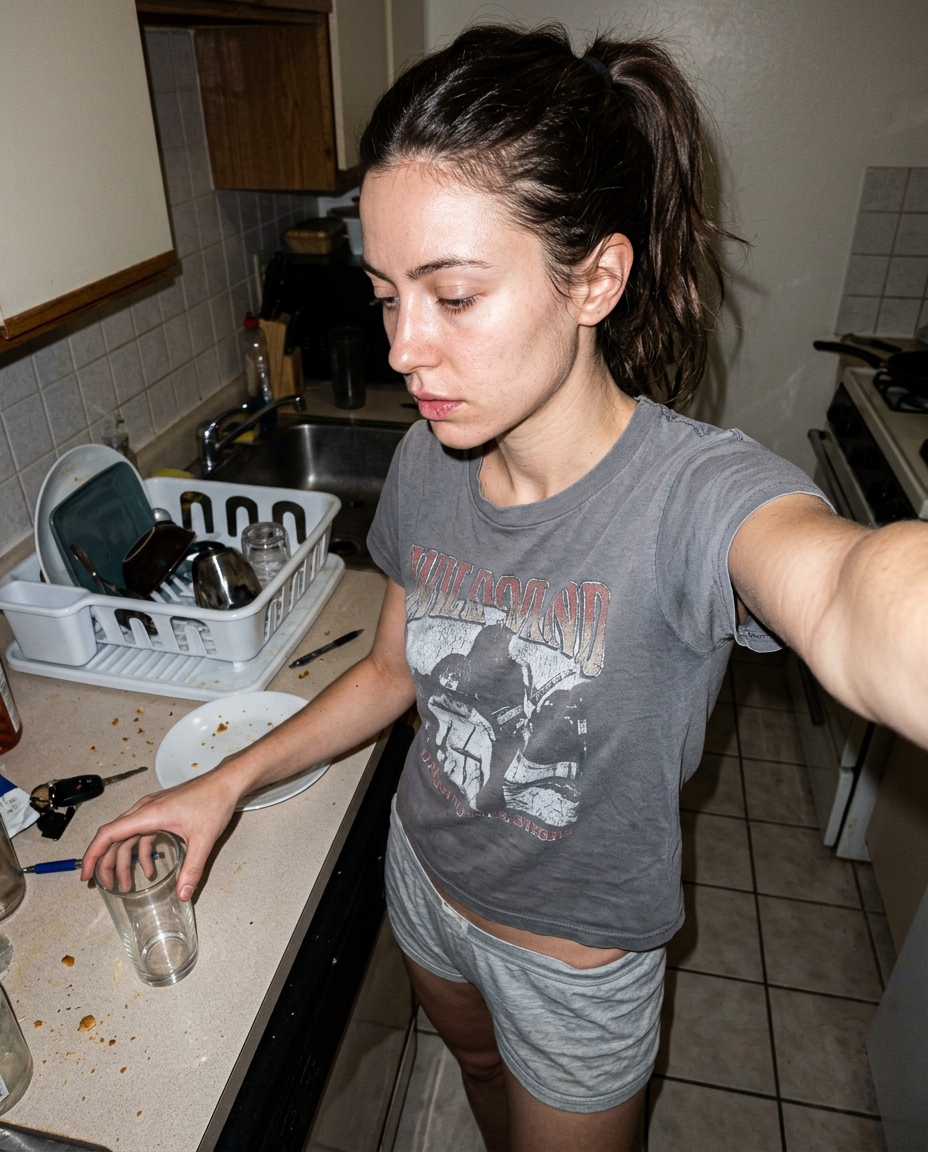
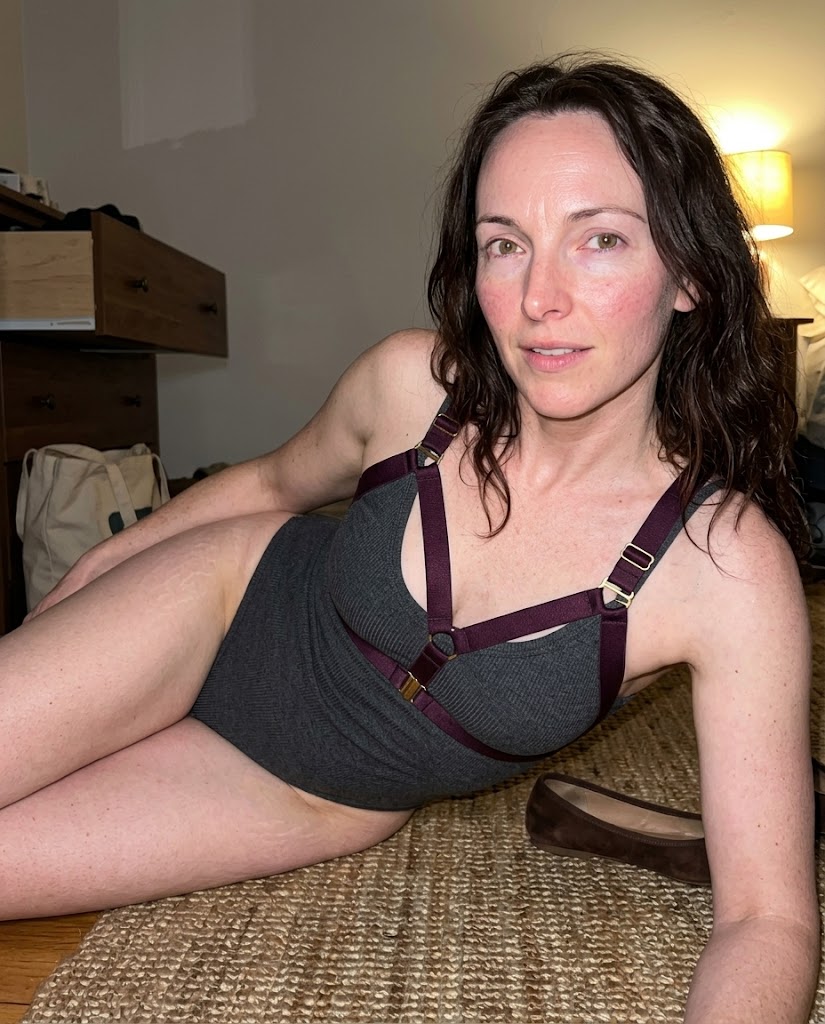
Visible pores work best when the camera is close enough and the light is mean enough to reveal them. If the face is across the room under soft beauty light, the detail starts looking pasted on. Put the camera near the skin before asking for texture.
texture cannot live alone
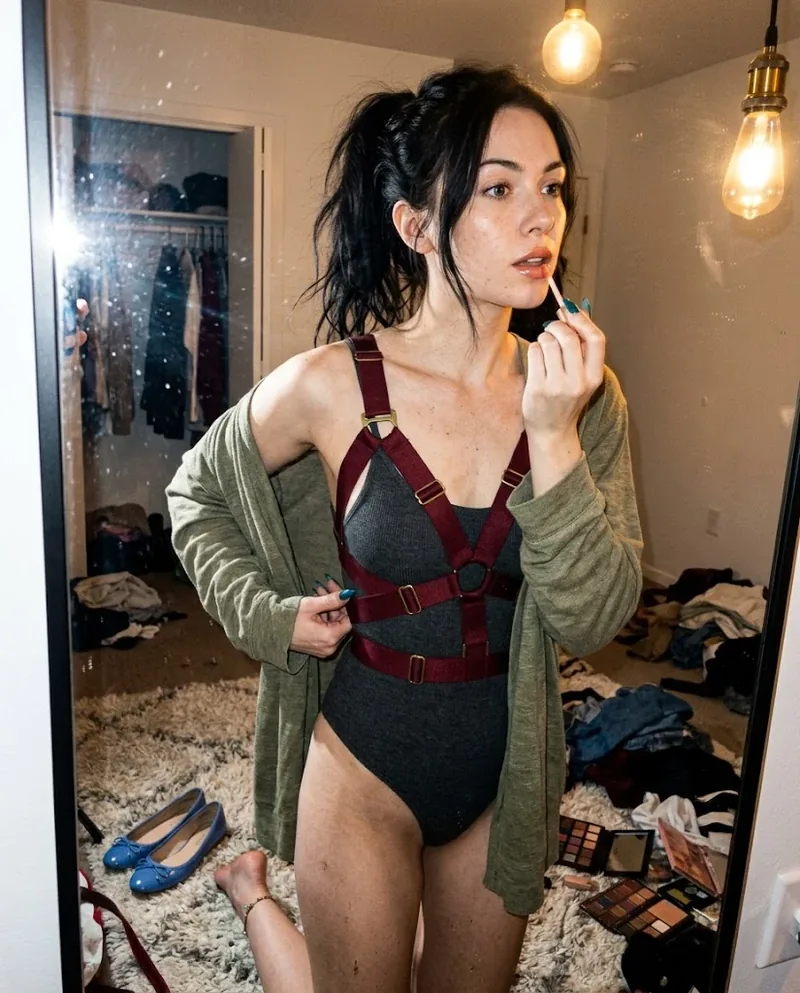
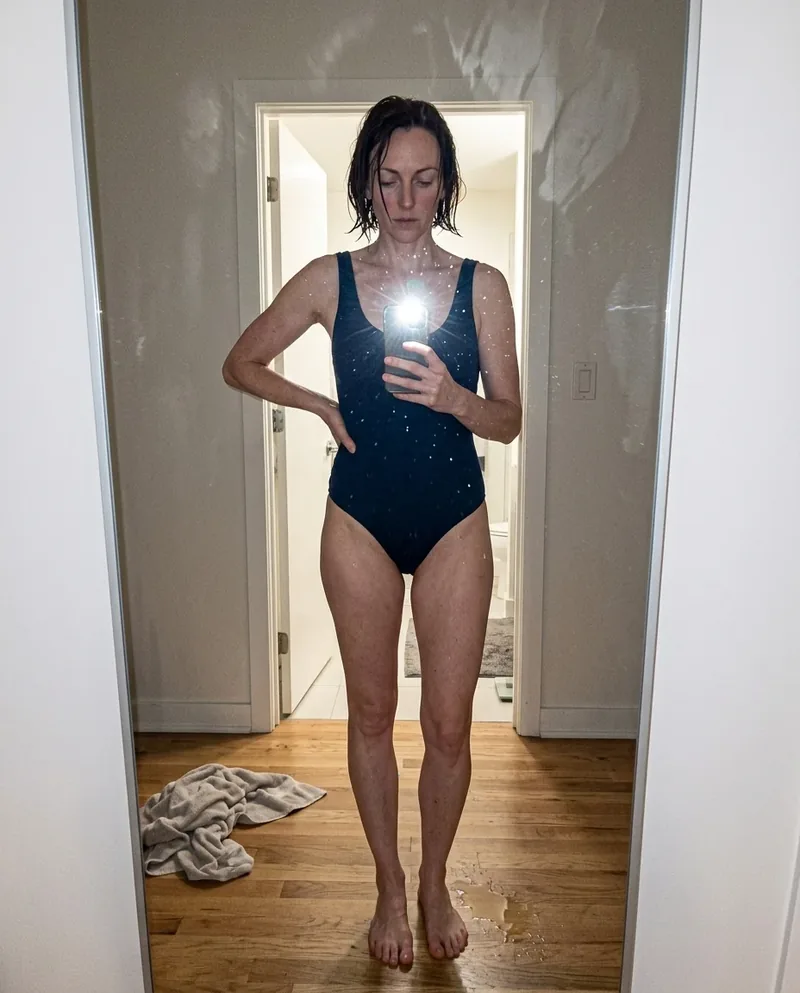
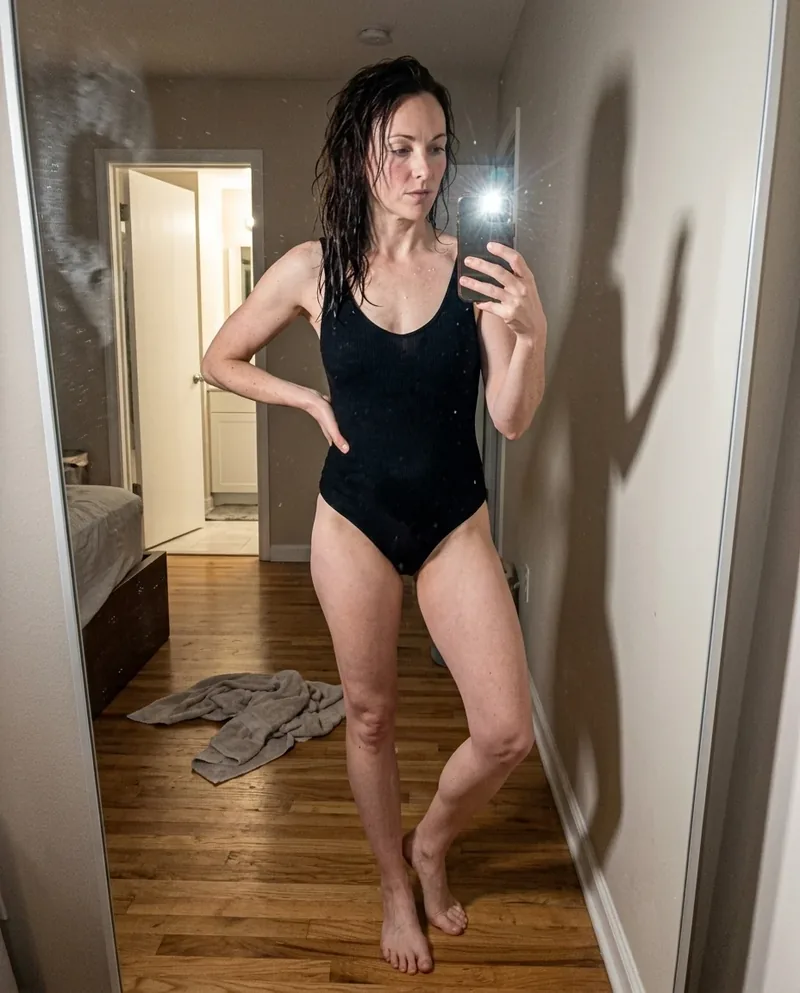
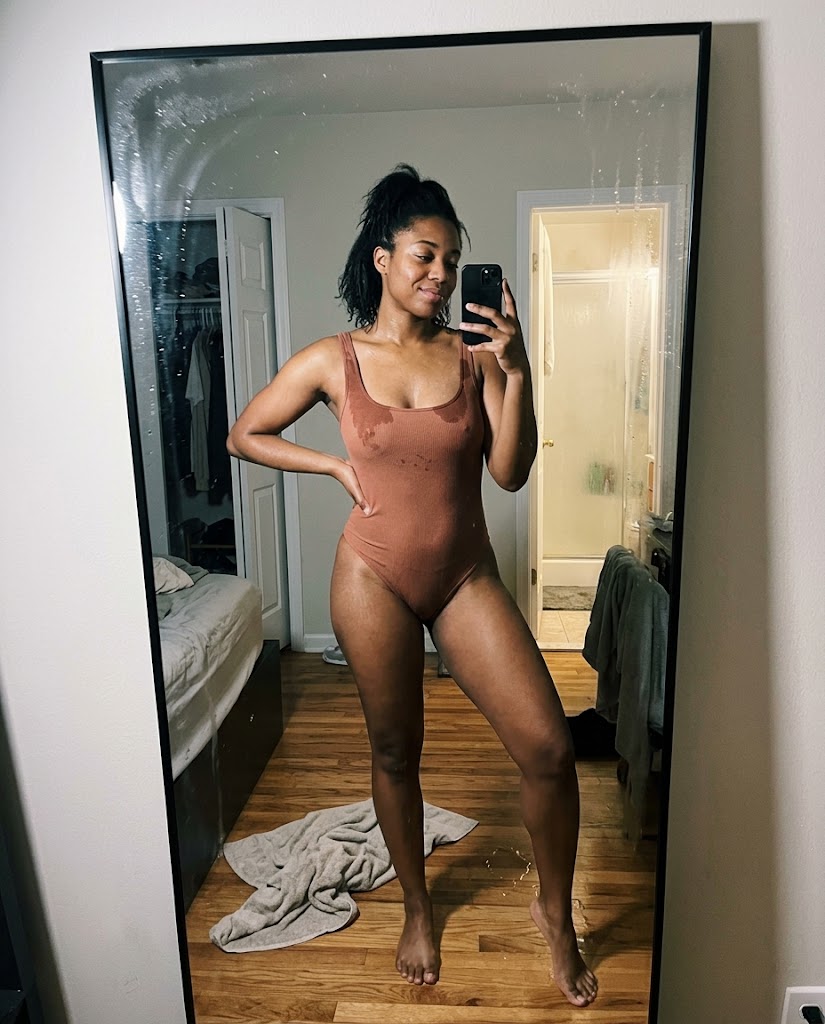
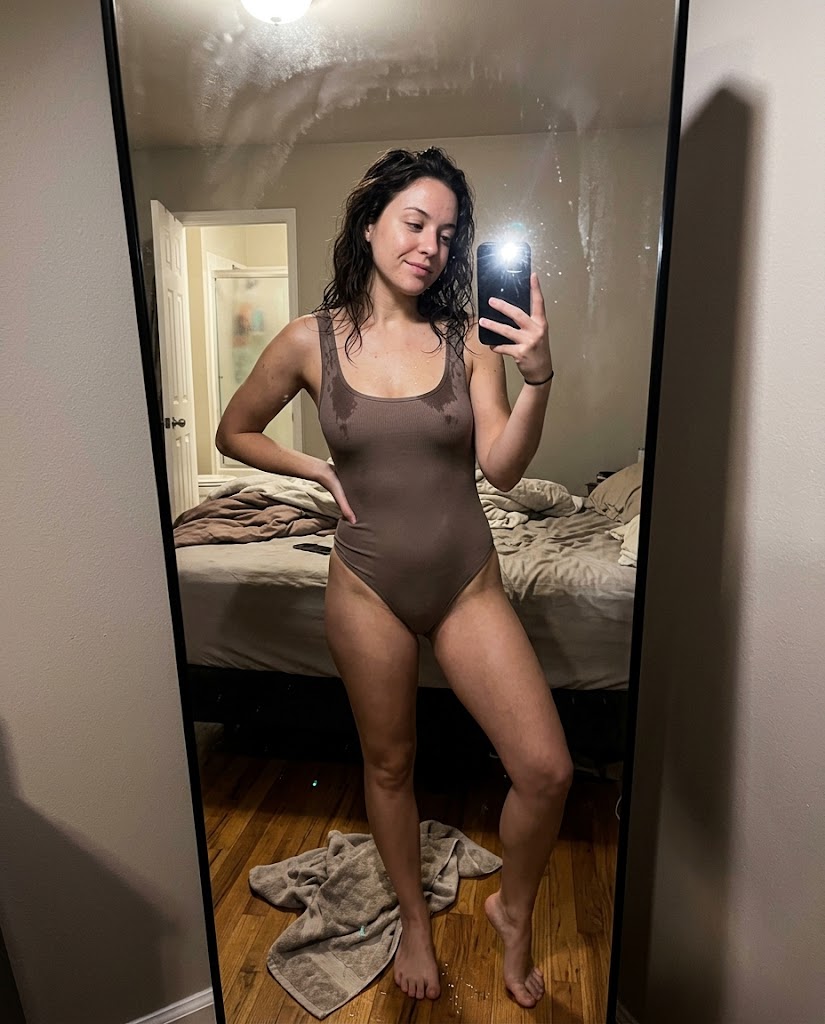
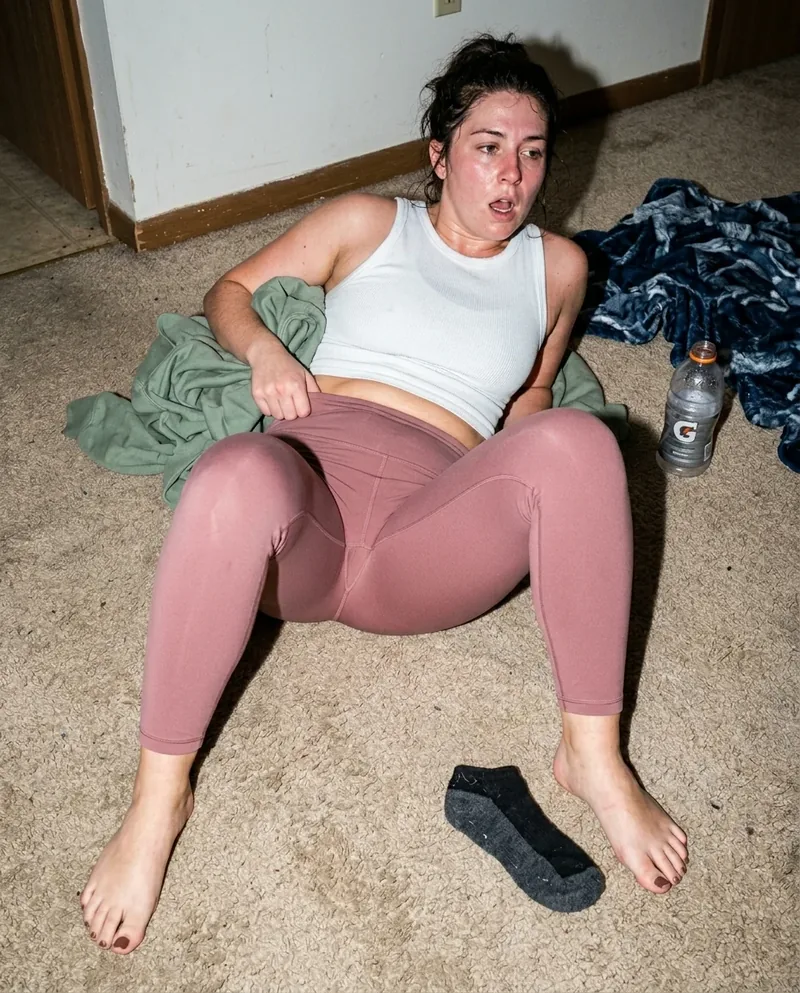
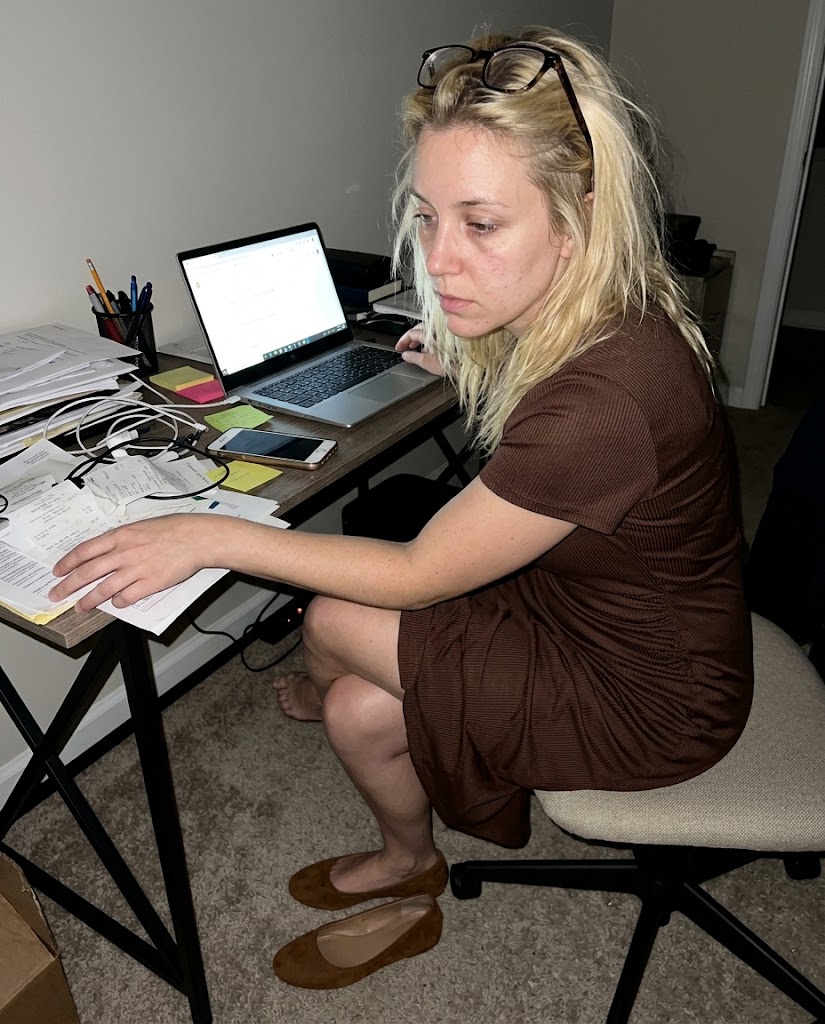
Skin detail looks fake when everything else is smooth. Let the mirror have fingerprints, the fabric have lint, and the background have noise. When the whole frame has surface, pores stop reading like a separate layer.
shine is not the enemy
A little forehead shine, nose highlight, or uneven foundation helps the face feel physical. Do not make every skin note negative or clinical. The goal is a real surface, not a checklist of flaws.
Read the underlying camera, lighting, and texture rules before opening the prompt grid.
Start from an aesthetic hub, then drill into the specific prompt pages that make the look usable.
Frequently asked questions about Visible Pores AI Image Prompts
How do I prompt visible pores without making the face look exaggerated?
Keep the pores tied to close distance, natural shine, and realistic lighting. Avoid stacking too many skin defects. One or two believable texture notes are usually enough.
What lighting shows pores in AI images?
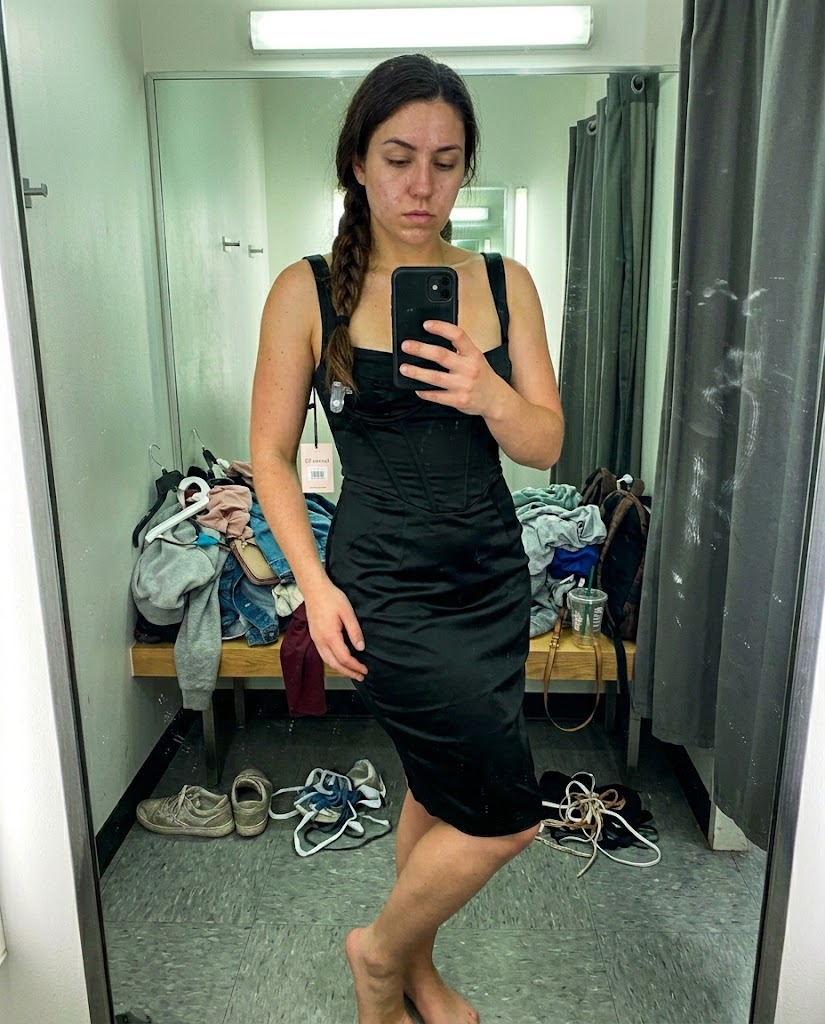
Direct flash, bathroom light, office fluorescents, and close indoor phone shots all work because they reveal uneven surfaces. Soft glam lighting usually hides too much.
Should visible pores be in every realism prompt?
No. Use them when the face is close enough for the camera to see skin detail. For wide scenes, grain, fabric wear, posture, and room mess may do more believable work.