
AI Image Prompt Library
Browse 59 copyable AI photo prompts for photorealistic image models, including Nano Banana 2 prompt pages built around visible output, camera flaws, and usable copy-paste prompt text.
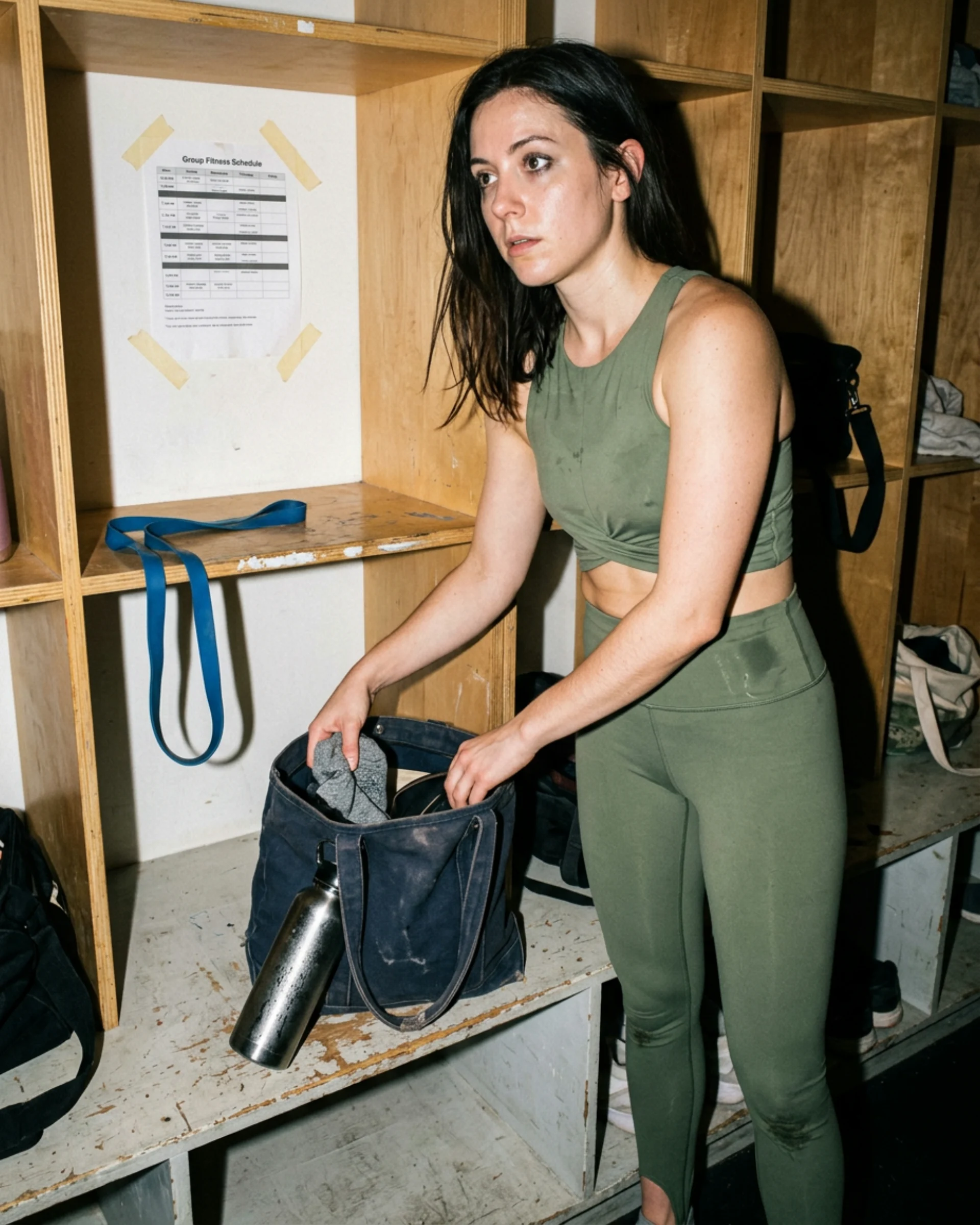
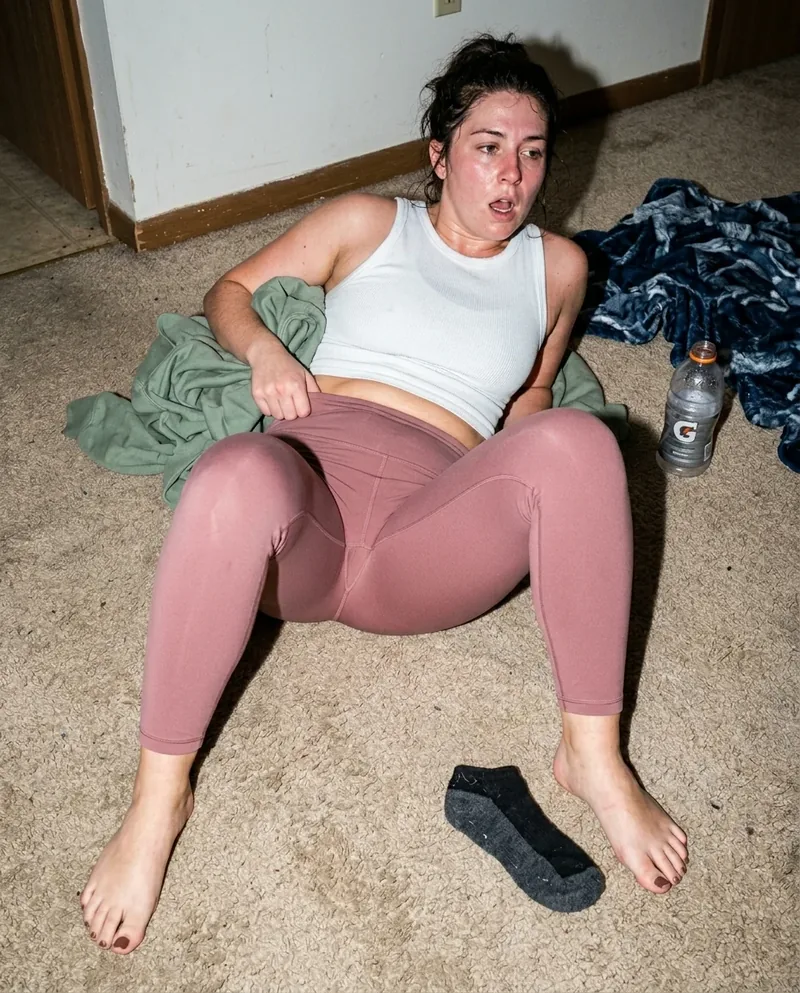
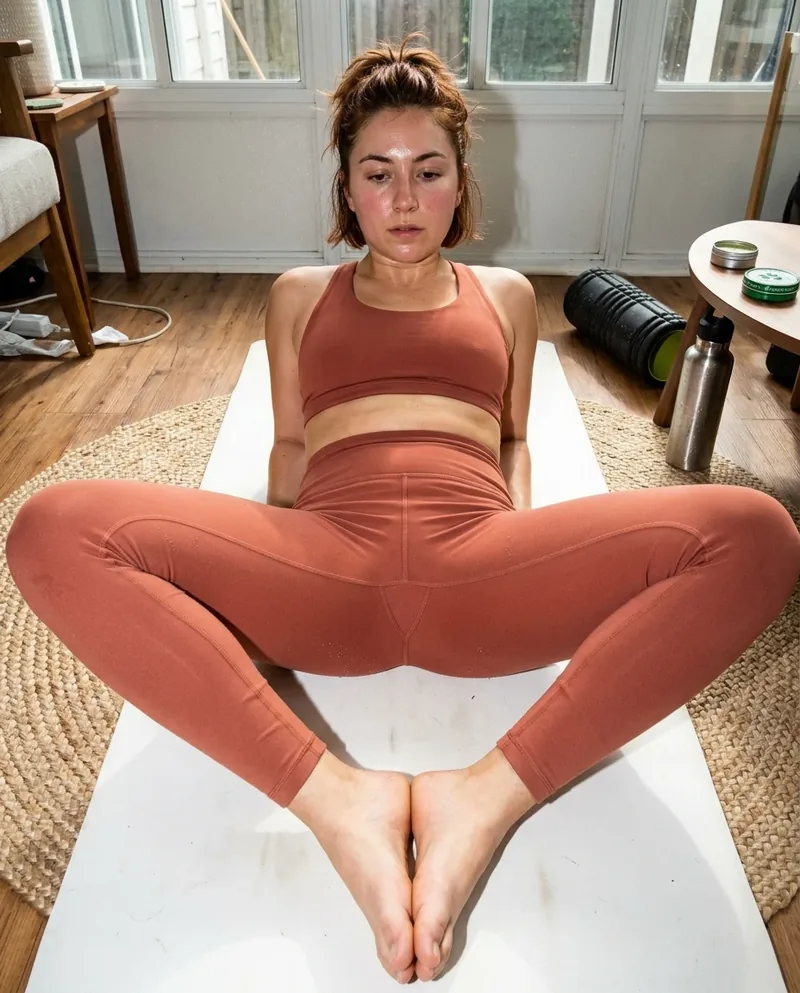
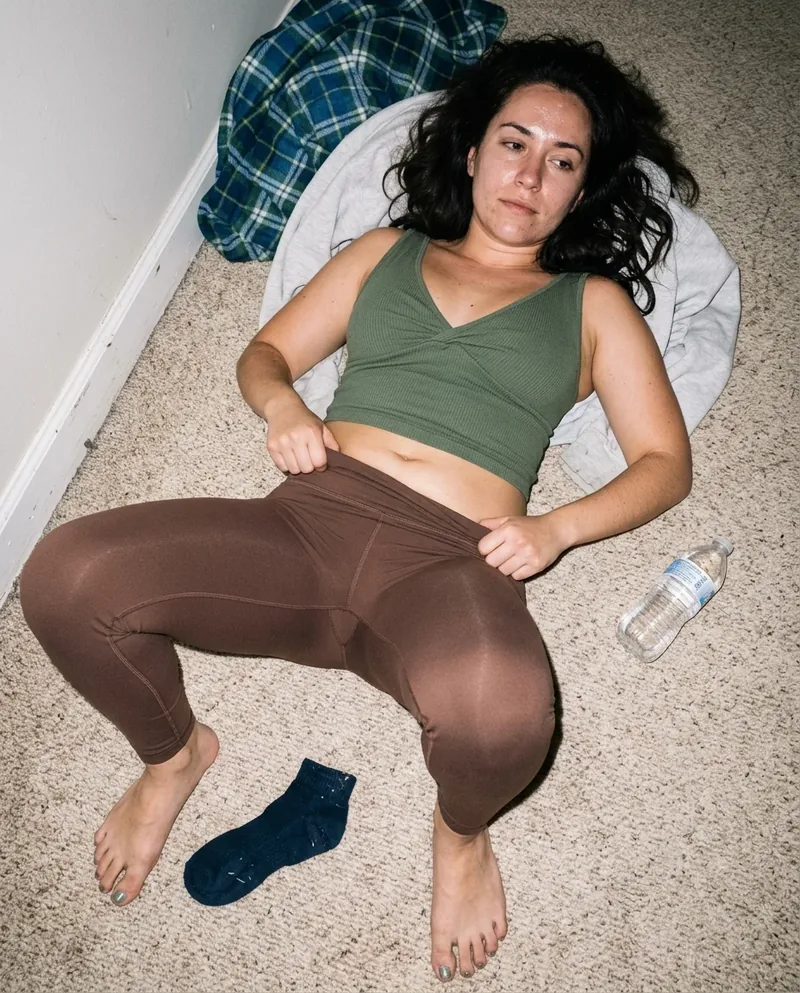
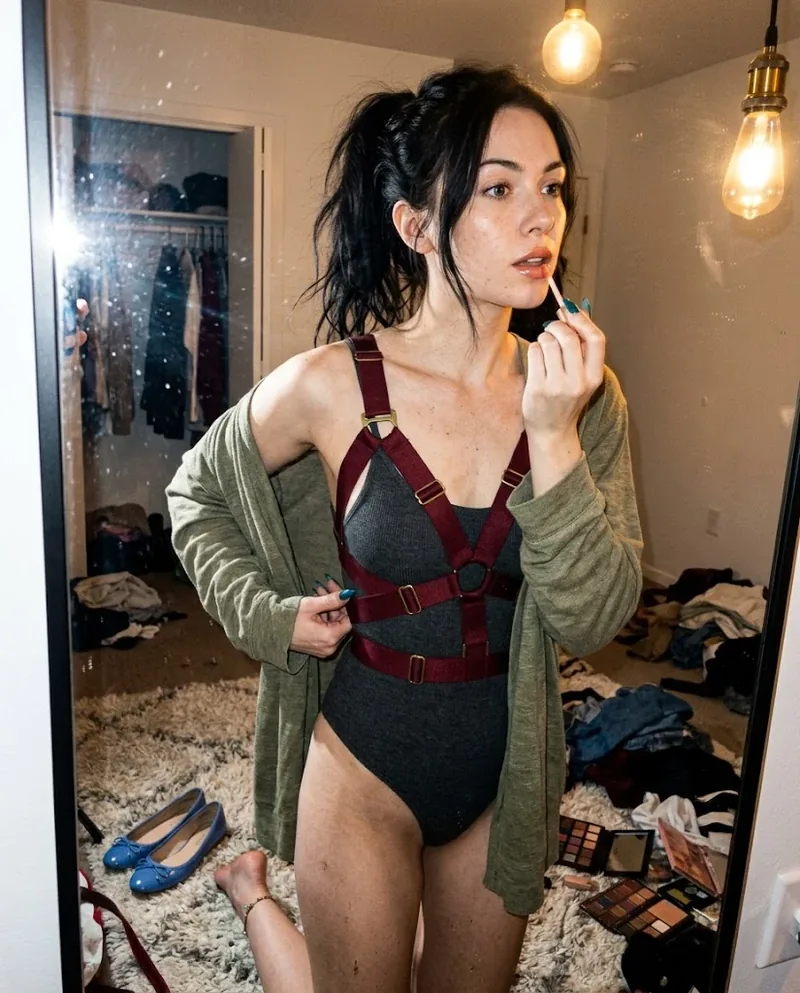
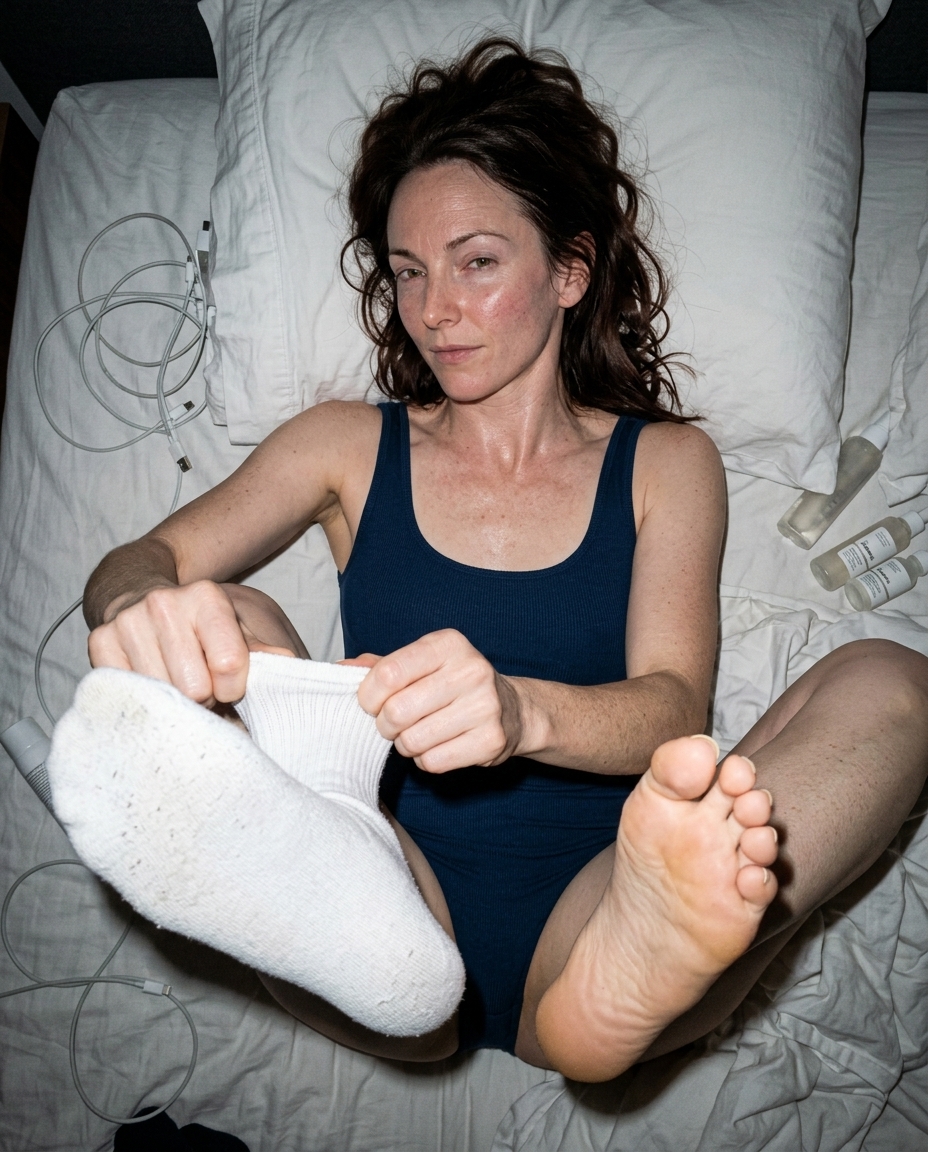 Ref Verified Mia
 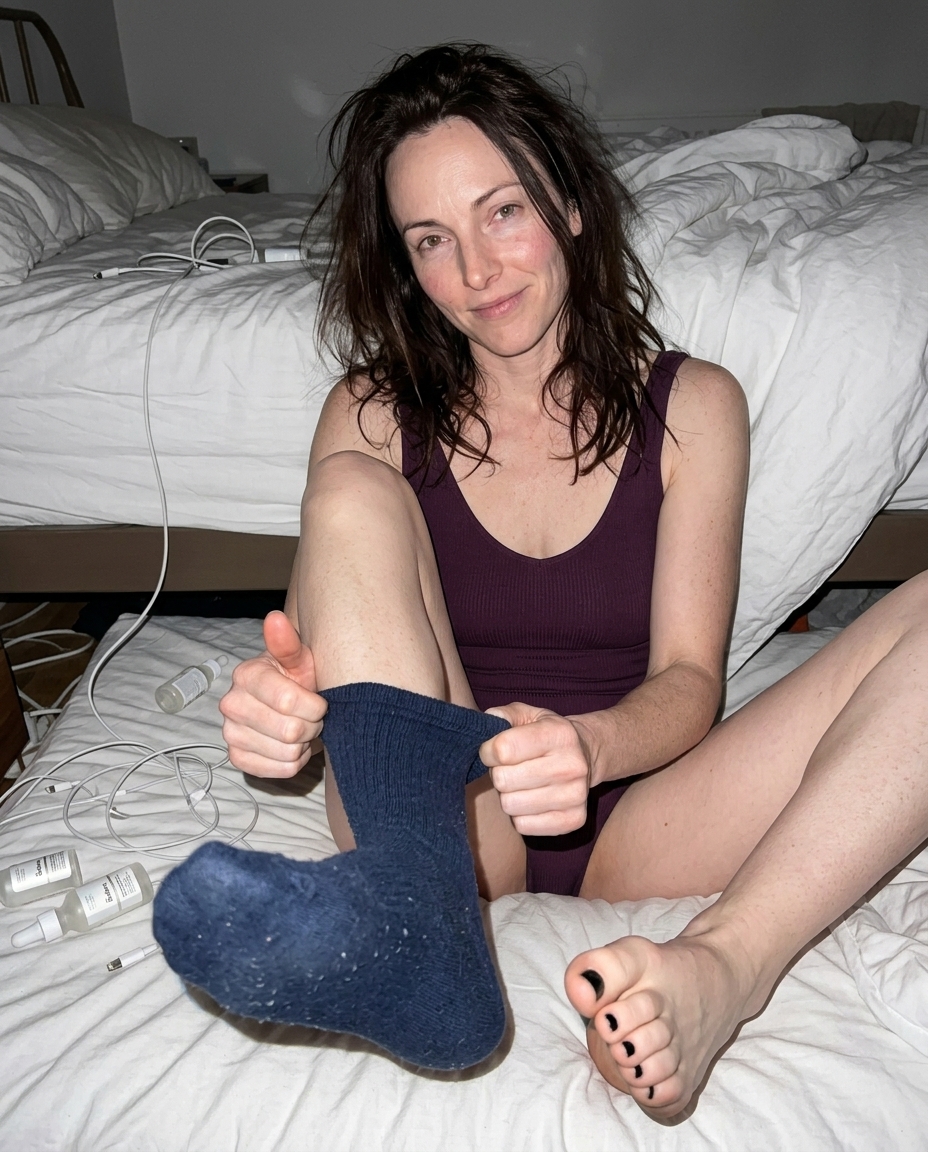 Ref Verified Mia
 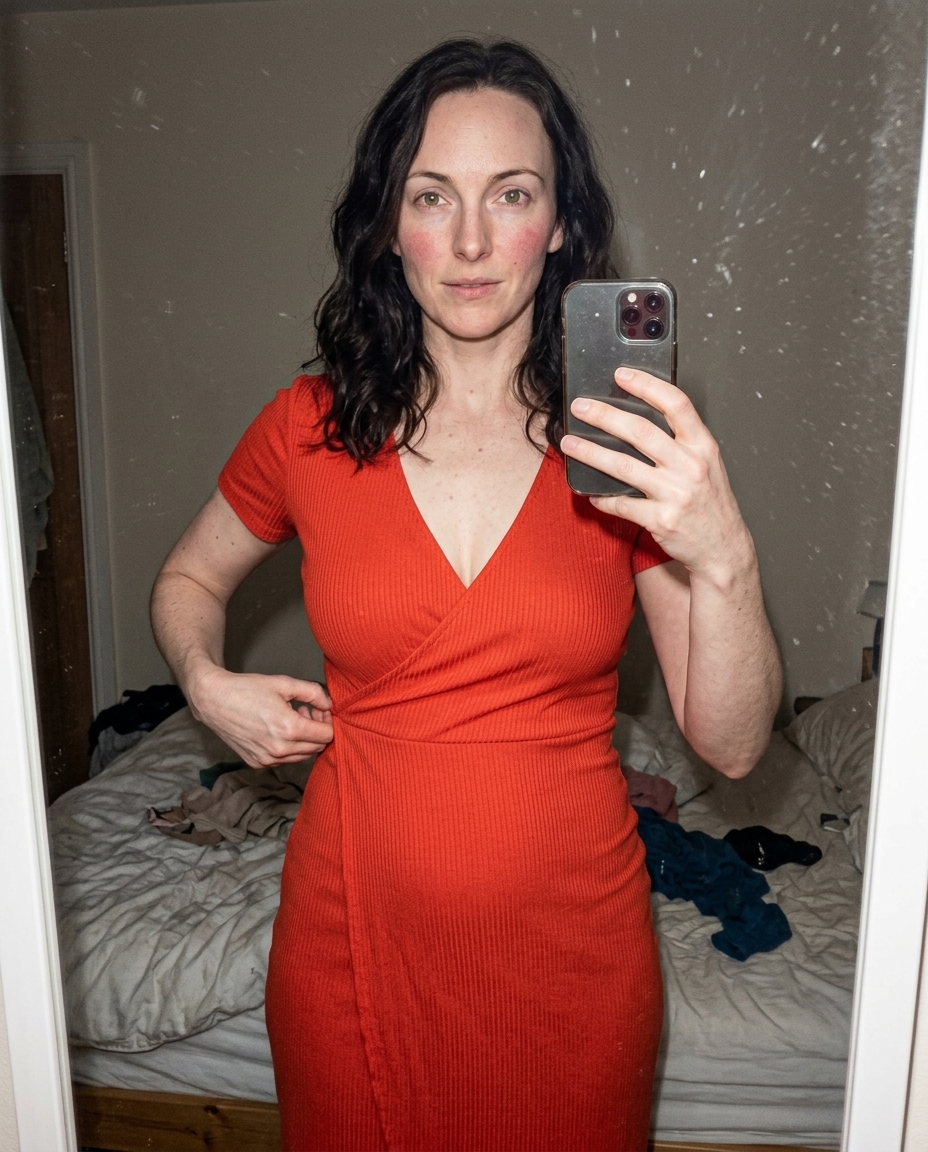 Ref Verified Mia
 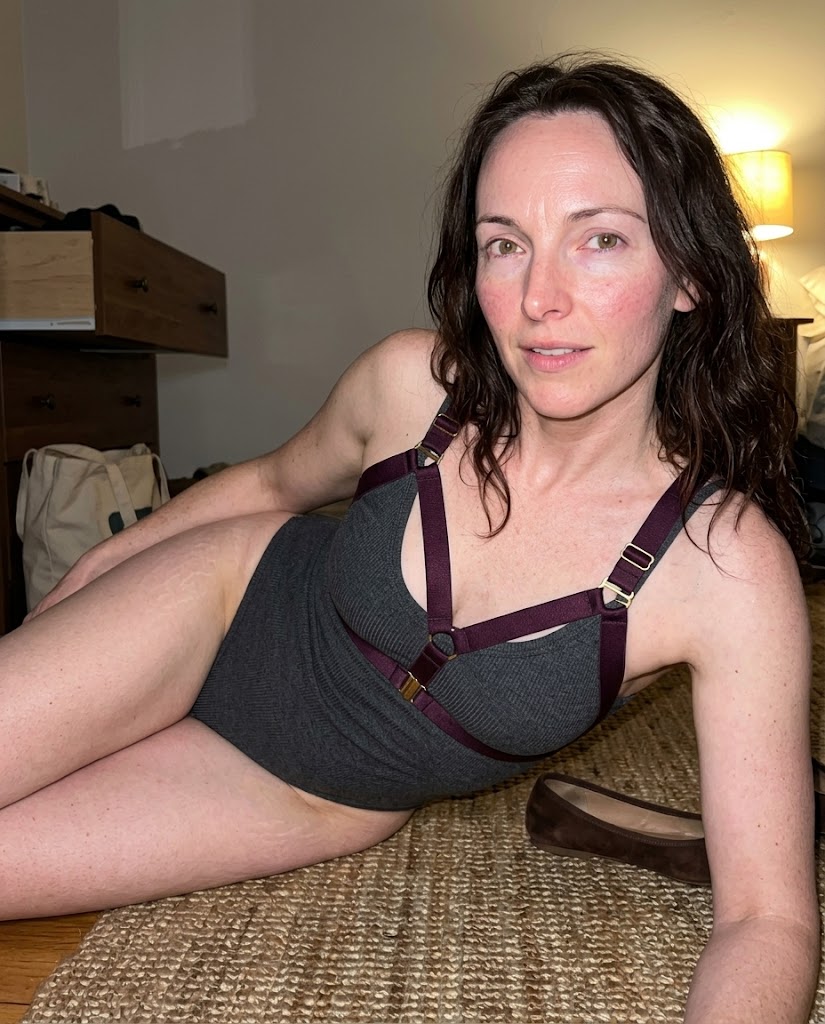 Ref Verified Mia
 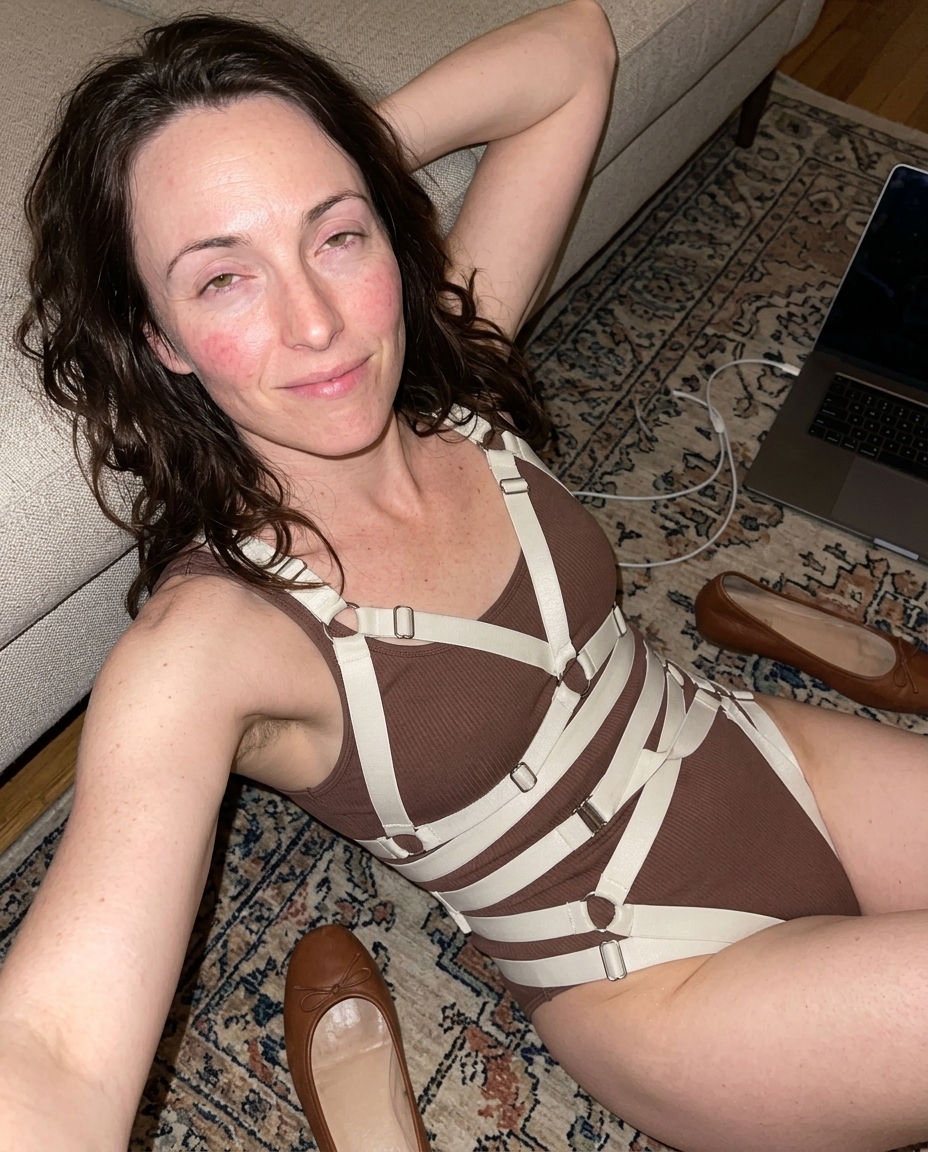 Ref Verified Mia
 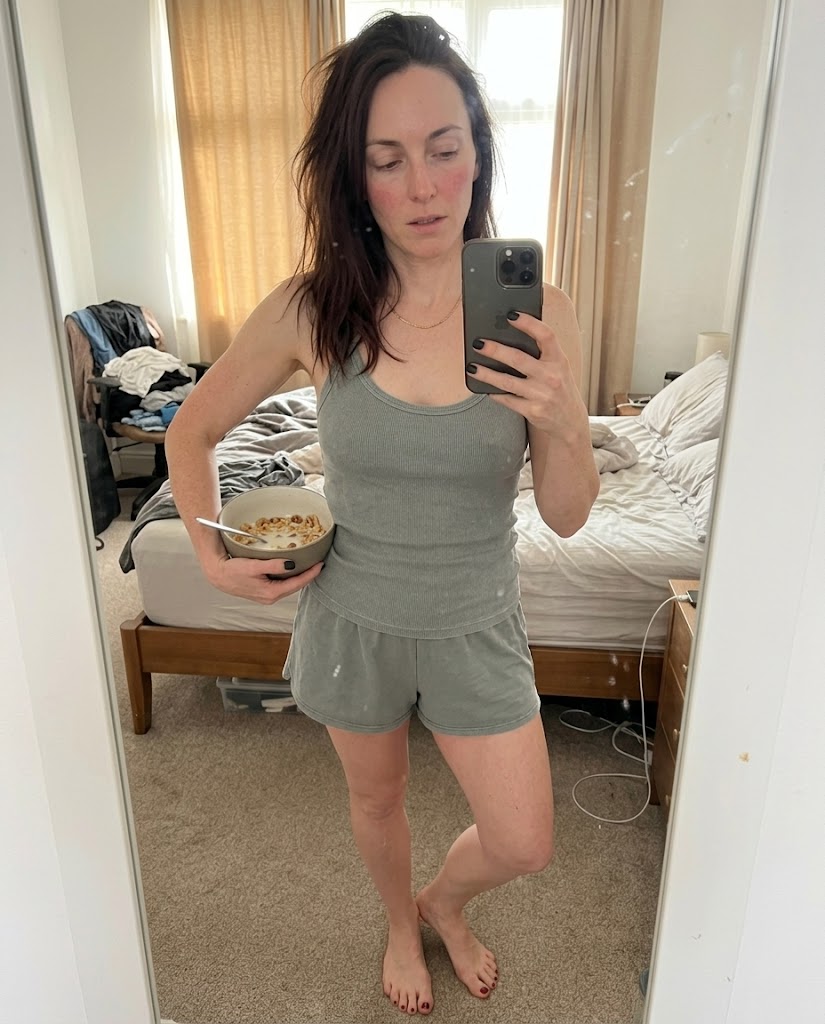 Ref Verified Mia
 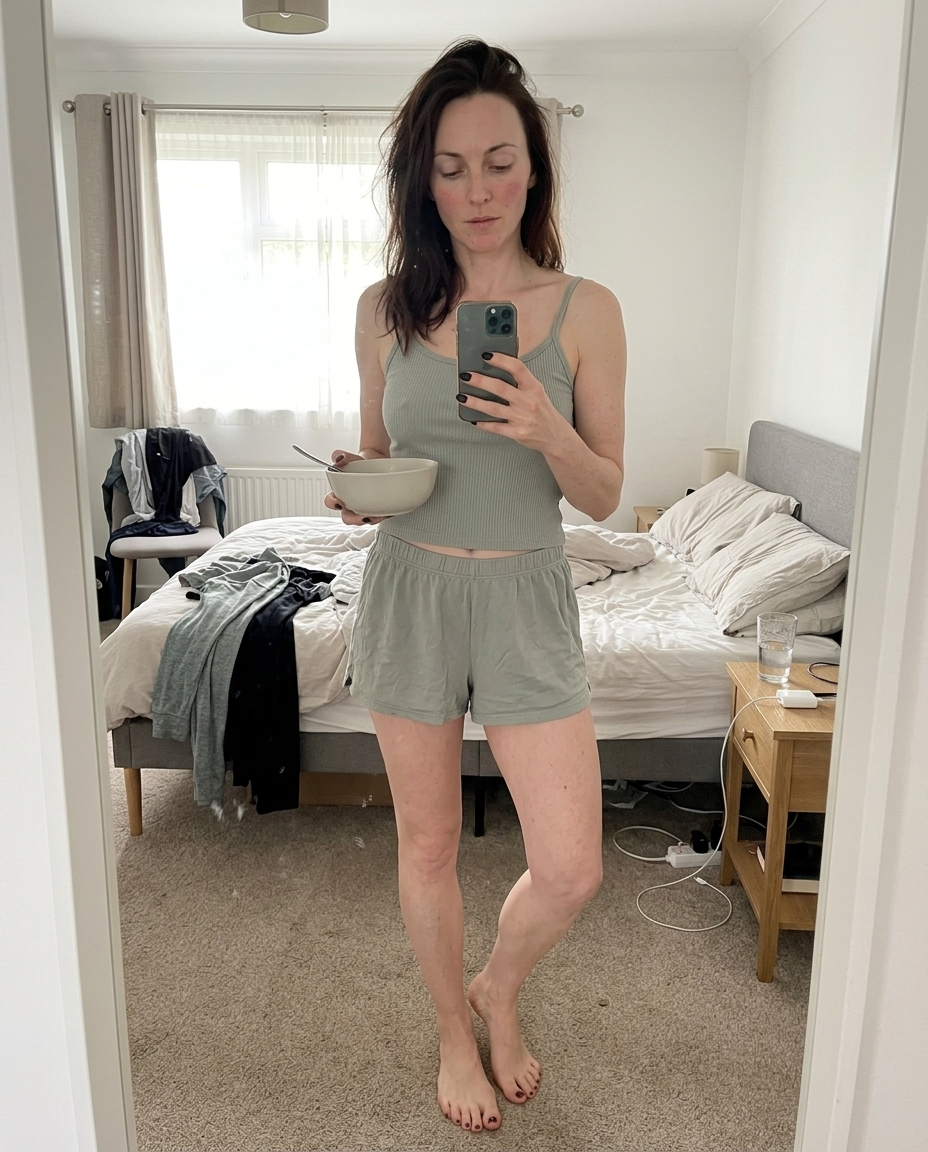 Ref Verified Mia
  Ref Verified Mia
  Ref Verified Mia
  Ref Verified Mia
  Ref Verified Mia
 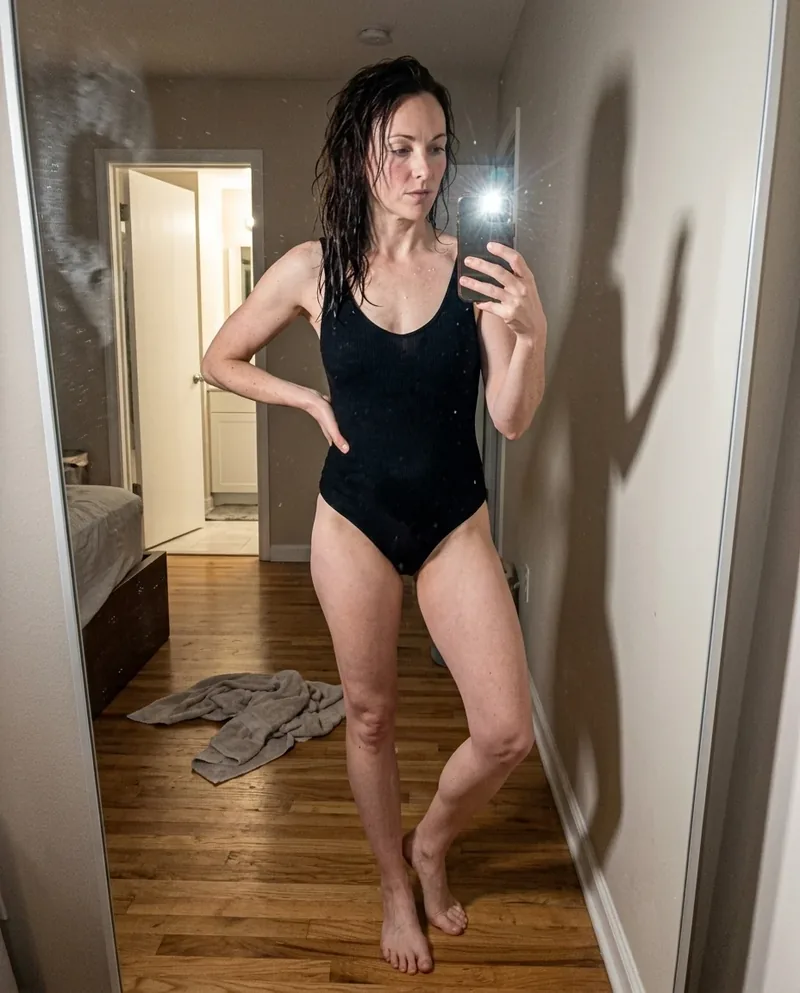 Ref Verified Mia
 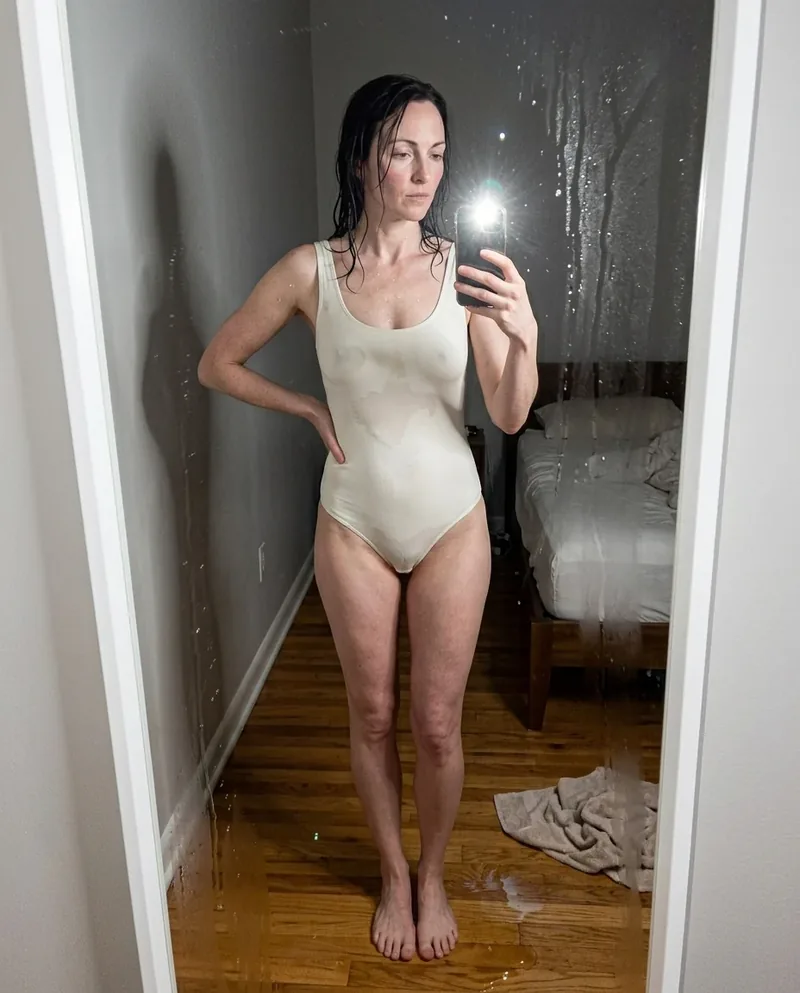 Ref Verified Mia
 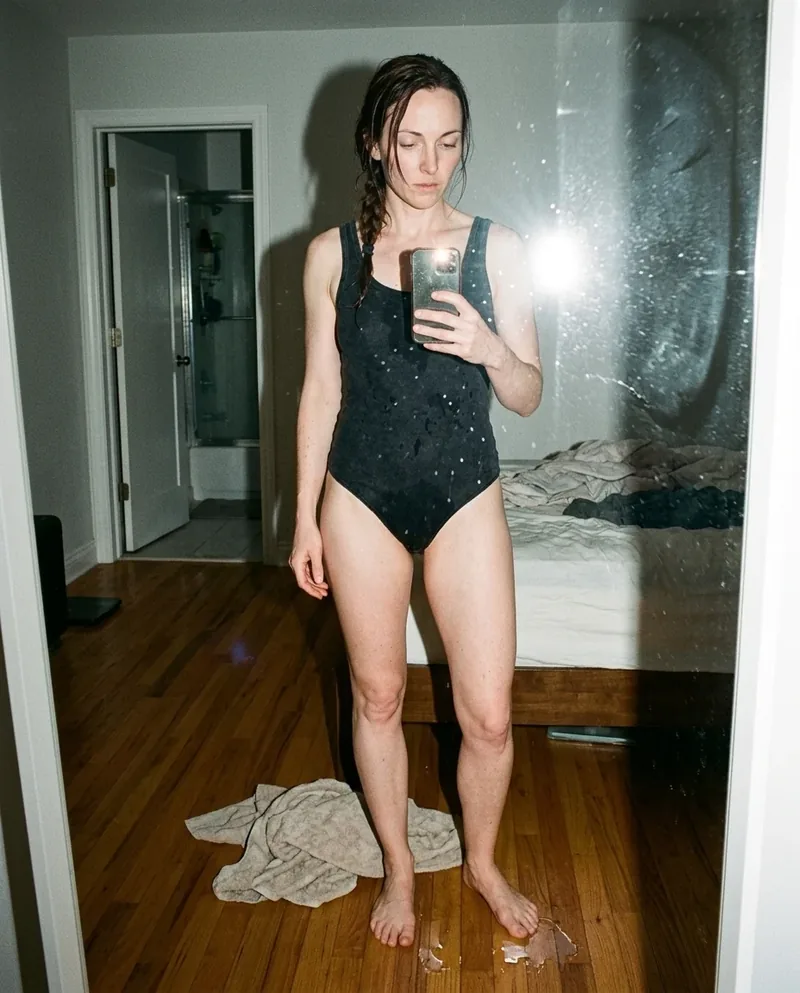 Ref Verified Mia
 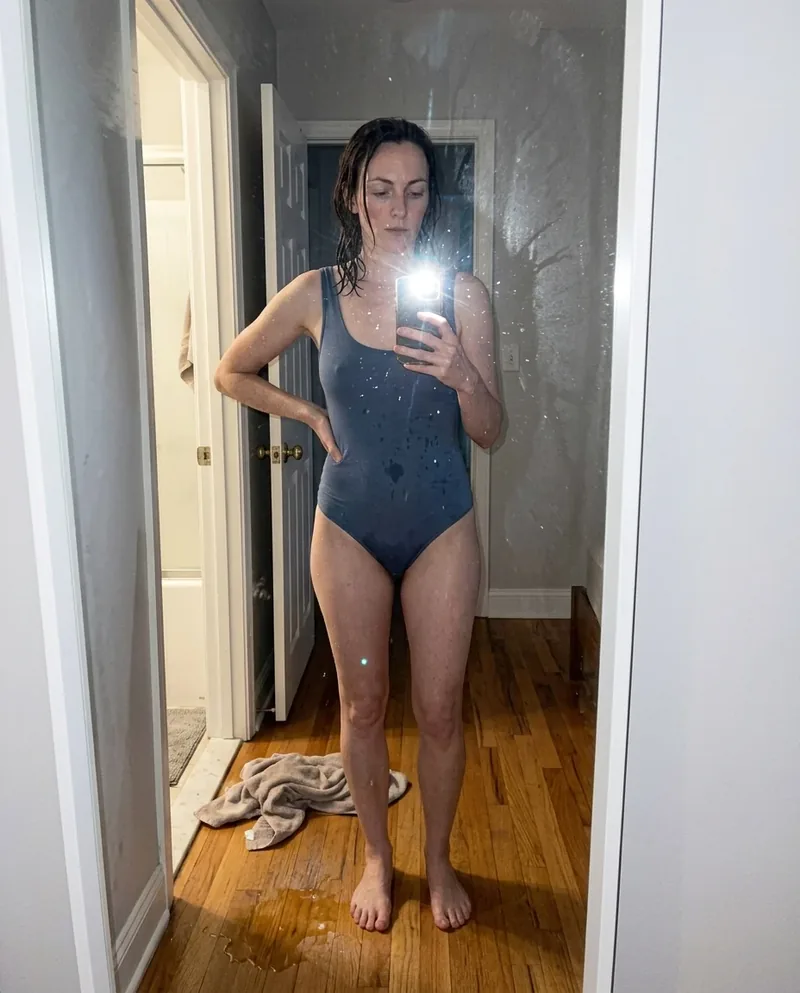 Ref Verified Mia
 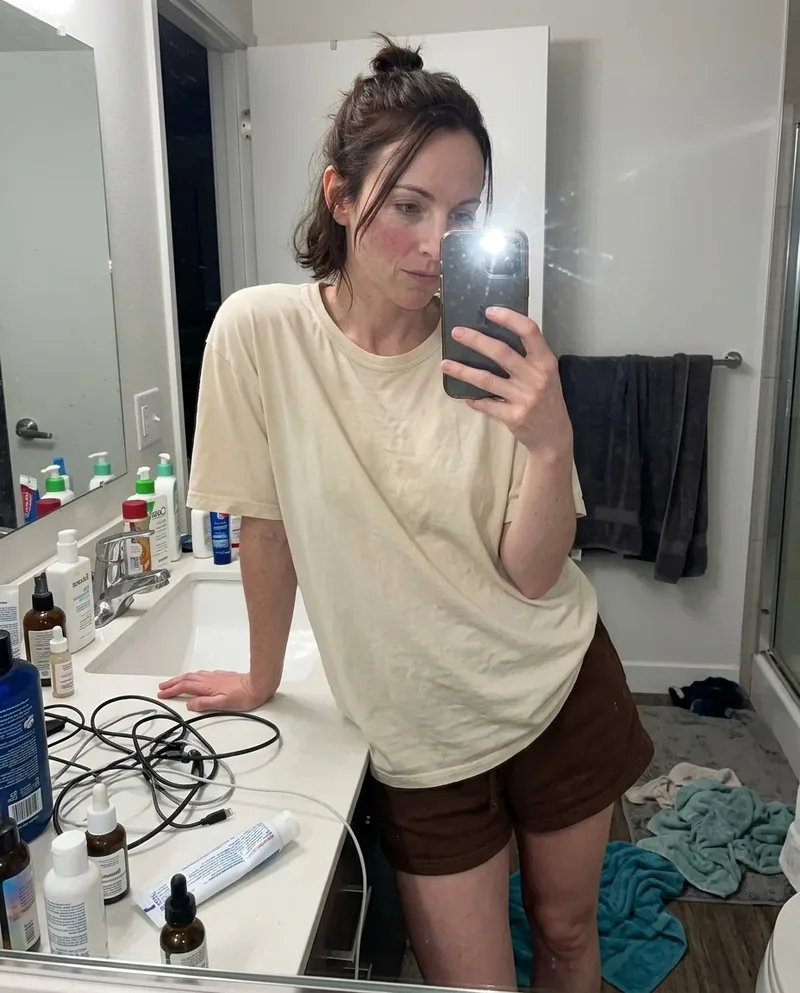 Ref Verified Mia
 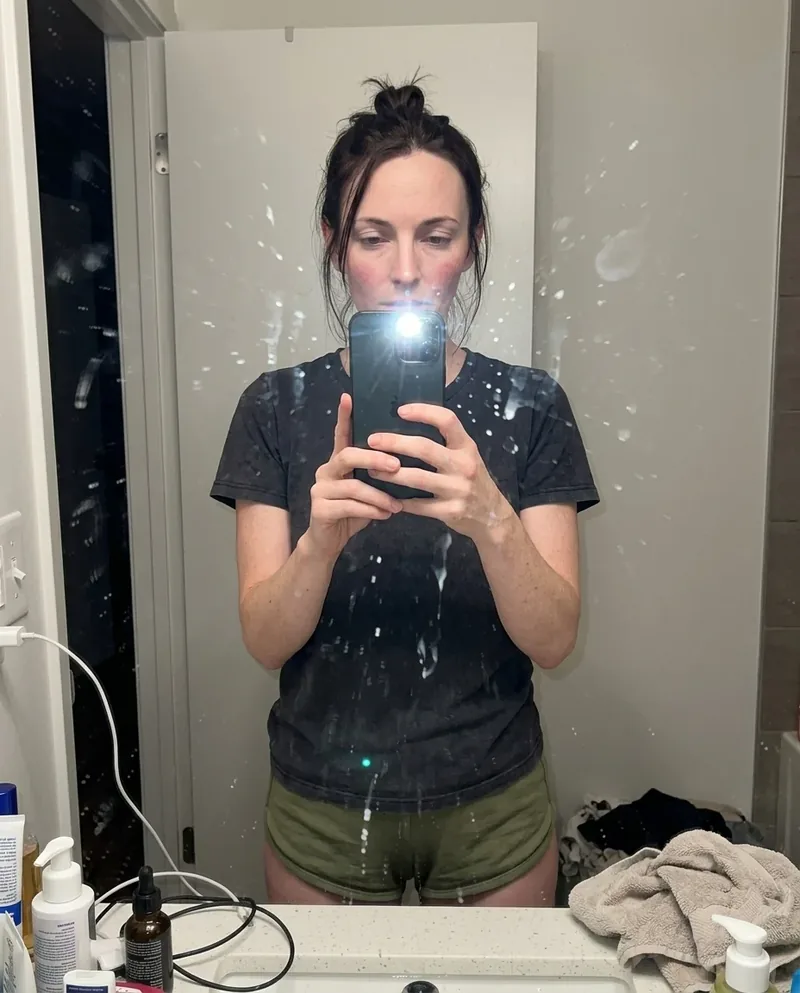 Ref Verified Mia
 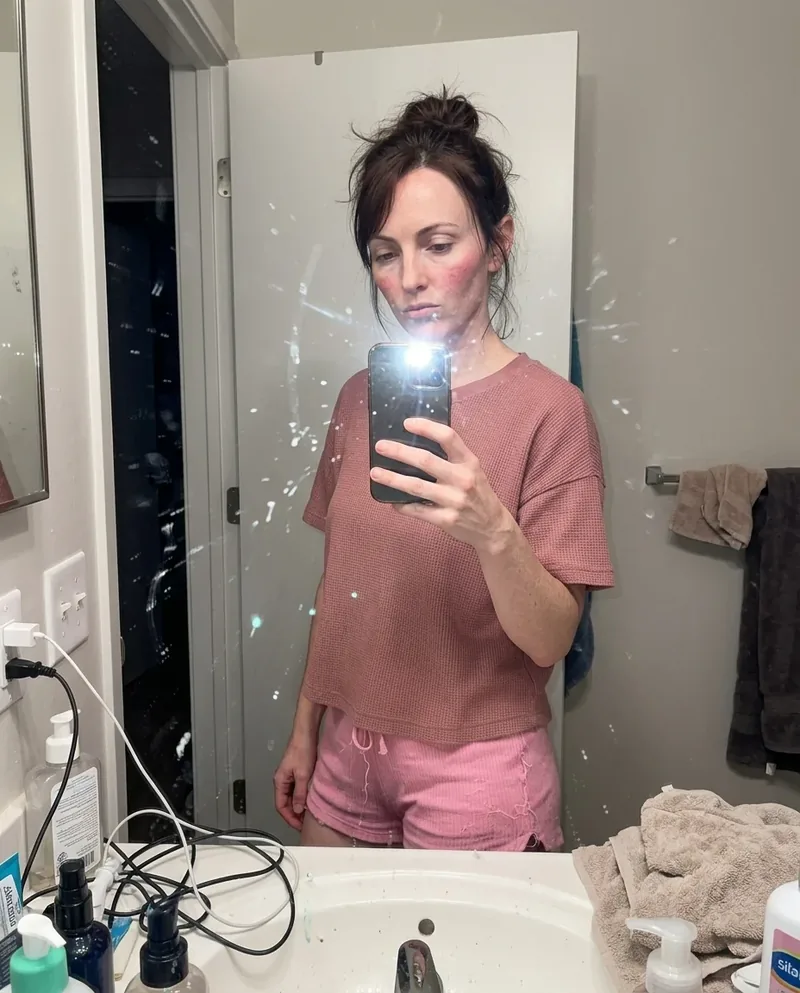 Ref Verified Mia
 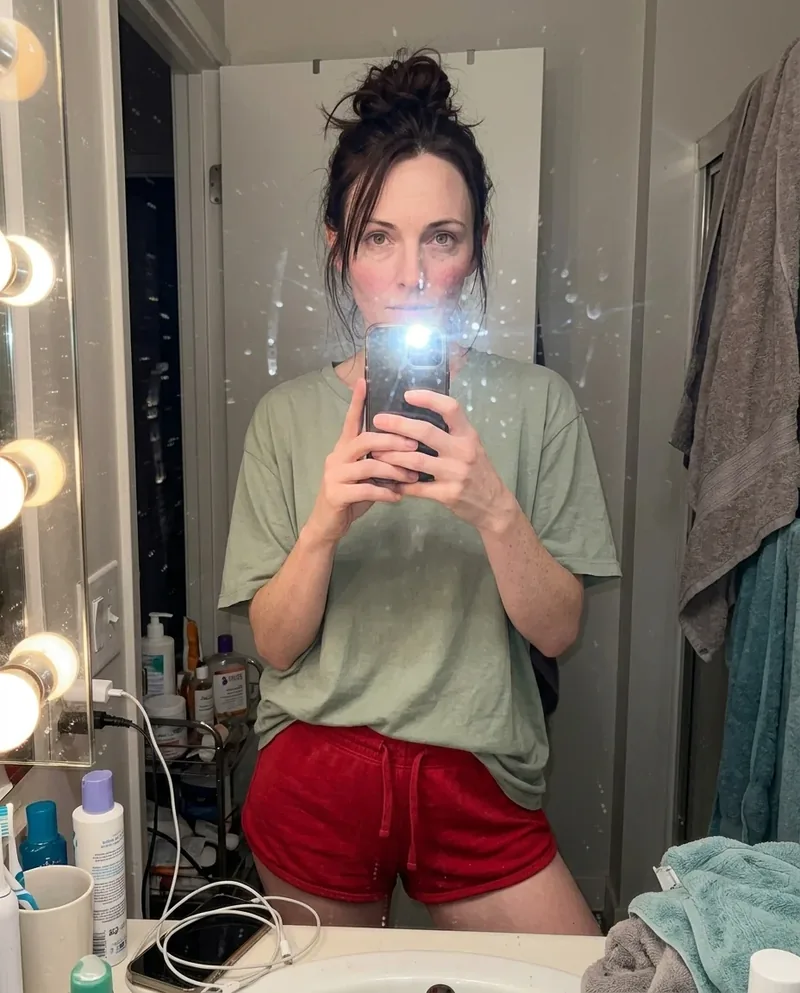 Ref Verified Mia
 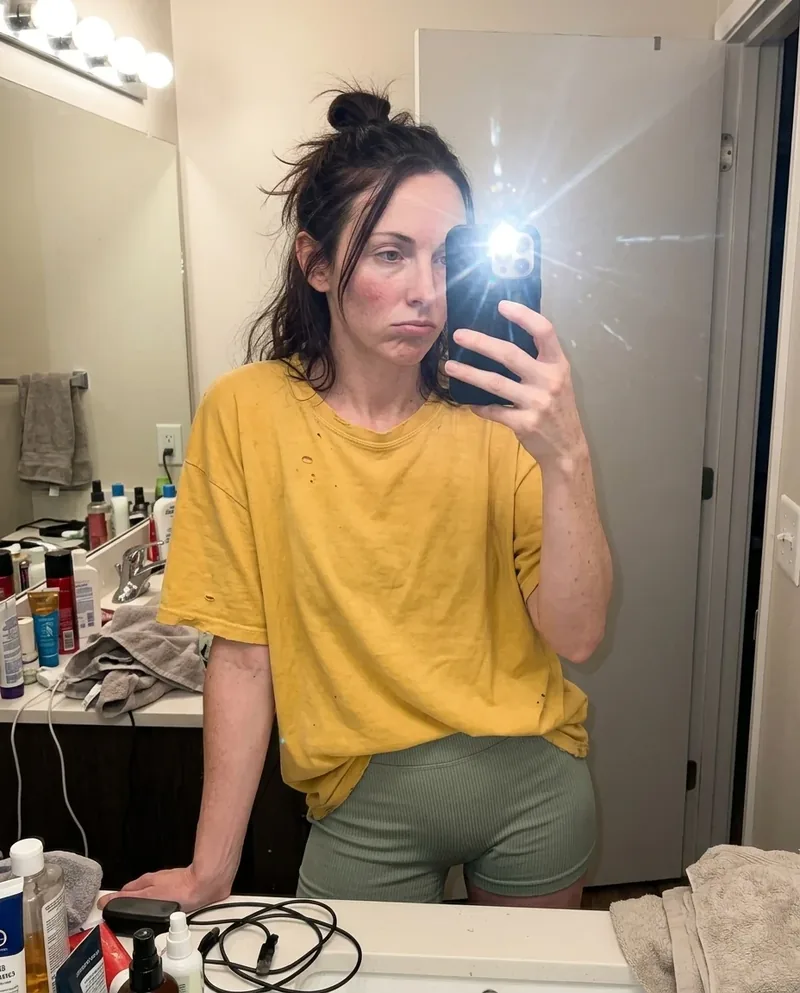 Ref Verified Mia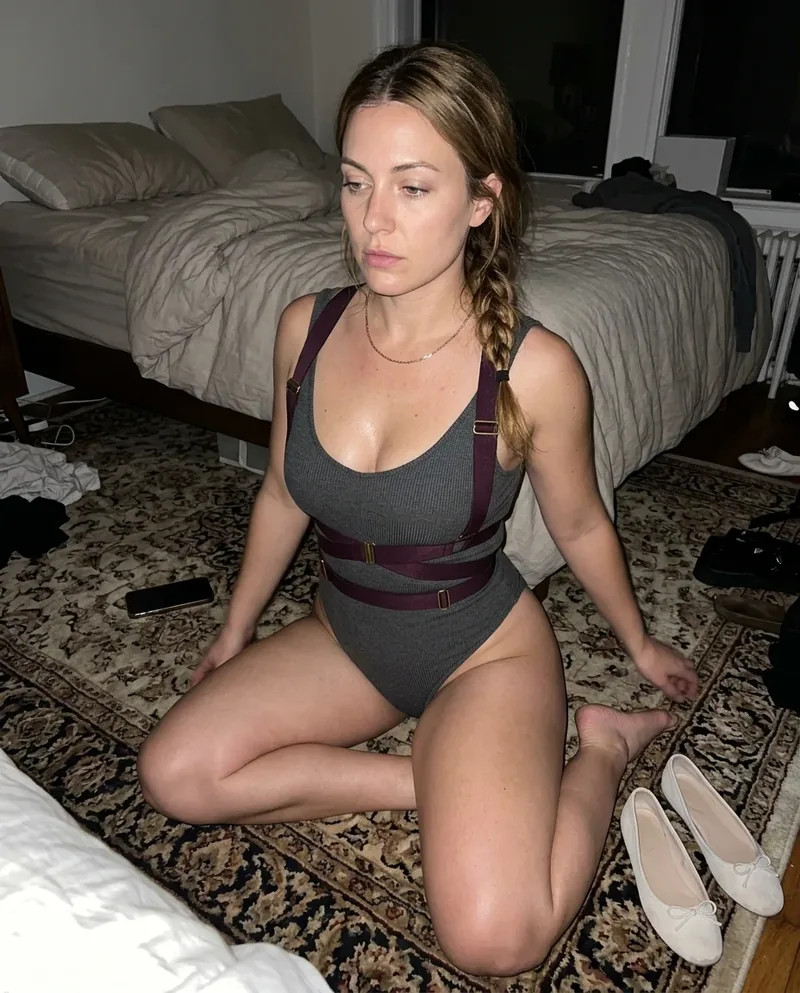
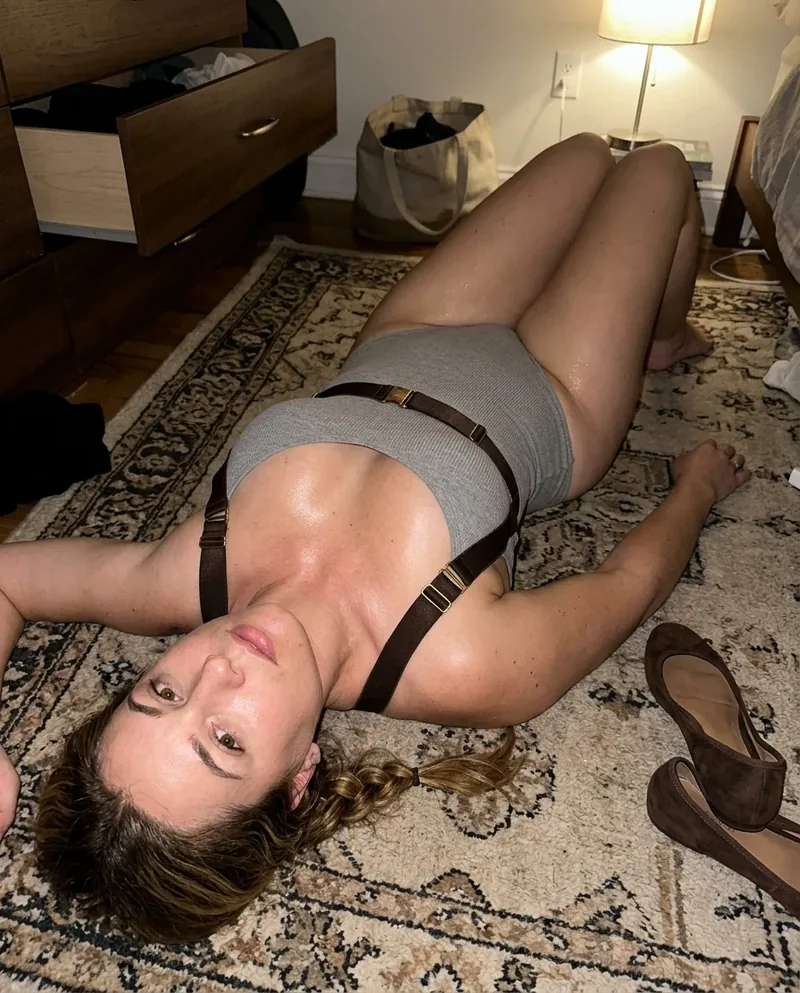
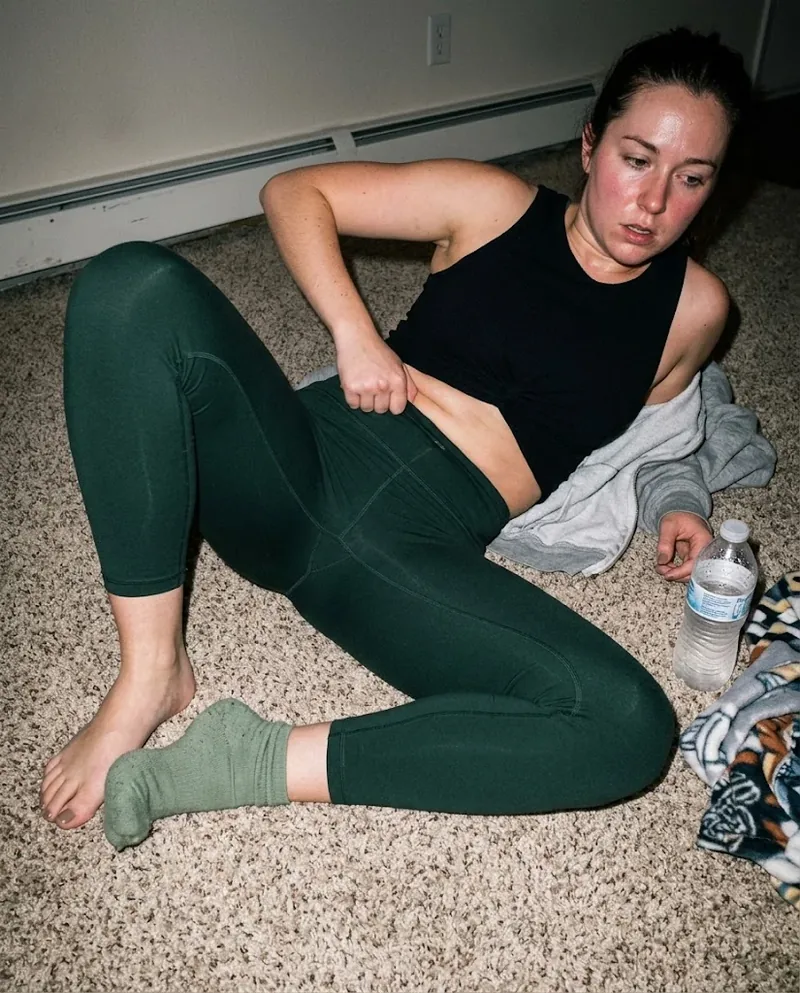


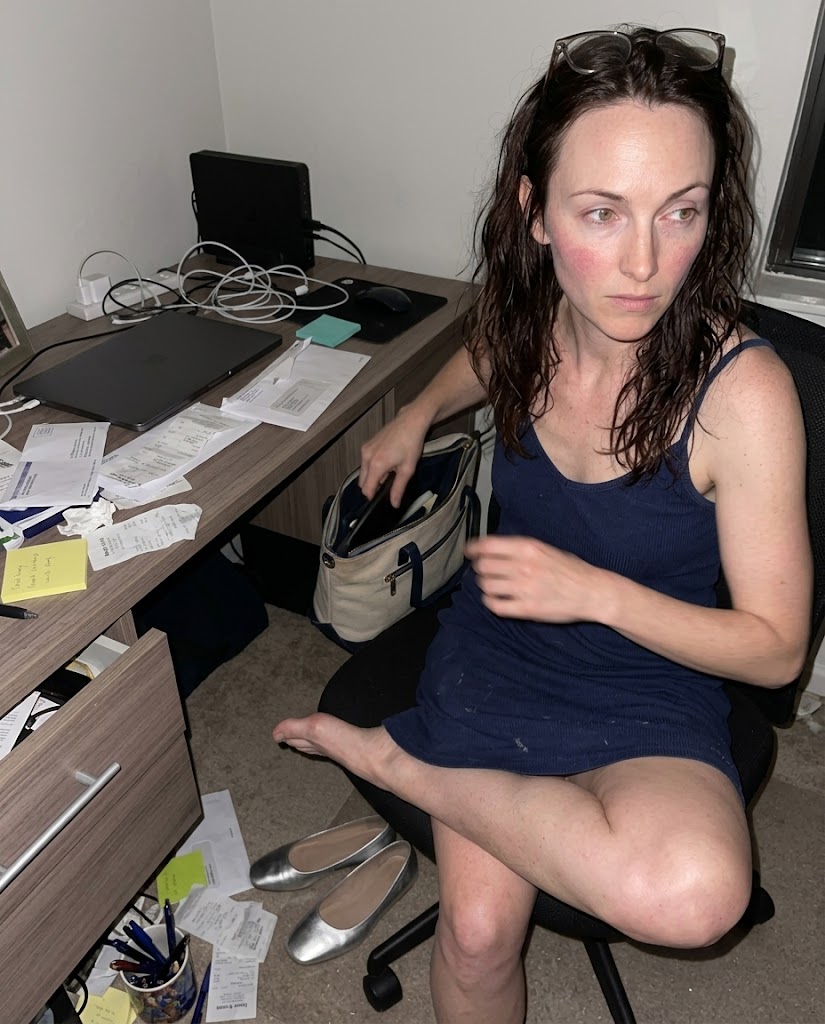 Ref Verified Mia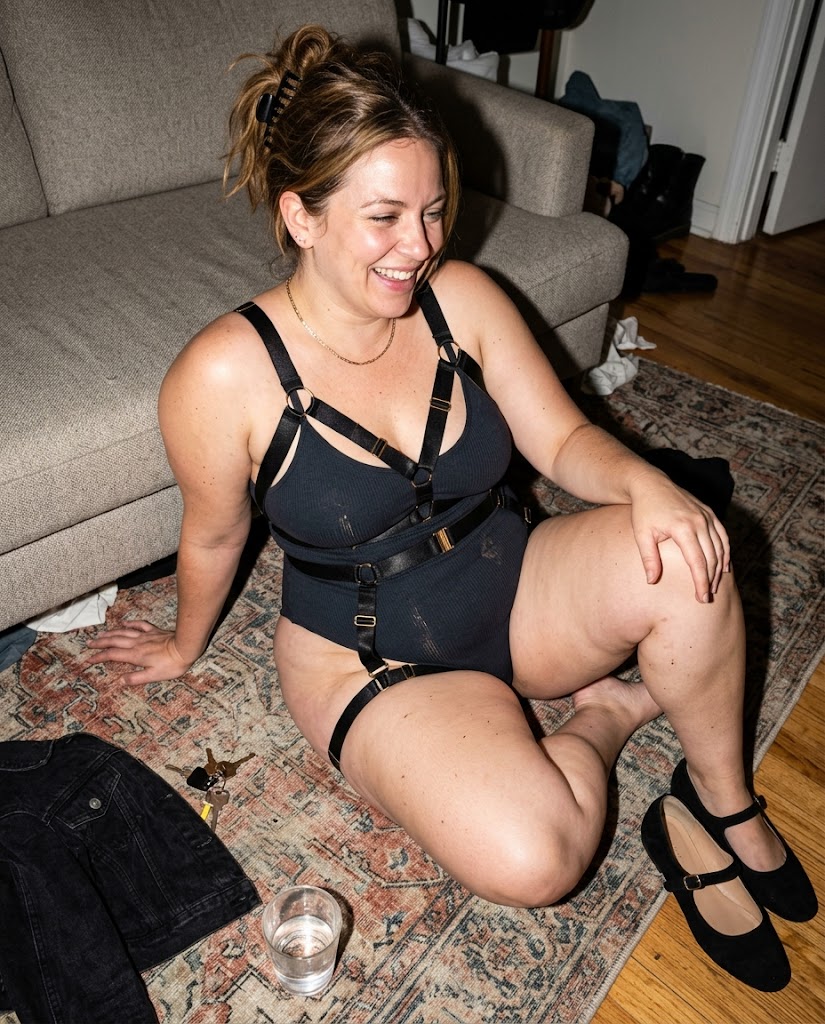
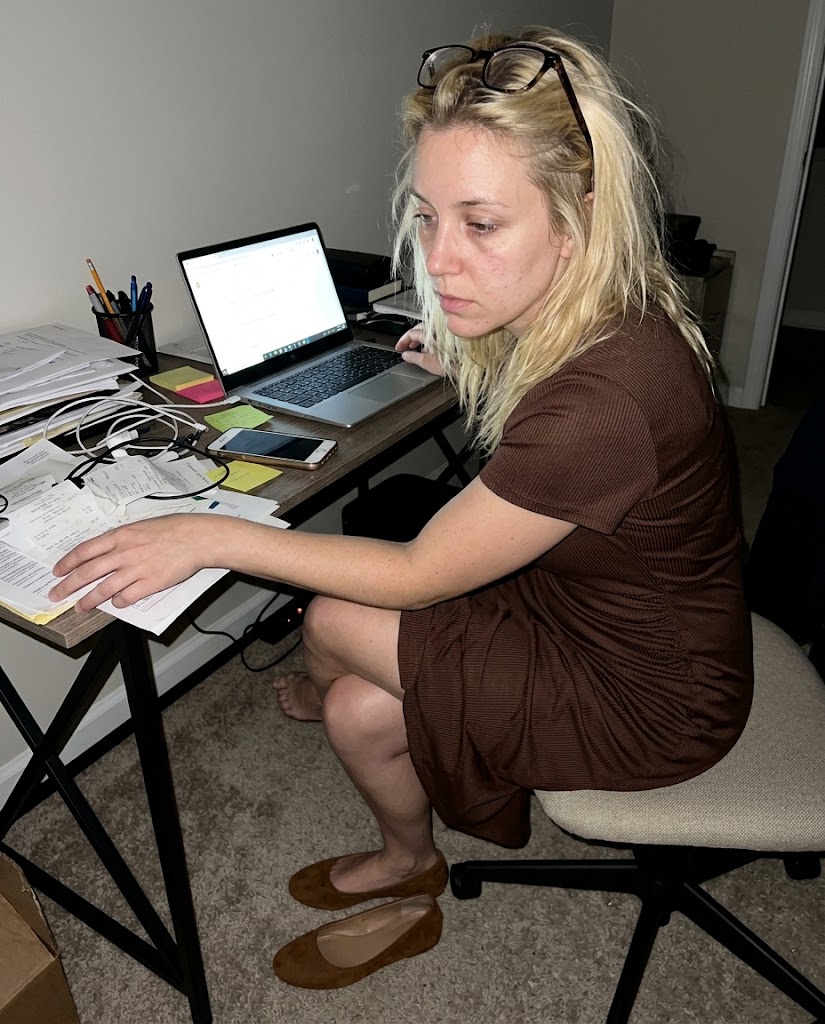
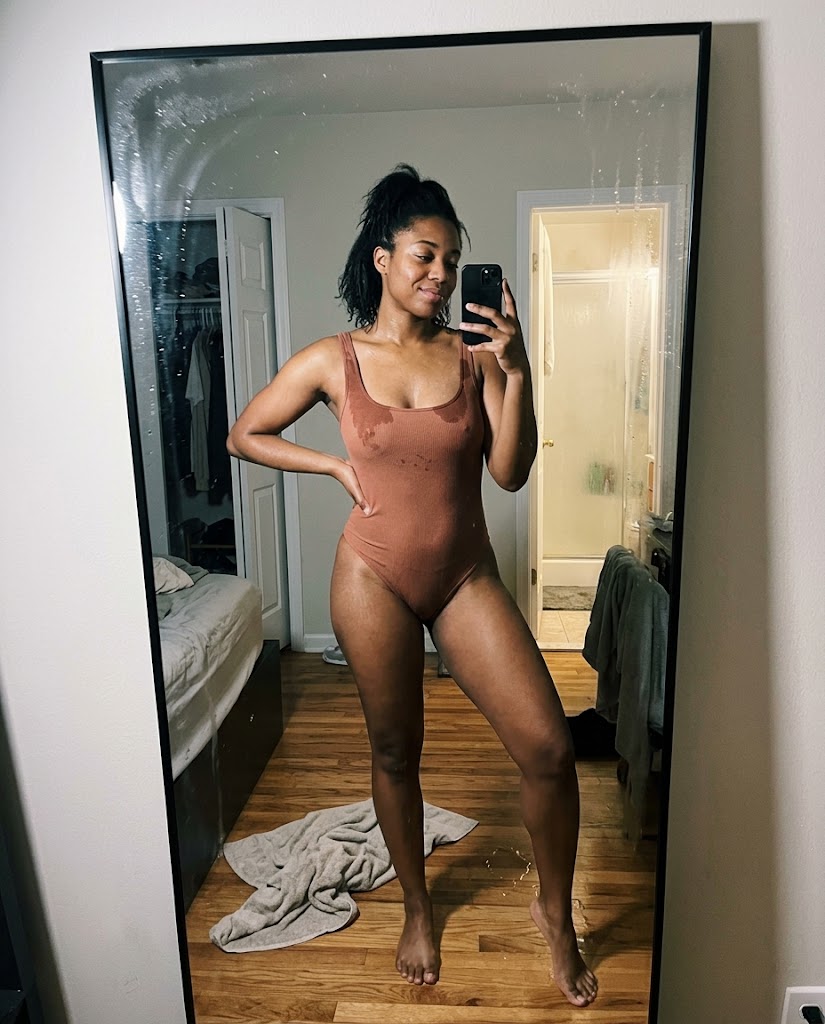
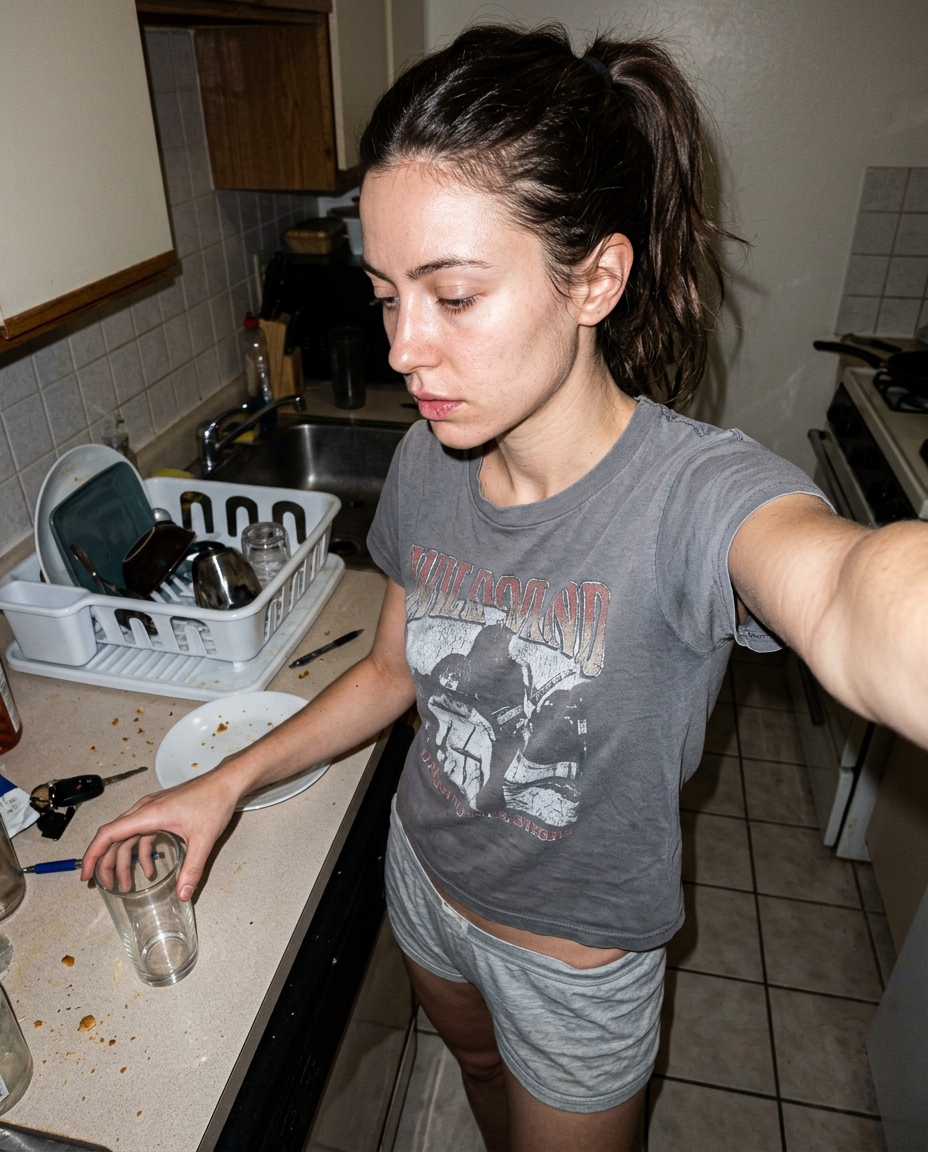
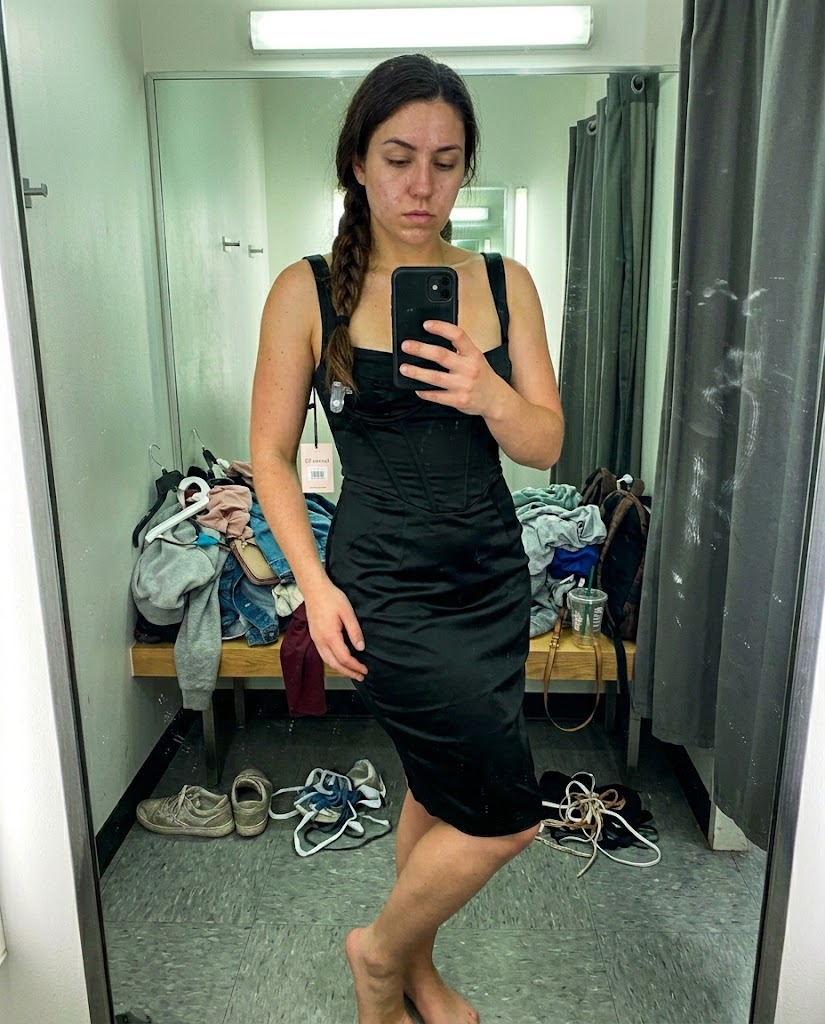
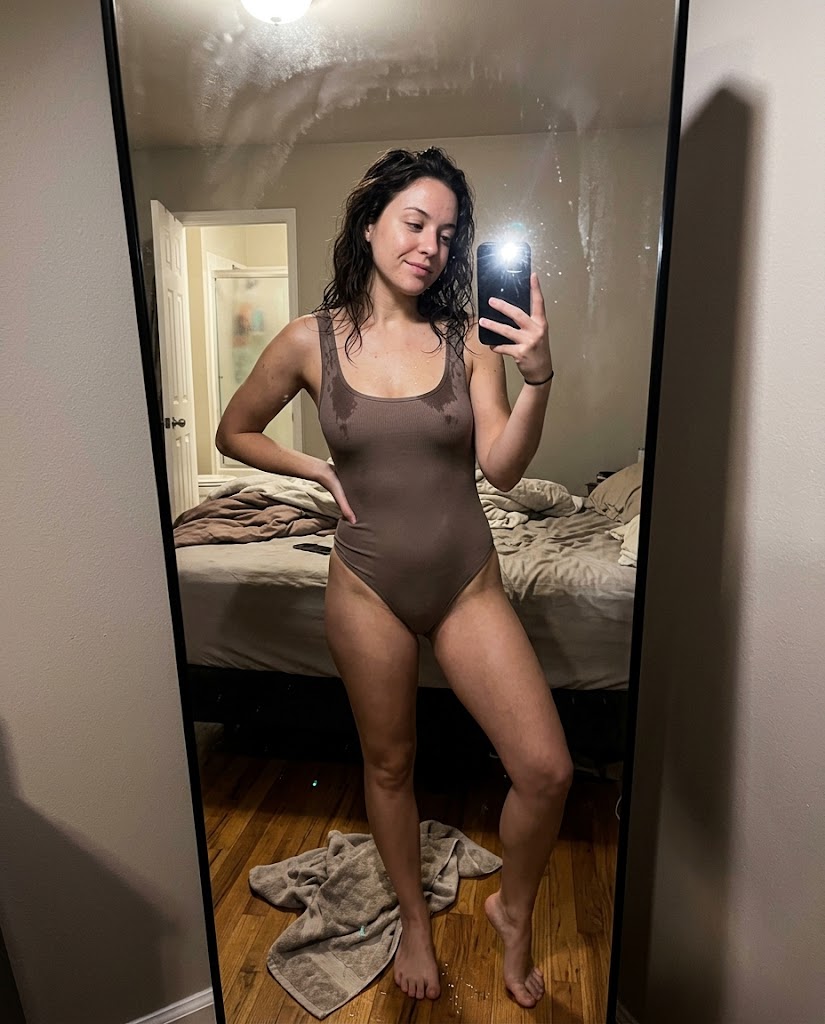
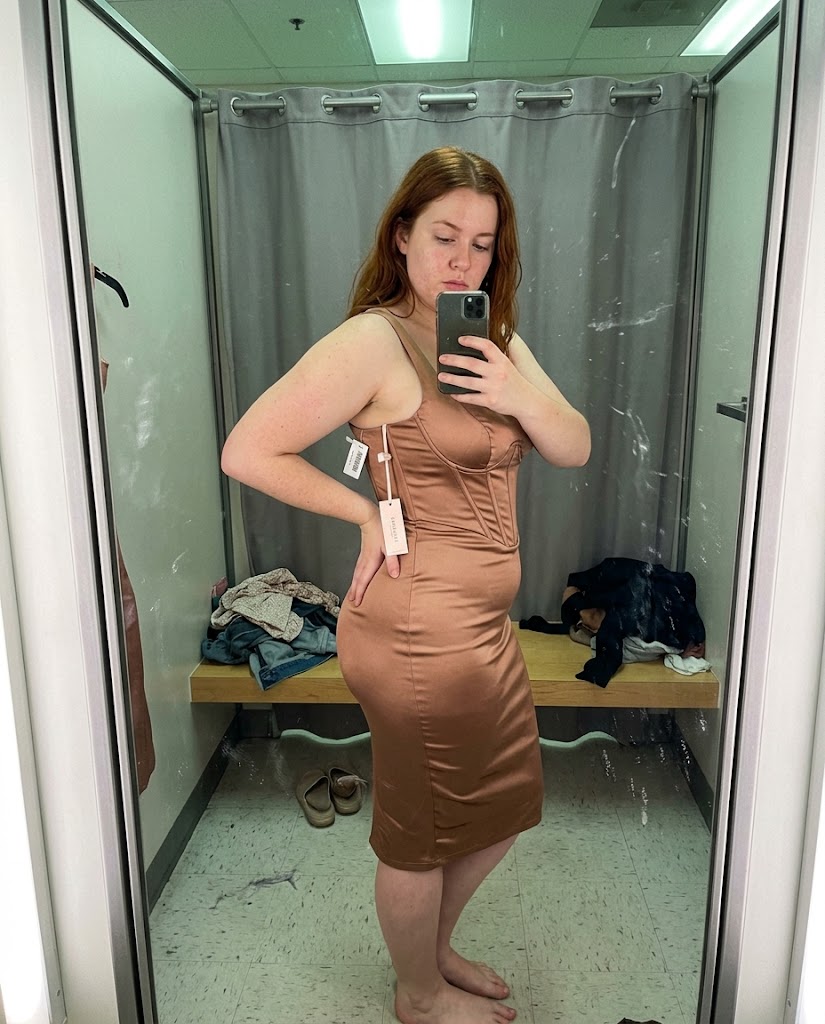
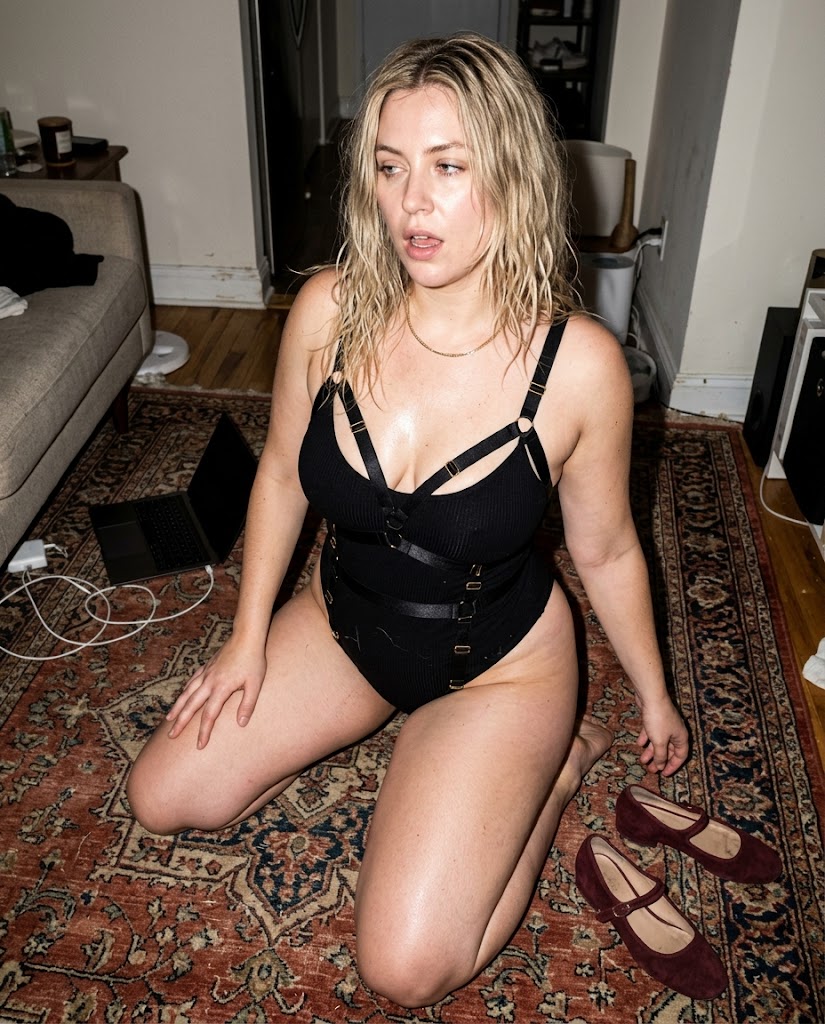
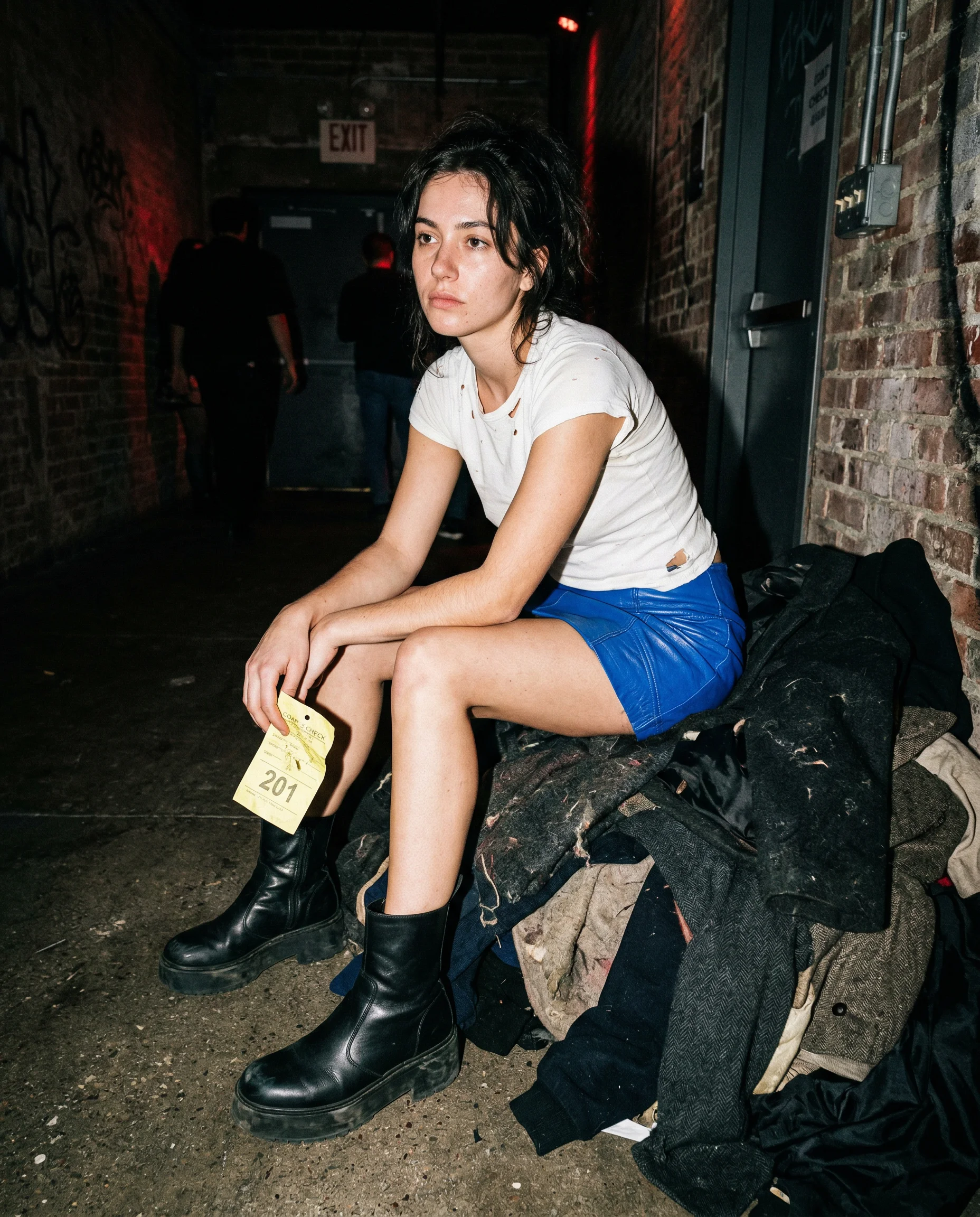
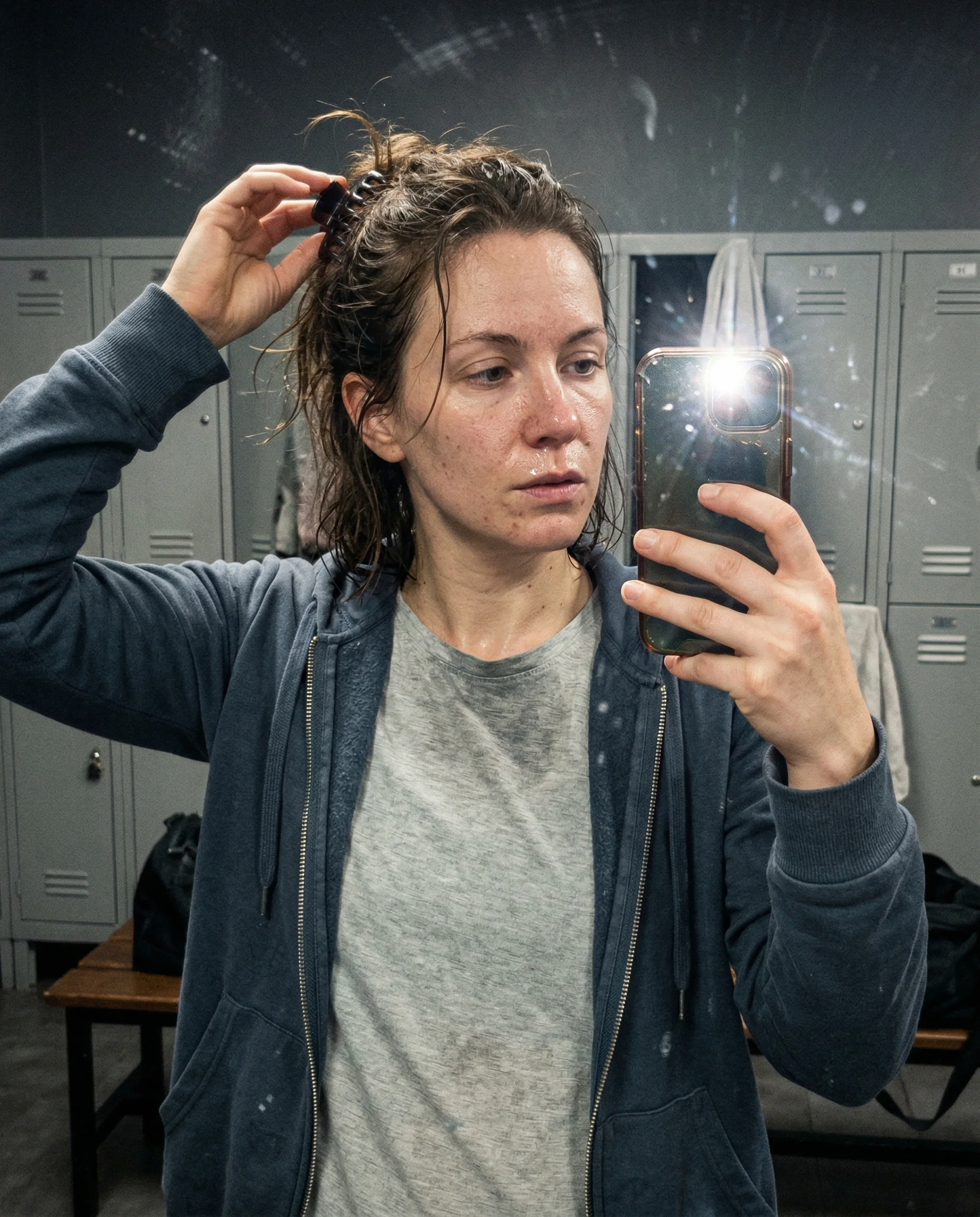
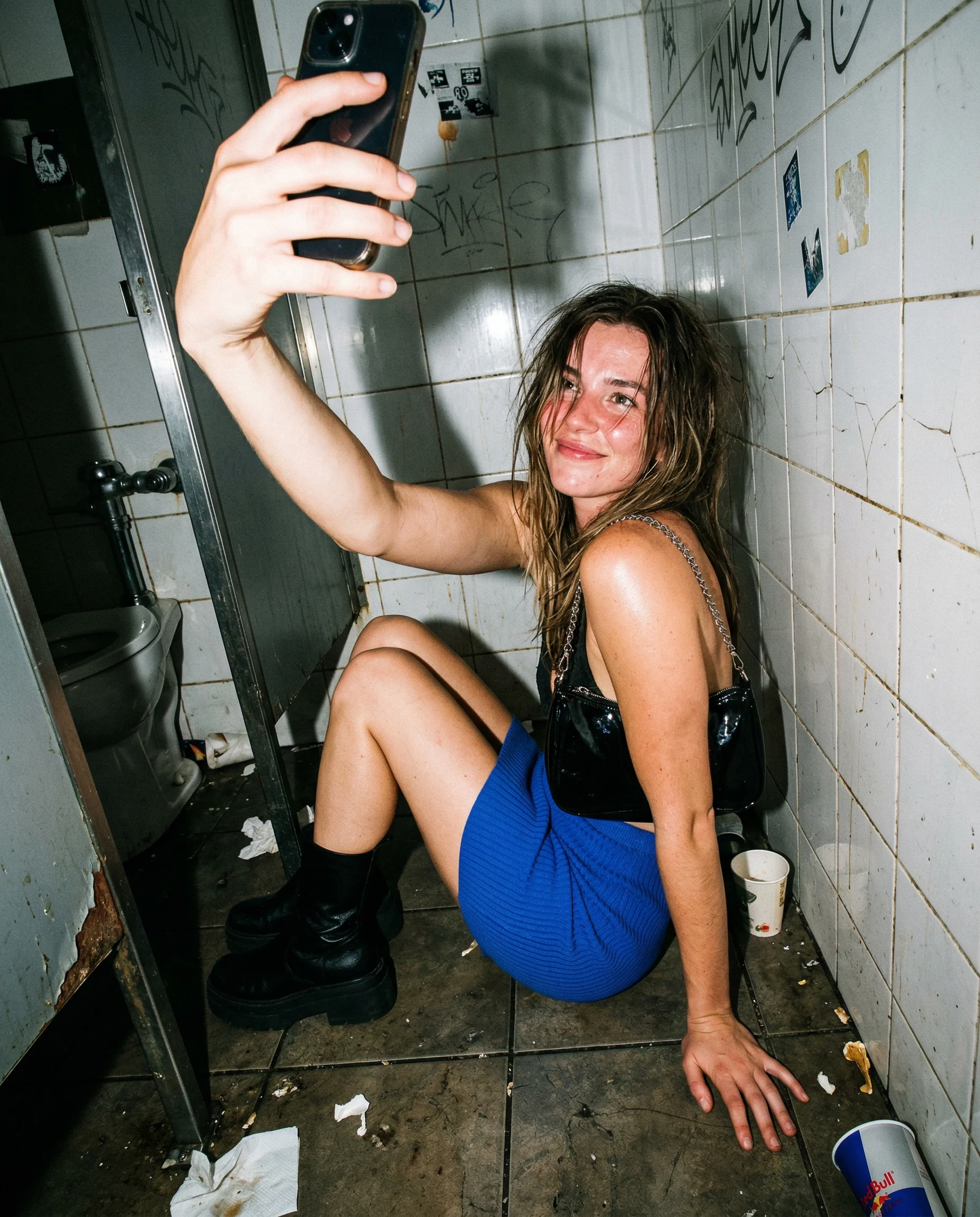
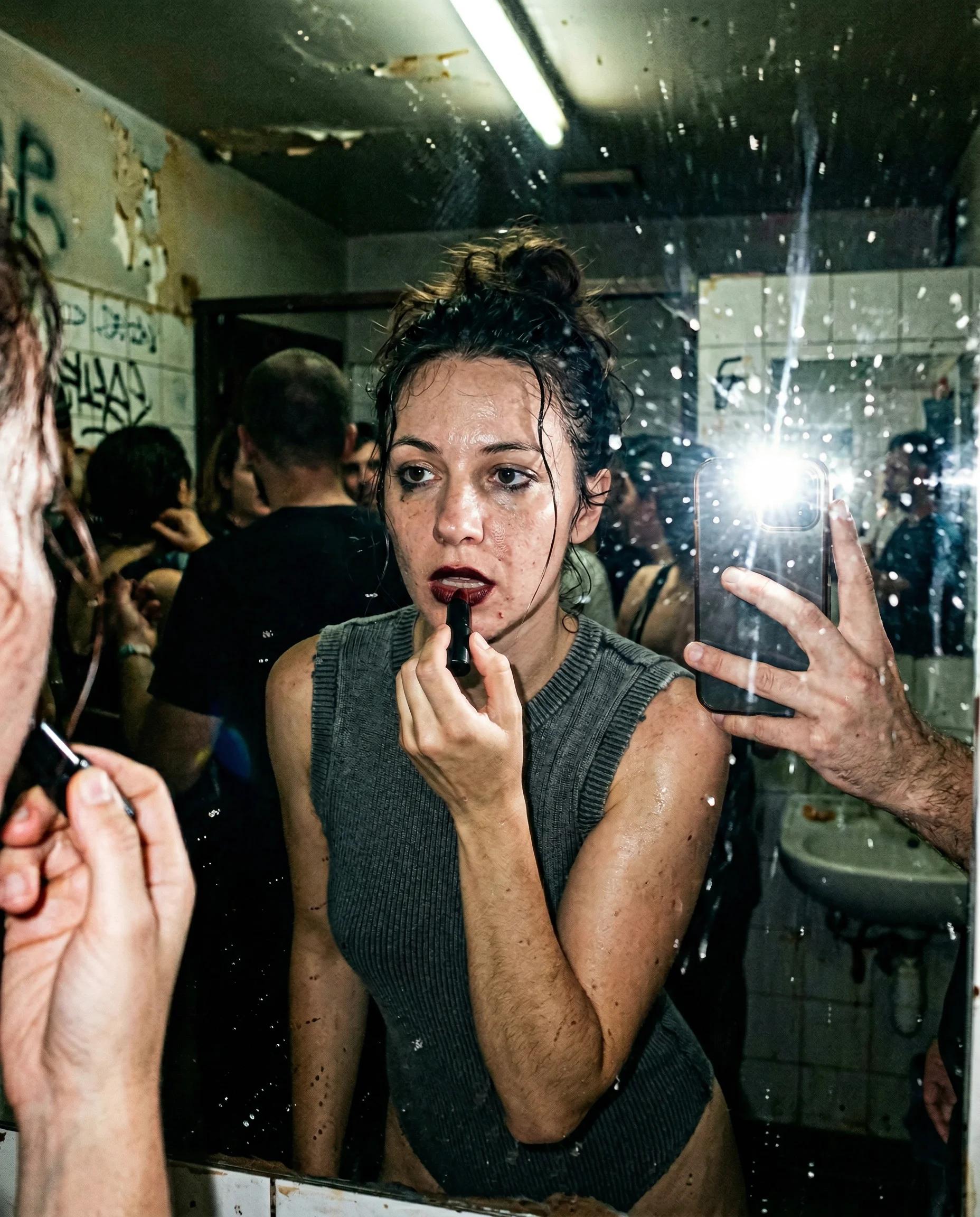
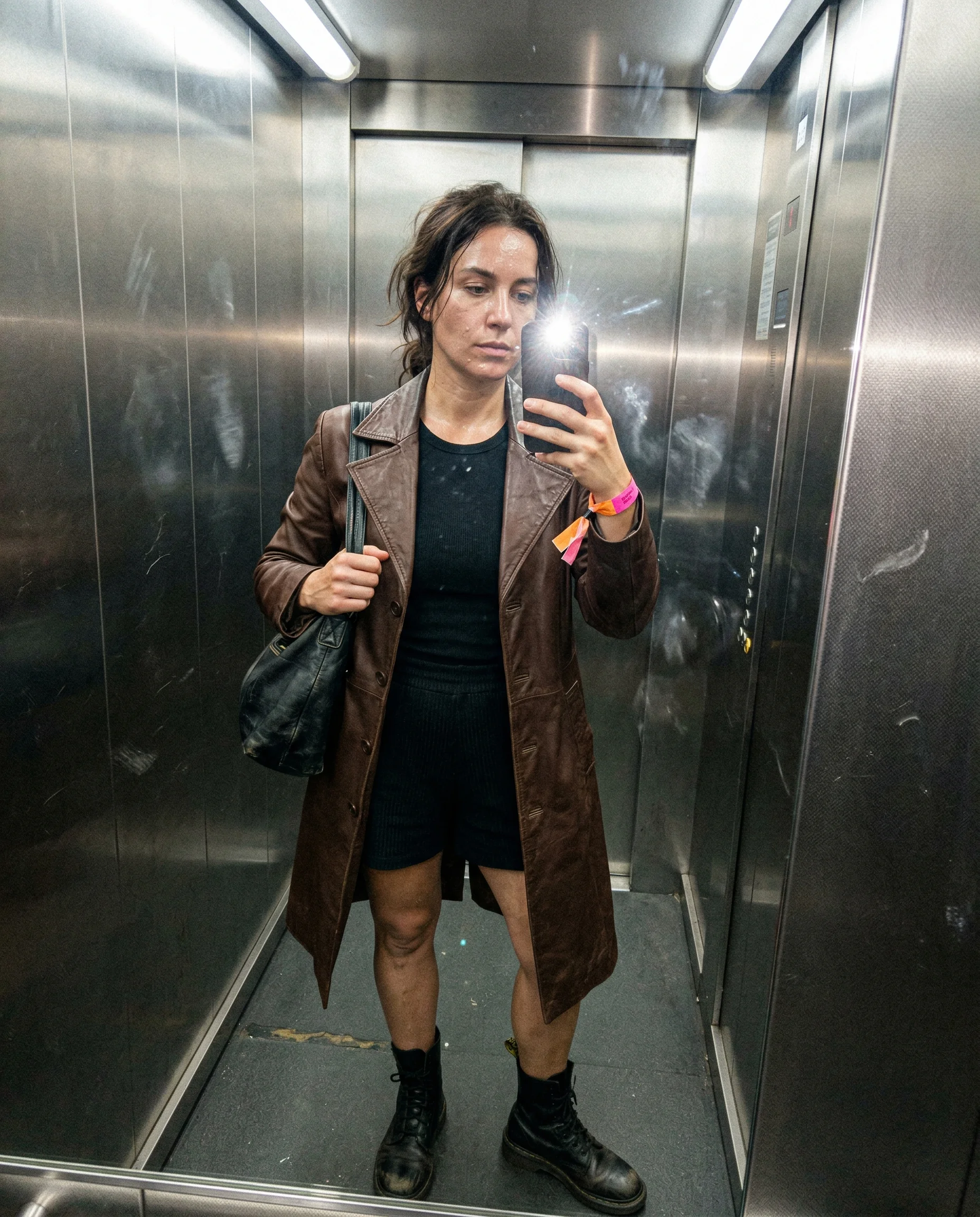
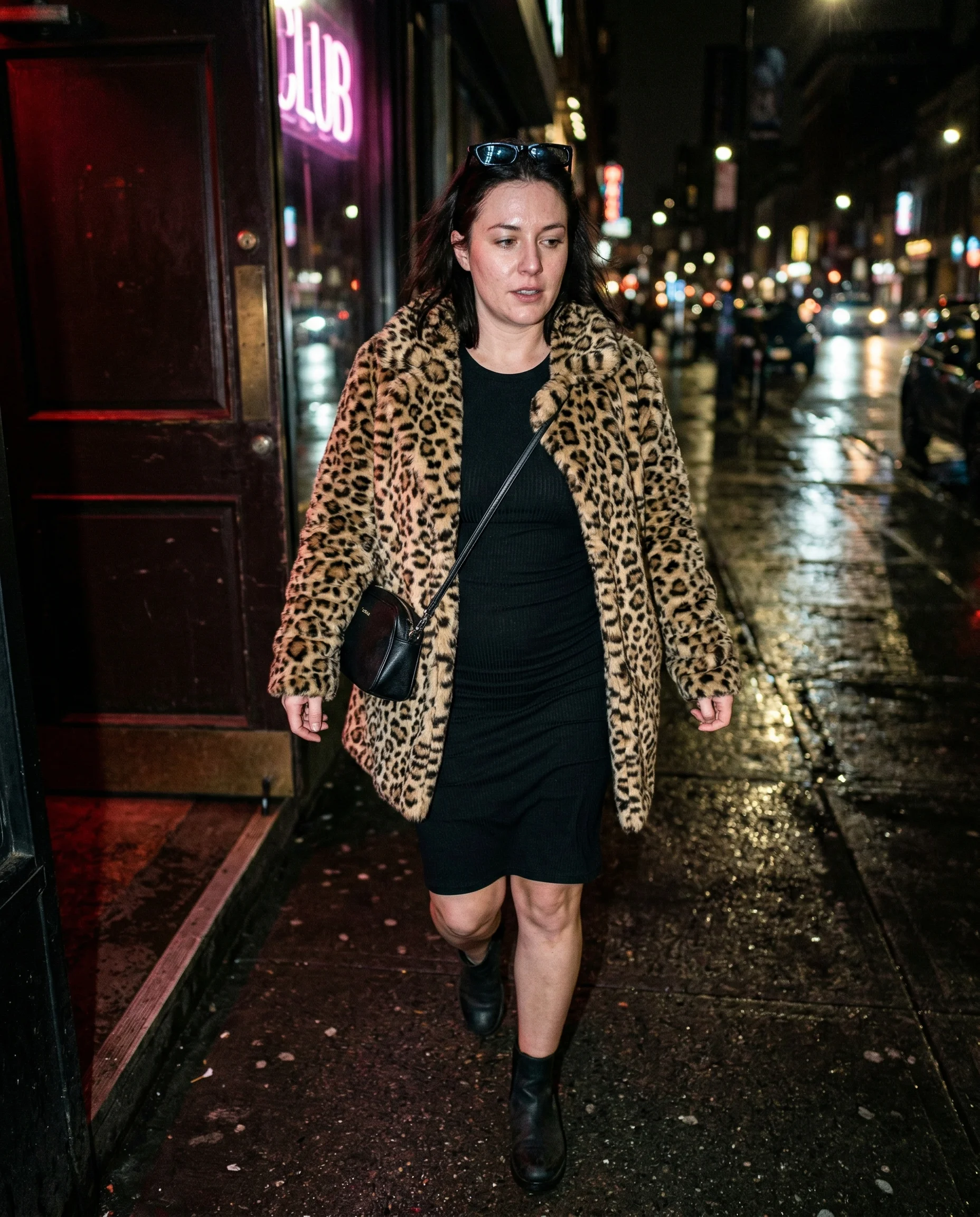
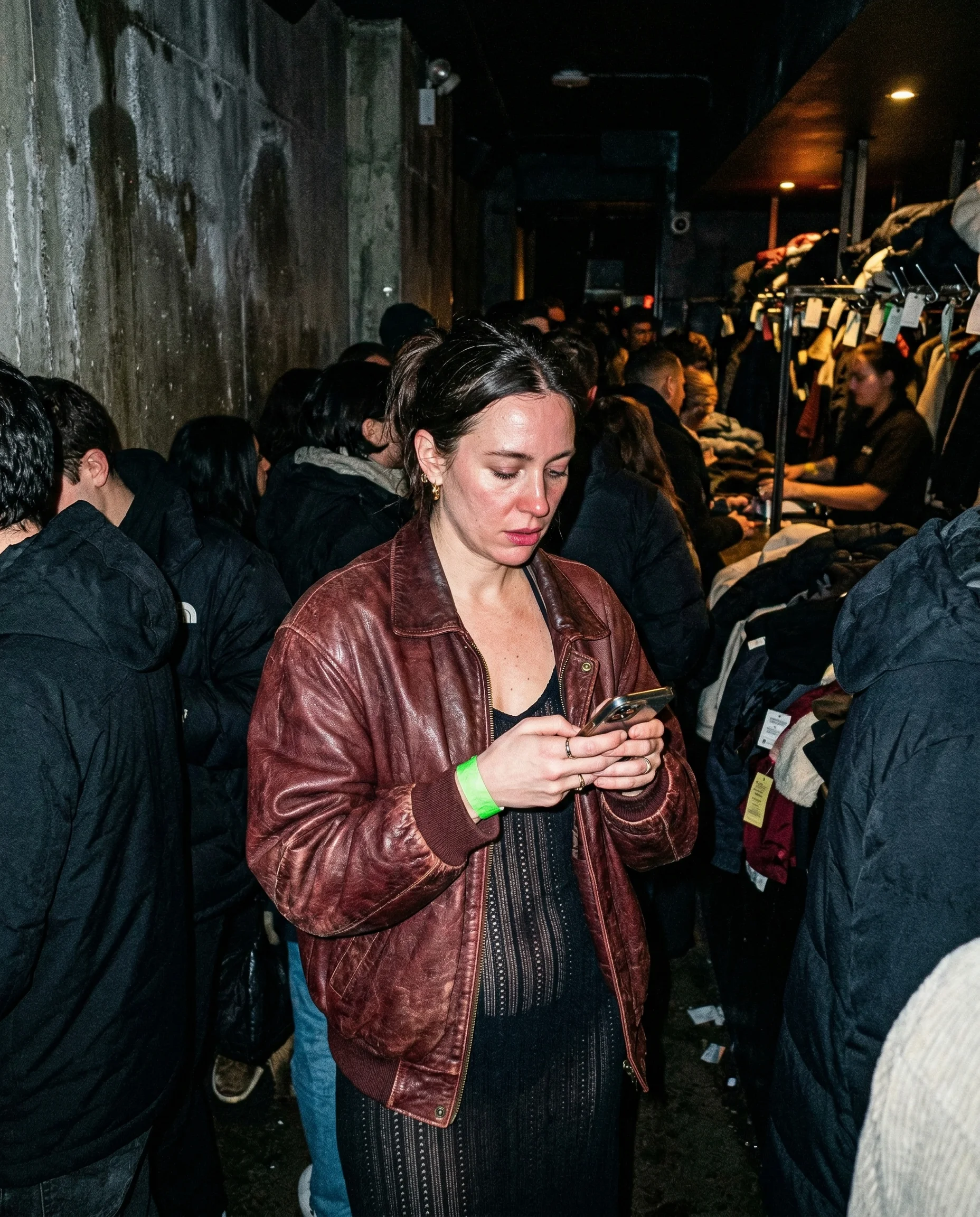
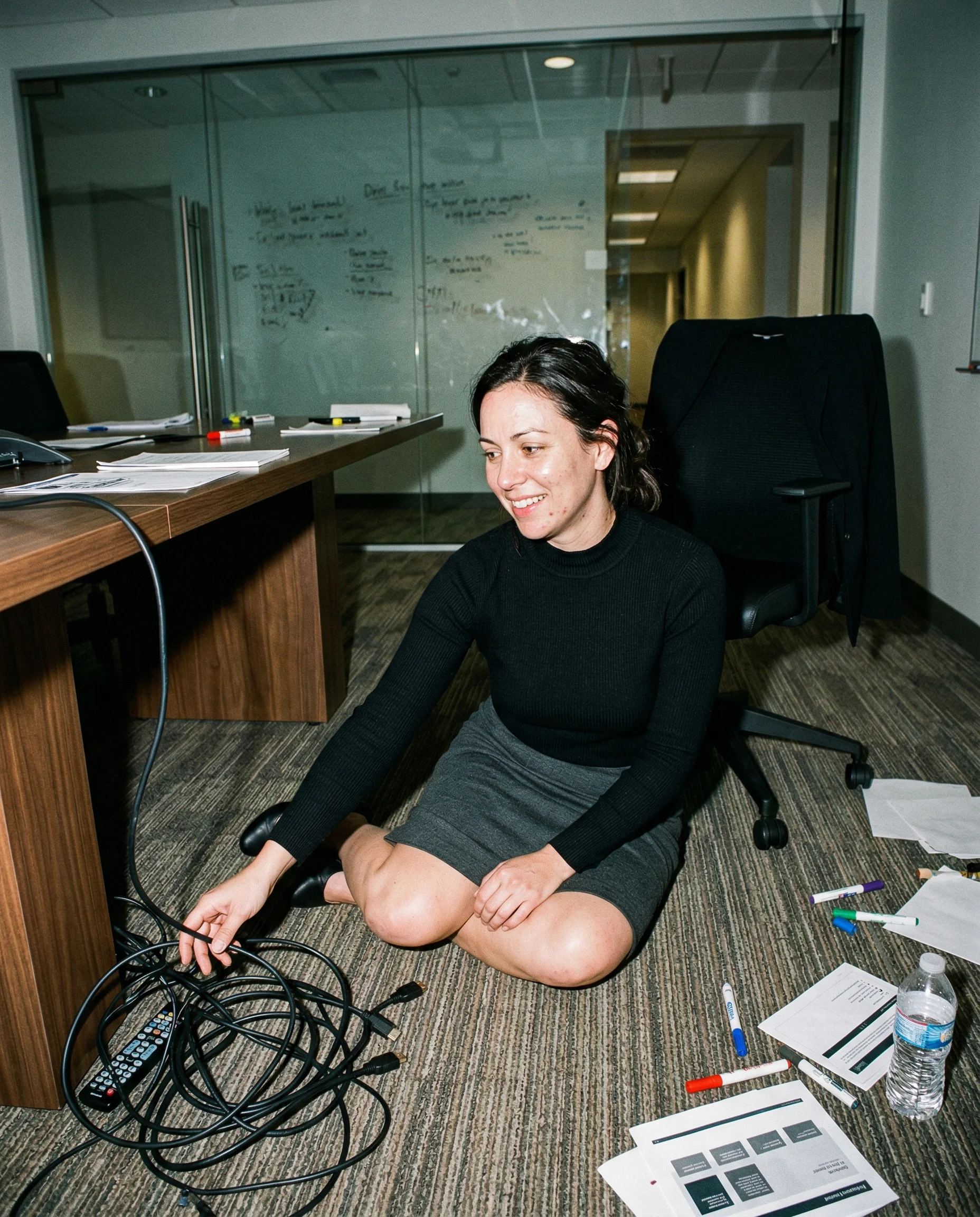
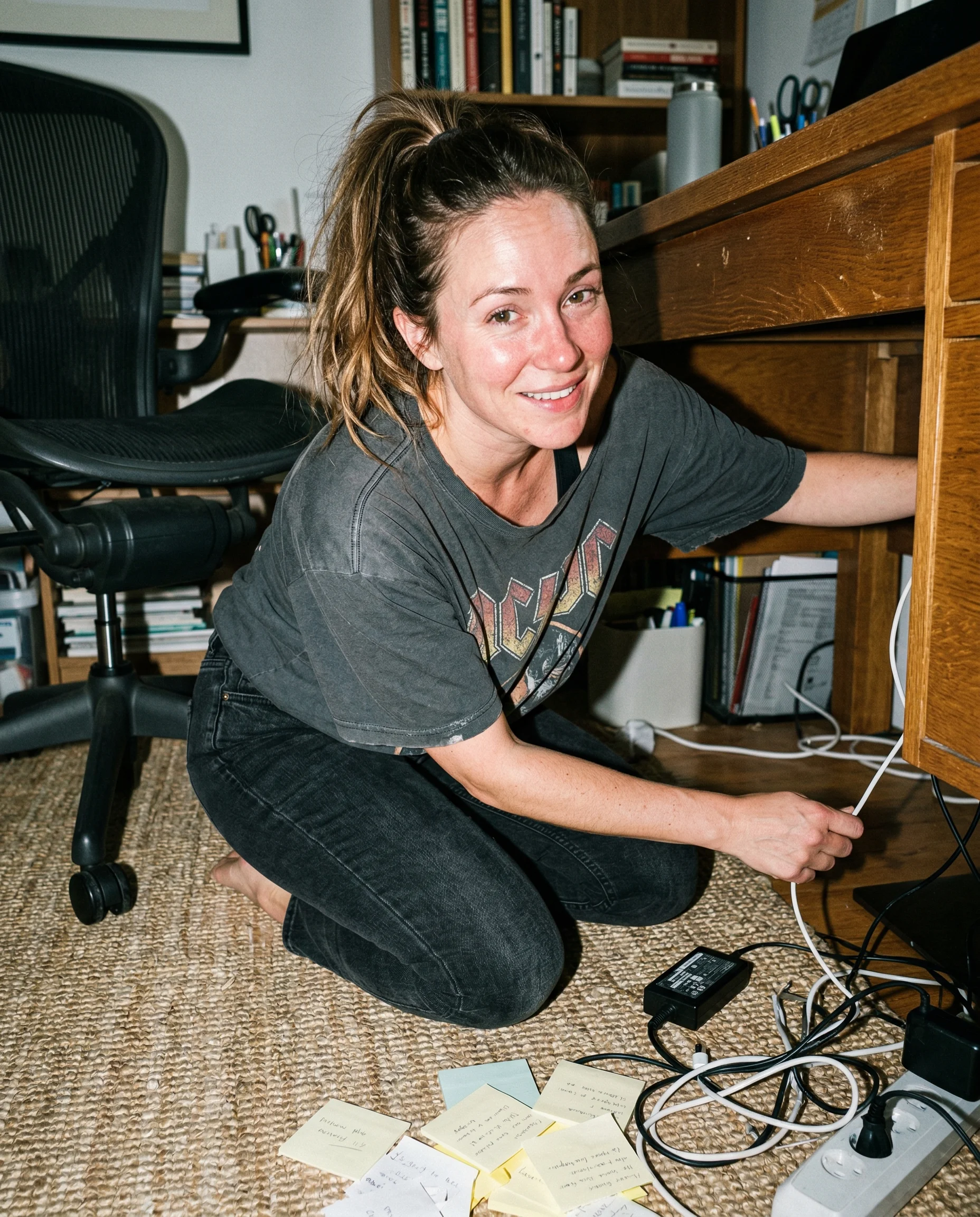
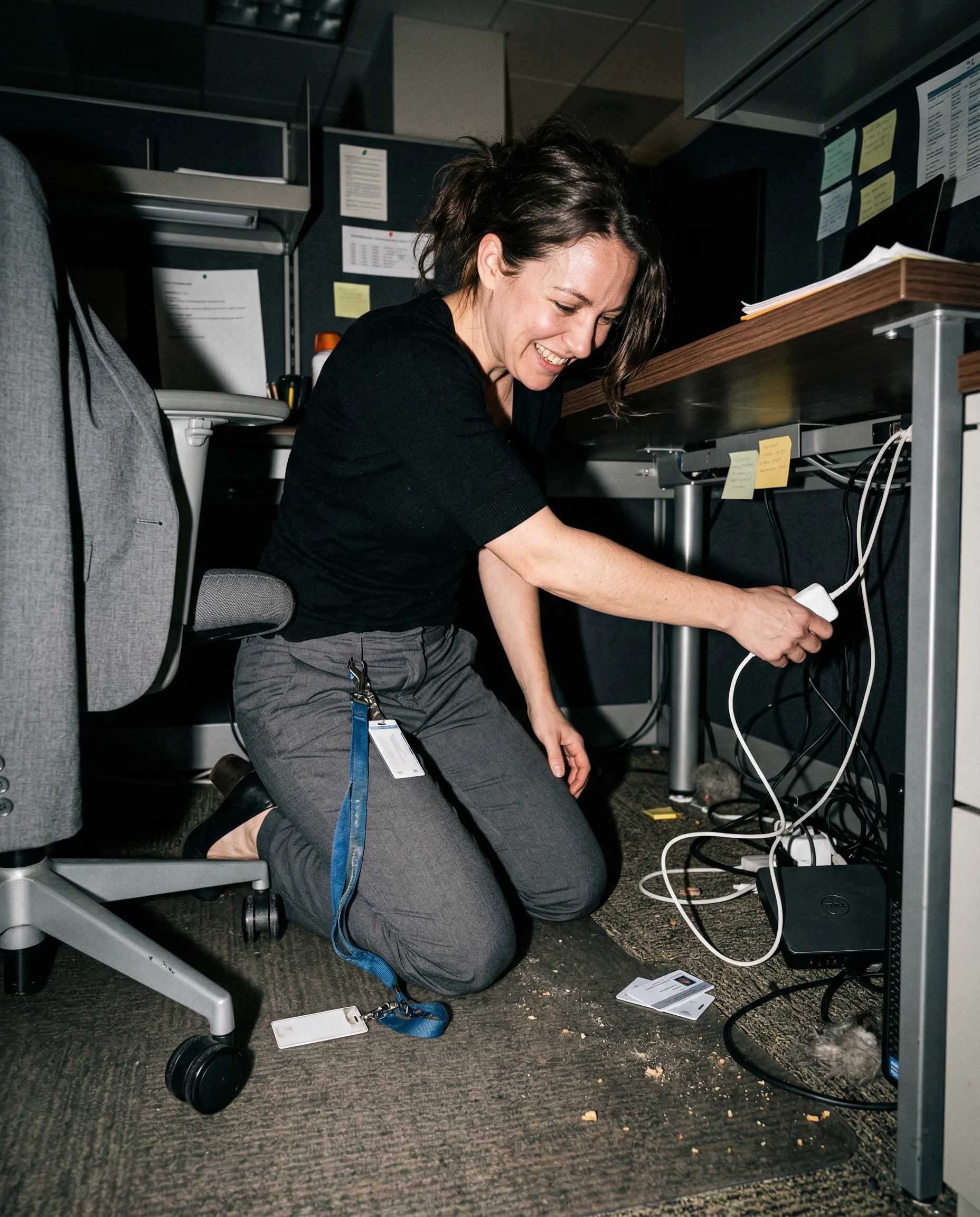
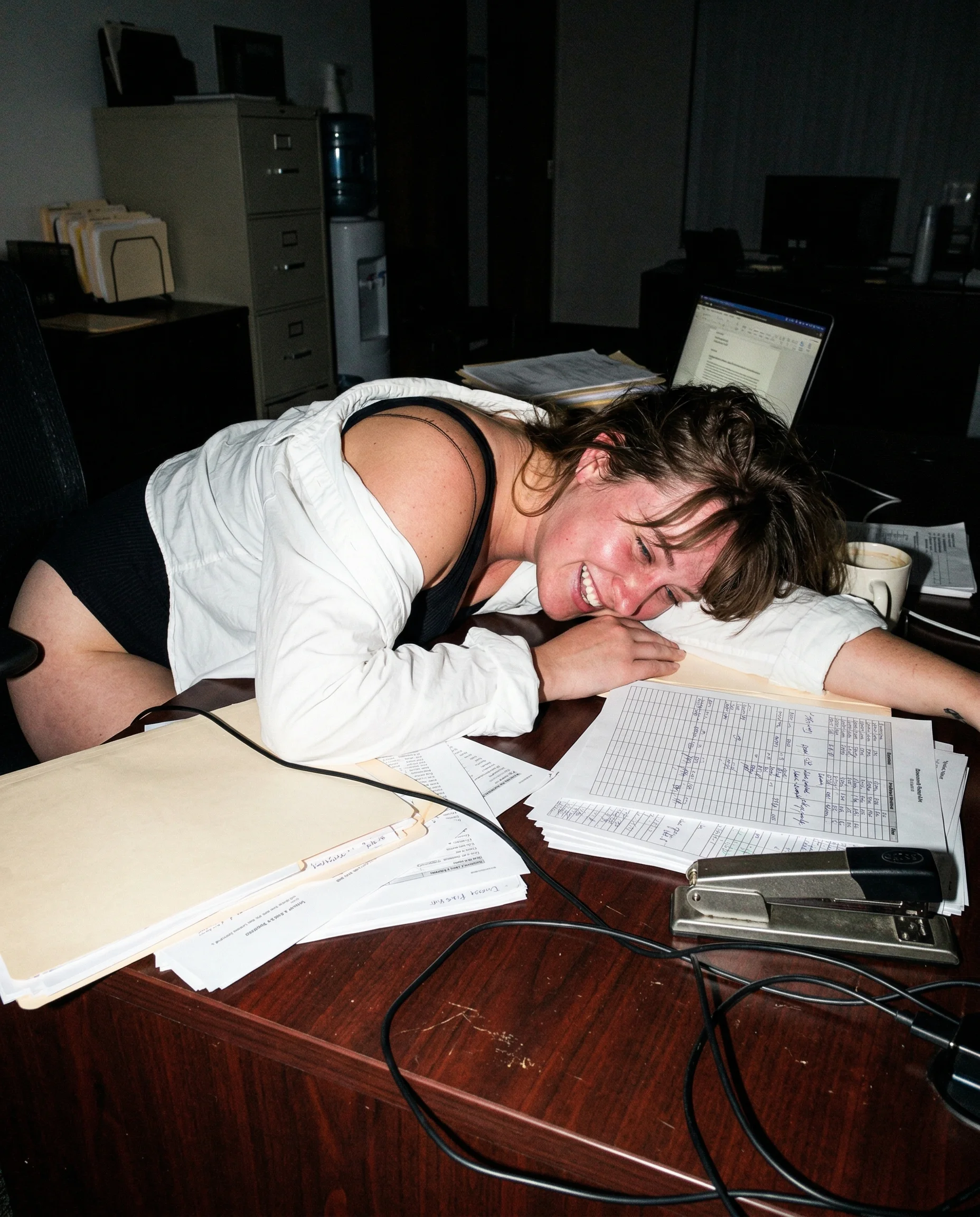
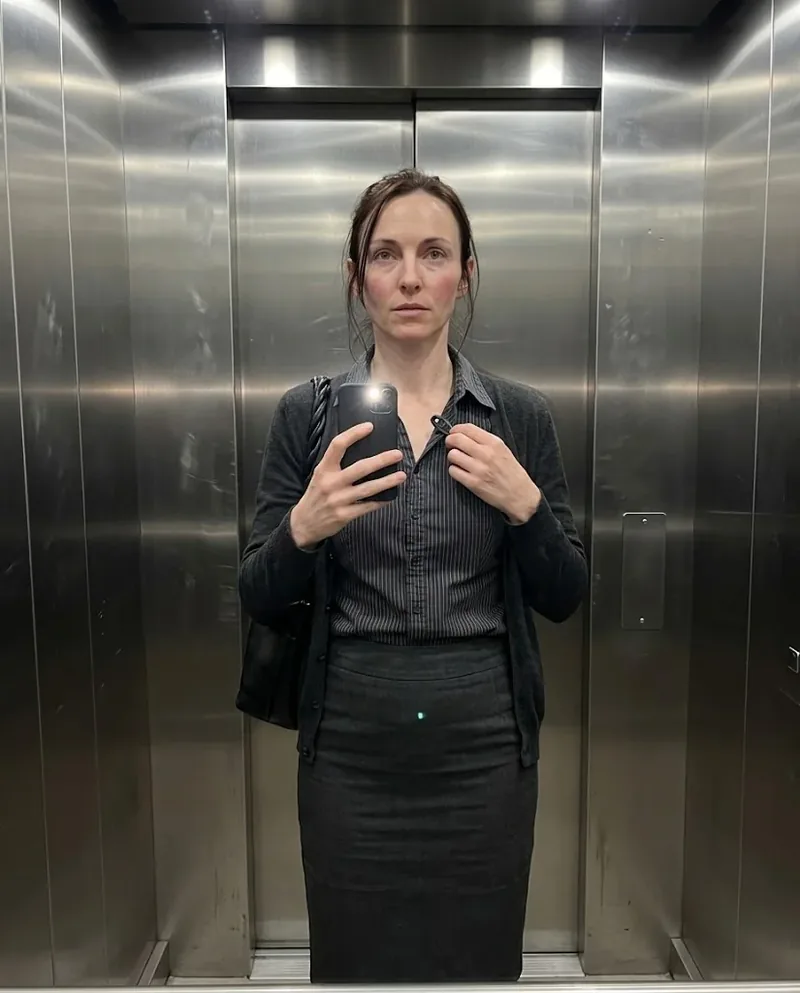 Mia
Mia 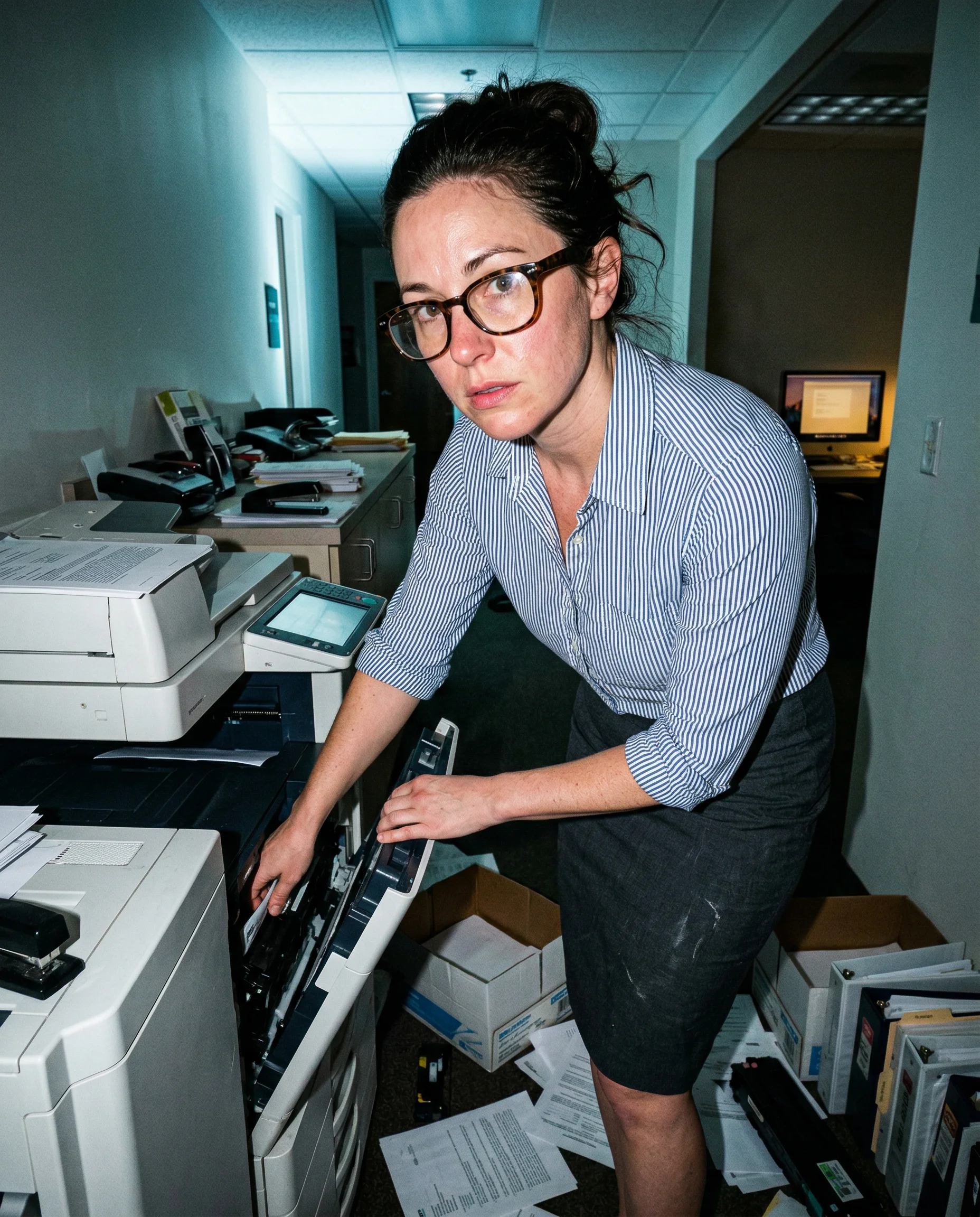
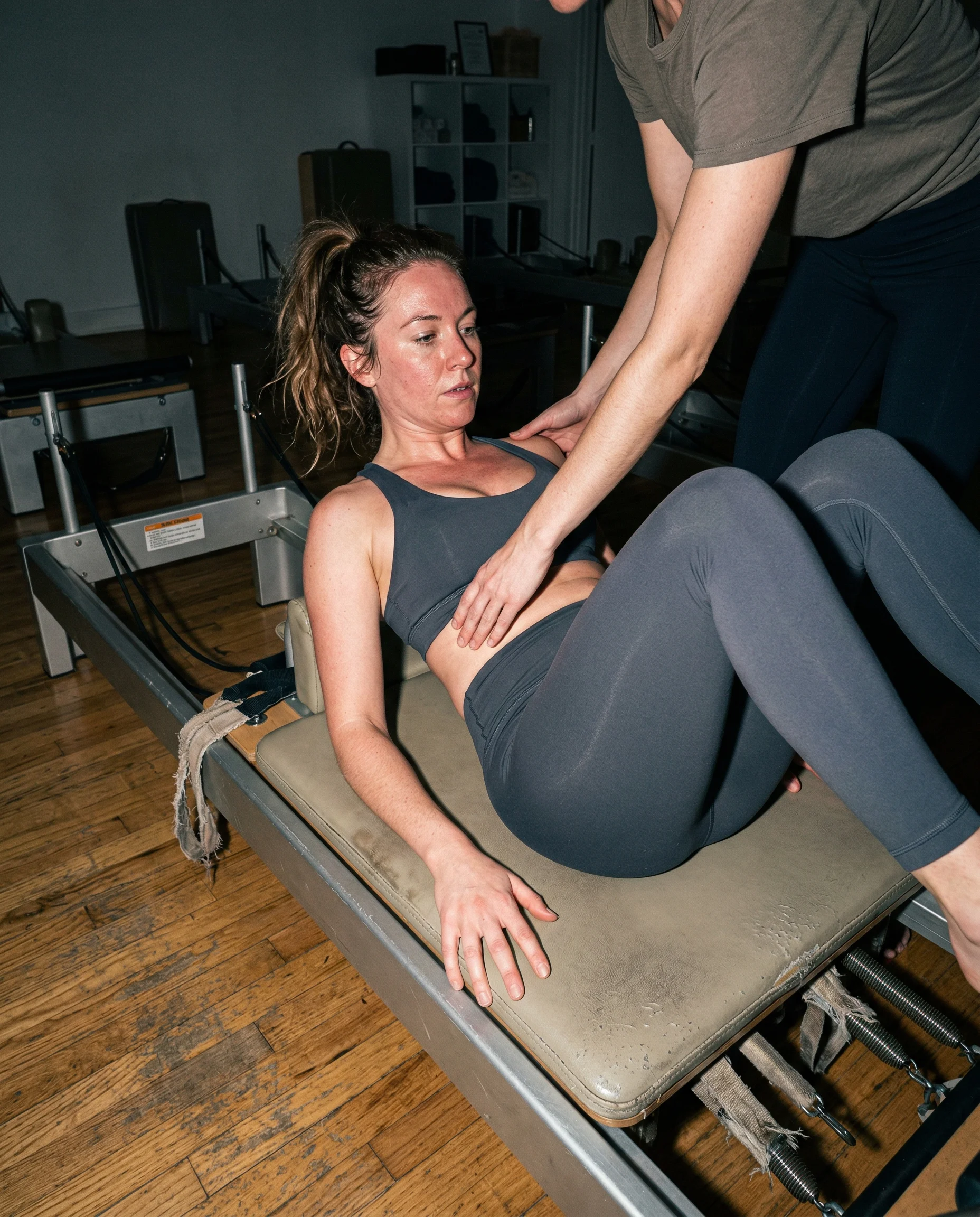
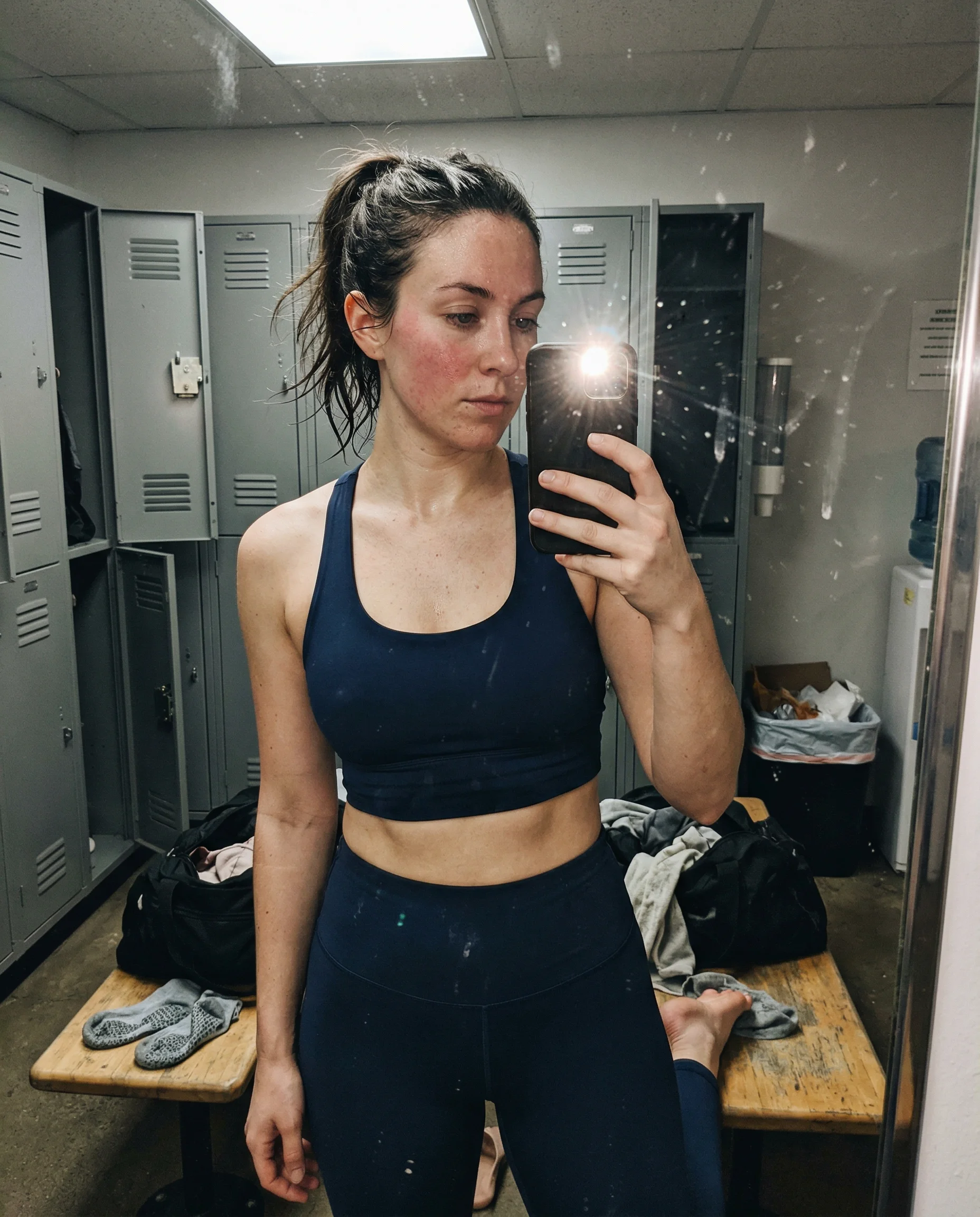
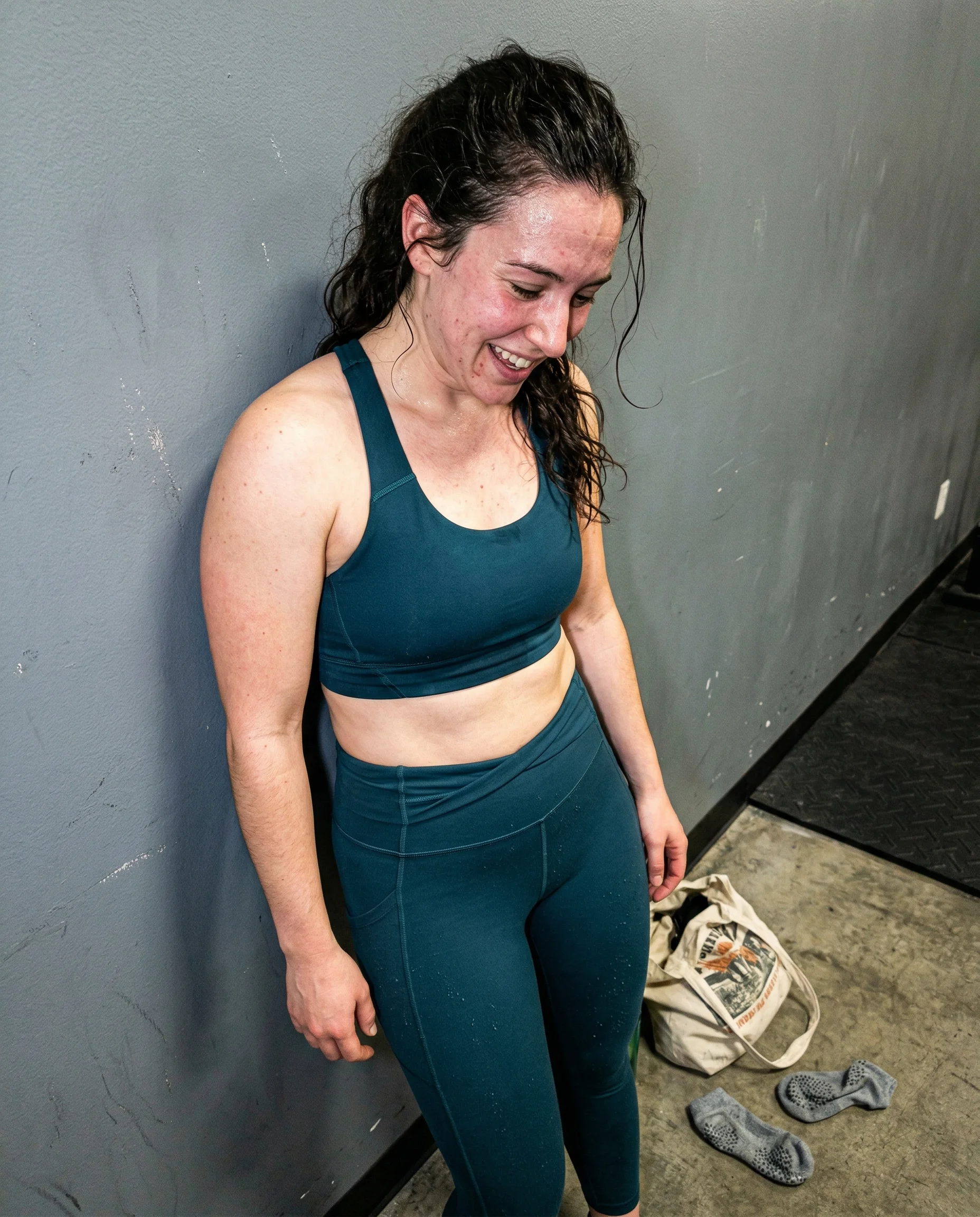
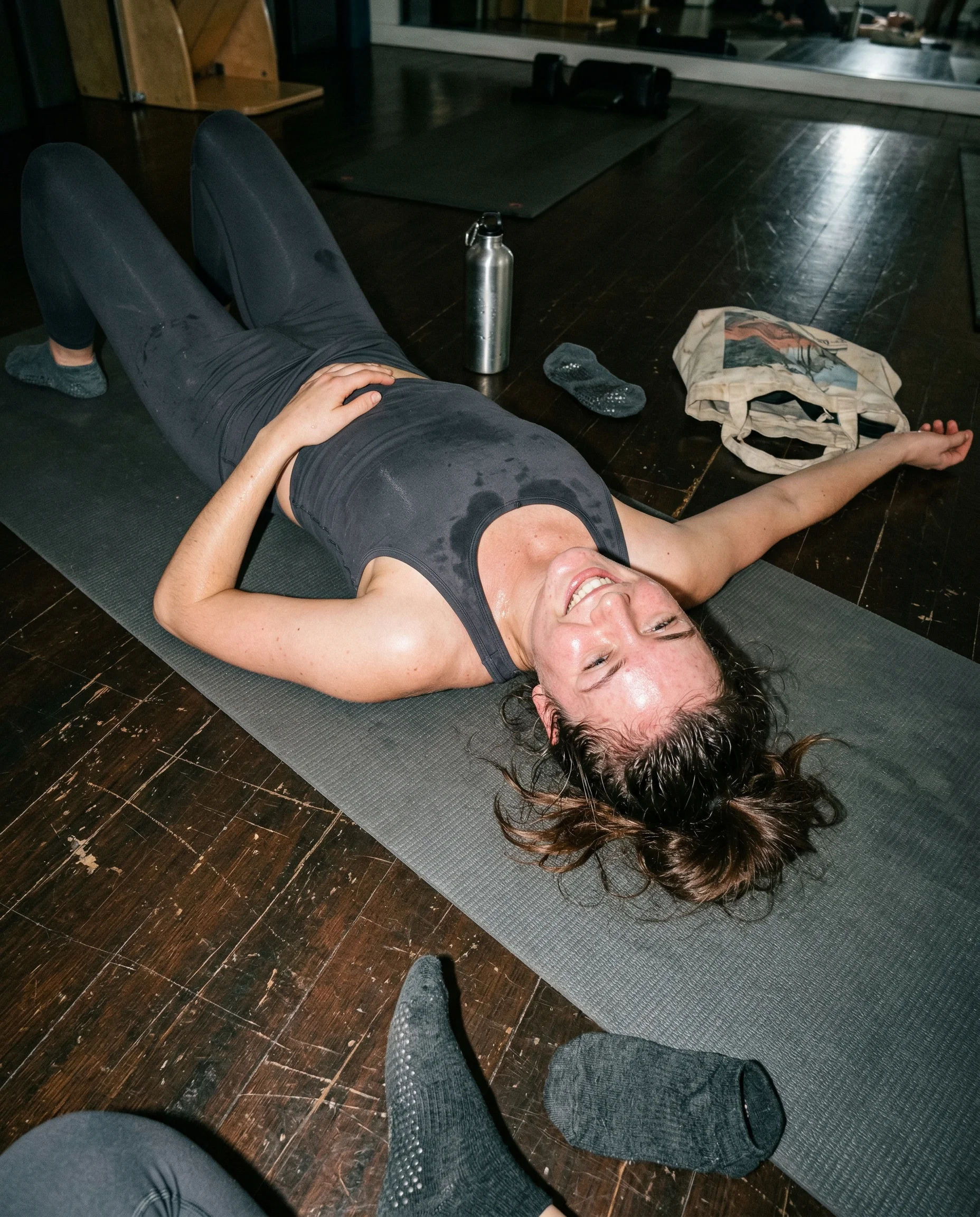
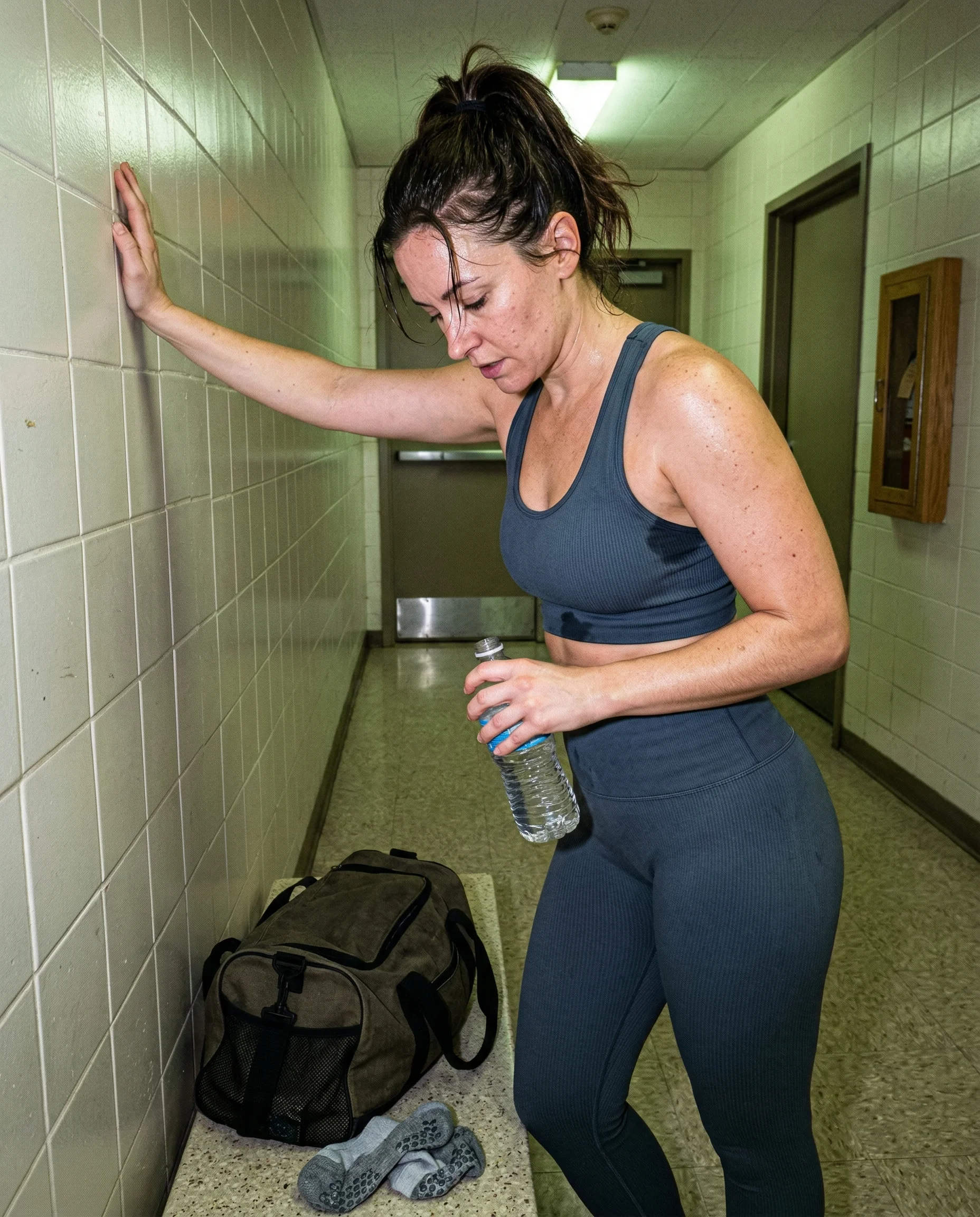
copy-paste prompts with proof
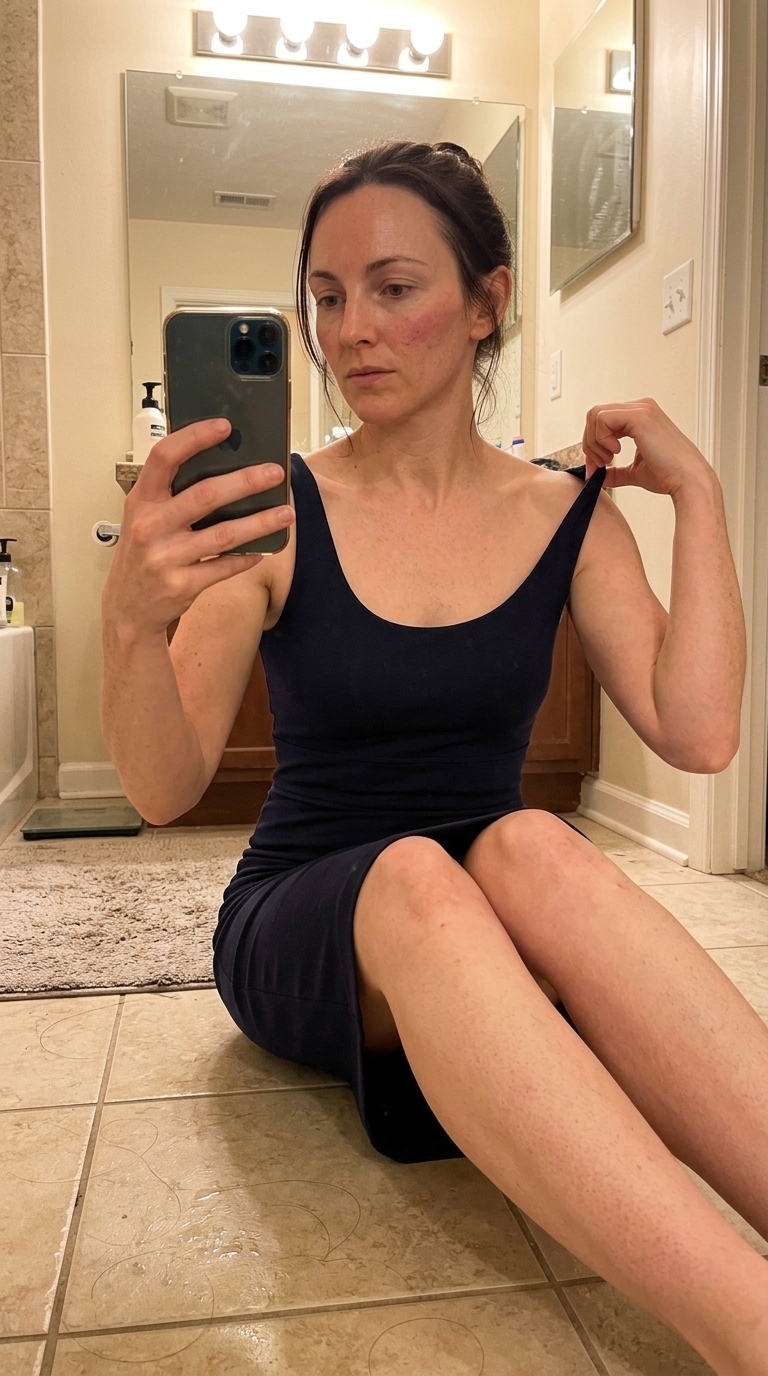
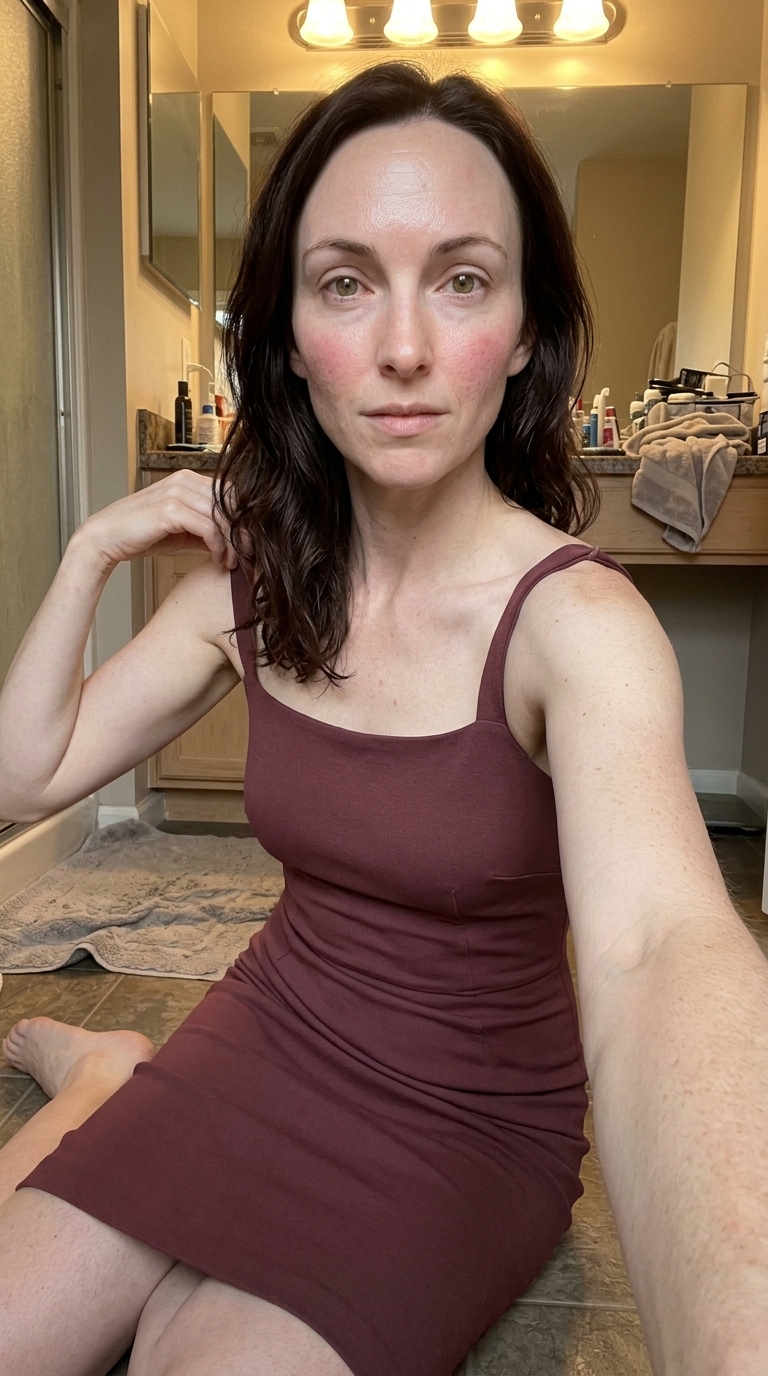
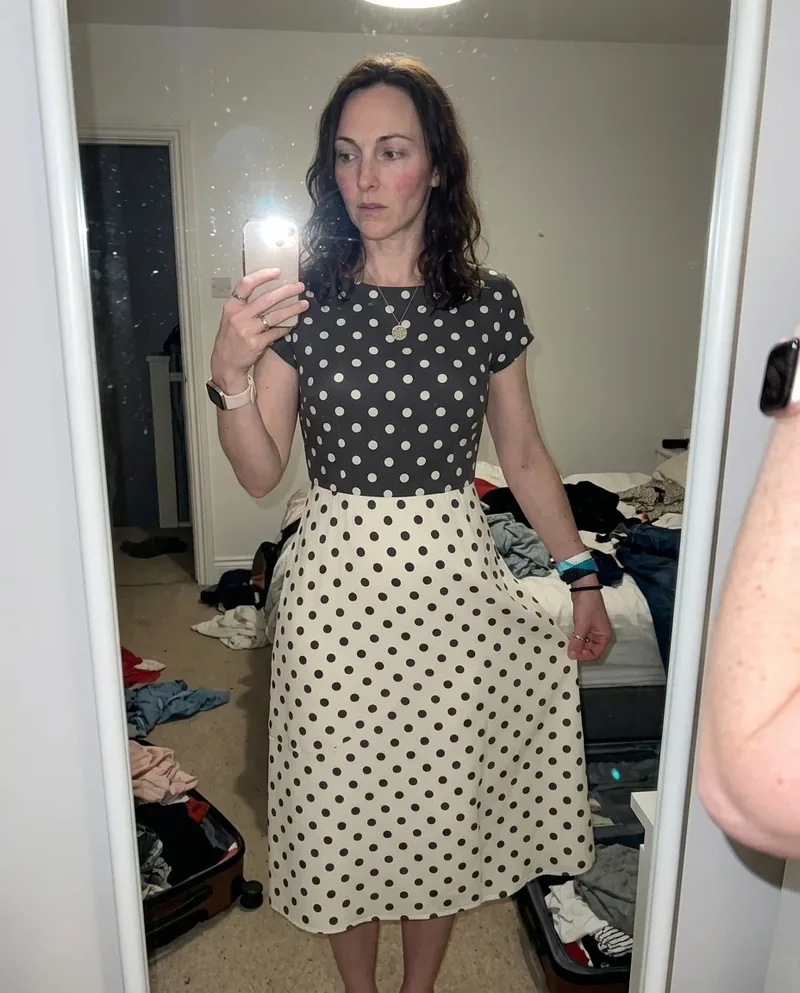
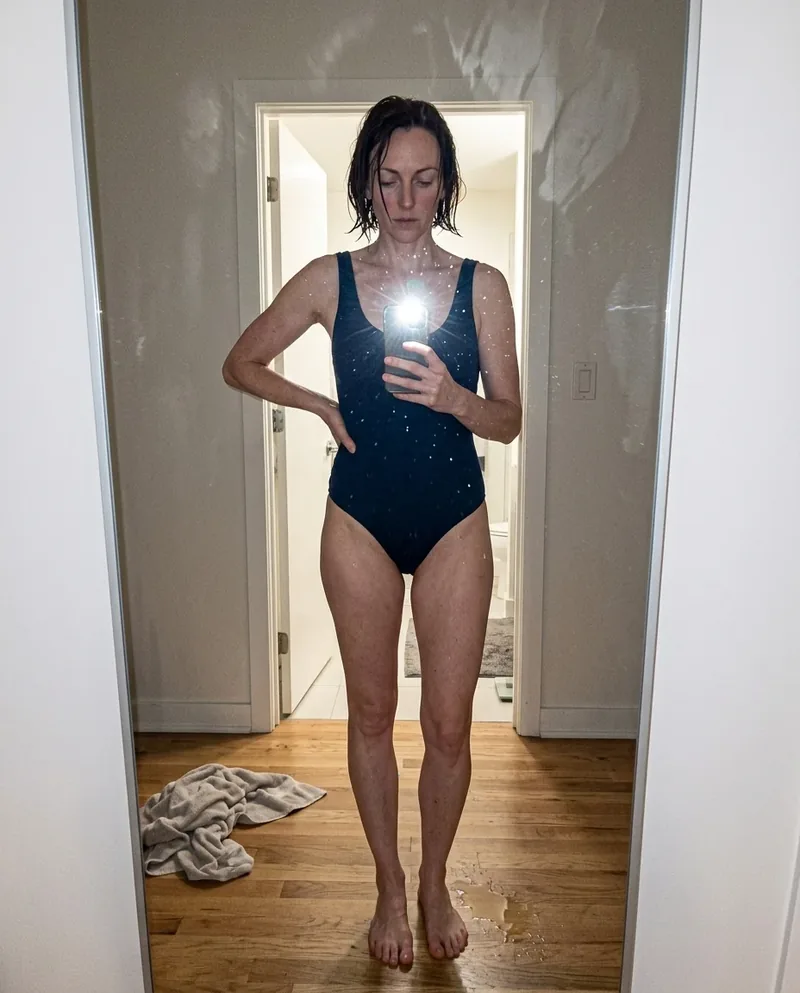
Every prompt page starts with the finished image and the usable prompt. This is the useful version of a Gemini AI photo prompt search: real output first, then the exact camera behavior, light, texture, setting, and mess that made it hold together.
built around what models clean up
The library is organized by the details image models keep smoothing away: harsh flash, visible pores, phone-camera framing, grain, high ISO, dirty mirrors, and crowded rooms. Open the hub that matches the thing your image is missing.
Nano Banana prompts, not model hype
Most live pages are tested on Nano Banana 2, but the model label is not the whole point. Start from the image, then use the prompt details that make the shot believable: bad light, real room evidence, awkward crop, skin texture, and one thing the model should not polish away.
Read the underlying camera, lighting, and texture rules before opening the prompt grid.
Start from an aesthetic hub, then drill into the specific prompt pages that make the look usable.
Frequently asked questions about AI Image Prompt Library
What is the Aristotle prompt library?
It is a visual library of copyable AI photo prompts. Each page pairs a finished image with the prompt, model notes, tags, and related prompts so you can move from reference to generation quickly.
Can I use these as Gemini or Nano Banana prompts?
Yes, but use the model label as a starting point, not a magic word. The prompt still needs concrete camera behavior, room evidence, skin texture, and lighting flaws, or the model will try to make everything too clean.
Are these prompts just generic AI image prompts?
No. The library is tuned around physical camera behavior and believable image flaws: awkward crops, hard flash, texture, room evidence, and surfaces that do not look over-rendered.