Direct Flash Realism
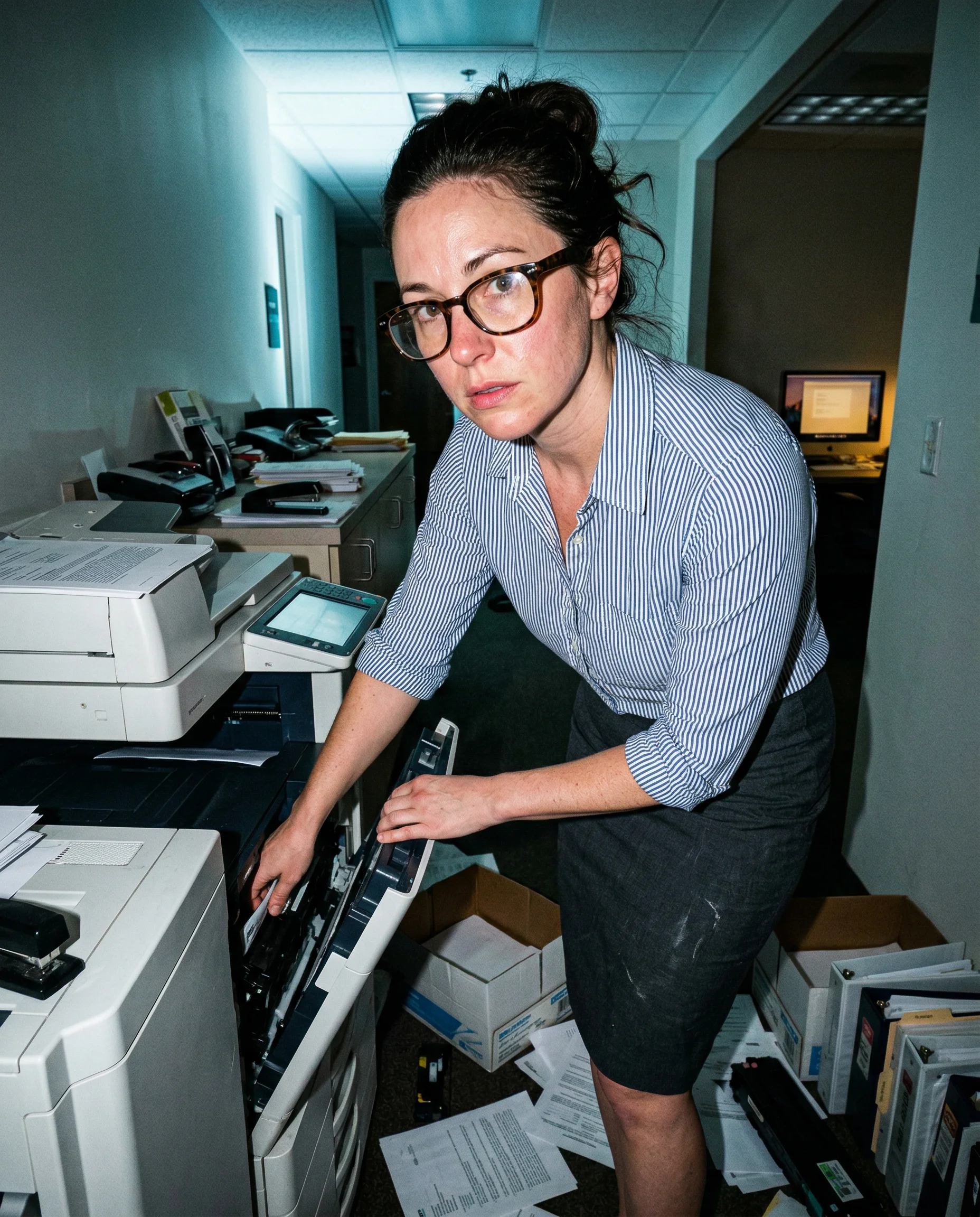
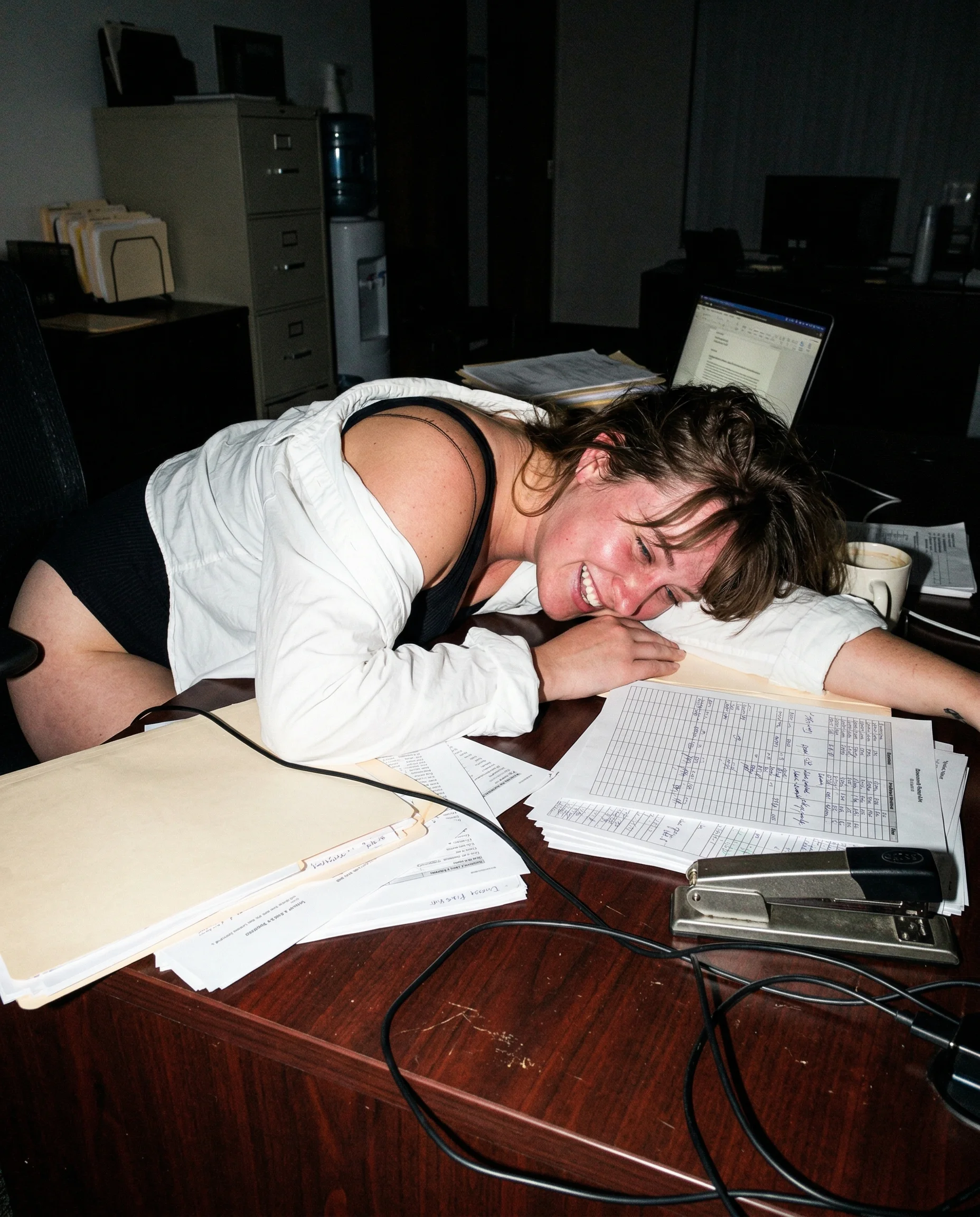
If the flash starts flattering everyone, the shot is already dead. Use rude, direct phone flash to kill the glossy AI glaze and keep the scene grounded.

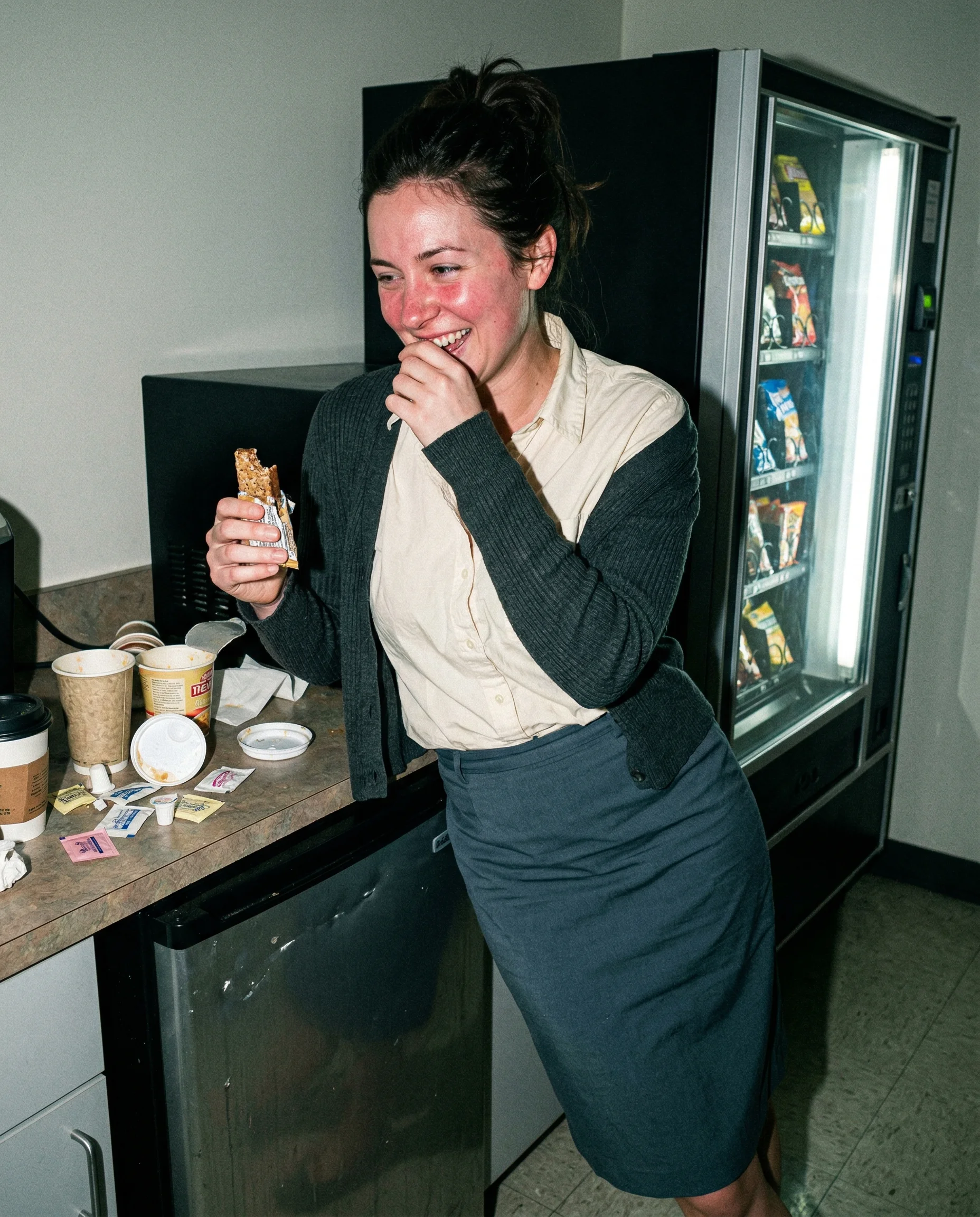
Harsh highlights on skin and surfaces
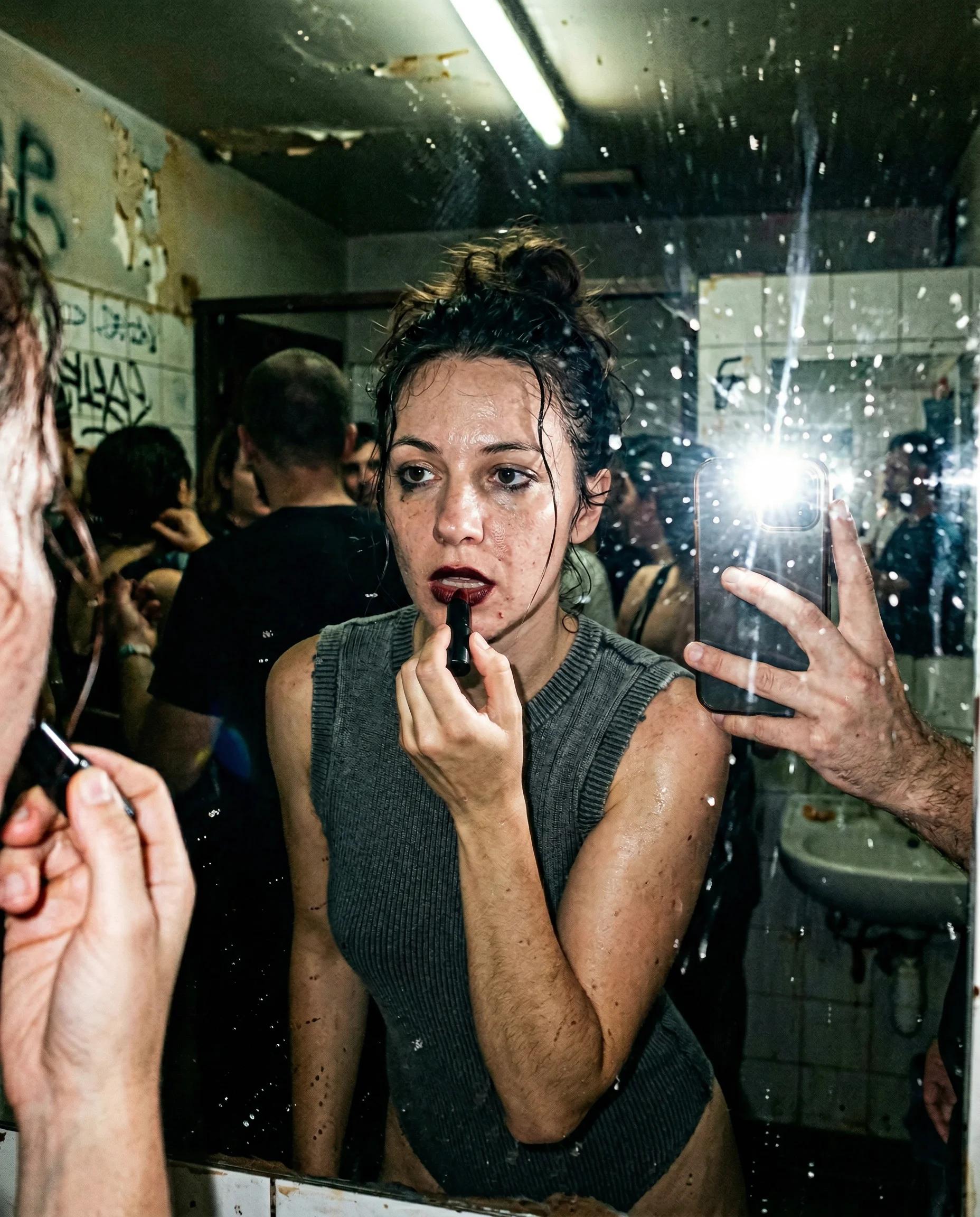
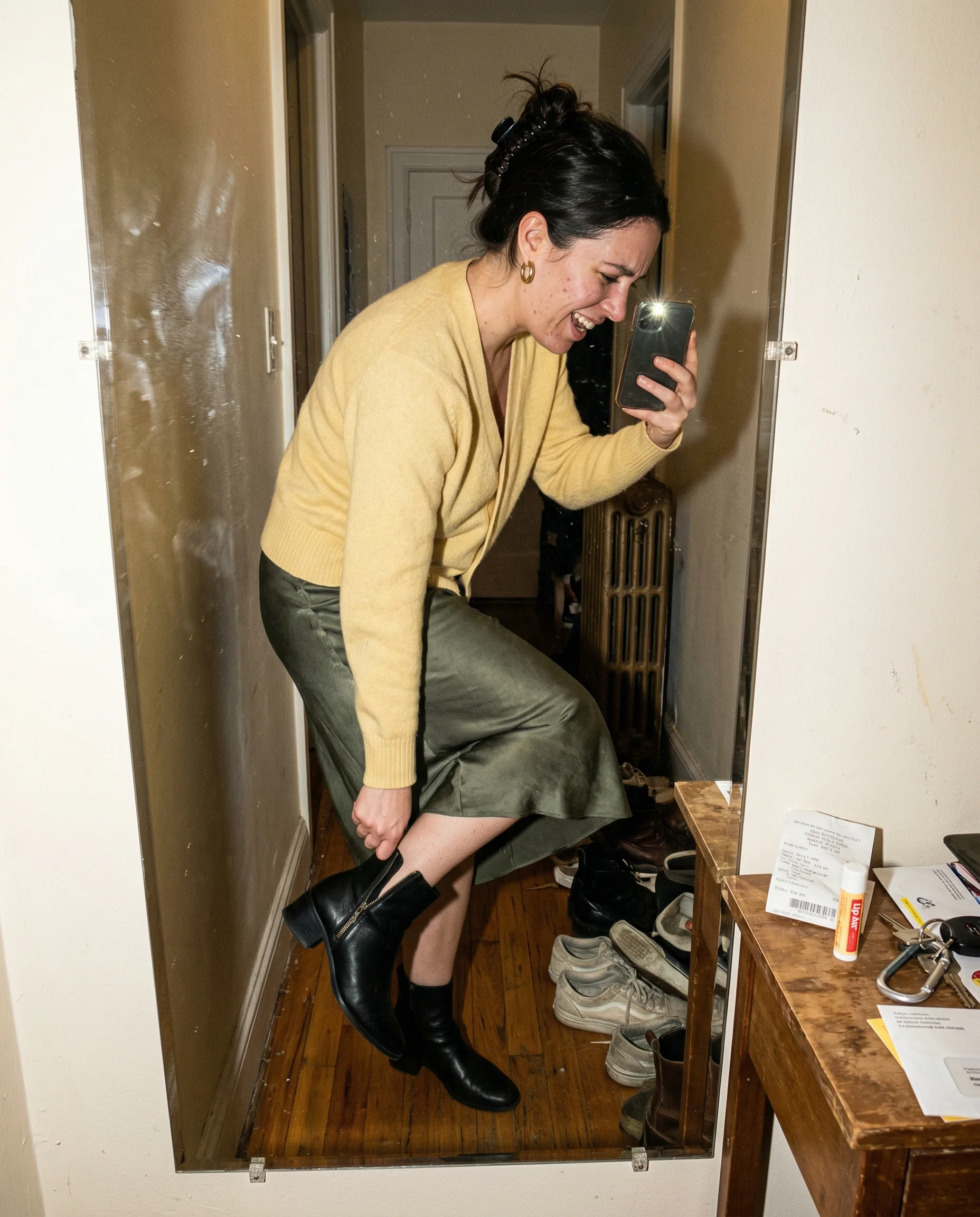
Direct flash should be an intrusion, not a feature. When the light is too soft or perfectly diffused, the image loses its edge and starts looking like a commercial. You want the flash to hit the subject and bounce back with enough force to create blown-out highlights on the forehead, the tip of the nose, and any reflective surface nearby. If the light is doing you a favor by smoothing out the skin or hiding the mess in the background, it is working against you. Realism lives in the ugly spill of light that catches the grease on a counter or the condensation on a bathroom mirror.
Pores and texture under direct light
Perfectly matte skin is a dead giveaway for AI. Real skin has texture that only shows up when a harsh light source hits it from the front. You should see pores around the nose, faint peach fuzz, and a little bit of natural shine on the T-zone. If the skin looks smoother than the desk or the wall behind the subject, the image is wrong. The face needs to exist in the same physical space as the rest of the room. When the flash is bright enough to reveal the actual texture of the skin, it stops feeling like a digital render and starts feeling like a photograph taken in a cramped, poorly lit room.
Fingerprints and mirror grime
An elevator or bathroom mirror is never clean. If the reflection is too clear, the shot feels staged. You need the camera to capture the smudges, the fingerprints, and the dust that naturally accumulates on glass. When the flash hits a dirty mirror, it creates a chaotic, blown-out mess of reflections that distracts from the subject just enough to make the whole thing feel candid. A messy background—like a pile of discarded shoes, a crumpled receipt, or a twisted ID badge—anchors the person in a real environment. The moment the room looks tidy, the illusion of a spontaneous, real-world moment falls apart.
Direct Flash Realism questions people search for
Short answers about direct flash realism without turning the page into a help-center article.
Why does my AI flash look like a studio light?
It looks like a studio light because the model is trying to be helpful by filling in shadows. You need to force it to be rude by specifying harsh, direct, or blown-out flash that creates high-contrast, ugly shadows.
How do I stop skin from looking like plastic?
Stop asking for smooth skin. Real skin has pores, peach fuzz, and uneven texture. If you see a perfect, matte finish, the image has already lost its grip on reality.
What makes a flash photo look like a real phone shot?
It needs to look like a mistake. Fingerprints on the mirror, dust in the air, and a flash that catches the wrong thing—like a vending machine or a dirty counter—make the scene feel lived-in.
Where this rule shows up hardest



More realism guides